· 4 min read
Which browsers can talk to your smart trainer?
A browser cycling game lives or dies by one browser feature: Web Bluetooth. It's what lets a web page connect to your smart trainer, read your watts and set the resistance. Some browsers have it, some never will, and one platform blocks it for every browser. Here's the state of it in November 2026, with sources, and what to try when your trainer won't show up.
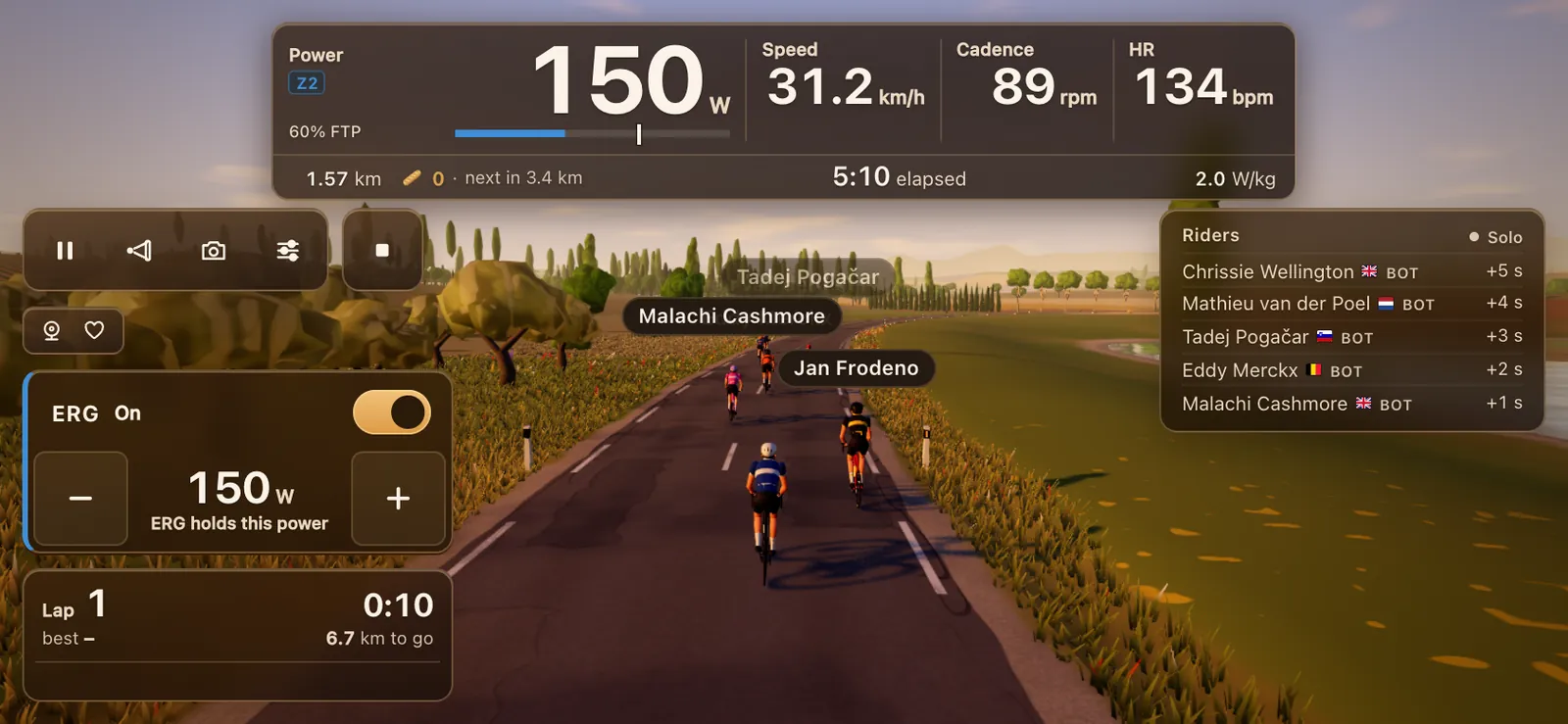
The table
| Browser | Windows | Mac | ChromeOS | Android | Linux | iPhone, iPad |
|---|---|---|---|---|---|---|
| Chrome | Yes | Yes | Yes | Yes | Behind a flag | No |
| Edge | Yes | Yes | n/a | Yes | Unconfirmed | No |
| Opera | Listed, but see below | Listed, but see below | n/a | Yes | Unconfirmed | No |
| Samsung Internet | n/a | n/a | n/a | Yes | n/a | n/a |
| Firefox | No | No | n/a | No | No | No |
| Safari | n/a | No | n/a | n/a | n/a | No |
| Bluefy (iOS app) | n/a | n/a | n/a | n/a | n/a | Yes |
Where this comes from: caniuse lists Web Bluetooth in Chrome since version 56, Edge since 79, Opera since 43 and Samsung Internet since 6.2, and none in Firefox or Safari. The Web Bluetooth group's implementation status adds the per-platform detail: Chrome ships it on Android 6.0 and later, ChromeOS, macOS from Yosemite and Windows 10 from version 1703, while on Linux it's partial and needs the experimental web platform features flag.
Opera needs a footnote. Caniuse lists it as supported, and Tour du Pain supports it, but the implementation status page says it doesn't work in recent desktop versions; on Android it has worked since version 46. If Opera on your laptop doesn't find your trainer, use Chrome or Edge.
Why Firefox and Safari say no
Both have decided against it. Caniuse notes that Mozilla's standards position lists Web Bluetooth as harmful, and the implementation status page says neither Firefox nor Safari plans to add it in the near future. Their worry is privacy and security: a web page reaching radios in your home.
The browsers that do have it answer that worry with rules. MDN explains that Web Bluetooth only works on a secure page (https), only after you tap something, and only for the device you pick in the browser's own list. A page can't scan your room in the background.
Why iPhone and iPad are different
On an iPhone or iPad, Chrome and Edge run on Apple's engine. The implementation status page says Chromium on iOS runs on Apple's WebKit view, with no Web Bluetooth implementation planned. So no browser from the App Store's big names can reach your trainer.
The exception is a small group of Bluetooth browsers. Bluefy is a free iOS browser that adds Web Bluetooth, and WebBLE is an older one. There's also a Safari extension, iOSWebBLE, that adds it. We haven't tested any of them with Tour du Pain, so treat them as an experiment.
What it means for indoor cycling
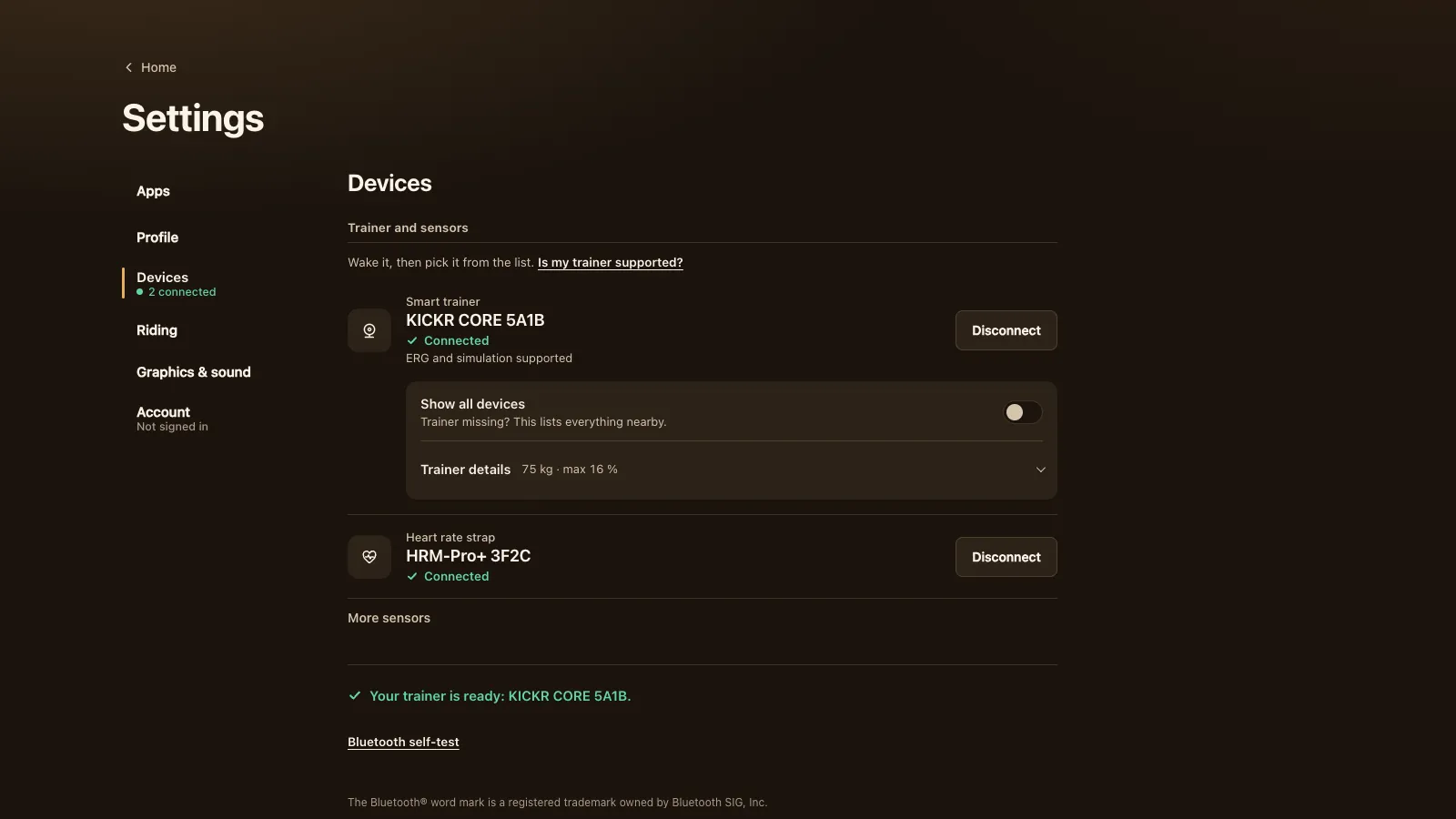
Most indoor cycling apps are installed programs, so they don't care which browser you use. Two of the bigger names run in a browser: Tour du Pain and Biketerra, both in Chrome or Edge. For riders, the practical map is short:
- Windows laptop or PC: Chrome or Edge, with Bluetooth Low Energy. See indoor cycling on a Windows laptop or Mac.
- Mac: Chrome or Edge, not Safari.
- Chromebook: Chrome, which is already there. See indoor cycling on a Chromebook.
- Android tablet or phone: Chrome. See indoor cycling on an Android tablet or phone.
- iPhone, iPad, Apple TV: an installed app, or a Bluetooth browser at your own risk.
One more limit applies to every browser: there's no ANT+. Browsers have no ANT+ radio, so an ANT+-only trainer can't connect, whichever browser you use.
When your trainer won't show up
Most problems have nothing to do with the browser. Try these in order.
- Check the browser. Tour du Pain tells you when a browser can't reach Bluetooth. Switch to Chrome or Edge.
- Turn Bluetooth on on the computer, Chromebook or tablet. On a Mac, Chrome may also need permission under Privacy & Security, Bluetooth, in System Settings. On Android, Chrome needs the Nearby devices permission (Location on older versions).
- Wake the trainer. Turn the pedals so it starts advertising.
- Free it from other apps. Most trainers take one Bluetooth connection at a time. Close Zwift, the Decathlon app or any other training app, and turn off Bluetooth on the phone or watch it's paired with.
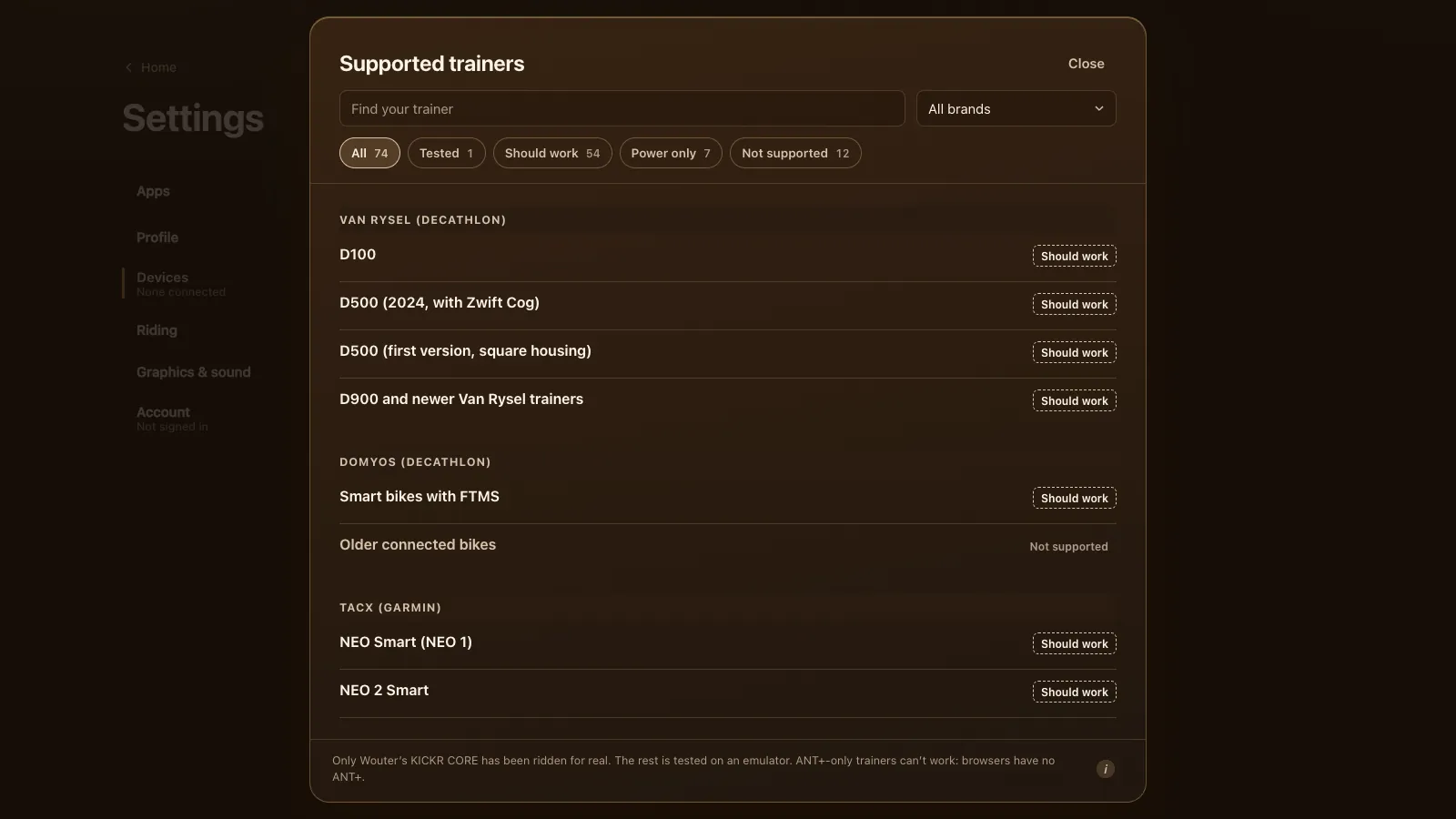
- Show all devices. If the trainer still isn't in the list, turn on Show all devices in Devices. It lists everything nearby.
- Check for Bluetooth Low Energy. Some older MacBooks and many desktop PCs lack it. A USB Bluetooth 4.0 or newer adapter adds it on a PC.
If another app grabbed the trainer after you connected, Tour du Pain keeps you riding on power, cadence and speed, and ERG and simulation take over by themselves once the other app lets go.
Try it without Bluetooth
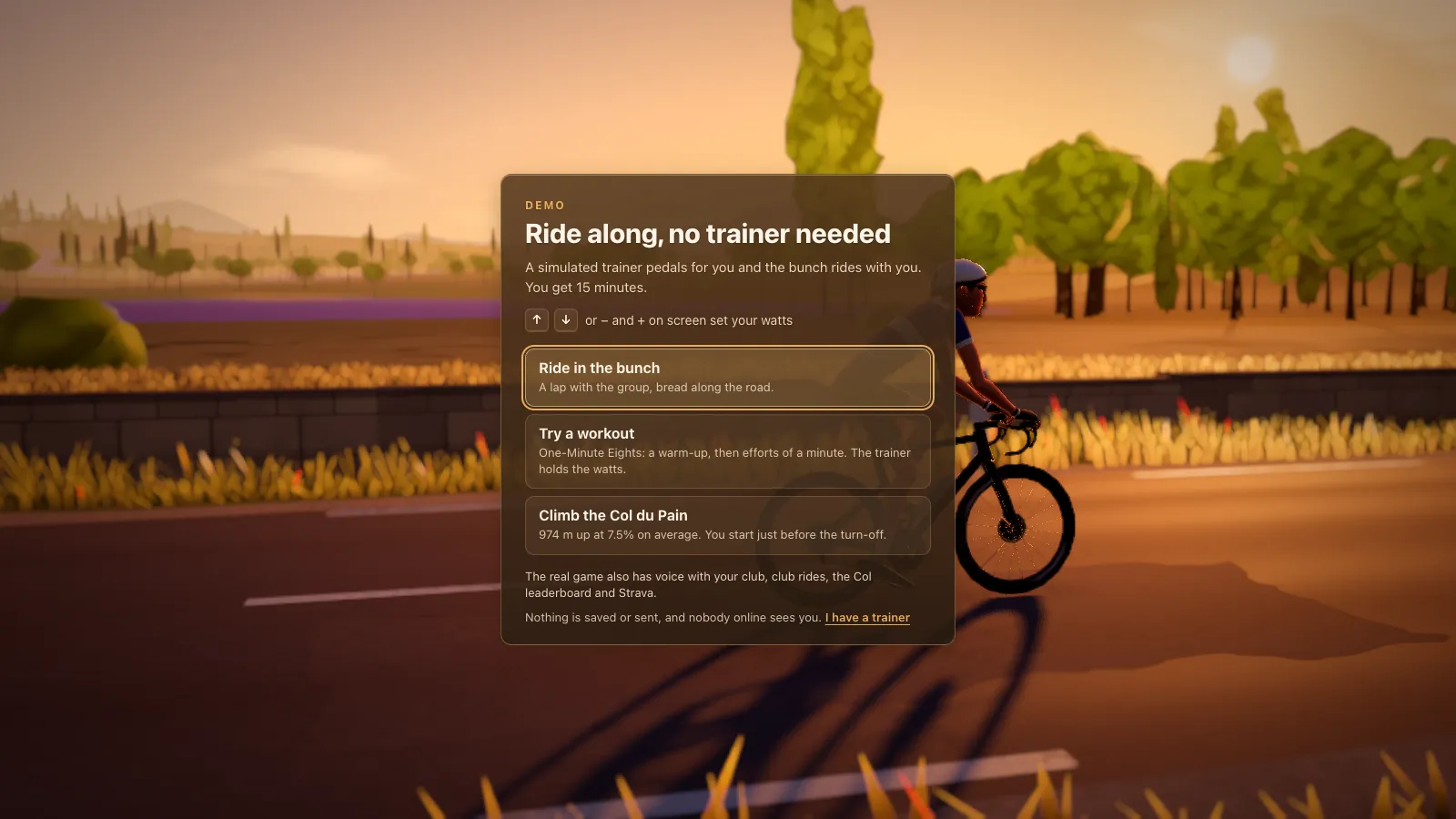
The demo needs no Web Bluetooth at all. It rides 15 minutes with a simulated trainer, so it also runs in browsers without Web Bluetooth, on an iPhone or iPad too. It's a quick way to see the game before you sort out the Bluetooth. For how a browser game works under the hood, see a cycling game that runs in your browser.
Tour du Pain is free through 2027, everything included. It runs on donations.