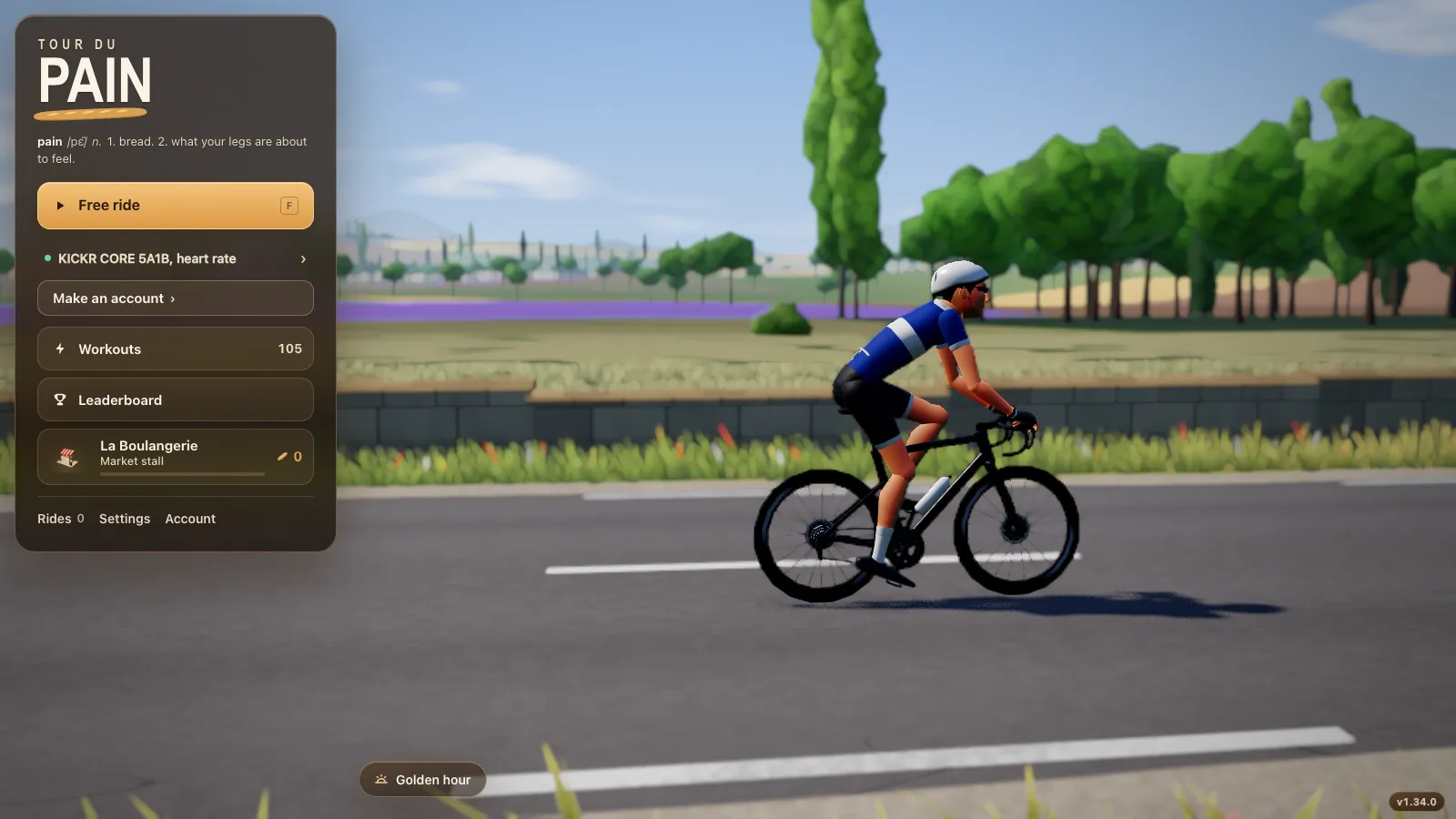
Indoor cycling on an Android tablet or phone
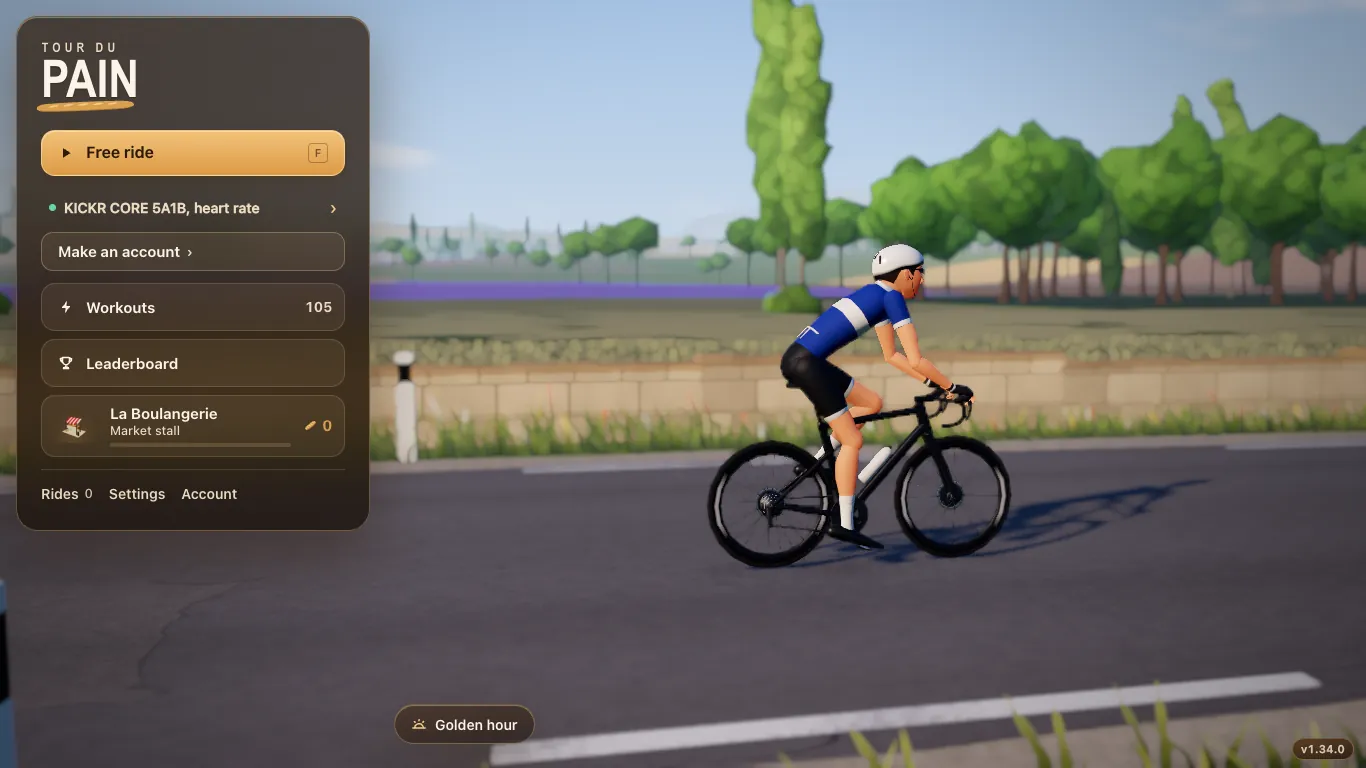
An Android tablet on a stand by the handlebar is one of the easiest ways to ride indoors. Chrome on Android has Web Bluetooth, so Tour du Pain runs in a tab, connects to your smart trainer and needs no app from the Play Store. This guide covers holding the tablet upright or sideways, riding from a phone, the full-screen switch and the demo.
Updated · Written for version 1.36.3
Tour du Pain is free for everyone through 2027, everything included. Donations are optional.
What works on Android
Chrome on Android 6.0 and later ships Web Bluetooth, according to the Web Bluetooth group's implementation status. Edge and Opera on Android are built on the same engine and Tour du Pain supports them too. The game connects your smart trainer, a Bluetooth power meter, a cadence sensor and a heart-rate strap, the same as on a laptop.
Every feature is there: the 8.3 km lake loop, the Col du Pain, 105 ERG workouts and your own .zwo files, voice and chat, clubs and coffee rides, Strava and .fit files. Nothing is cut down for the small screen; the layout changes instead.
A tablet upright or sideways
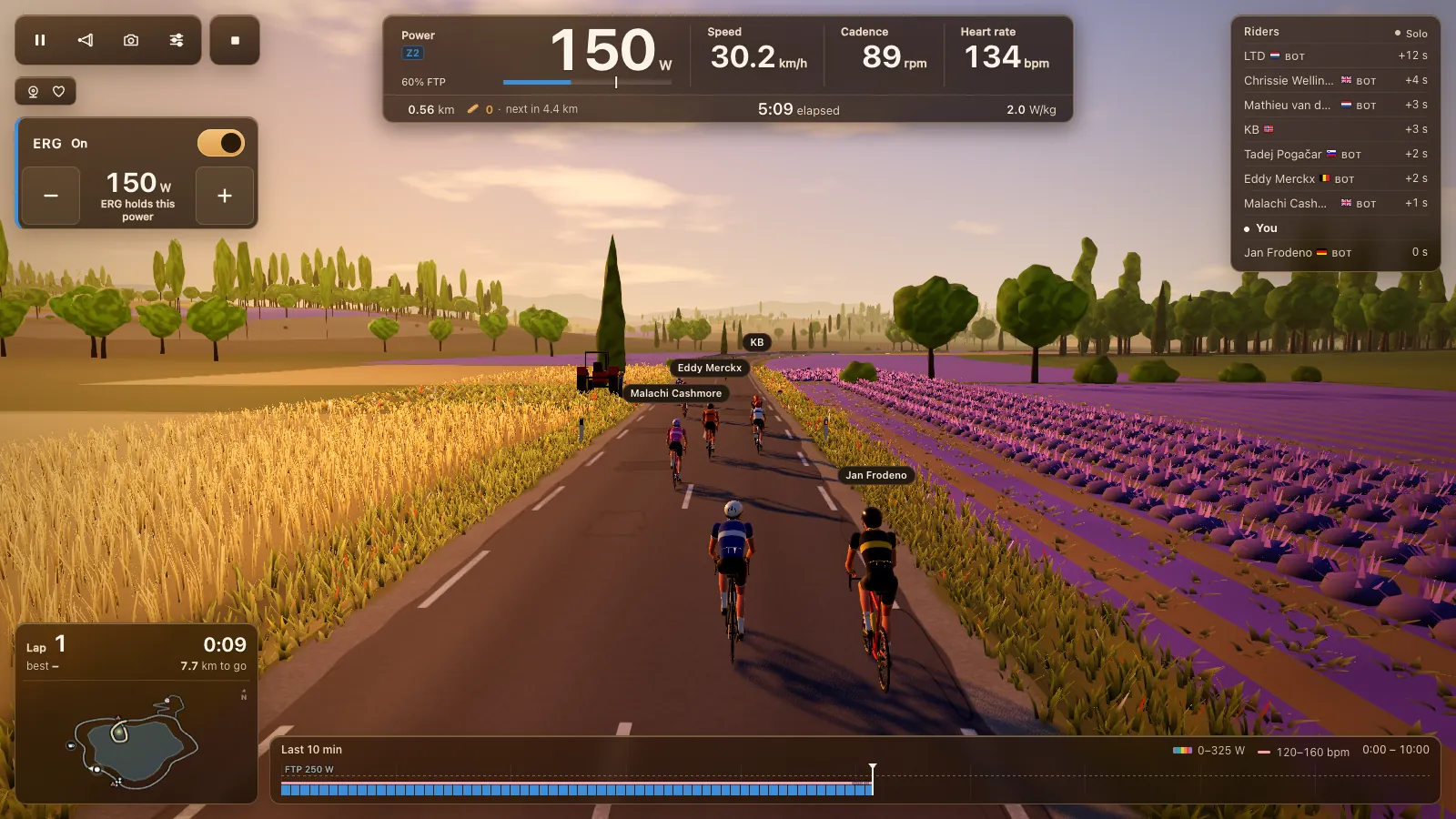
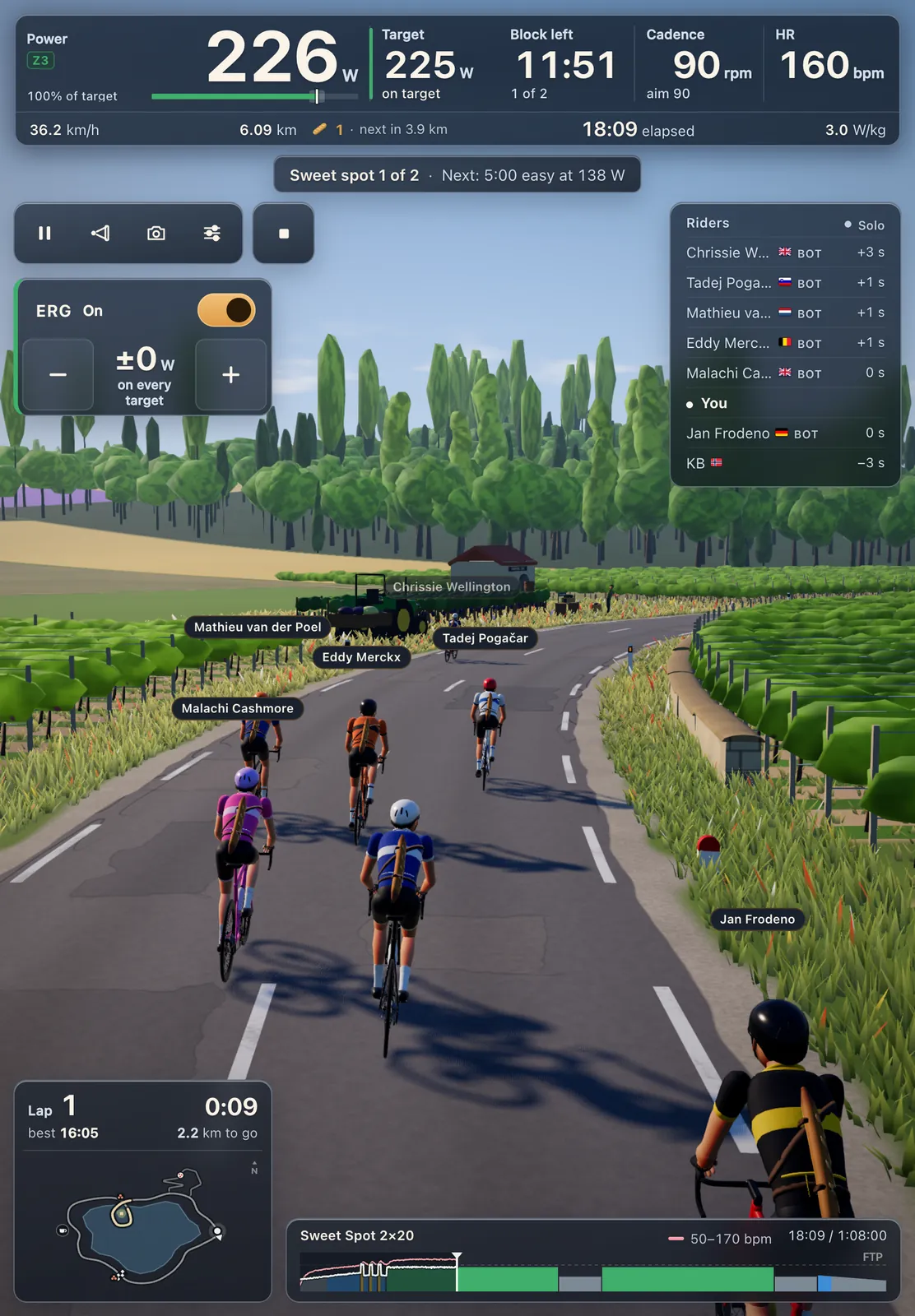
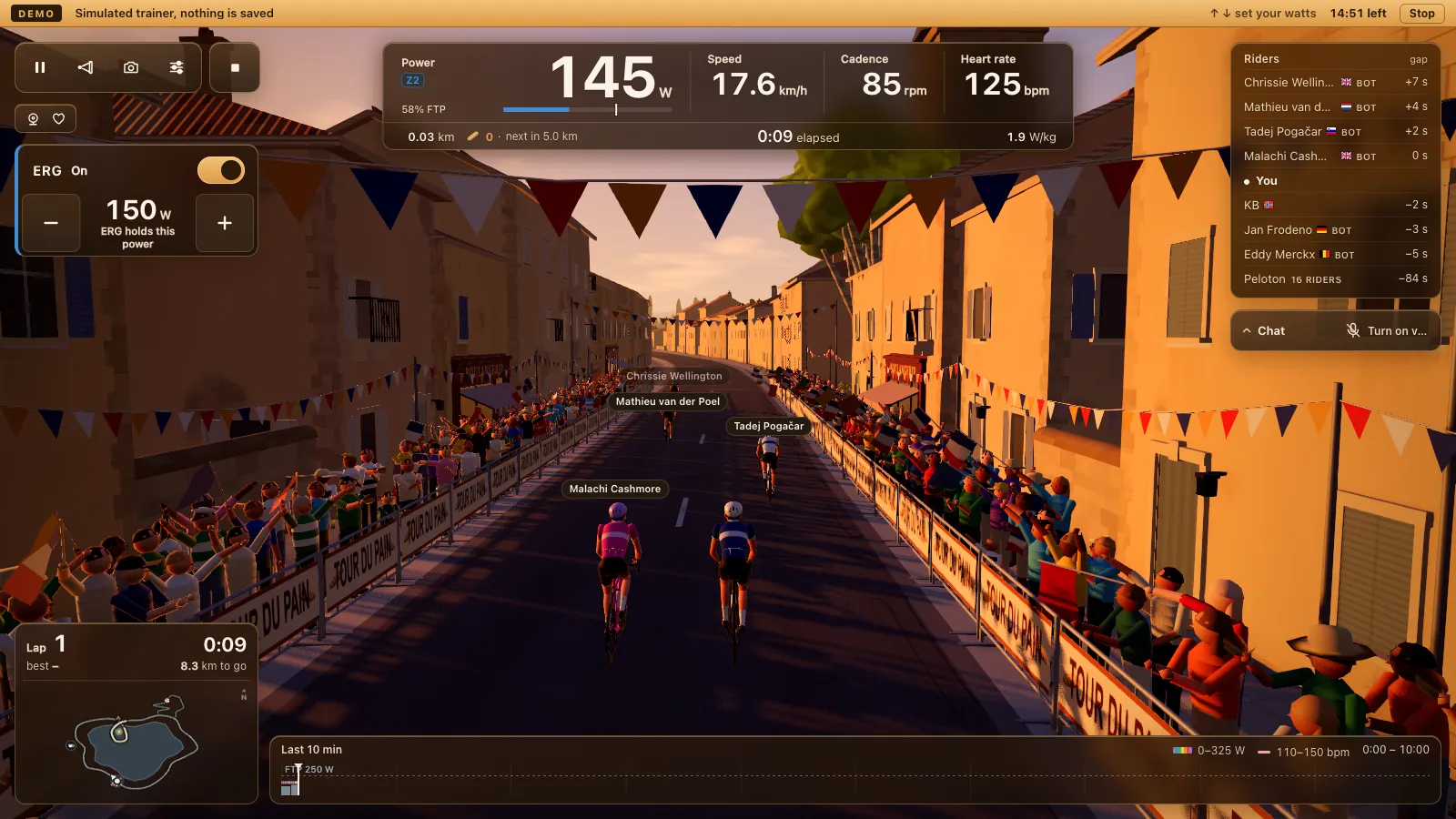
Tour du Pain was first made for wide screens. Since 1.19.9, a tablet held upright, 768 pixels wide and up, rides with the full HUD instead of asking you to turn it. Since 1.19.12, when you climb the Col upright, Chat and the riders list sit under the Col card instead of over it.
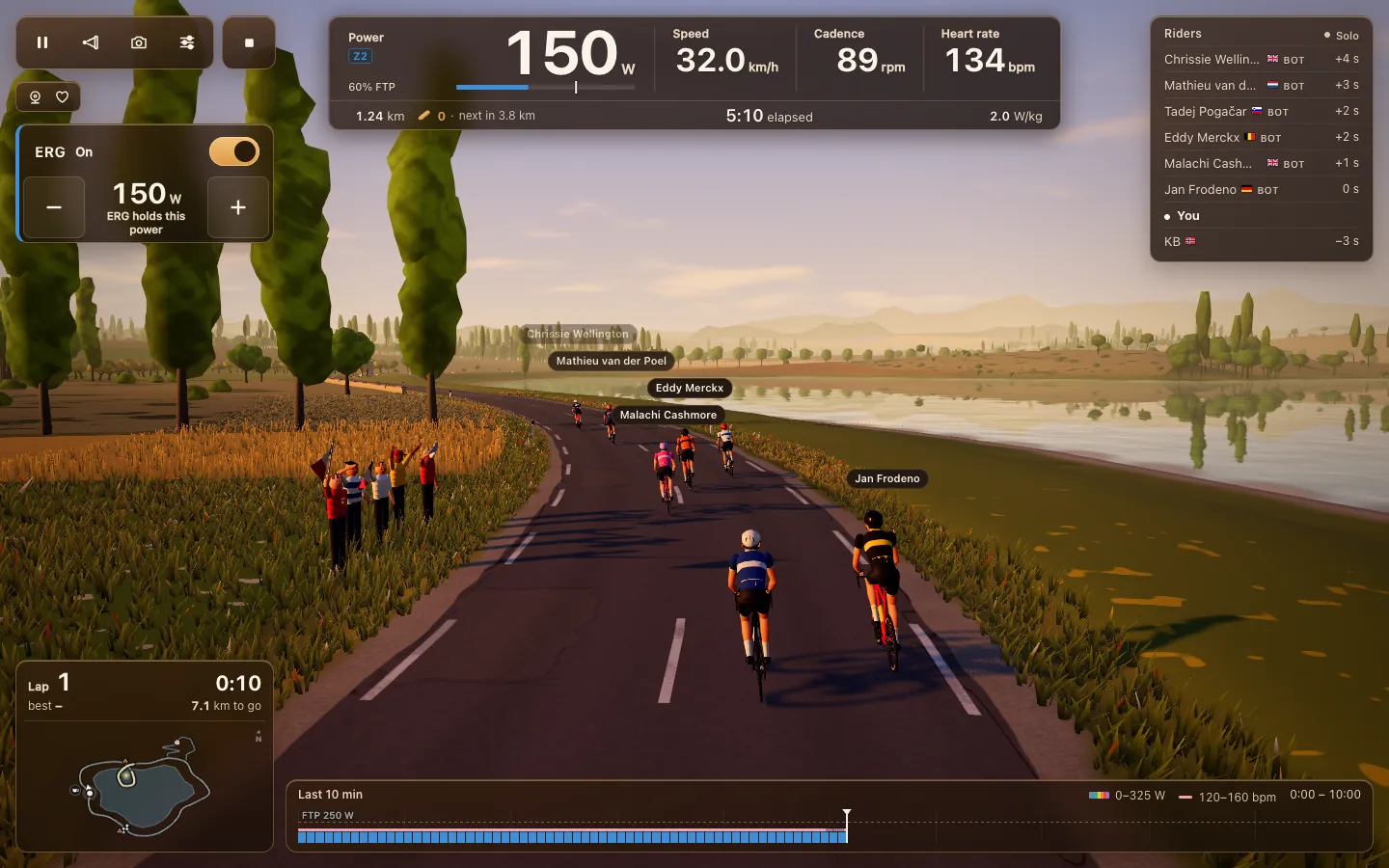
Held sideways, a tablet gives you the most road. It suits a stand that clamps onto the bars, and on a 10 or 11 inch tablet the HUD has room for everything.
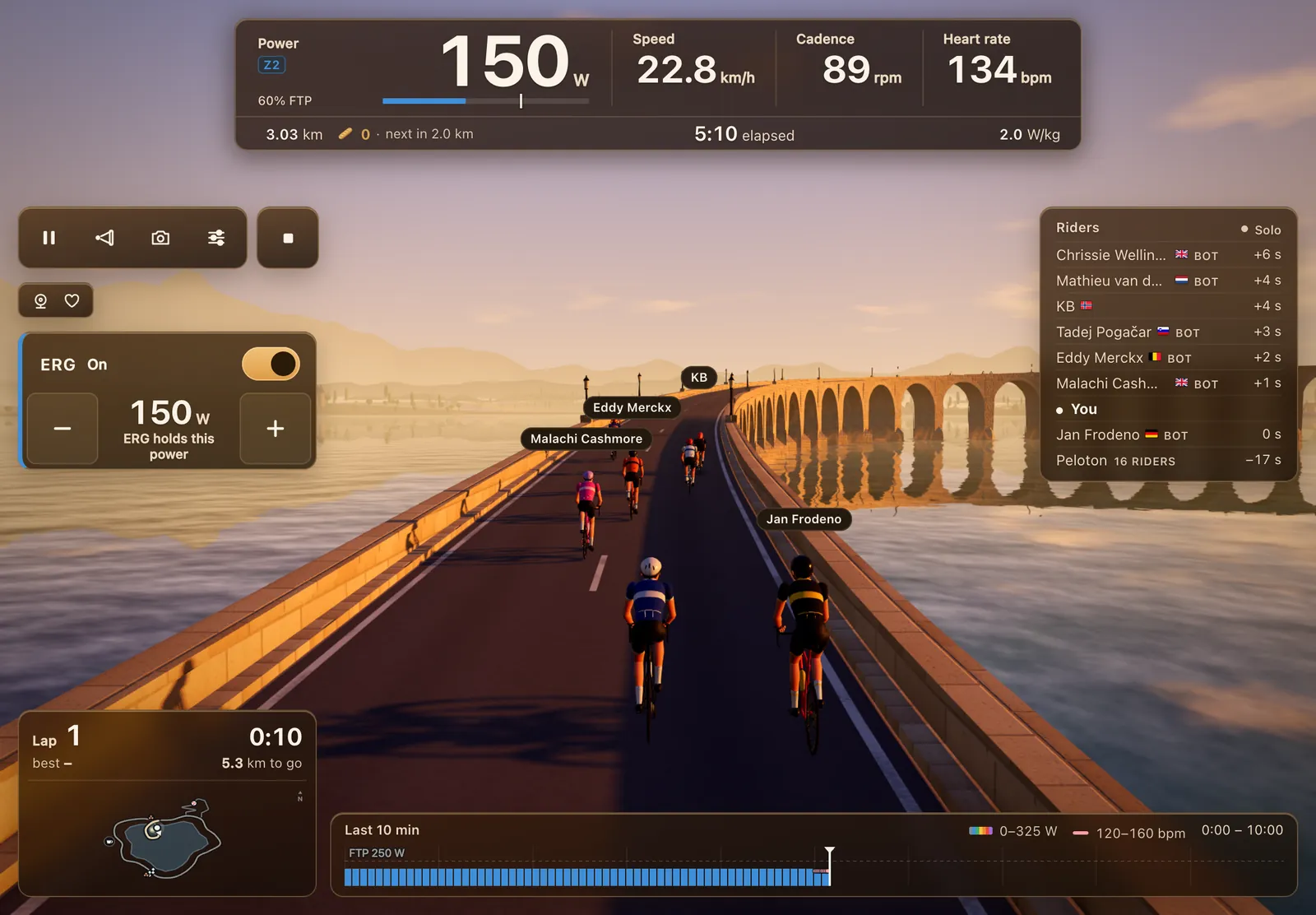
Since 1.31.3 the compact HUD on tablets and short windows keeps the lap card and the map on screen. Touchscreens don't show keyboard shortcut letters, since 1.18.2; every key has a button.
Riding from a phone
A phone works, held sideways. Upright, it asks you to turn your device. Since 1.19.9 the ride HUD on a phone held sideways is a size smaller, so more road shows and the whole riders list fits. Since 1.31.0 the turn card for the Col shrinks to the numbers and the buttons on a small phone.
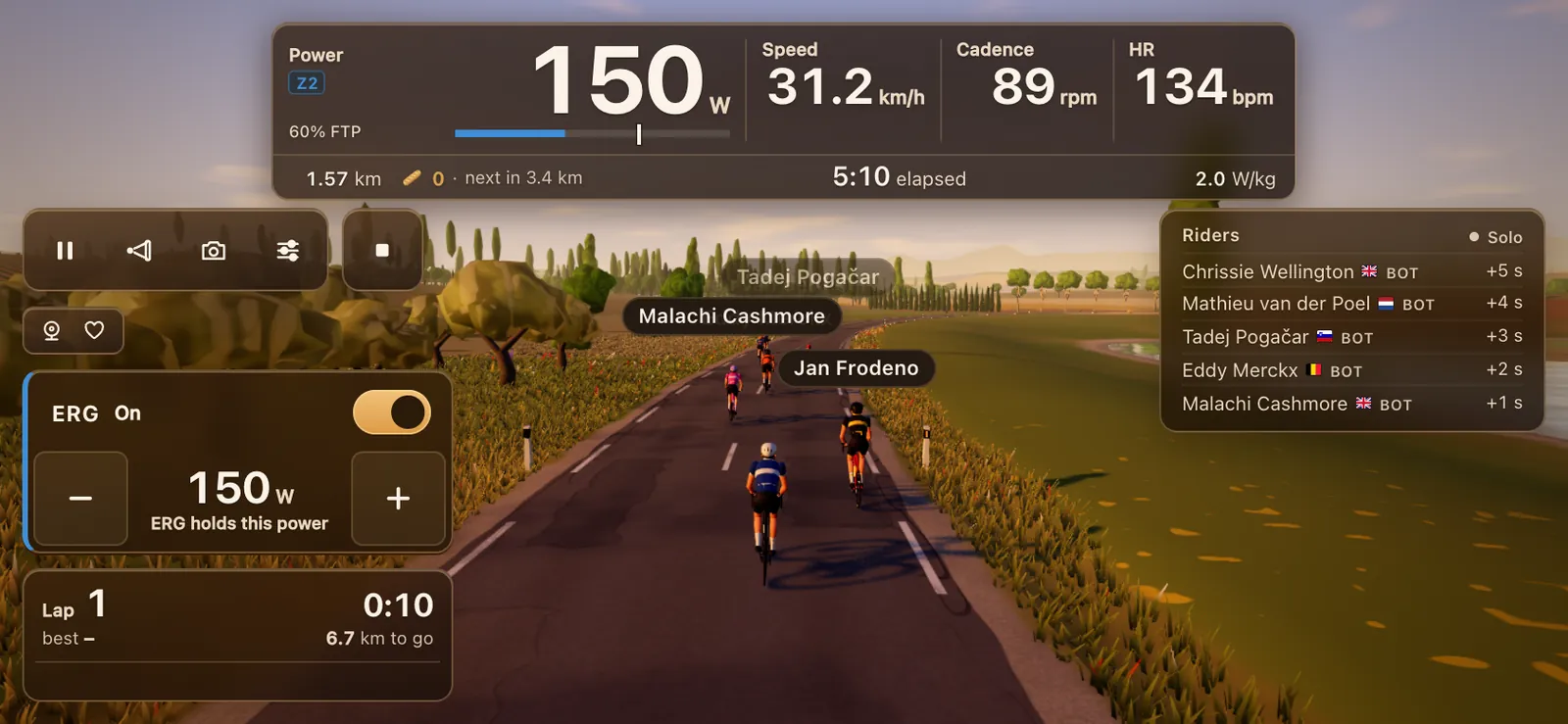
It's honest to say a lot gets lost on a phone screen. The game tells you so in the demo, and it rides best on a laptop, a tablet or a TV. A phone is fine for a short ride, for a workout where you mostly watch the numbers, or for a quick voice chat with your club on the way through.
Full screen
The browser's address bar takes space you'd rather give the road. Since 1.31.3 there's a Full screen switch in the ride settings, and since 1.32.0 it sits at the top, next to Close. Leave full screen comes back from the same place. If you install Tour du Pain as an app (below), it opens without the address bar anyway.
Try the demo on your phone
The demo runs on phones and tablets with no Bluetooth and no trainer. Pick Ride in the bunch, Try a workout or Climb the Col du Pain, and tap minus and plus on screen to set your watts. After 15 minutes the end card shows what you rode, and if your tablet struggled, how many frames a second it managed. Since 1.32.0 you can tap the Chat and voice bar to see how talking in the bunch works, and open the report of your demo ride.
It's also the one way to see Tour du Pain on an iPhone or iPad, since the demo doesn't need Bluetooth.
Install it as an app
In Chrome on Android, open the menu and choose to install the app or add it to your home screen. Tour du Pain then opens from its own icon in its own window, without the address bar, and Bluetooth works there too. Once it has run online, it also opens without a connection. Nothing comes from the Play Store; it's the same game as the tab.
Set up step by step
- Turn on Bluetooth on the tablet.
- Wake your trainer by turning the pedals.
- Open tourdupain.app in Chrome and tap Connect a trainer.
- Pick your trainer in Chrome's list. Add a heart-rate strap under Devices if you like.
- Pick a graphics level in Settings, under Graphics & sound, or tap Pick for this computer.
- Ride. A guest gets 20 km; a free account keeps your rides on every device.
Tips for Android
- Nothing in Chrome's list? Check that Chrome may use Bluetooth: on recent Android versions that's the Nearby devices permission, on older ones Location. Then try again.
- Close the trainer's own app. Most trainers take one Bluetooth connection at a time. If the Decathlon app, Zwift or a watch holds it, Chrome won't see it. Close that app or turn off its Bluetooth.
- Trainer still missing? Turn on Show all devices in Devices.
- Keep it charging. A long ride with 3D graphics and voice uses a lot of battery.
- Graphics. Start with Pick for this computer. On an older tablet pick Low; the game offers to switch down when it drops below 45 frames a second.
- Voice. Hold the talk button on screen, or plug in earphones with a mic so the trainer's noise stays out.
Tour du Pain is free through 2027, everything included. It runs on donations.
Questions
Is there an indoor cycling app for Android without installing anything?
Yes. Tour du Pain runs in Chrome on Android over Web Bluetooth. You can install it as an app from Chrome's menu, but you don't have to.
Can I hold my tablet upright?
Yes, on a tablet 768 pixels wide or more. It rides with the full HUD upright, and on the Col the chat and riders list move under the Col card.
Does it work on a phone?
Yes, held sideways, with a smaller HUD. A tablet, laptop or TV shows a lot more.
Does Samsung Internet work?
Caniuse lists Web Bluetooth in Samsung Internet, but we haven't tested it. Chrome is the safe choice.
Why can't I ride on an iPad?
Safari can't reach Bluetooth, and Chrome on iPad runs on Apple's WebKit engine, which can't either. Bluetooth browsers like Bluefy are the exception. The demo does run on an iPad.
How do I make it full screen?
Open the ride settings and tap Full screen at the top, next to Close.
Sources
Checked on 7 November 2026: Web Bluetooth implementation status and caniuse, Web Bluetooth. The layout changes come from Tour du Pain's update log.