Voice chat in Tour du Pain: talk while you ride
Tour du Pain has voice chat built into the ride. Switch it on once, hold R, and the riders on the course and your ride group hear you, from the same browser tab as the game.
Updated · Written for version 1.36.3
Tour du Pain is free for everyone through 2027, everything included. Donations are optional.
Switching voice chat on
Voice is off until you switch it on, on each device. You need a free account for it (guests can read the chat but can't talk), and accounts are for riders aged 16 and up.
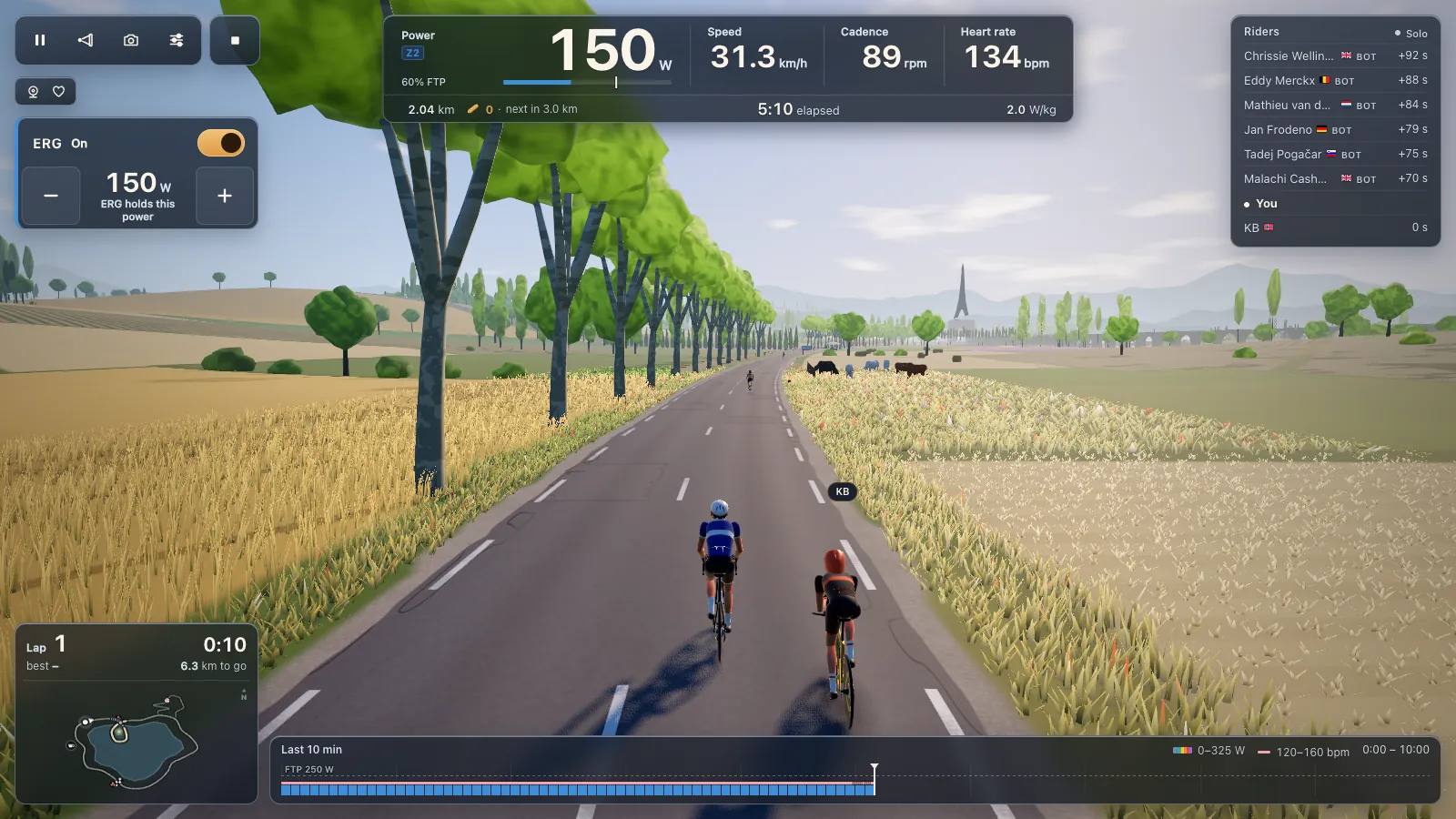
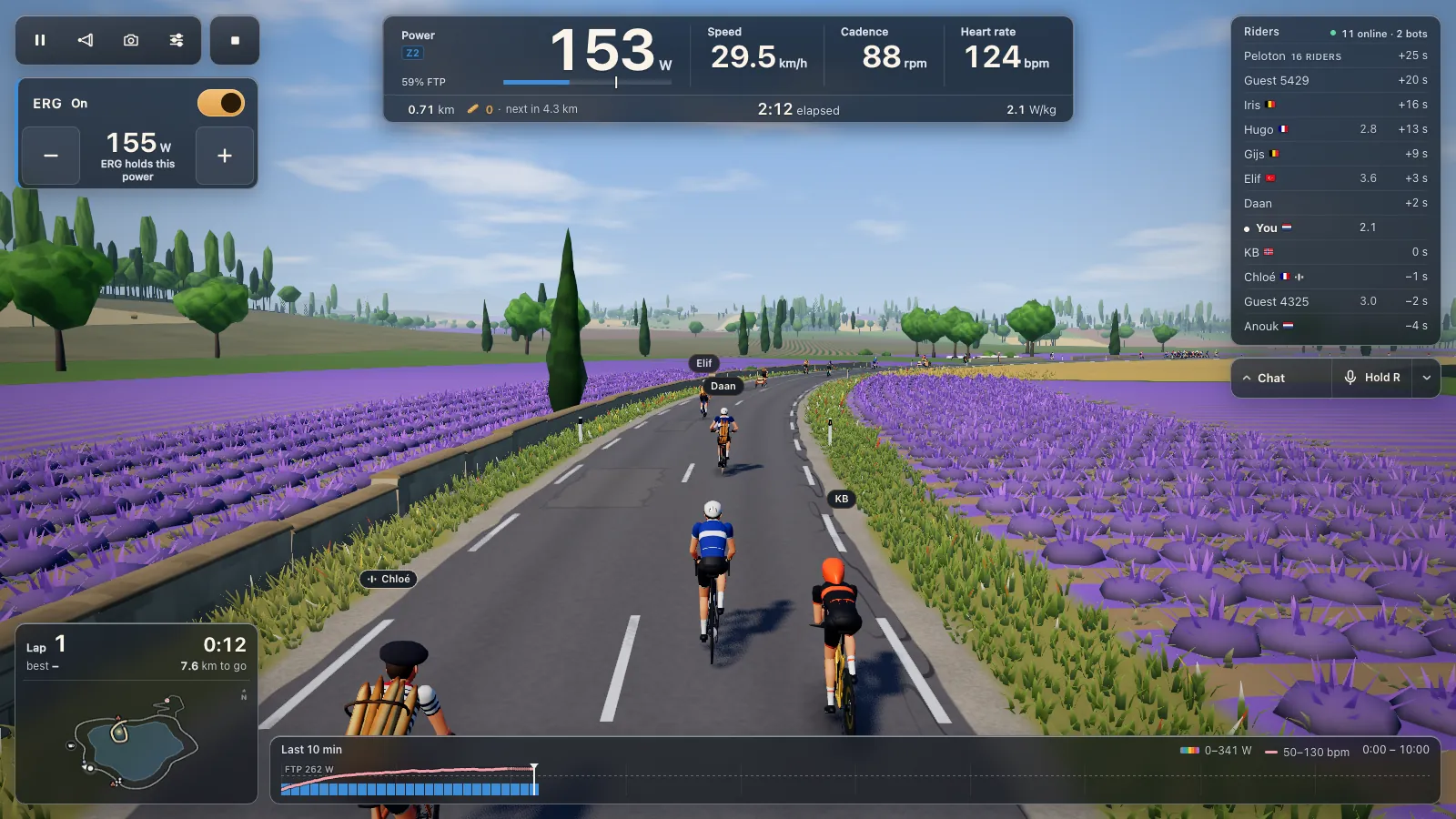
There are two ways in. During a ride, the bar under the riders list has a microphone button. Click it and a card called Talk while you ride opens: hold R to talk to everyone on the course and to your group, nothing is recorded, and the browser asks for your microphone next. The other way is Settings, Riding, where the Voice section has a Voice chat switch.
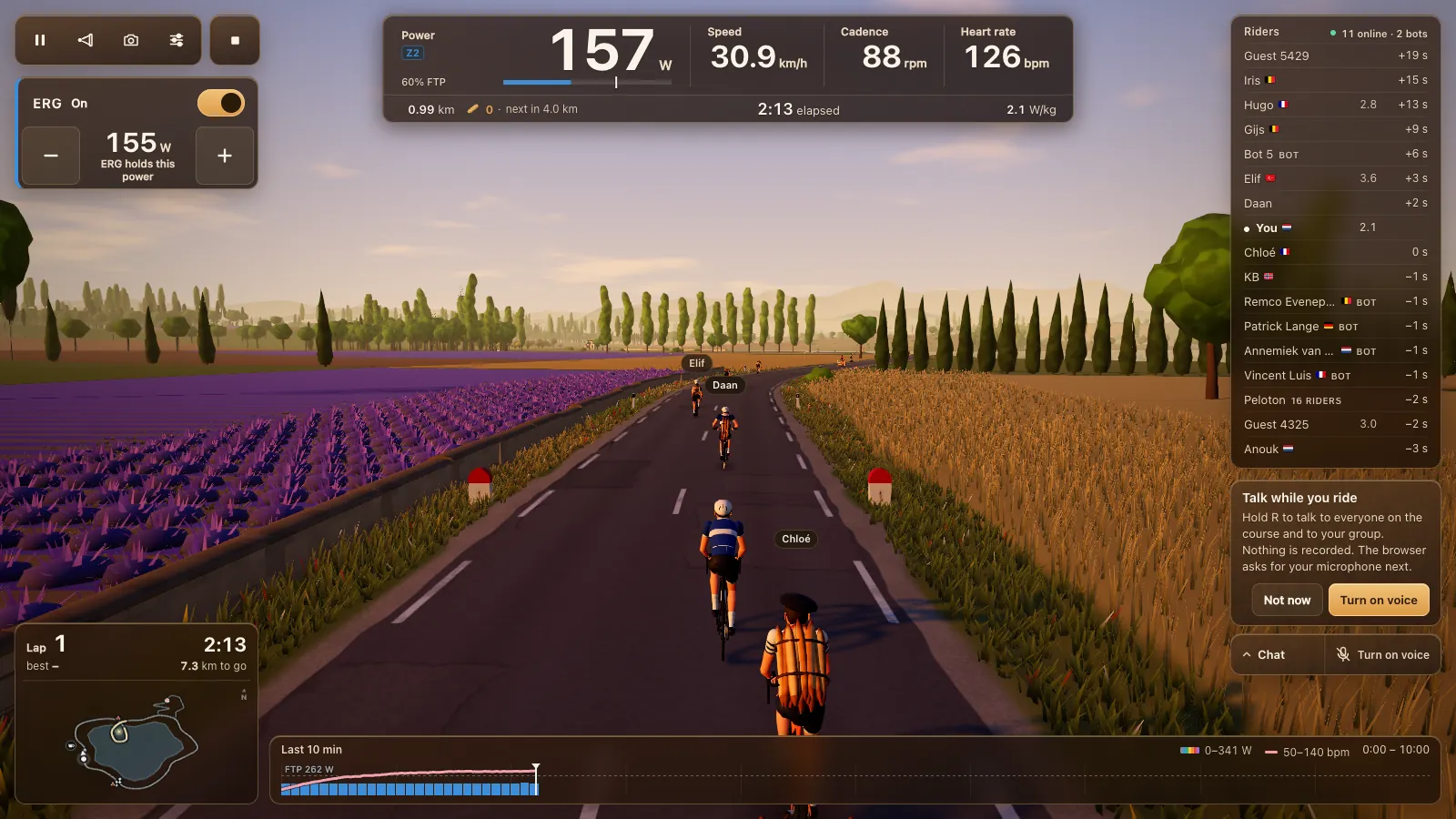
Then the browser asks for your microphone. Allow it, and the button reads "Hold R" once voice connects. If you blocked the microphone by mistake, the game says so: allow it in the address bar, then switch voice on again. The game asks the browser for echo cancellation and noise suppression, which helps against a fan or the hum of the trainer.
Push to talk, or keep the mic on
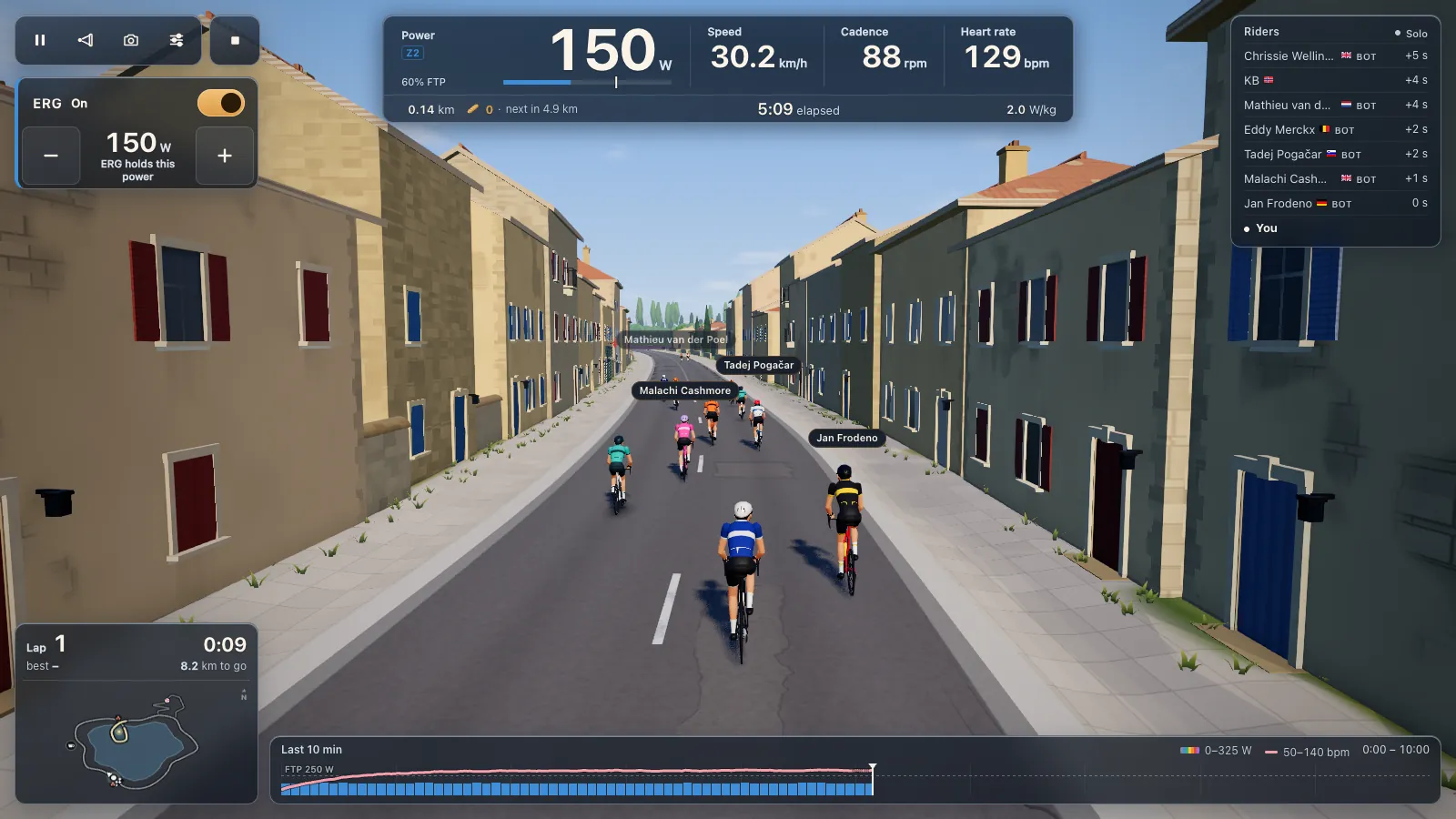
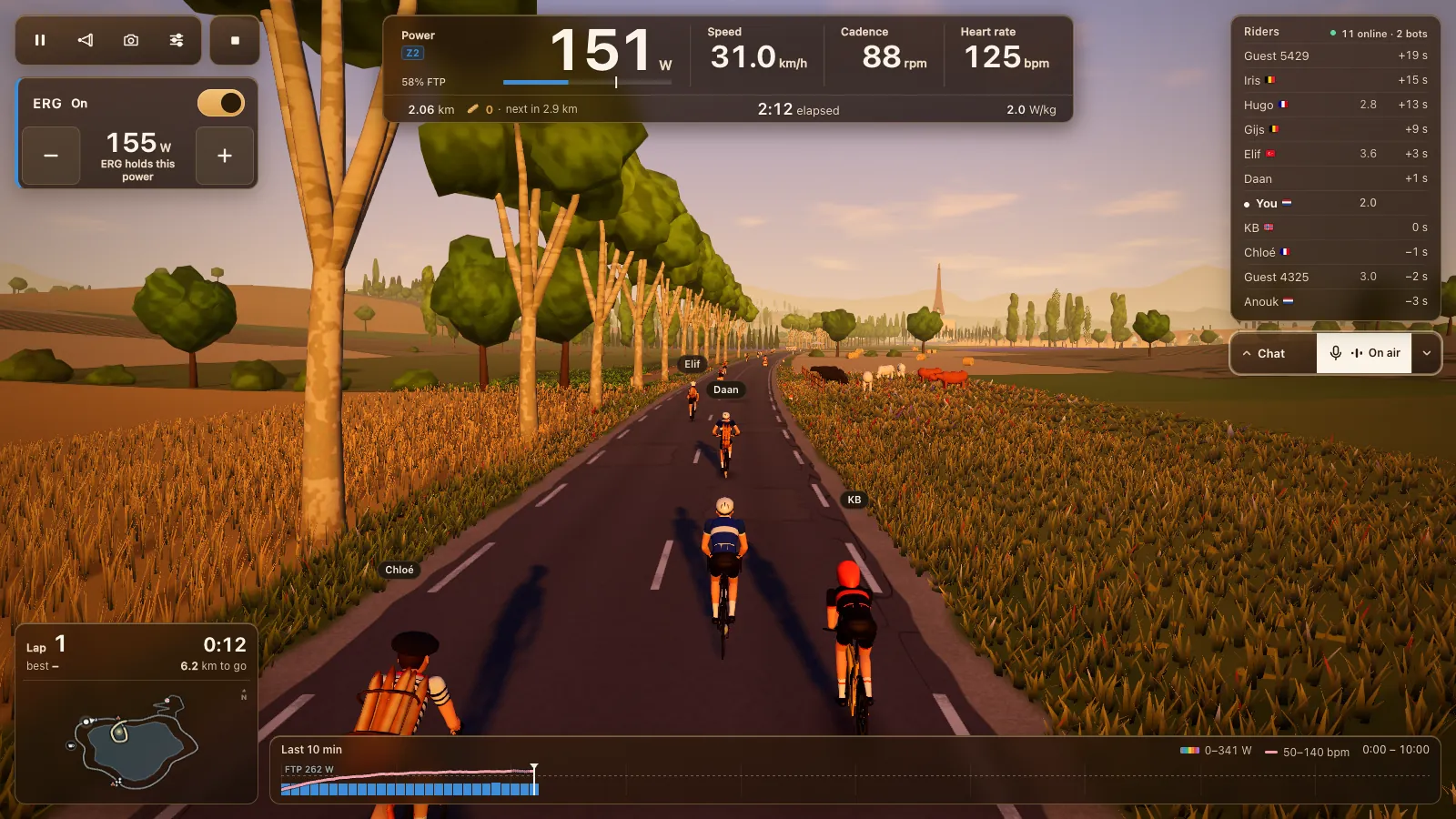
Push to talk is the default. Hold R and you're on air; let go and the mic goes off a quarter of a second later, so your last word isn't cut. While you talk, the pill under the riders list says On air. When someone else talks, a small sound mark shows beside their name, over their head and in the riders list.
In Settings you can pick another push-to-talk key: R, B, G, Q, the backtick key, Caps Lock or Right Shift.
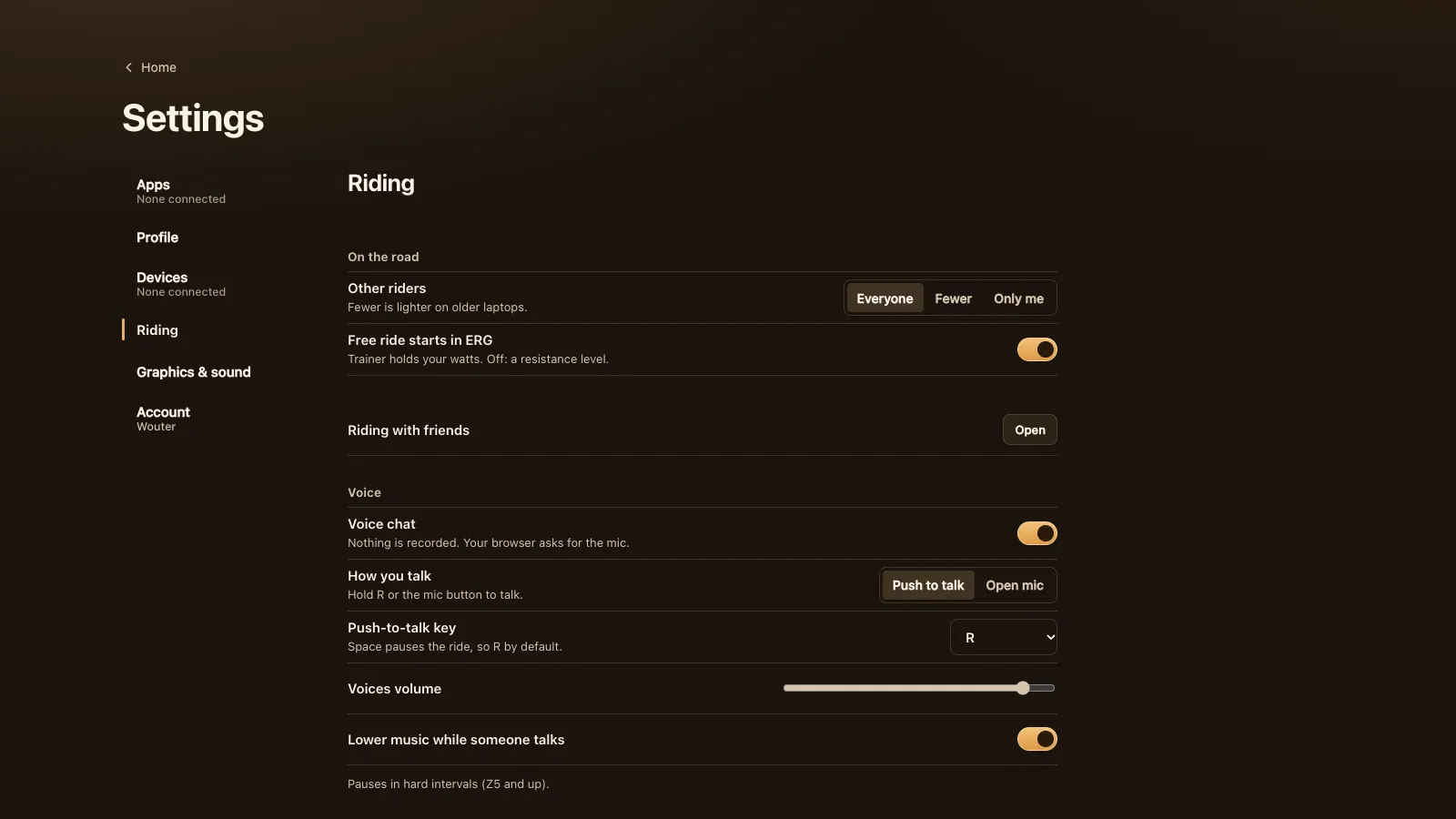
Don't want to hold a key? Click the mic button once and it stays on until you click it again ("Click to stop talking"). Or switch to open mic: in Settings choose Open mic under How you talk, or switch on Keep the mic on in the voice menu during the ride. Open mic sends only while you're louder than the Noise gate (−50 dB by default), and Test my mic shows a level meter to set it by.
On a controller you don't need the keyboard at all. A Zwift Play's Y button is push to talk, and holding + and − together for a moment does the same; a short squeeze opens the quick phrases instead.
Who hears you
When you talk, everyone in your room with voice on hears you, wherever they are on the 8.3 km loop, and so does your ride group. You hear up to ten riders at once. With more riders on voice than that, the ones talking now (or in the last 8 seconds) come first, nearest first, and a quiet rider keeps their spot until a talker needs it.
Right now every voice in the room plays at full level, wherever the rider is. The stereo pan follows the road: a rider level with you on your left sounds hard left, one ahead and a little left sounds a little left, and riders straight ahead, behind or far up the road sit in the middle.
Your ride group and, during a planned club ride, your club come through as radio: always in the middle, at a slightly lower level, and filtered to a narrow band like a team radio, so you can tell your group apart from the bunch. Club radio arrived in 1.25.0; the ten-voice limit in 1.7.1.
Two things stop voice on their own. In a workout block at Z5 or above (106 % of your FTP and up), voice pauses both ways and the button says "Paused"; it comes back after the block. And while the ride is paused, nothing goes out. The ERG workouts guide explains the zones.
Volume, mute and block
Four controls, from soft to hard:
- Voices volume in Settings sets how loud the others are, 0 to 100 (90 by default). Lower music while someone talks dips the game's music and ambience while a voice comes in; it's on by default.
- Hear the others in the voice menu: switch it off and you don't hear them and they don't hear you. The button then says "Voice muted". Turn voice off in the same menu ends voice and lets the microphone go.
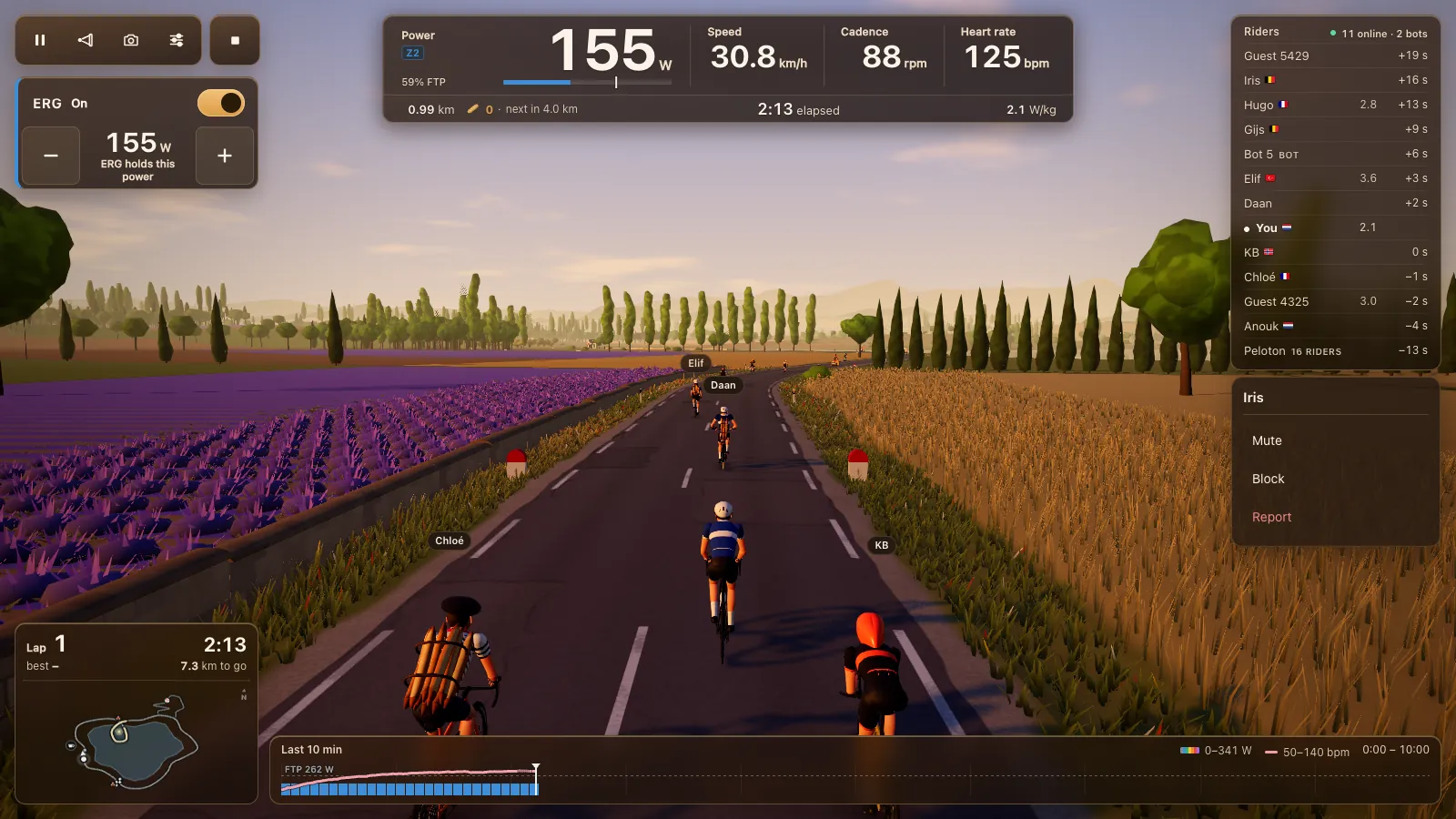
- Mute a rider: click their name for the rider menu and pick Mute. You stop seeing and hearing them, on this device only.
- Block a rider from the same menu. Neither of you sees or hears the other any more: no messages, voice or reactions. You can undo it in Account. Report is there too, with "Behaviour or voice" as a reason.
Privacy: nothing is recorded
Your voice goes live to the riders in your room who have voice on, and nowhere else. It isn't recorded or kept. It's carried by Cloudflare Realtime, Cloudflare's service for live audio, so other riders never get your IP address. The rooms themselves run in the EU; the live audio goes through Cloudflare's data centre nearest to the riders, which may be outside the EU, and passes through without being stored. The privacy page has the full wording.
The microphone test on a club's ready check stays on your device. One fair warning: another rider could record what they hear on their own device, so don't share things you'd rather keep to yourself.
Browsers, devices and headsets
Voice runs wherever the game runs: Chrome or Edge on a Windows or Mac computer or a Chromebook, and Chrome, Edge or Opera on an Android phone or tablet. Safari, Firefox and every browser on iPhone and iPad can't ride, because they can't reach Bluetooth trainers. A headset or earbuds with a microphone works best; with speakers your mic will probably pick up some of the bunch and the music.
If the connection drops, voice tries again straight away, then every half minute.
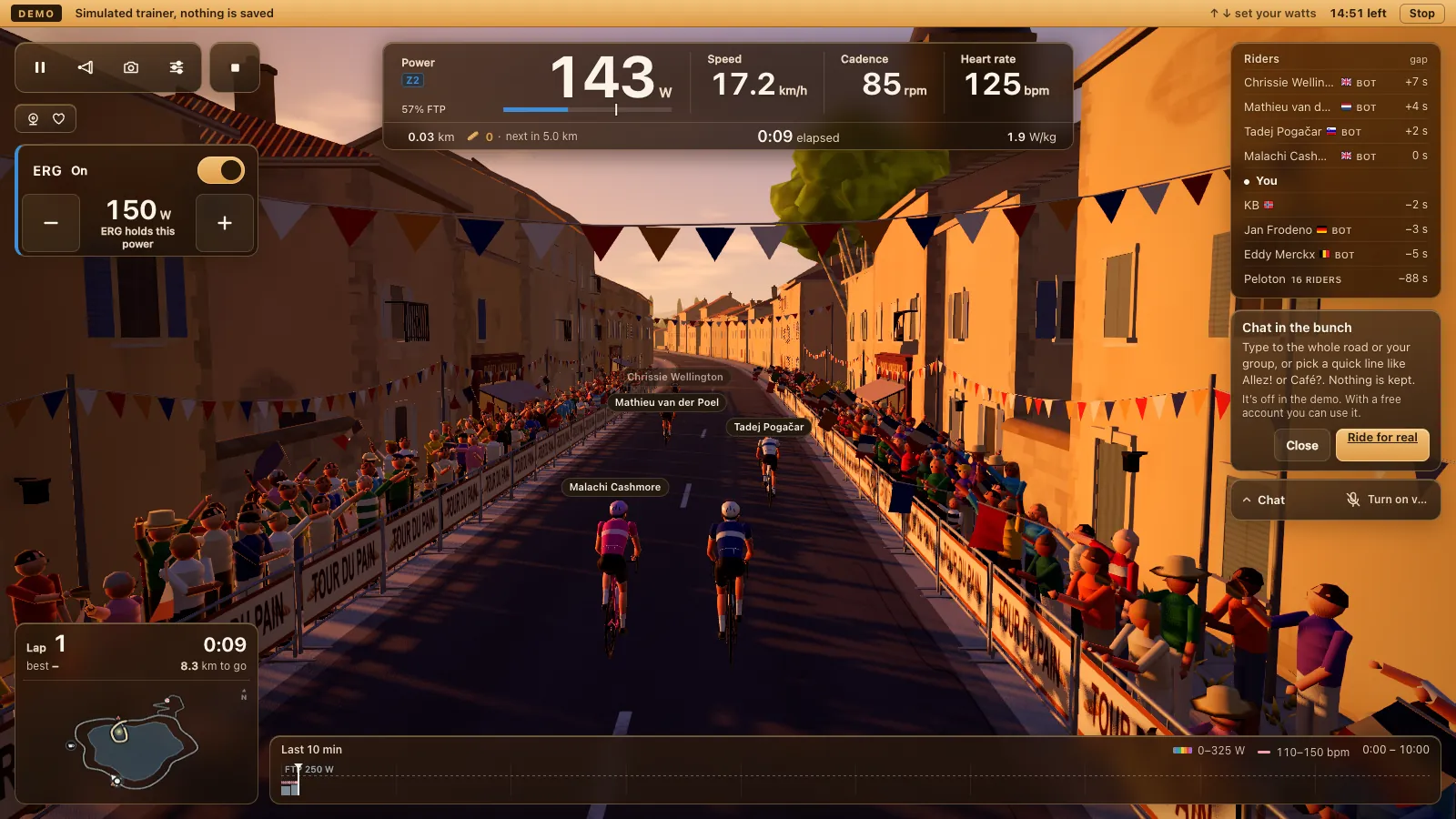
The demo rides with a simulated trainer and no account, so voice is off there.
What voice chat costs
Nothing. Tour du Pain is free for everyone through 2027, everything included. Donations are optional.
Voice in Tour du Pain vs Zwift
We make Tour du Pain. Zwift is the big one: many worlds, races and structured plans, on a subscription. We couldn't confirm that Zwift has voice chat built in, and our fact sheet on it doesn't list one; groups that want to talk there probably run a call beside it, often on Discord.
- Tour du Pain: voice is part of the ride, in the same browser tab, with push to talk, stereo placement, group and club radio, and mute and block that cover voice too. No install, free through 2027.
- Zwift: far more worlds and routes, plus races and structured training plans that Tour du Pain doesn't have yet. It's an installed app with a subscription; it isn't in a browser tab.
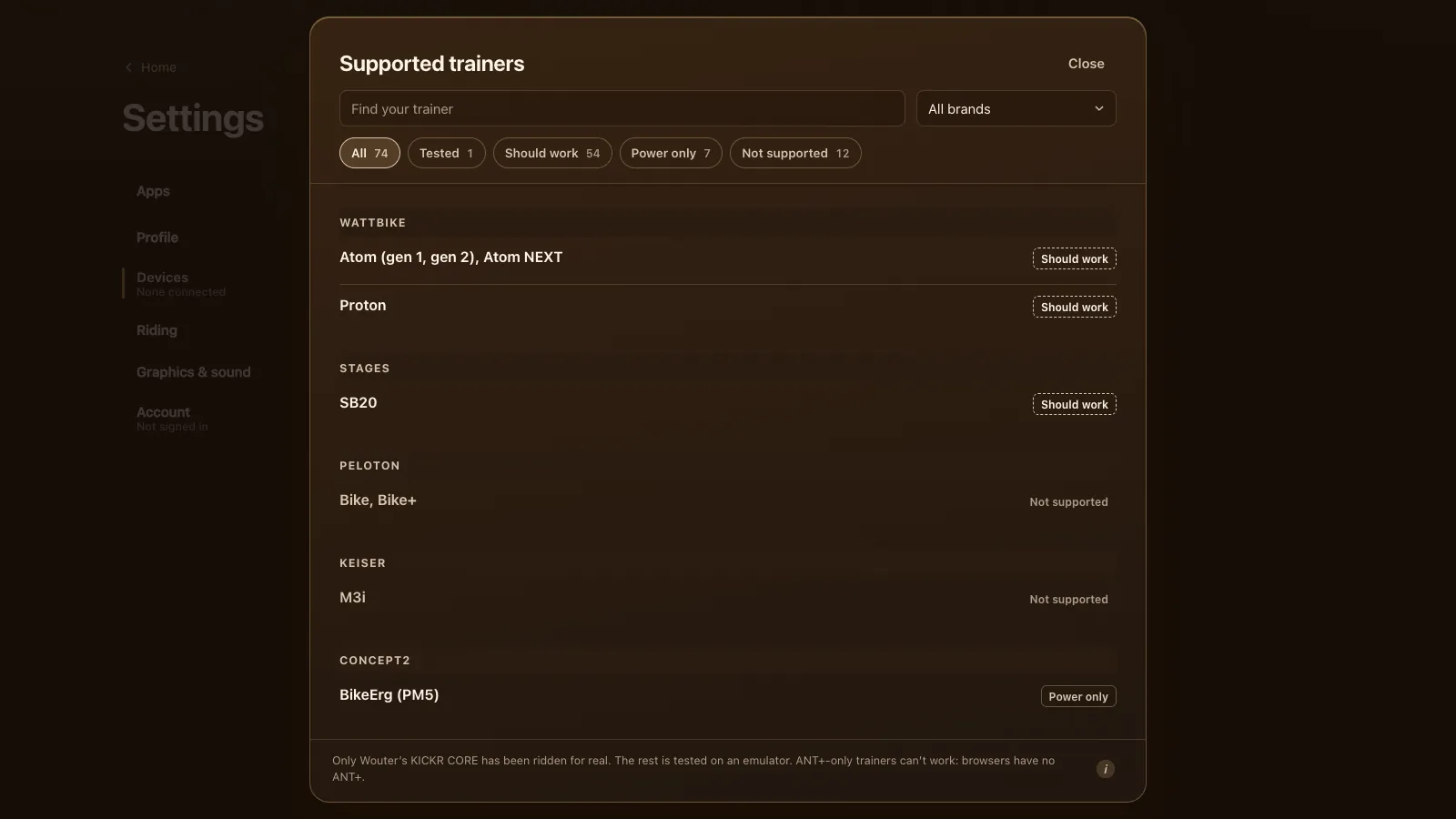
If talking with your group is the point, start with riding with friends or indoor rides for cycling clubs. Check that your trainer is on the list of every supported trainer first. Zwift is a trademark of Zwift, Inc.; Tour du Pain isn't affiliated with Zwift or Cloudflare.
Questions
Does Tour du Pain have voice chat?
Yes, built into the game. Switch it on, allow the microphone and hold R. You need a free account.
Is voice chat recorded?
No. It goes live to the riders in your room who have voice on, and nothing is stored.
What's the push-to-talk key?
R by default, because Space pauses the ride. You can pick B, G, Q, the backtick, Caps Lock or Right Shift in Settings, click the mic button to keep it on, or use open mic.
Can I mute one rider?
Yes. Click their name and pick Mute; that's on your device only. Block stops voice both ways, and Hear the others in the voice menu silences everyone.
Does voice chat work on a Chromebook or Android?
Yes: Chrome or Edge on a Chromebook, Chrome, Edge or Opera on Android. Not on iPhone or iPad, where no browser can reach a trainer.
Why did voice go quiet in my workout?
Voice pauses in workout blocks at Z5 and up, 106 % of your FTP or more, both ways. It comes back by itself after the block.