Van Rysel D100 and D500 (Decathlon)
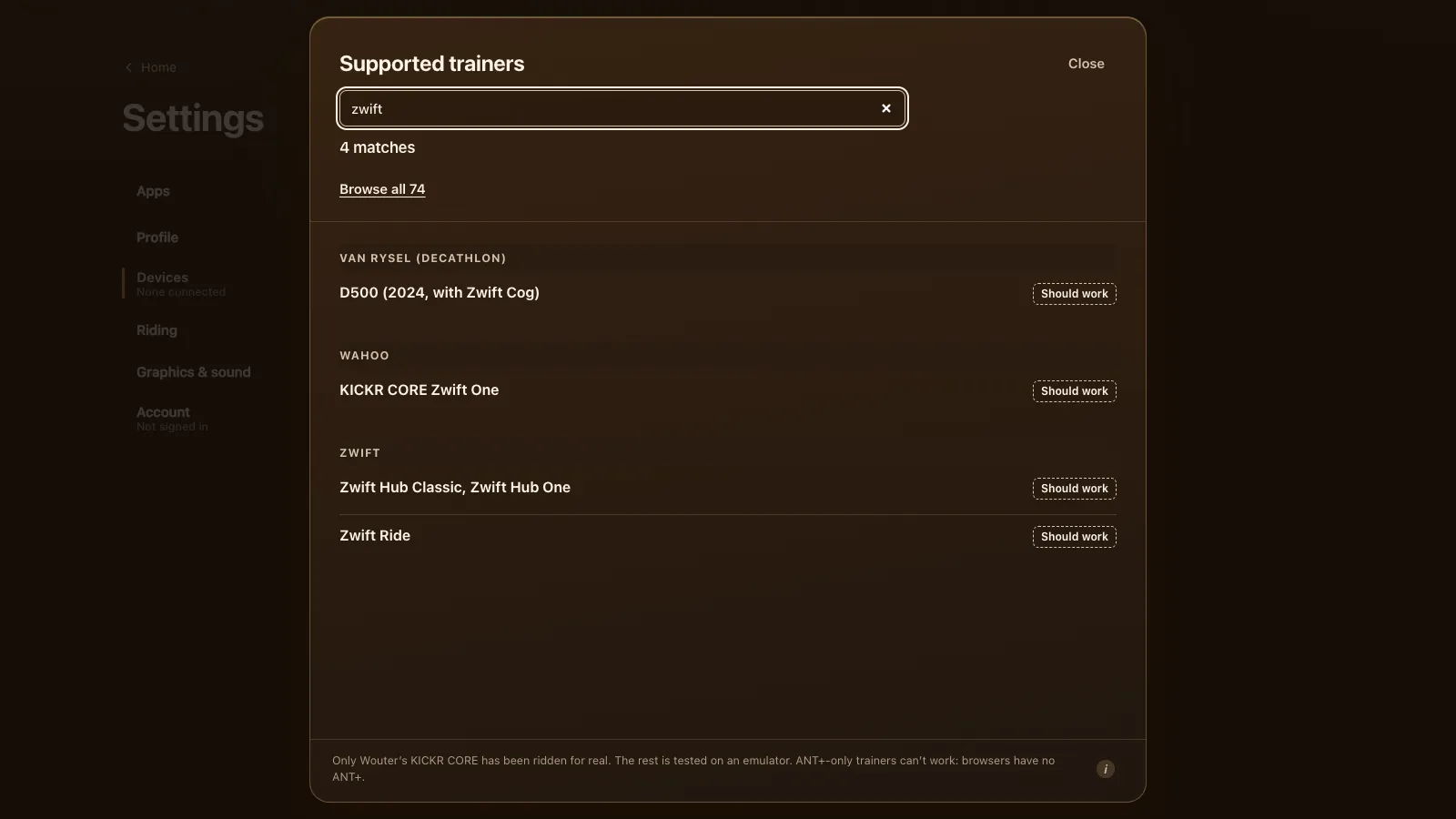
The Van Rysel D100 and D500 from Decathlon are expected to work in a browser. Tour du Pain connects to them from Chrome or Edge over FTMS, the open Bluetooth standard, with ERG and 33 resistance levels. No Van Rysel has been ridden here yet. Free through 2027, everything included. It runs on donations. The one thing that trips people up is that a Van Rysel takes one Bluetooth connection at a time, so this page spends some time on that.
Updated · Written for version 1.36.3
Tour du Pain is free for everyone through 2027, everything included. Donations are optional.
Which Van Rysel trainers work in the browser
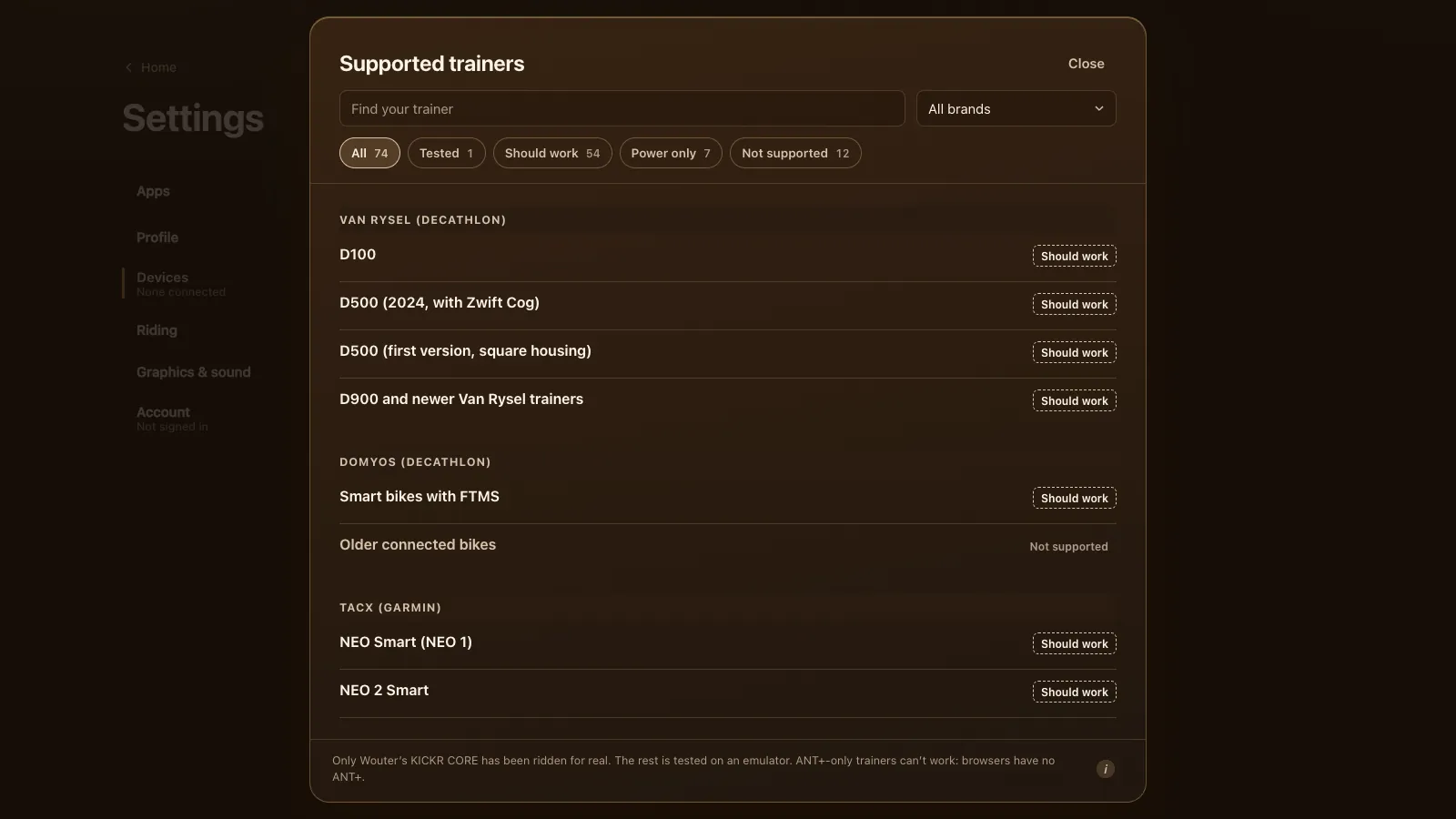
| Model | Protocol | Status | What to know |
|---|---|---|---|
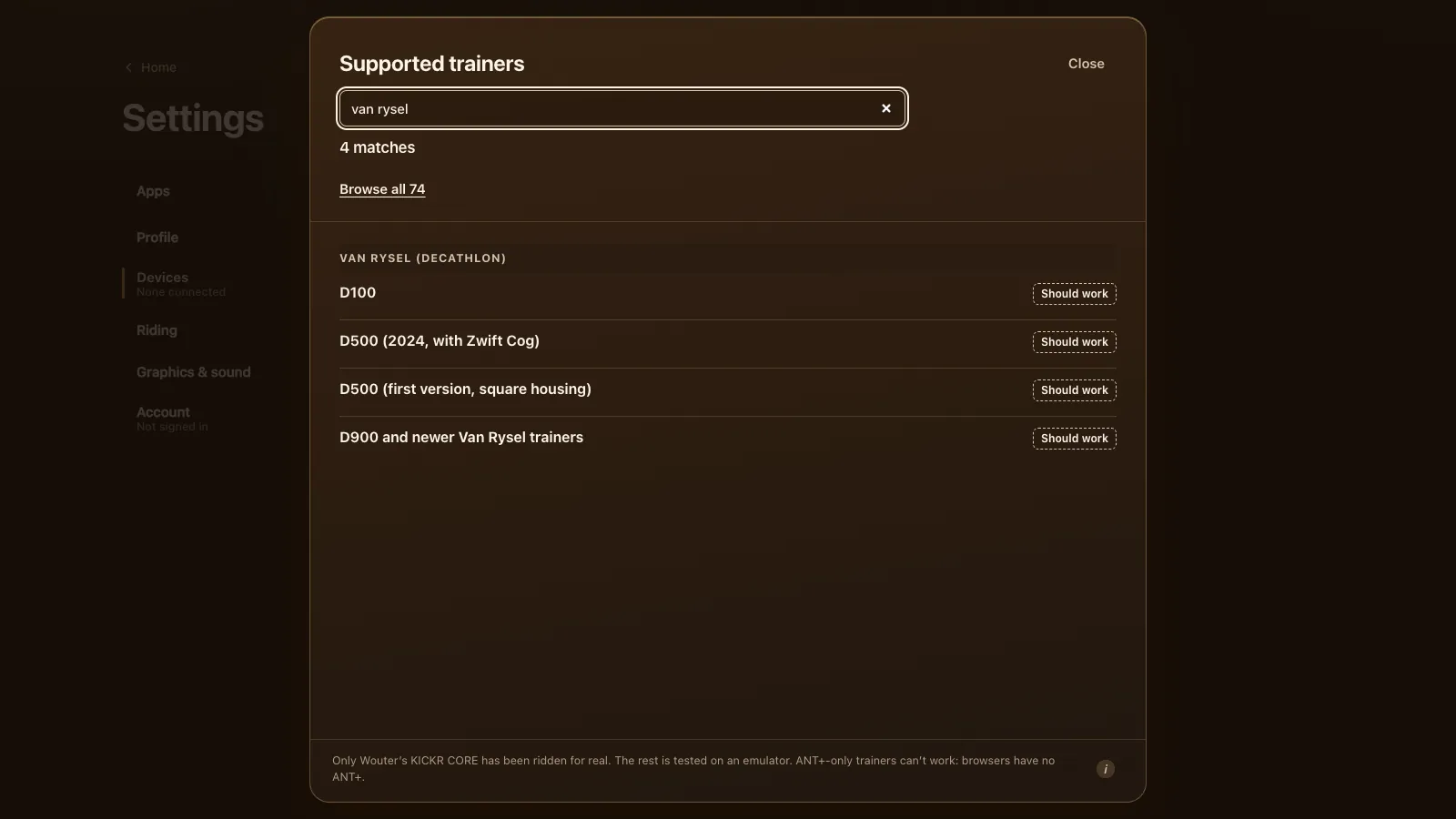
| D100 | FTMS | Should work | Bluetooth only, no ANT+. Update the firmware with the OneLap Fit app first |
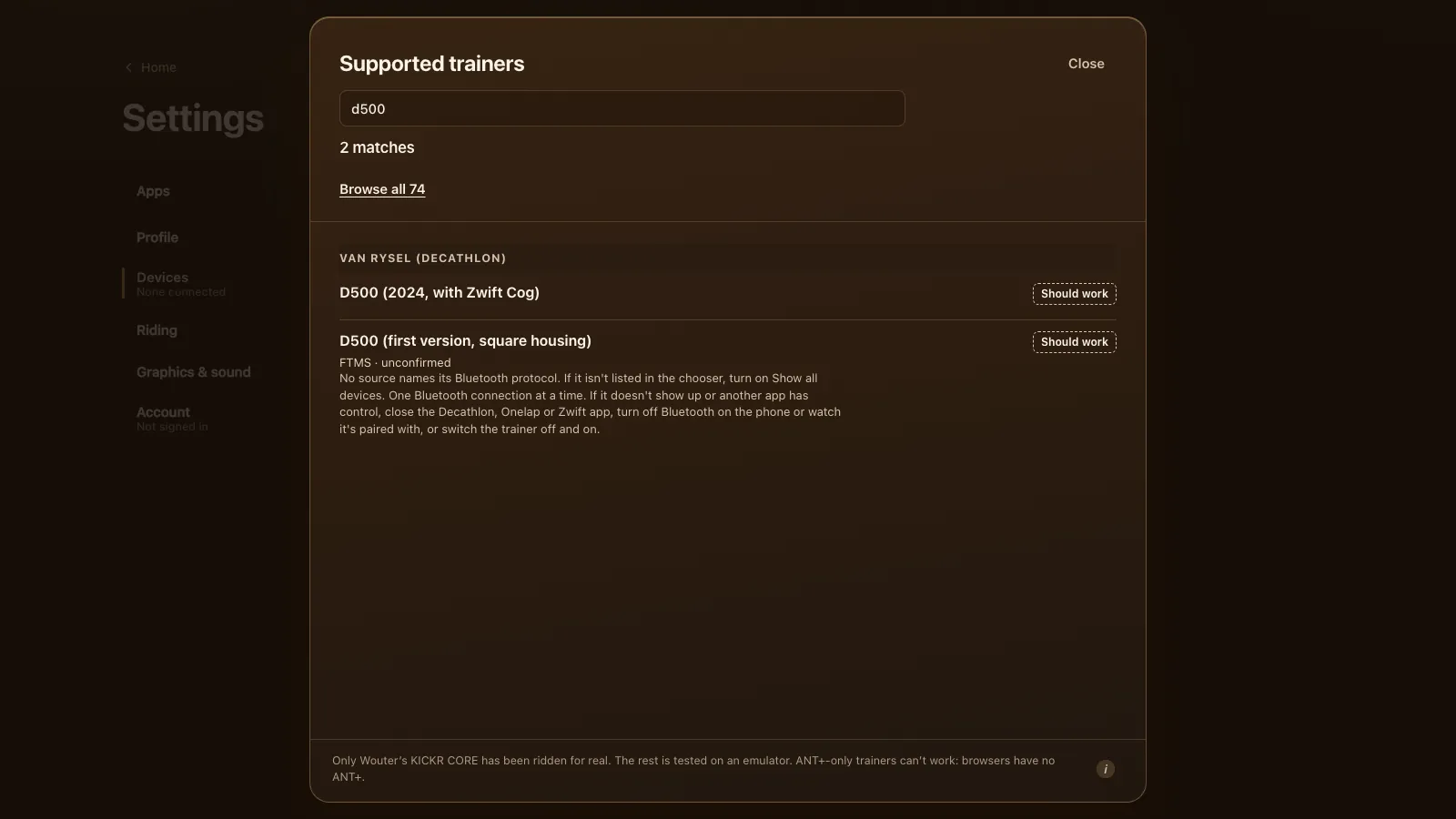
| D500 (2025, with Zwift Cog) | FTMS | Should work | Also speaks ANT+ FE-C and Zwift's protocol (road.cc on the D500); the game uses FTMS |
| D500 (first version, square housing) | FTMS (unconfirmed) | Should work | No source names its protocol. Try Show all devices if it isn't listed |
| D900 and newer Van Rysel trainers | FTMS (unconfirmed) | Should work | No protocol details found; recent trainers almost all speak FTMS |
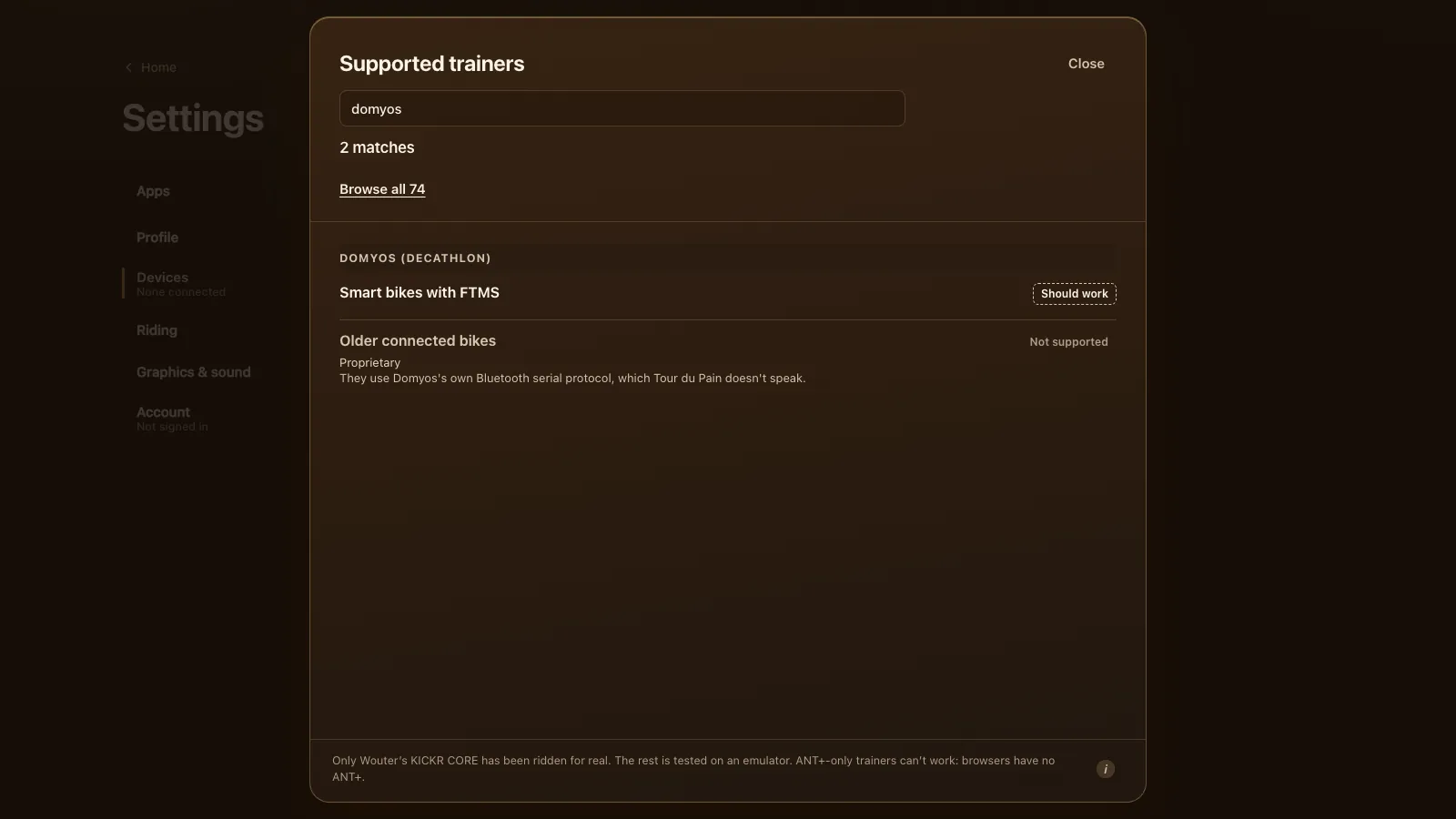
| Domyos smart bikes with FTMS | FTMS | Should work | Not every model accepts every FTMS command |
| Older Domyos connected bikes | Domyos's own | Not supported | A Bluetooth protocol the game doesn't speak |
Every Van Rysel is on the "should work" side. The two D500 versions are easy to tell apart: the first one has a square housing, the 2025 one comes with a Zwift Cog. For the first D500 and the D900 we found no source that names the Bluetooth protocol. They're listed because nearly every recent trainer speaks FTMS, and the game tells you plainly if it doesn't find it.
Setting up a Van Rysel D100
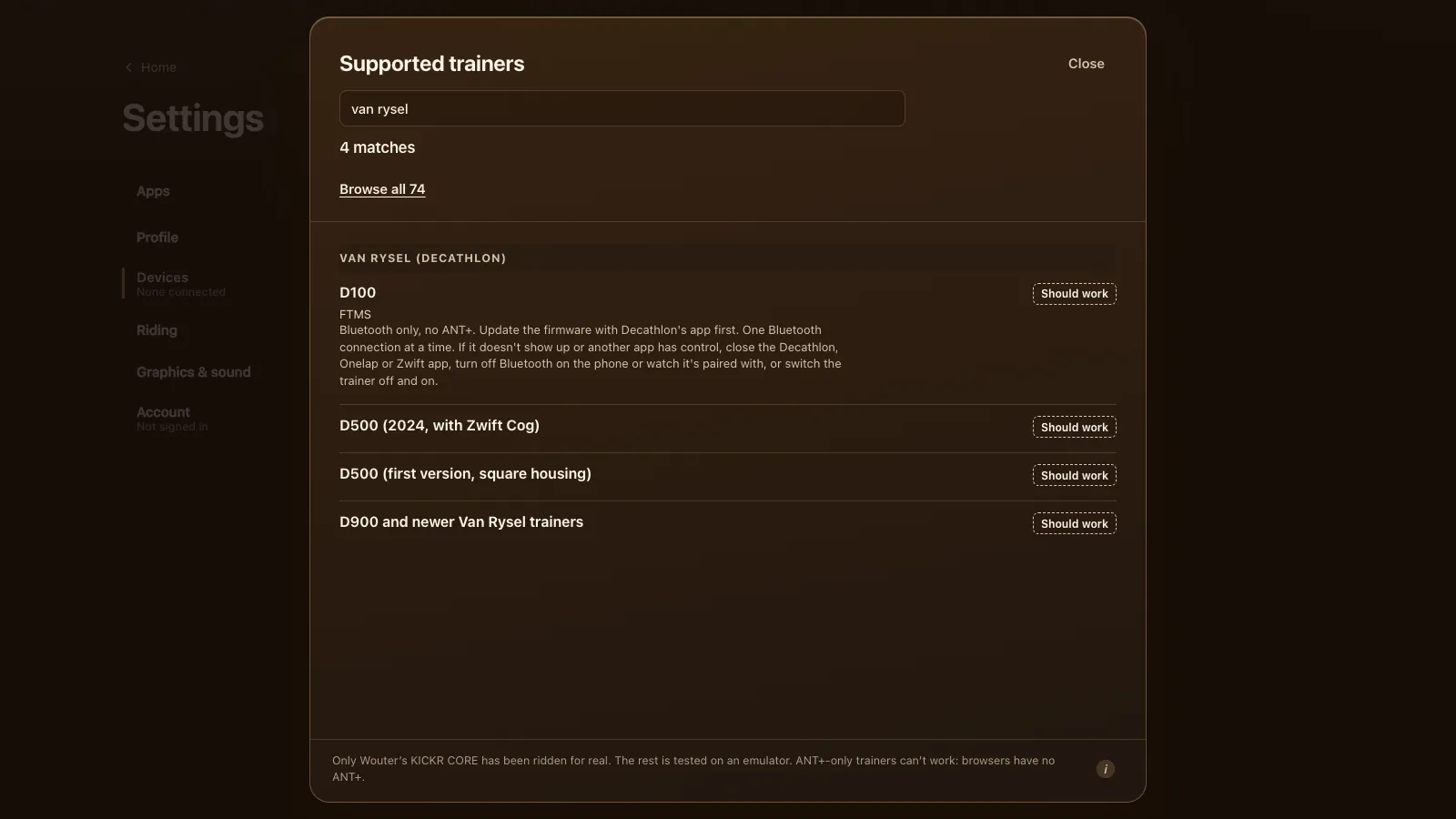
- Update the firmware in the OneLap Fit app, which Decathlon's D100 support page names for setup, calibration and updates. The game's own list asks for this first.
- Close the OneLap Fit app completely, and Onelap or Zwift if you use them. On a phone, swipe the app away so it can't hold the trainer in the background.
- Open tourdupain.app in Chrome or Edge on a computer, a Chromebook or an Android tablet.
- Pedal a few strokes to wake the trainer, then go to Settings, Devices and press Connect next to Smart trainer.
- Pick the trainer from the browser's list. If it isn't there, turn on Show all devices.
The D100 has no ANT+, which doesn't matter here: browsers only use Bluetooth anyway. It measures power and cadence itself, so you don't need a separate power meter.
One Bluetooth connection at a time
A Van Rysel takes one Bluetooth connection (Cycling UK's D500 review says the same: one app at a time). If Decathlon's app, Zwift, Onelap, a phone or a watch already has it, a second app either can't see it or can't control it. That's the most common reason a D100 or D500 doesn't show up, and the fix is always the same: close that app, turn off Bluetooth on the phone or watch it's paired with, or switch the trainer off and on.
Since version 1.8.1 (28 October) the game doesn't give up when that happens. It connects to the held trainer anyway, so you ride on the D100's own power, cadence and speed from the first stroke, and it keeps asking for control every 5 seconds. Once Decathlon's app lets go, ERG and simulation switch on by themselves. That release also put the one-connection note on the D100 and D500 entries in the game's list.
ERG, levels and the Zwift Cog
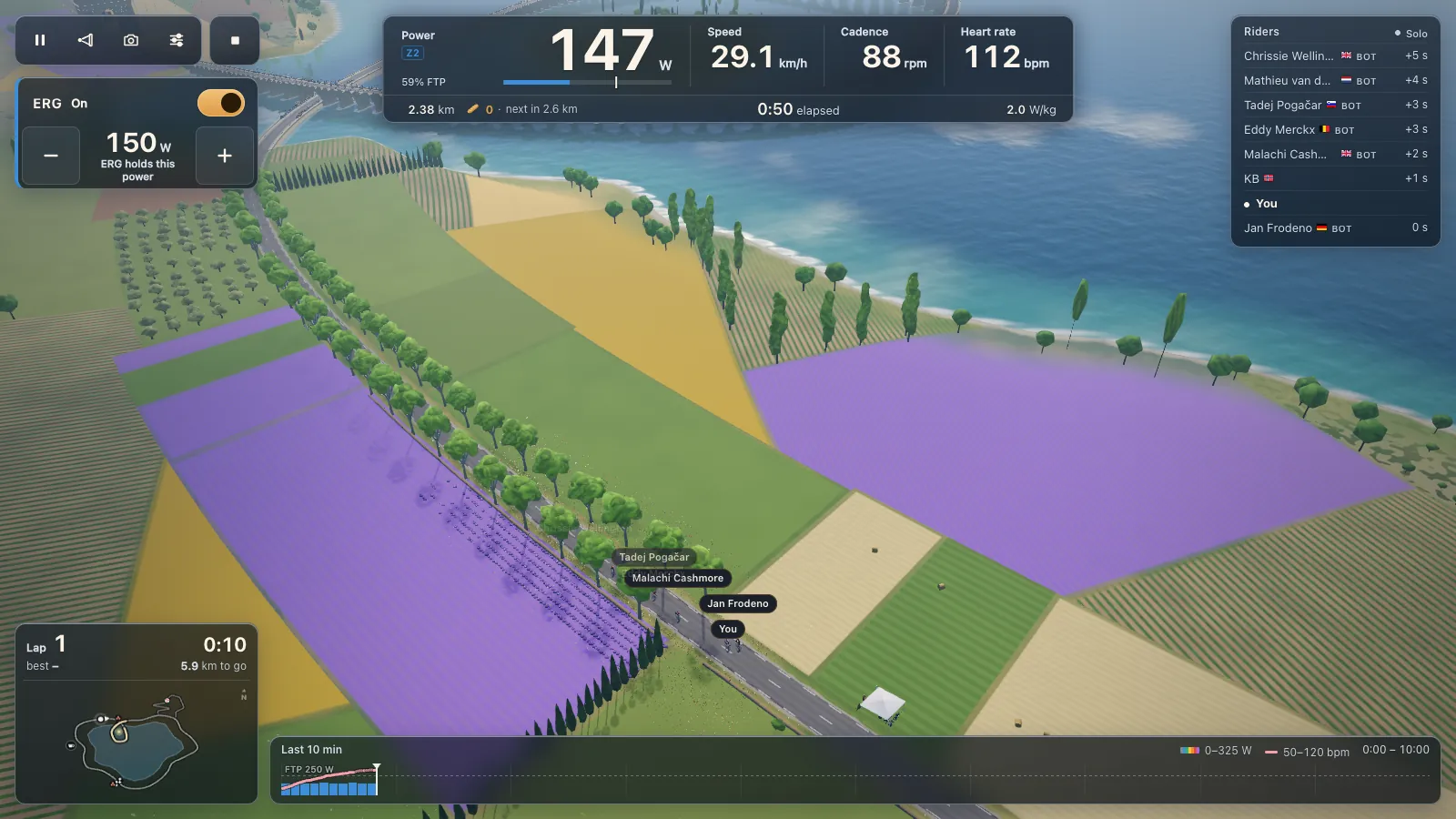
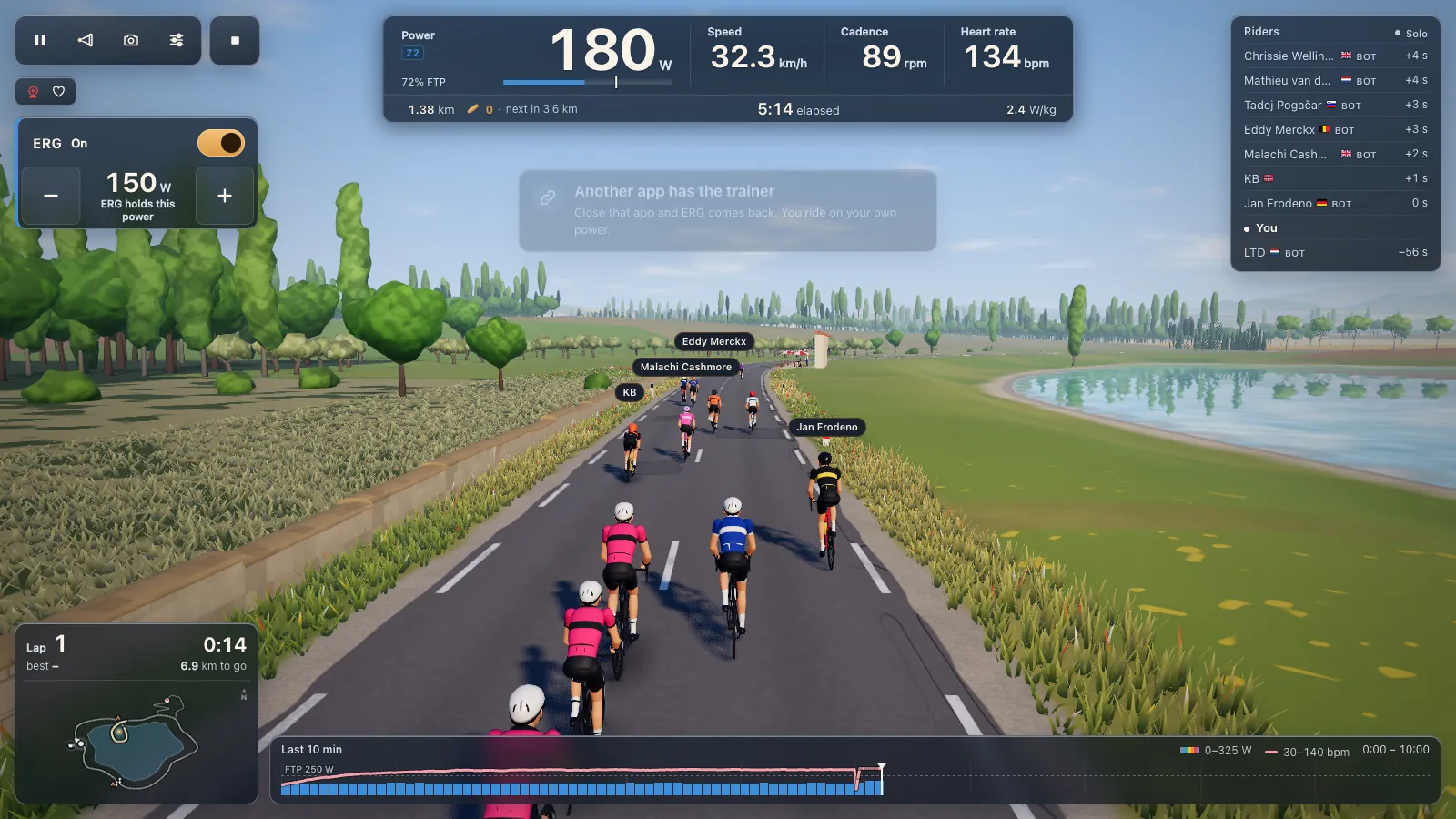
In ERG, the trainer holds the target power of each block of a workout, whatever your cadence. There are 105 workouts in the game and your own .zwo, .erg, .mrc and .fit files load. From a standstill ERG starts light and builds up over 6 seconds once you pedal.
With ERG off, one of 33 levels based on your FTP sets the resistance and you shift your own gears. If your D500 runs the Zwift Cog, a single sprocket, there's nothing to shift, so the level sets the effort and minus and plus step it. Zwift's virtual shifting belongs to Zwift; Tour du Pain uses its own levels.
Climbs in the game change your speed on screen but not the resistance, so the Col du Pain feels flat on the trainer.
Domyos bikes
Decathlon's Domyos exercise bikes split in two. Newer smart bikes advertise FTMS, so they should connect like any trainer, though not every model accepts every command FTMS offers. Older connected Domyos bikes use Domyos's own Bluetooth serial protocol, which Tour du Pain doesn't speak, so those can't connect.
After the ride
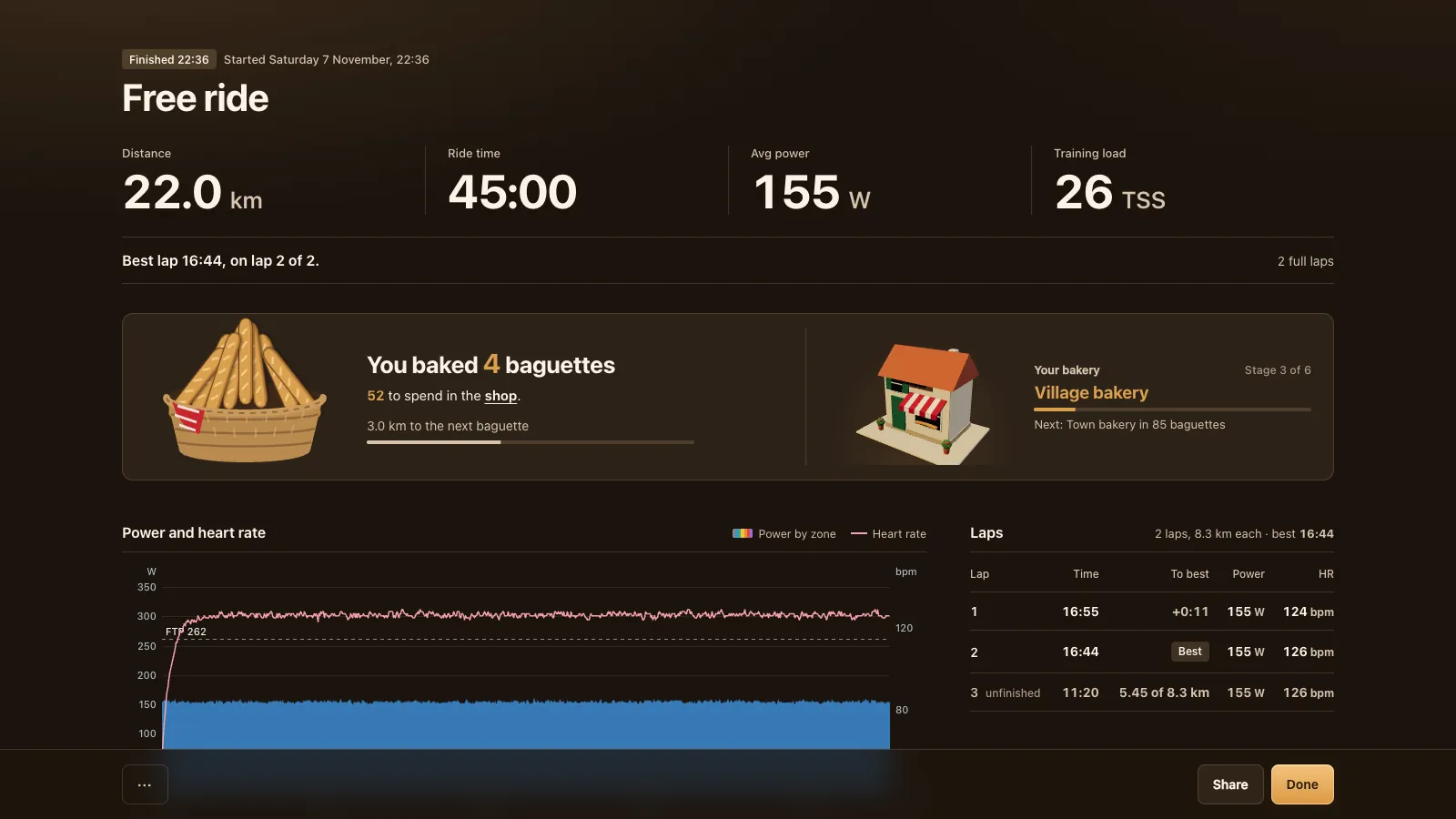
Every ride makes a .fit file. Link Strava and rides upload with a title and a map; Garmin Connect and intervals.icu take the file as an import. See Strava, Garmin Connect and intervals.icu. If you're weighing Tour du Pain against the bigger apps, the Zwift alternatives page compares ten of them honestly. All the other brands are on the smart trainer app page, and the demo shows the game without a trainer.
Tour du Pain is free through 2027, everything included. It runs on donations.
Questions
Does the Van Rysel D100 work with a browser app?
It should. The D100 speaks FTMS over Bluetooth, which Tour du Pain uses in Chrome or Edge. It's tested on an emulator, not yet on a real D100.
Is there a free app for the Van Rysel D100?
Tour du Pain is free through 2027, everything included. It runs on donations, in a browser tab with nothing to install.
Why doesn't my D100 show up?
It's probably connected to another app. Close Decathlon's app, Zwift or Onelap on every device, turn off Bluetooth on the phone or watch it's paired with, or switch the trainer off and on.
How do I update the D100 firmware?
With the OneLap Fit app. Close the app afterwards, because the trainer takes one connection at a time.
Does the Van Rysel D500 work outside Zwift?
The 2025 D500 speaks FTMS, ANT+ FE-C and Zwift's protocol, and Tour du Pain uses FTMS. The first square D500 should work too, but its protocol is unconfirmed.
Does my Domyos bike work?
Newer Domyos smart bikes with FTMS should. Older connected Domyos bikes use their own protocol and can't connect.