Magene and ThinkRider smart trainers in your browser
Magene and ThinkRider make good-value direct-drive trainers, and most of them should work in Tour du Pain from Chrome or Edge over FTMS, the open Bluetooth standard. That gives you ERG and 33 resistance levels, with nothing to install. A rider has already ridden an ERG workout on a ThinkRider XX Pro. The Magene T300 has a known catch, which this page explains. Tour du Pain is free for everyone through 2027, everything included. Donations are optional.
Updated · Written for version 1.36.3
Tour du Pain is free for everyone through 2027, everything included. Donations are optional.
Which Magene and ThinkRider trainers work
| Brand | Model | Protocol | Status | What to know |
|---|---|---|---|---|
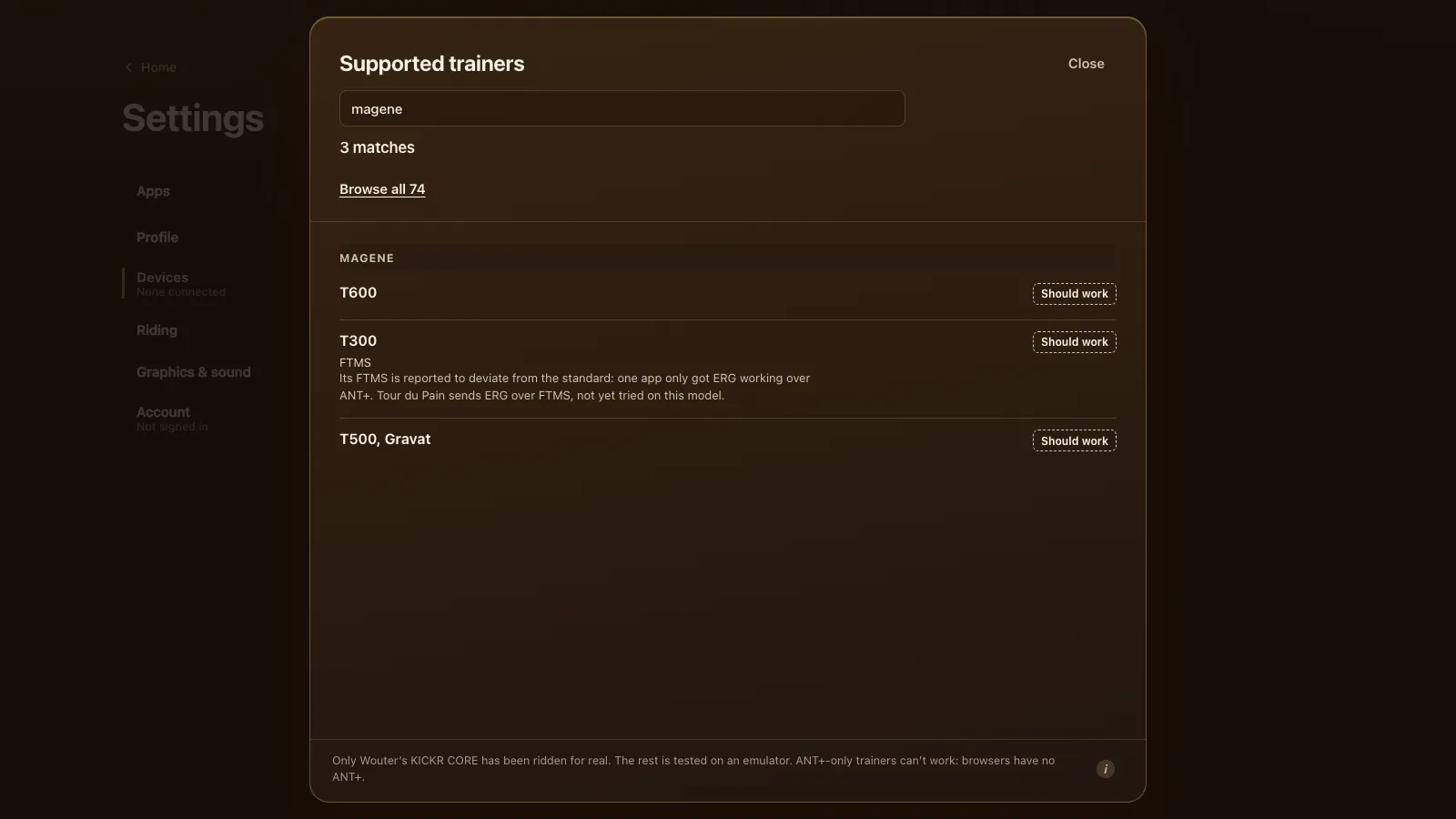
| Magene | T600 | FTMS | Should work | Also Wi-Fi and Ethernet; the game uses Bluetooth |
| Magene | T300 | FTMS | Should work | Its FTMS is reported to deviate from the standard; ERG not yet tried here |
| Magene | T500, Gravat | FTMS (unconfirmed) | Should work | No source names the protocol |
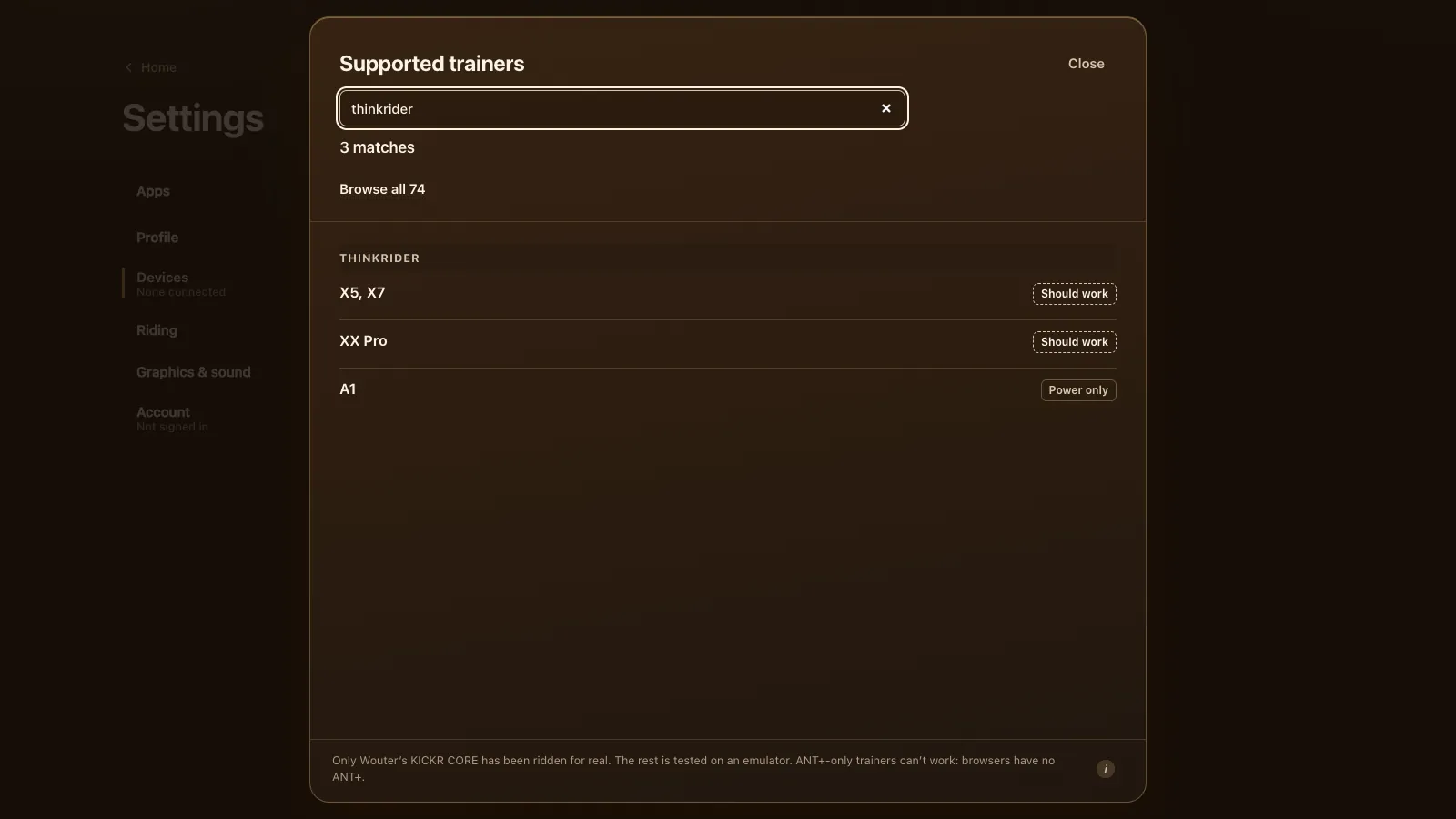
| ThinkRider | XX Pro | FTMS | Should work | A rider rode ERG on it from a Linux laptop |
| ThinkRider | X5, X7 | FTMS (unconfirmed) | Should work | One rider saw an X5 as power only on a Mac |
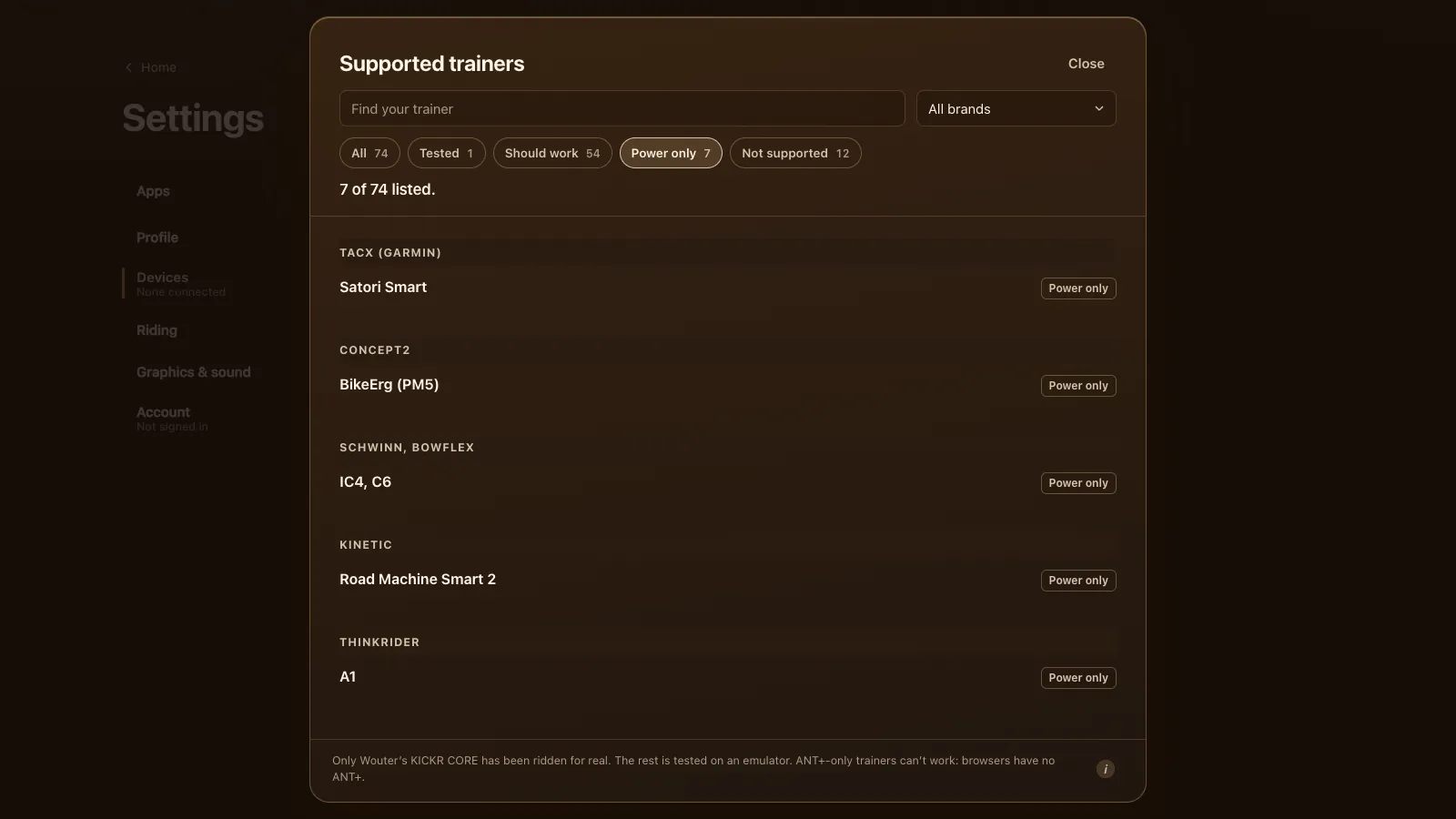
| ThinkRider | A1 | FTMS (unconfirmed) | Power only | A roller with fixed resistance |
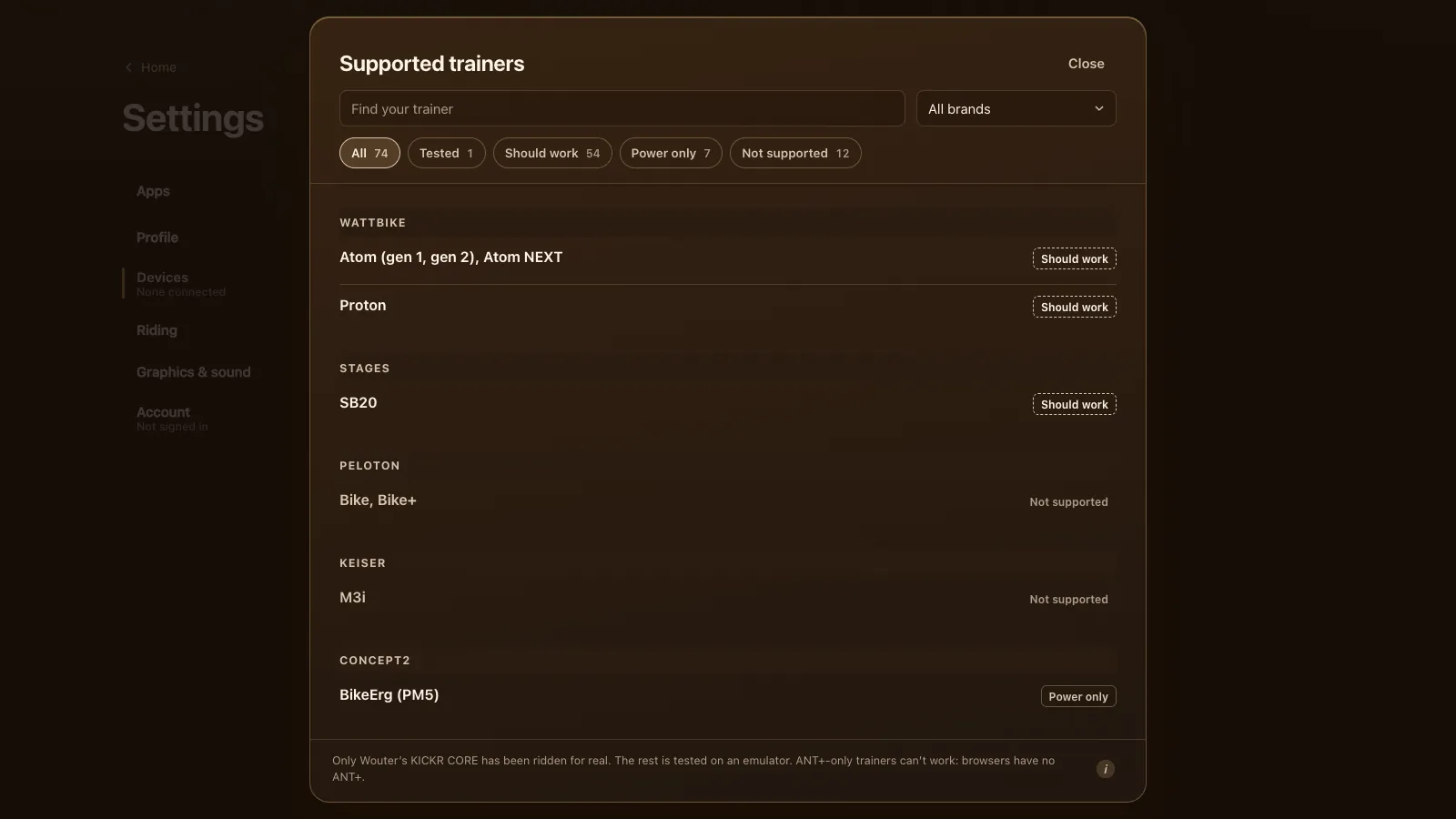
The brand tables with their sources are on every supported trainer, with ThinkRider just below it.
Magene T600
Cyclist's Hub on the Magene T600 lists Bluetooth FTMS, ANT+ FE-C, Wi-Fi, Ethernet and three Bluetooth channels, up to 2,200 watts and a 20% simulated grade. It also updates its own firmware over Wi-Fi. The three Bluetooth channels make it one of the easier trainers here: a phone app holding one channel probably won't lock the game out. Close other training apps anyway, because only one app can control the trainer at a time.
The T600's road surface simulation (cobbles, gravel and others) is Magene's own feature and needs an app that asks for it. Tour du Pain doesn't, so the road feels smooth.
Magene T300: the FTMS catch
The T300 does speak FTMS, but a TrainerRoad support reply in a TrainerRoad forum thread on the T300 says its FTMS isn't implemented properly, and that in TrainerRoad ERG only worked over ANT+. Browsers have no ANT+, so Tour du Pain sends ERG over FTMS. Nobody has tried that on a T300 yet.
So with a T300, expect one of two things. Either ERG holds the targets like on any FTMS trainer, or it doesn't. If ERG doesn't hold, switch it off and ride on levels or your own gears: the T300's power and cadence still come in, and every ride, bread and leaderboard time counts the same. Please tell us which one you got; it's the quickest way to move the T300 from "should work" to a real answer.
ThinkRider XX Pro: ridden by a rider
In November a rider wrote on the intervals.icu forum that he'd ridden Tour du Pain on a ThinkRider XX Pro from a Linux laptop. In ERG, the response to changes in target power was good, after a short spike at the start before it settled on the target (his post on the intervals.icu forum). The XX Pro went into the game's list that day, in version 1.31.1, which also made workouts start with your first pedal strokes, which he'd also suggested.
That's one rider and one ride, not a full test. But it's a real trainer, over FTMS, in a browser, with ERG working.
ThinkRider X5, X7 and the Mac
The X5 and X7 are listed with FTMS unconfirmed. Cyclist's Hub's ThinkRider X7 Pro review names ANT+, FE-C and Bluetooth without saying FTMS, and warns that on macOS the trainer didn't work over Bluetooth alone. In a TrainerRoad forum thread, an X5 showed up as a power meter on a Mac but as a full smart trainer on an Android phone.
Whether Chrome on a Mac sees it the same way is unknown. If your X5 or X7 shows as "Power only" on a Mac, try Chrome on an Android tablet, a Chromebook or a Windows laptop before you give up on ERG.
The ThinkRider VS200 handlebar remote works as a controller: plus and minus step the levels or the ERG watts. The game knows it from a public description of its buttons, not from the real remote yet.
ThinkRider A1
The A1 is a roller with fixed resistance. It sends power and cadence but takes no commands, so there's no ERG and no levels: you set the effort with your own gears, like riding with a power meter only. The game's list marks it Power only.
Setting up
- Update the firmware: Magene's app or Wi-Fi for a Magene, ThinkRider's app for a ThinkRider. Then close the app.
- Open tourdupain.app in Chrome or Edge on a computer, a Chromebook or an Android tablet.
- Pedal a few strokes to wake the trainer.
- Go to Settings, Devices and press Connect next to Smart trainer. Pick the trainer from the browser's list; if it isn't there, turn on Show all devices.
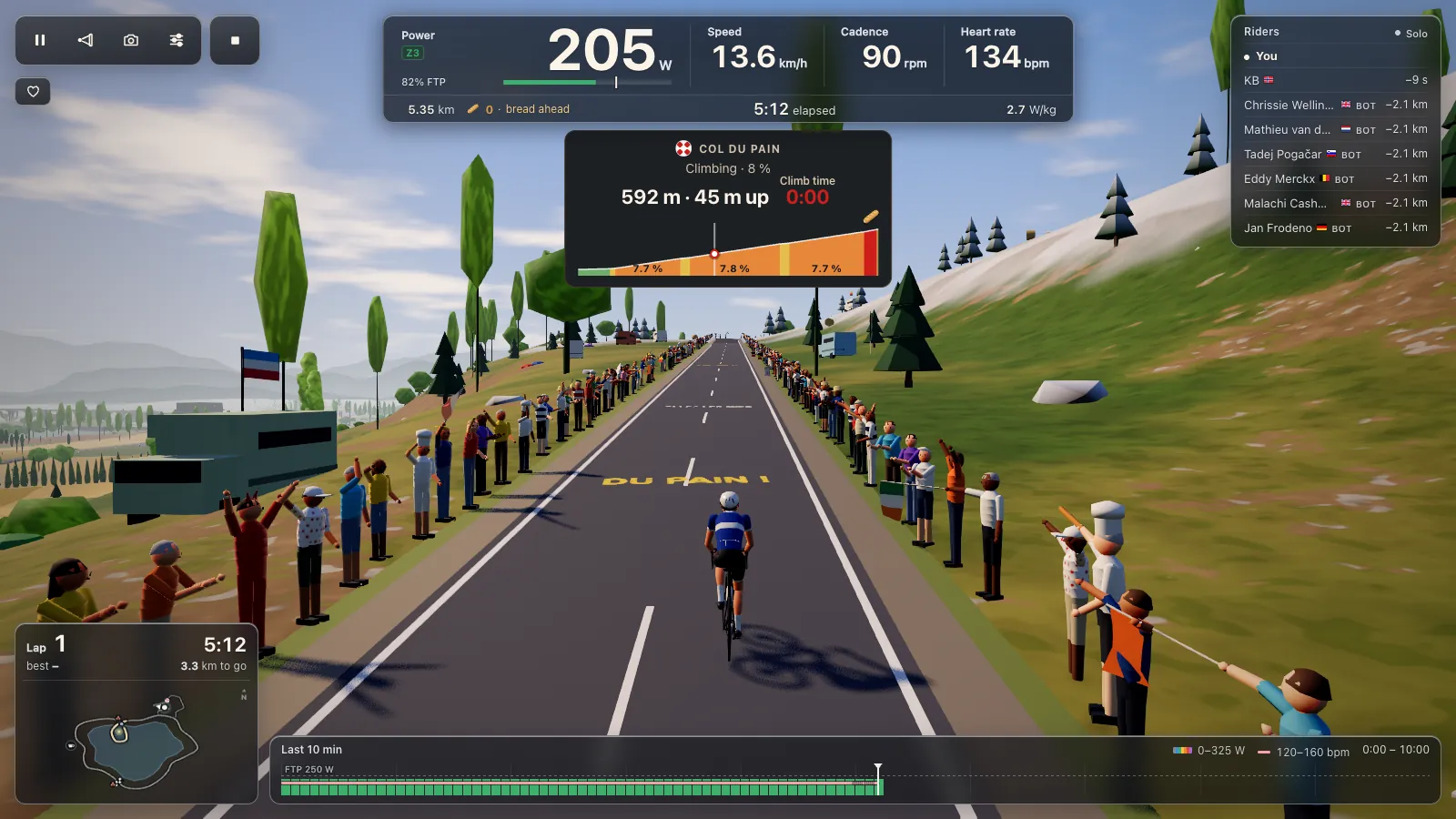
- When Devices says the trainer is ready, start a free ride, a workout or the Col du Pain.
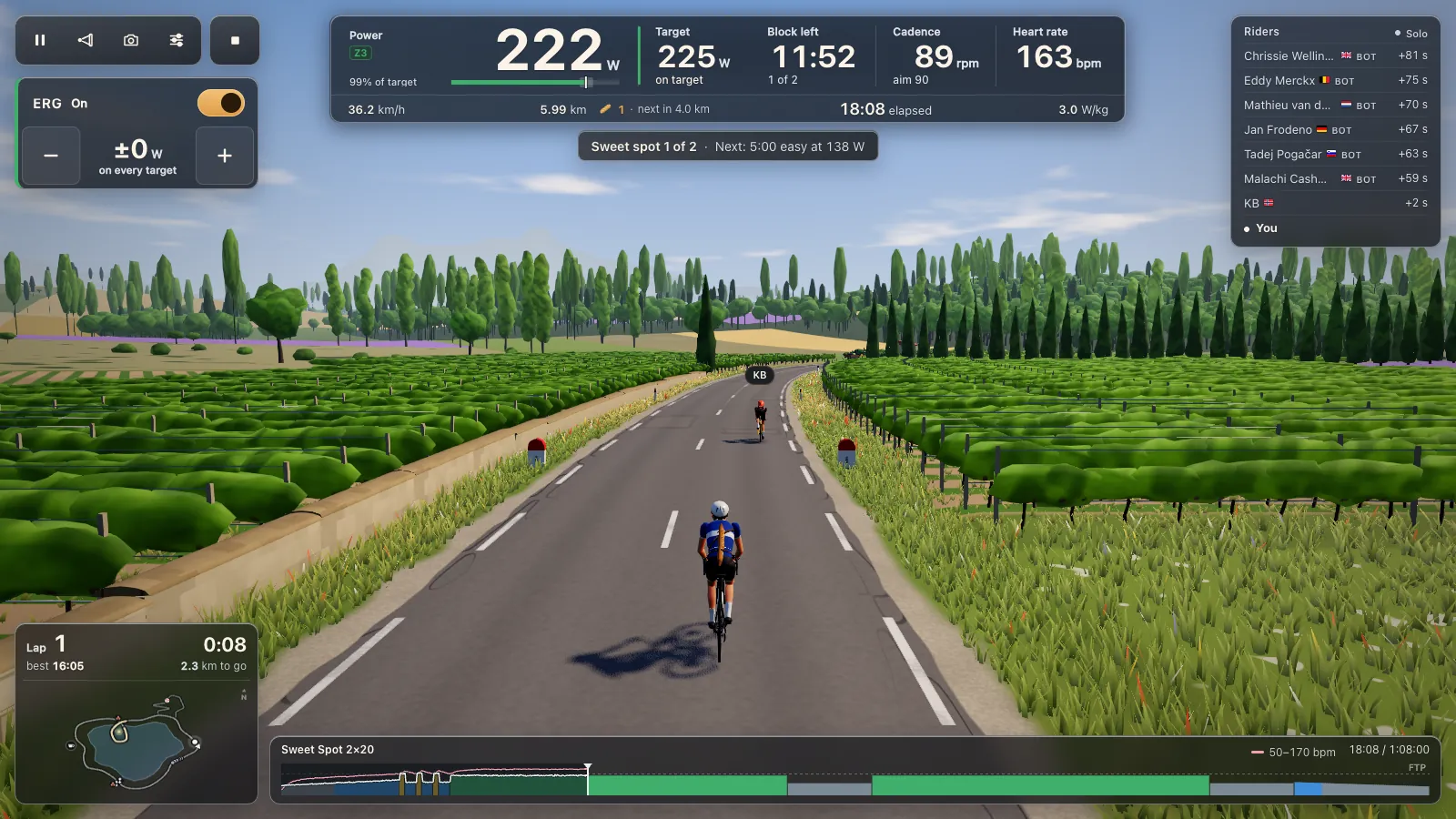
In ERG the trainer holds each block's target whatever your cadence, with 105 workouts in the game and your own .zwo, .erg, .mrc and .fit files; see ERG workouts in your browser. ERG starts light from a standstill and builds up over 6 seconds. With ERG off, one of 33 levels based on your FTP sets the resistance. The road's gradient changes your speed on screen, not the resistance, so climbs feel flat on the trainer.
Calibration in the game (Settings, Devices, Trainer details, Calibrate) only appears when the trainer offers a spin-down over FTMS. If it doesn't, calibrate in the maker's app first. Cyclist's Hub names ThinkRider Tools for that on the X7 Pro.
Tour du Pain or Zwift on a Magene or ThinkRider
We make Tour du Pain. Zwift is the big one: many worlds, races, structured plans, on a subscription. Tour du Pain is a browser tab with nothing to install, voice and chat built in, clubs, ride-along groups that keep you together whatever your watts, a demo without a trainer, and it's free for everyone through 2027 with everything included.
- For Zwift: it can use ANT+ with a USB dongle on a computer (Zwift's ANT+ and Bluetooth overview), which may be the safer route for ERG on a T300.
- For Zwift: far more roads, races and events.
- For Tour du Pain: no install, and it runs on Chromebooks and Android tablets, where these trainers often connect most easily.
- For Tour du Pain: voice chat while you ride and clubs built in, everything included.
Questions
Does the Magene T300 work with ERG in a browser?
Unknown yet. Its FTMS is reported to deviate from the standard, and Tour du Pain sends ERG over FTMS. Power and cadence should come in either way, so you can ride on levels or your own gears.
Is there a free app for the Magene T600?
Tour du Pain is free for everyone through 2027, everything included. Donations are optional. It runs in Chrome or Edge and should drive the T600 over FTMS.
Does the ThinkRider XX Pro work with Tour du Pain?
A rider rode an ERG workout on one on a Linux laptop and found the response to new targets good. We haven't ridden one ourselves.
Why does my ThinkRider X5 show up as power only?
Riders saw that on a Mac in other apps, while the same X5 worked as a smart trainer on Android. Try Chrome on an Android tablet, a Chromebook or a Windows laptop, and close ThinkRider's app first.
Does the Magene T600's Wi-Fi work in the browser?
No. Browsers reach trainers over Bluetooth only, so the T600 connects over Bluetooth FTMS. Its three Bluetooth channels help when a phone app is also connected.
Can I use a ThinkRider A1 roller?
Yes, as power only. It sends power and cadence, and you set the effort with your gears. There's no ERG and no levels on a fixed-resistance roller.