Wahoo KICKR in your browser
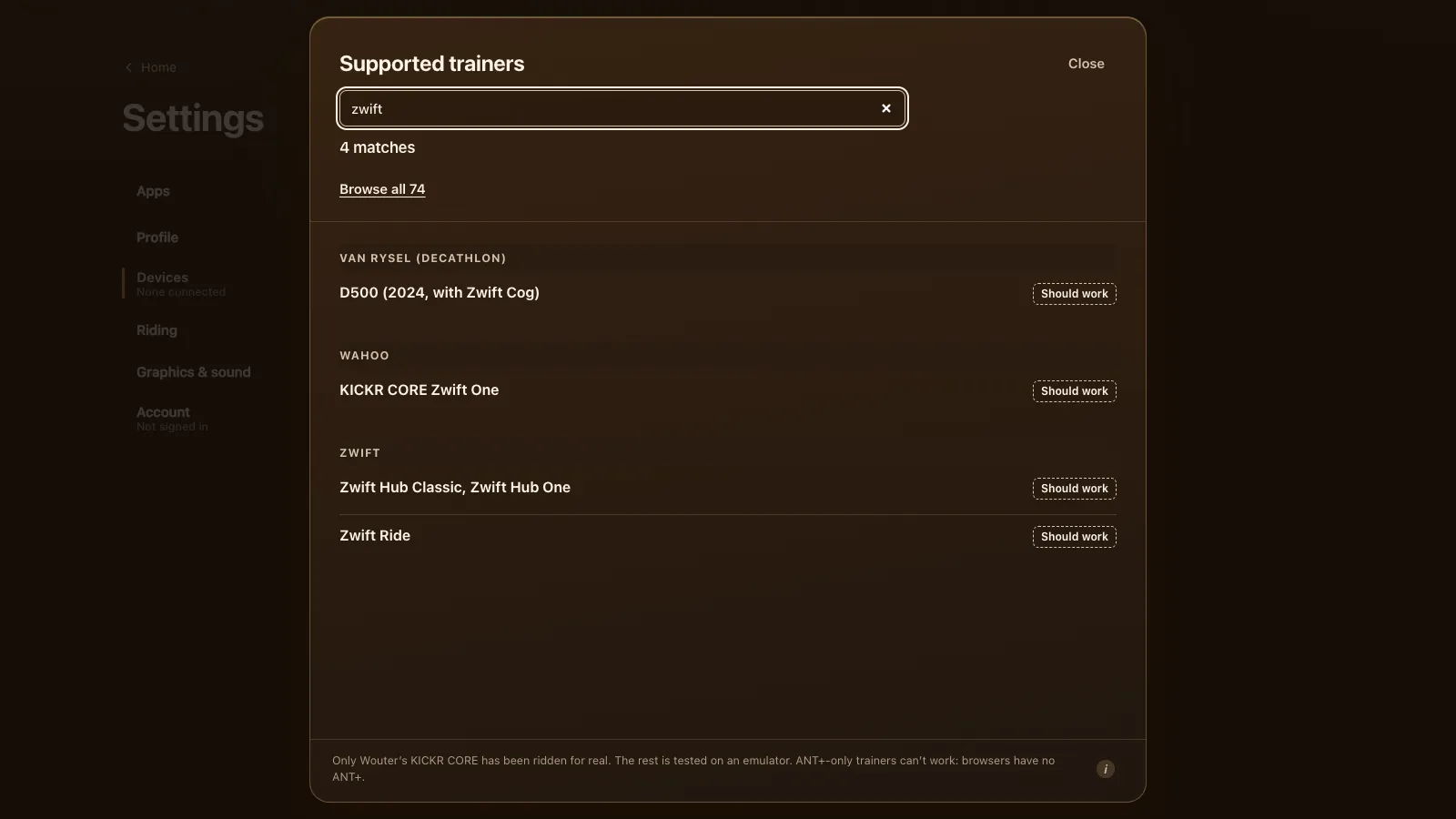
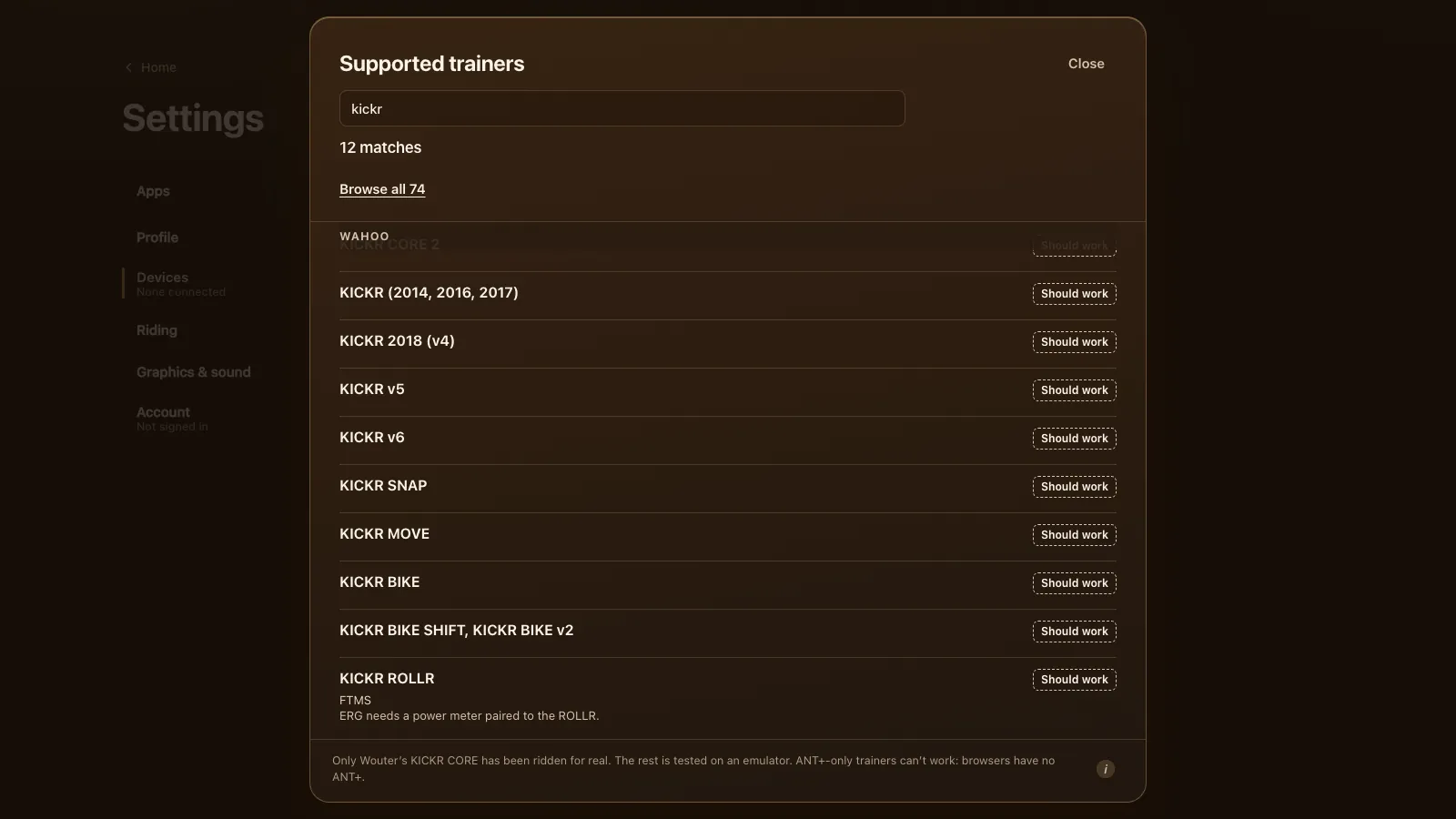
Tour du Pain has been ridden on a Wahoo KICKR CORE over FTMS, straight from Chrome or Edge over Bluetooth, with ERG and 33 resistance levels. Every KICKR from 2014 to v6, the SNAP, MOVE, BIKE and ROLLR are expected to work: the game speaks their protocols and they were tested on an emulator. Free through 2027, everything included. It runs on donations.
Updated · Written for version 1.36.3
Tour du Pain is free for everyone through 2027, everything included. Donations are optional.
Which Wahoo KICKR works in the browser
| Model | Protocol | Status | What to know |
|---|---|---|---|
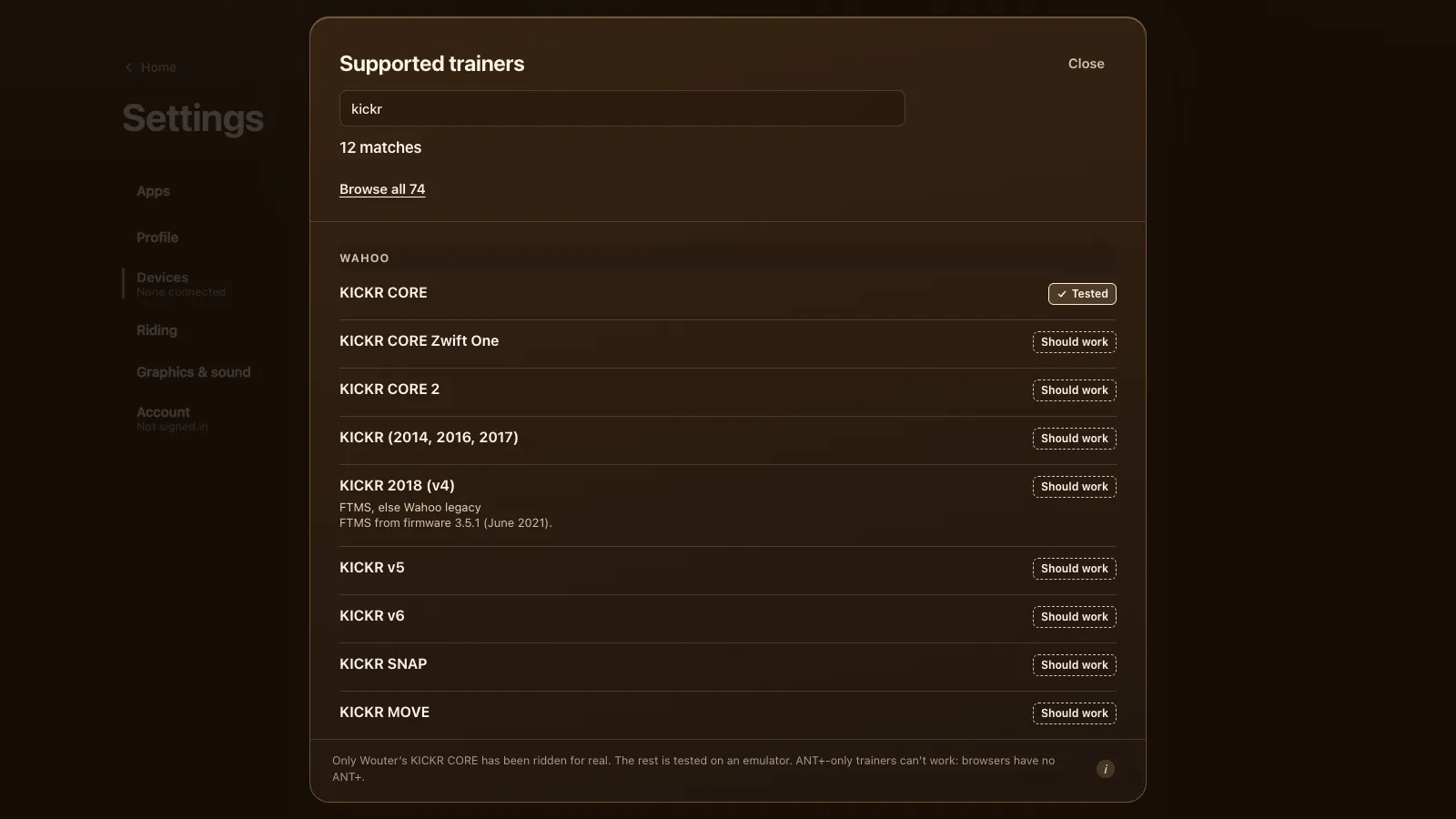
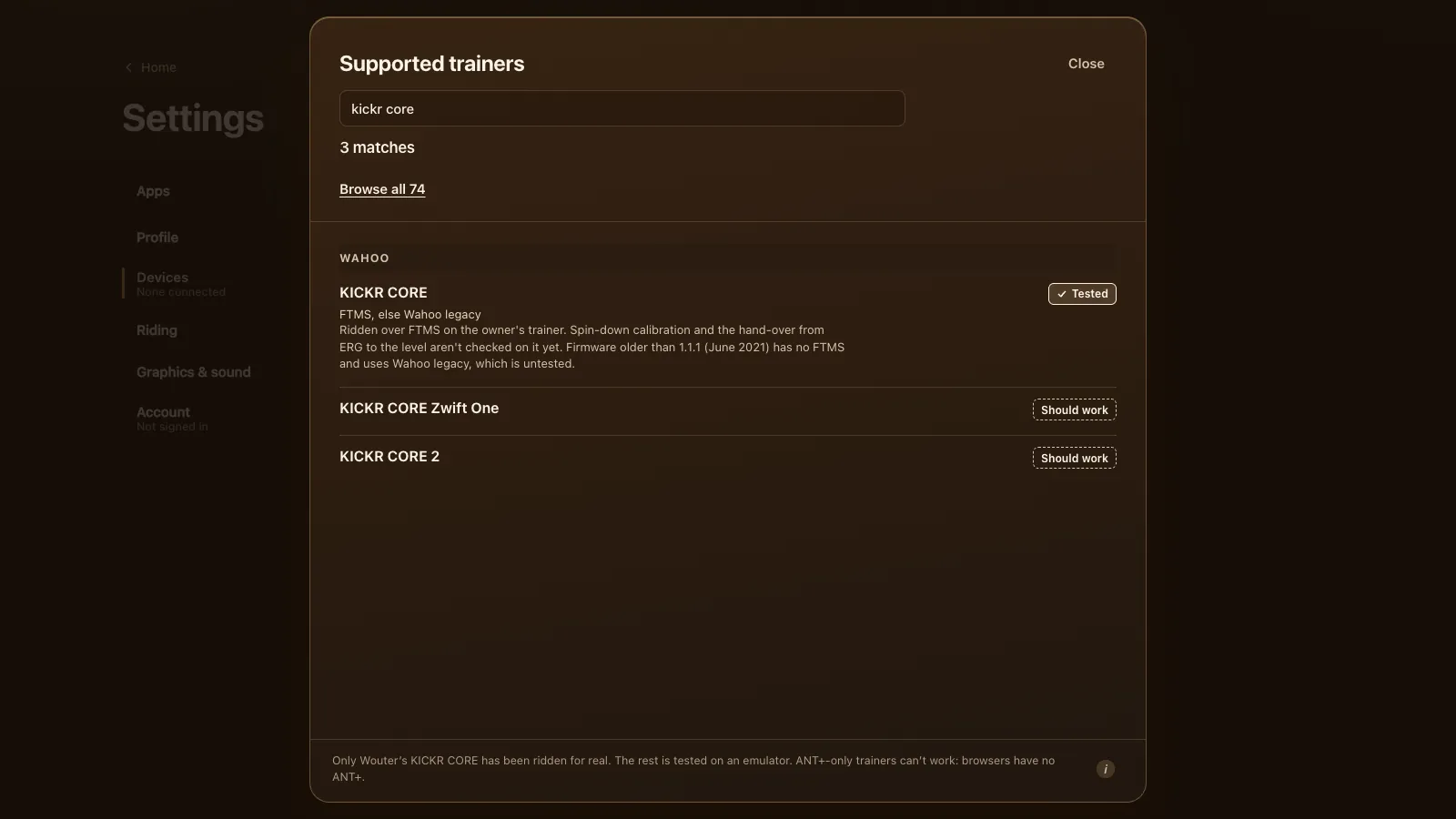
| KICKR CORE | FTMS, else Wahoo legacy | Tested | FTMS from firmware 1.1.1 (June 2021) |
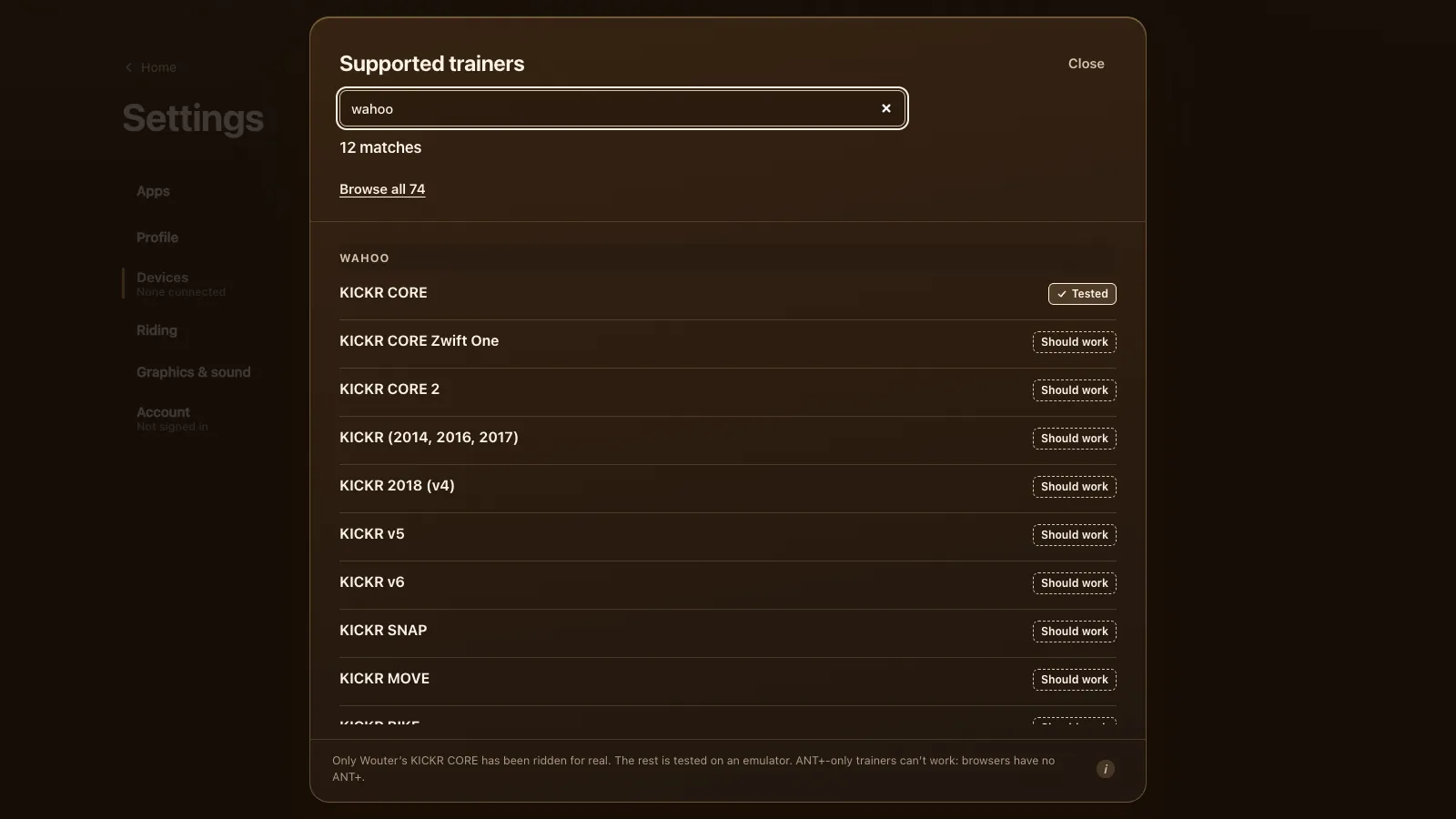
| KICKR CORE Zwift One | FTMS | Should work | Comes with the Zwift Cog: the level sets the effort |
| KICKR CORE 2 | FTMS | Should work | Sold with a cassette or with the Zwift Cog |
| KICKR (2014, 2016, 2017) | Wahoo legacy | Should work | These never got FTMS firmware |
| KICKR 2018 (v4) | FTMS, else Wahoo legacy | Should work | FTMS from firmware 3.5.1 (June 2021) |
| KICKR v5 | FTMS, else Wahoo legacy | Should work | FTMS from firmware 4.2.1 (January 2021) |
| KICKR v6 | FTMS | Should work | Uses Bluetooth; Wi-Fi and Direct Connect aren't used |
| KICKR SNAP | FTMS, else Wahoo legacy (unconfirmed) | Should work | Wheel-on; older firmware skips some commands, which the game allows for |
| KICKR MOVE | FTMS | Should work | |
| KICKR BIKE | FTMS, else Wahoo legacy | Should work | FTMS from firmware 1.22.0; its shifters work as plus and minus |
| KICKR BIKE SHIFT, KICKR BIKE v2 | FTMS (unconfirmed) | Should work | Spec sheets list Bluetooth but don't name FTMS |
| KICKR ROLLR | FTMS | Should work | Measures power itself since firmware 1.1.31; a paired power meter is more exact |
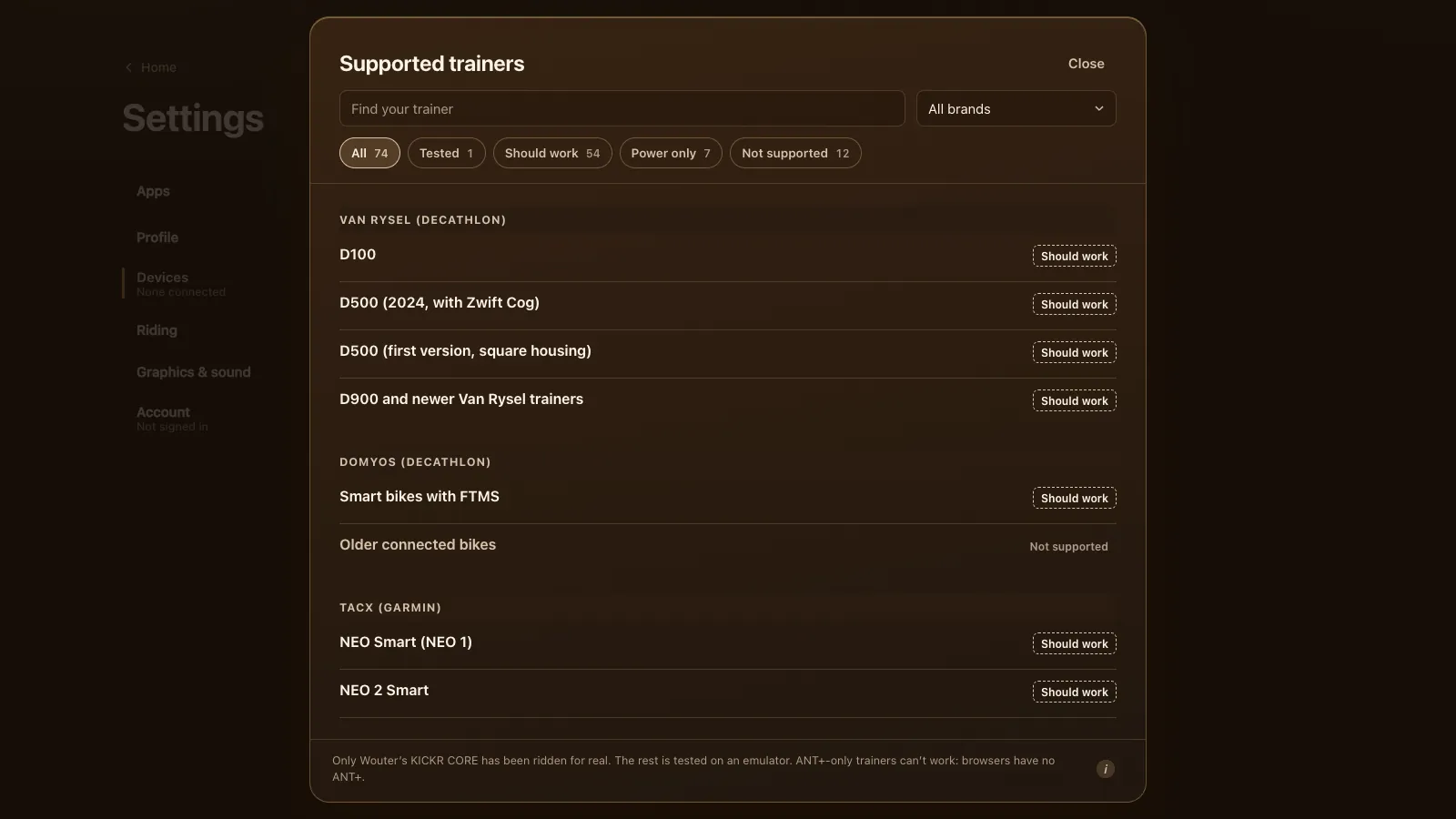
No Wahoo trainer is on the "not supported" side of the list. The oldest KICKRs are the least certain, because the game talks to them in Wahoo's older protocol, and that path hasn't been ridden on a real trainer yet.
FTMS or Wahoo's own protocol
Wahoo's trainers first used a control of their own, carried on the Bluetooth Cycling Power service. In 2021 Wahoo added FTMS, the open fitness machine standard, to the KICKR CORE, KICKR 2018 and KICKR v5 by firmware update (Wahoo's release notes for the KICKR CORE, KICKR 2018 and KICKR v5). Newer models like the KICKR v6, MOVE and CORE 2 have it from the start.
When you connect, Tour du Pain looks for FTMS first and uses it whenever it's there. Only when a KICKR has no FTMS does it fall back to Wahoo's own control. Both give you ERG, the resistance levels and simulation, but FTMS is the tested route.
So the one thing to do before your first ride: update the trainer's firmware in the Wahoo app (Wahoo's firmware update steps), then close the app. A KICKR CORE on firmware older than 1.1.1 would run on the untested Wahoo legacy path.
Setting up your KICKR
- Update the firmware with the Wahoo app, then close the app on your phone.
- Open tourdupain.app in Chrome or Edge on a computer, a Chromebook or an Android tablet.
- Turn the pedals to wake the KICKR.
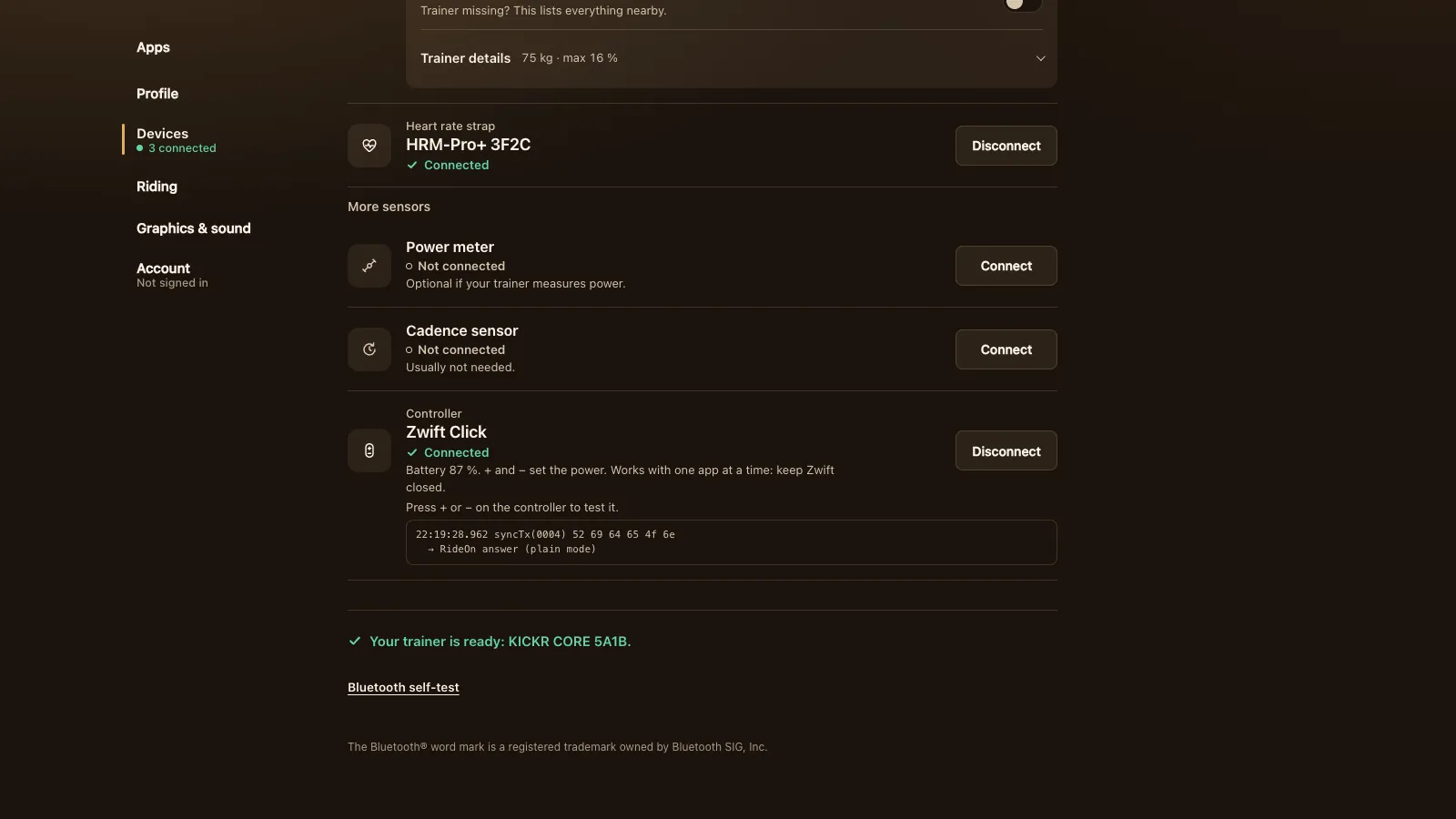
- Go to Settings, Devices and press Connect next to Smart trainer. Pick your KICKR from the browser's list.
- When it says your trainer is ready, start a free ride, a workout or the Col du Pain.
On the Wahoo KICKR CORE that's the whole setup. It reports power, cadence and speed, and takes ERG targets and levels.
ERG, levels and the Zwift Cog
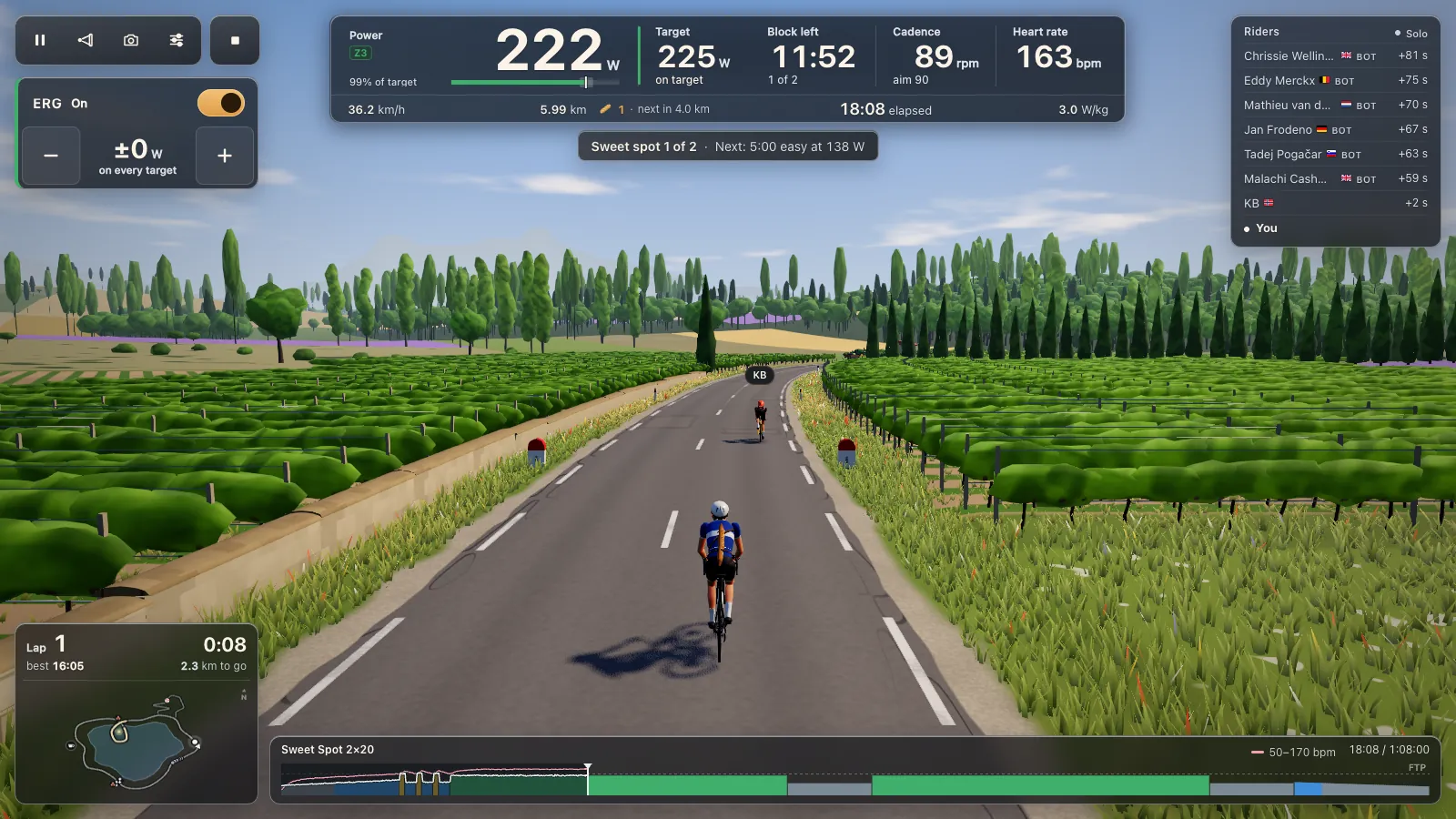
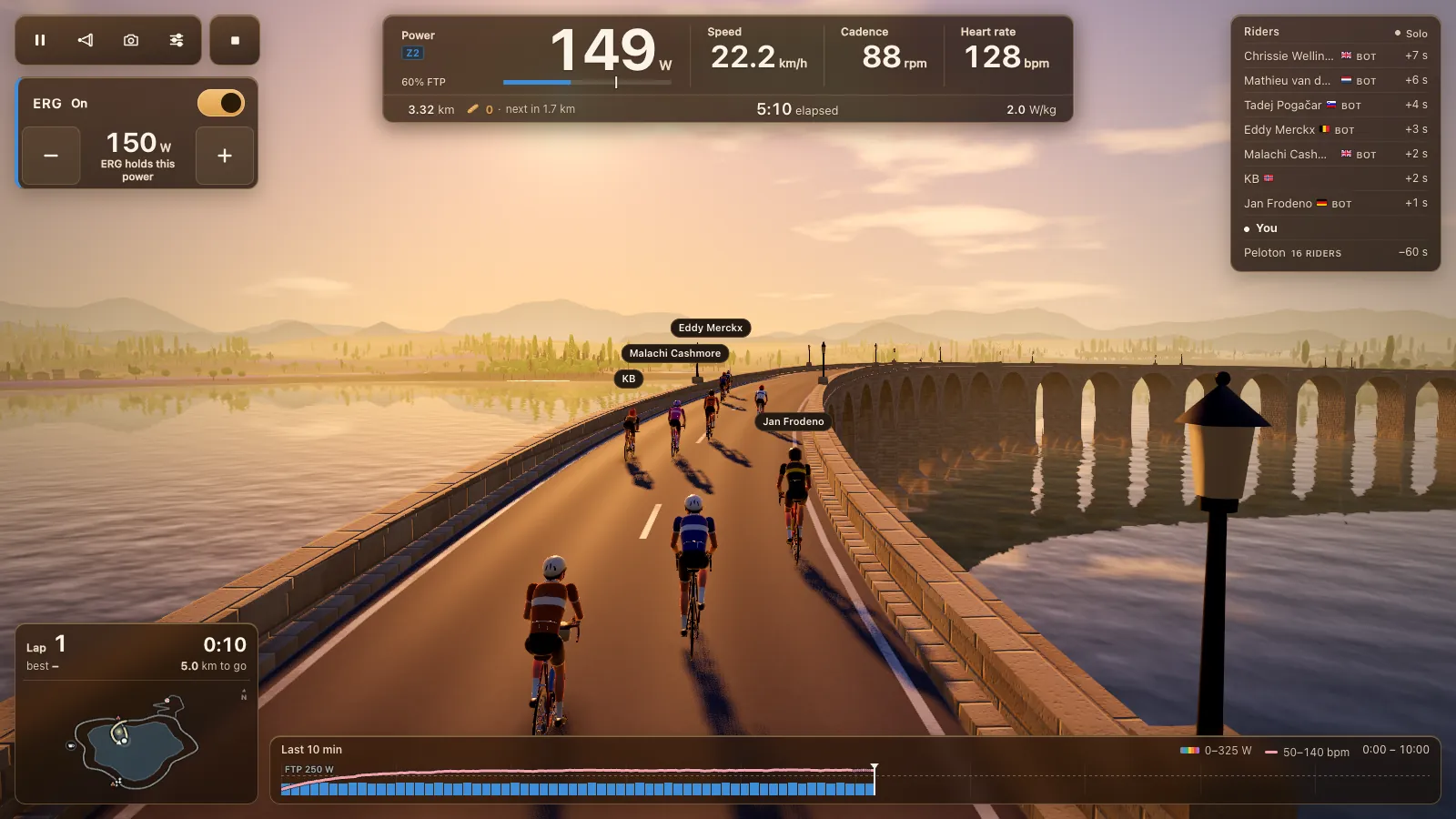
In ERG, the KICKR holds the target power of each workout block whatever your cadence. There are 105 workouts in the game, and your own .zwo, .erg, .mrc and .fit files load; start an ERG workout to try one. ERG starts light from a standstill and builds up to the target over 6 seconds once you pedal.
With ERG off, one of 33 levels based on your FTP sets the resistance, and you shift your own gears. The KICKR CORE Zwift One comes with the Zwift Cog, a single sprocket, and the KICKR CORE 2 can too (Wahoo's KICKR CORE Zwift One FAQ). With one cog you can't shift, so the level sets the effort, and a controller's plus and minus step the levels (or the ERG watts with ERG on). Zwift's virtual shifting is Zwift's own; Tour du Pain uses its levels instead. More on that in Zwift Hub and Zwift Ride outside Zwift.
The KICKR BIKE's own shifters connect as a controller, so plus and minus on the bike change the level or the watts.
One honest limit: the road's gradient changes your speed in the game but not the KICKR's resistance. Climbs, the Col du Pain included, feel flat on the trainer.
Spin-down calibration
Under Settings, Devices, Trainer details there's a Calibrate button. Warm up for 10 minutes, pedal up past the speed it asks for, then stop and let the flywheel coast down. It takes about a minute. On the KICKR CORE, the spin-down and the hand-over from ERG to a level haven't been checked on the real trainer yet. If it doesn’t finish, the message says why, for example that you need to pedal faster before you stop.
KICKR ROLLR
The ROLLR is a smart roller for your own bike. Since firmware 1.1.31 it works out your power by itself, which Wahoo calls onboard power: good enough for ERG and levels, but less exact than a power meter. For exact watts, pair a power meter on your bike to the ROLLR in the Wahoo app. Either way, update the ROLLR there, close the app, then connect the ROLLR in Tour du Pain as your trainer.
When your KICKR doesn't show up
A KICKR CORE or KICKR 2018 takes up to 3 Bluetooth connections, but only one app can control it. If Zwift, the Wahoo app or a watch has it, close that app on every device (phones and Apple TVs included), turn off Bluetooth on the device it's paired with, or switch the KICKR off and on.
A KICKR CORE that Zwift still holds shows up as "Connected, power only": you can ride, and ERG takes over once Zwift lets go. The smart trainer page covers that and the other connection fixes for every brand.
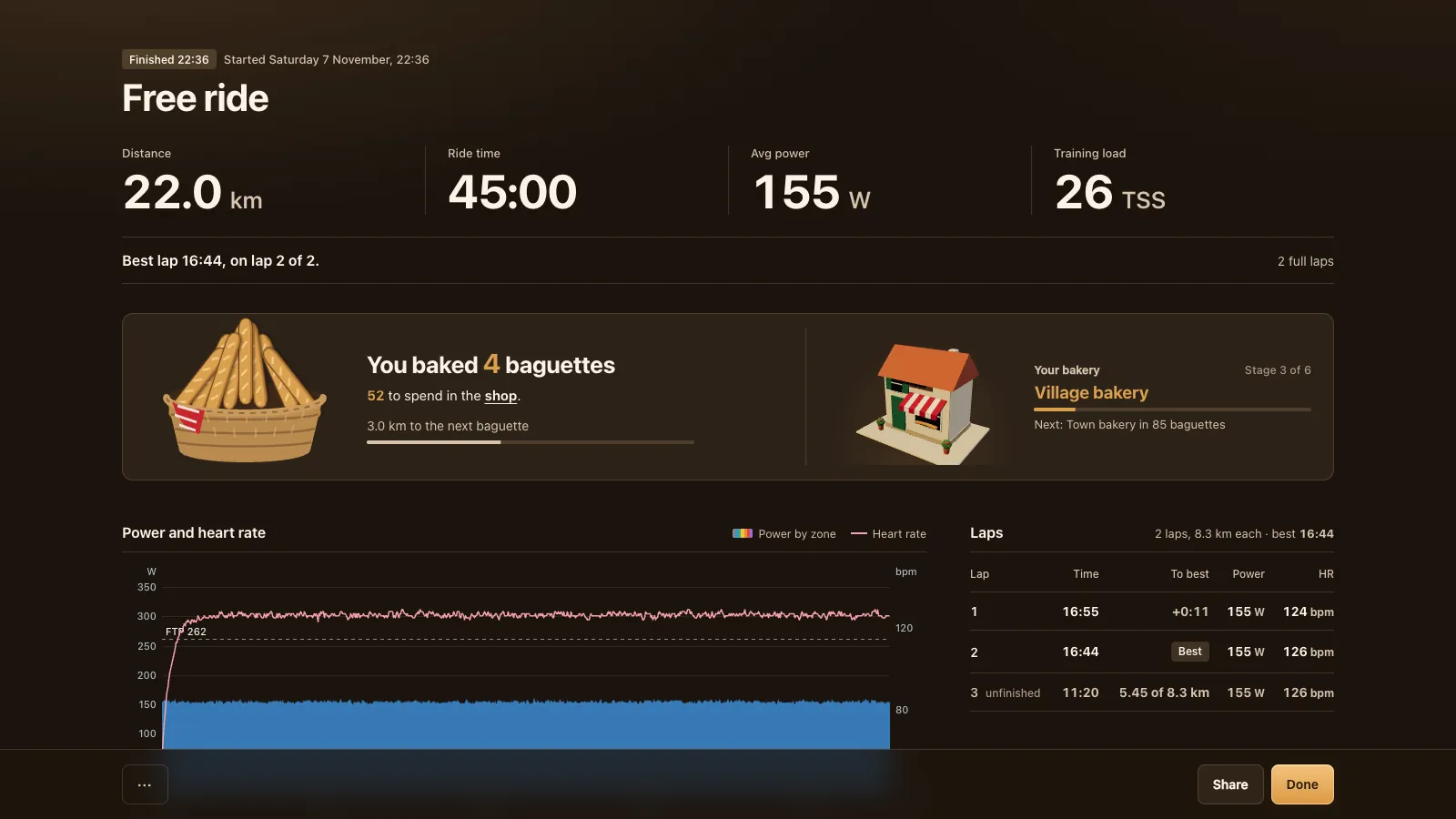
After the ride, the .fit file goes to Strava, Garmin Connect or intervals.icu; see your rides to Strava and Garmin.
Tour du Pain is free through 2027, everything included. It runs on donations. Without a trainer at hand, the demo rides with a simulated one.
Questions
Does a Wahoo KICKR work without the Wahoo app?
Yes. Tour du Pain talks to the KICKR directly over Bluetooth. You only need the Wahoo app for firmware updates, and you should close it before you ride.
Is there a free app for the Wahoo KICKR CORE?
Tour du Pain is free through 2027, everything included. It runs on donations. The game runs in Chrome or Edge with nothing to install, and the KICKR CORE is the trainer it has been tested on.
Does my old KICKR from 2016 work?
It should. The KICKRs from 2014, 2016 and 2017 never got FTMS, so the game uses Wahoo's older protocol. That path was tested on an emulator, not on a real trainer.
Does Tour du Pain use Wahoo Direct Connect or Wi-Fi?
No, only Bluetooth. The KICKR v6 works over Bluetooth like the others.
Can I use a KICKR with a Chromebook or Android tablet?
Yes, in Chrome. iPhones and iPads can't, because their browsers can't reach Bluetooth trainers.
Is Tour du Pain a Zwift alternative for my KICKR?
It's a free one that runs in a browser: one lake loop and one climb, group rides with voice and chat, and ERG workouts. It has no races yet. See how it compares in Zwift alternatives.