Zwift Hub and Zwift Ride outside Zwift
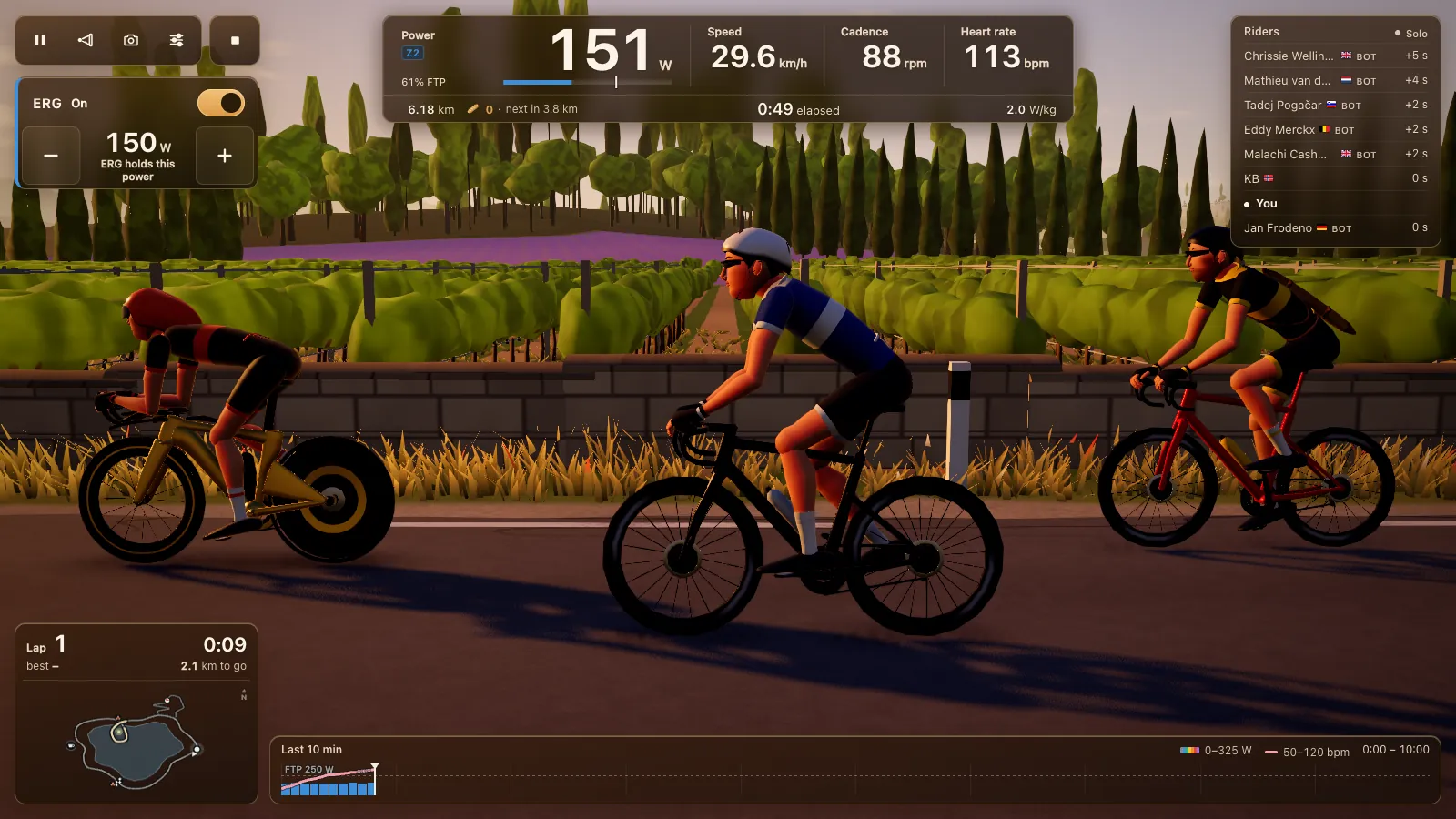
A Zwift Hub or Zwift Ride is expected to work outside Zwift. The trainer inside speaks FTMS, the open Bluetooth standard, so Tour du Pain should drive it from Chrome or Edge with ERG and 33 resistance levels. The Zwift Ride's handlebar buttons should work too, as a controller, once you know about the lock on the newer Ride V2. Both were tested on an emulator, not on real Zwift hardware. Free through 2027, everything included. It runs on donations.
Updated · Written for version 1.36.3
Tour du Pain is free for everyone through 2027, everything included. Donations are optional.
Zwift hardware outside Zwift: what works
| Hardware | Trainer protocol | Status | What to know |
|---|---|---|---|
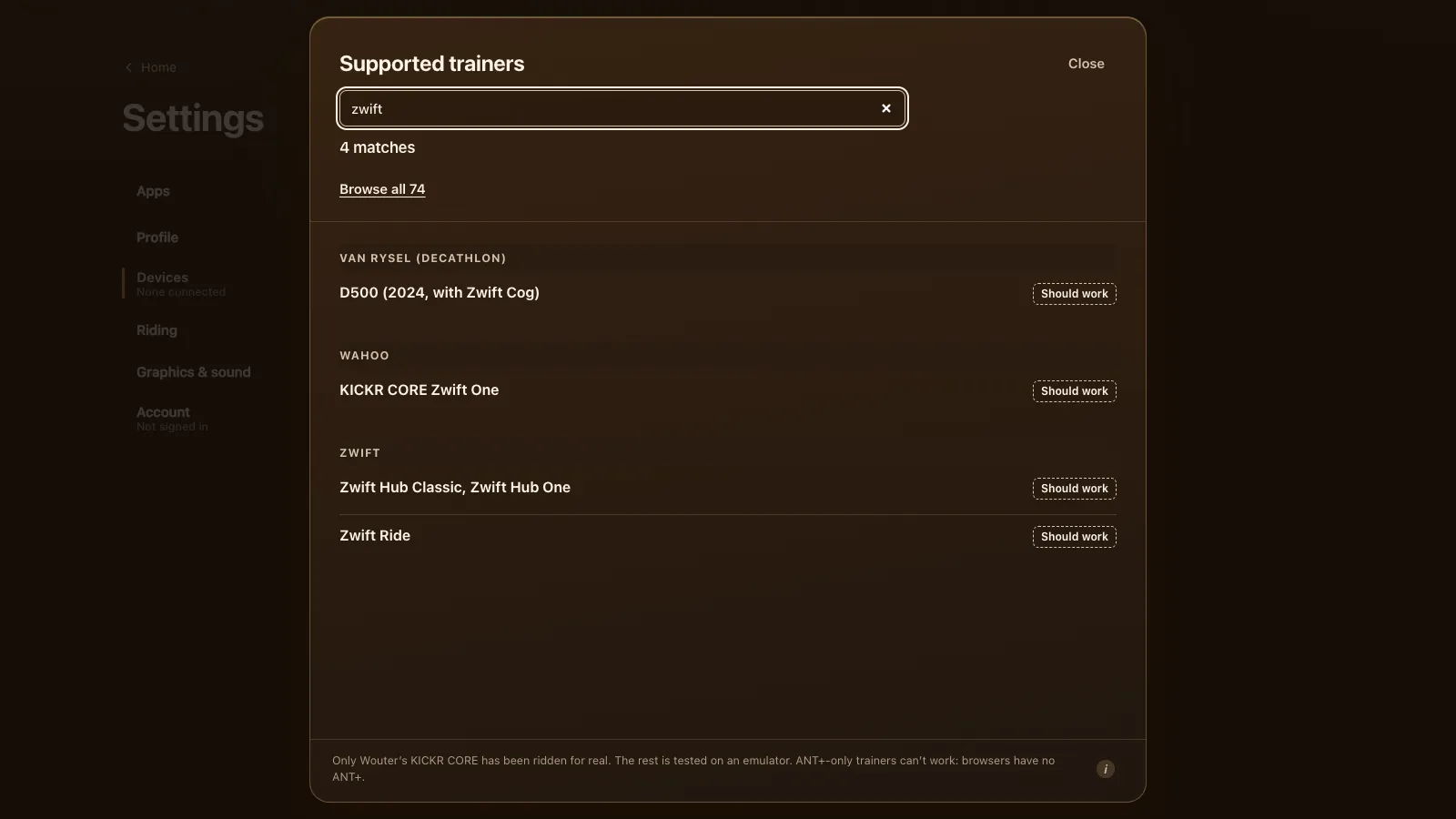
| Zwift Hub Classic, Zwift Hub One | FTMS | Should work | Some advertise only heart rate, so the game also finds them by name |
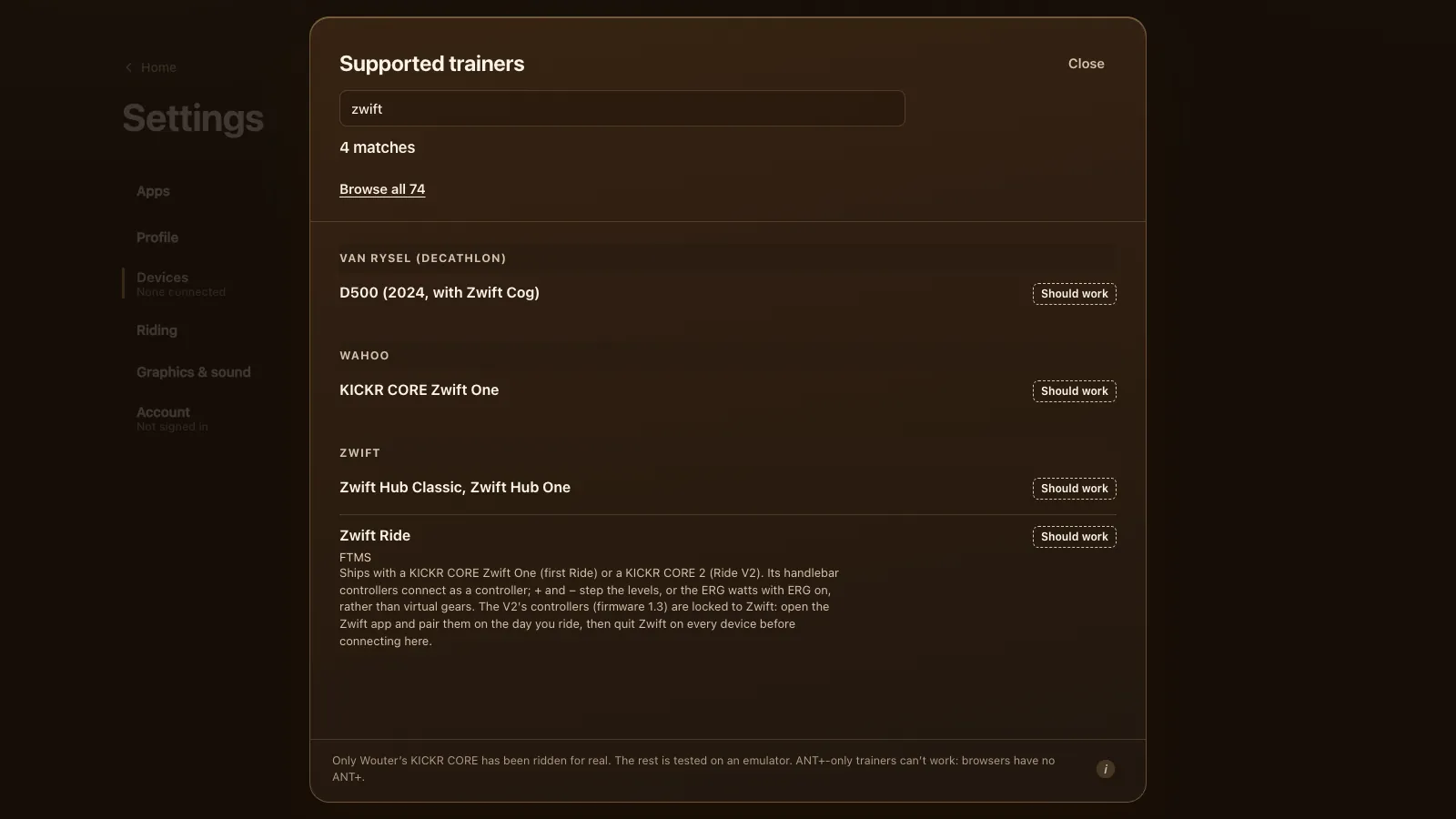
| Zwift Ride (first version) | FTMS | Should work | Comes with a KICKR CORE Zwift One |
| Zwift Ride V2 | FTMS | Should work | Comes with a KICKR CORE 2; its controllers are locked to Zwift (see below) |
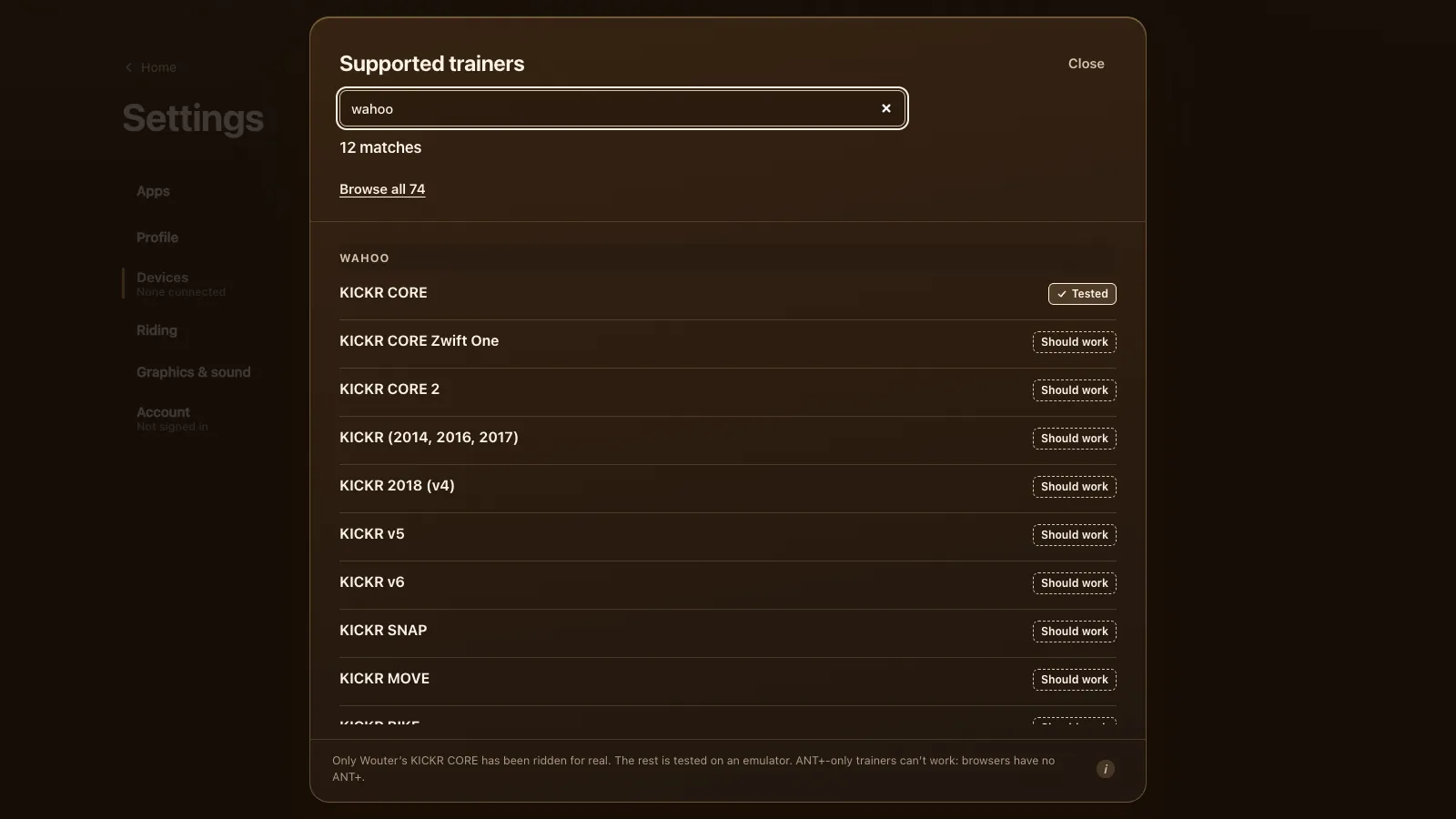
| KICKR CORE Zwift One, KICKR CORE 2 | FTMS | Should work | The trainers on their own; see Wahoo KICKR |
| JetBlack Volt | FTMS | Should work | The same hardware as the Zwift Hub (DC Rainmaker's Zwift Hub review) |
| Zwift Click, Zwift Play | Controller | Should work | Plus and minus set the power or level |
Zwift Hub One and Hub Classic
The Zwift Hub speaks FTMS like most trainers since 2020. A quirk: some Hubs advertise only a heart rate service, so a browser looking for trainers wouldn't list them. Tour du Pain also looks for them by name, so they show up anyway. If yours still doesn't, turn on Show all devices under the trainer row in Settings, Devices.
The Hub One comes with the Zwift Cog, a single sprocket, on the same trainer as the Hub Classic (Zwift Insider on the Hub One). In Zwift, virtual shifting makes that cog feel like a cassette. That shifting is Zwift's own (Wahoo's KICKR CORE Zwift One FAQ says it only works in Zwift). In Tour du Pain, with one cog, the level sets the effort: minus and plus step the 33 levels, which are based on your FTP, or the target watts when ERG is on. The Hub Classic has a normal cassette, so you shift as usual.
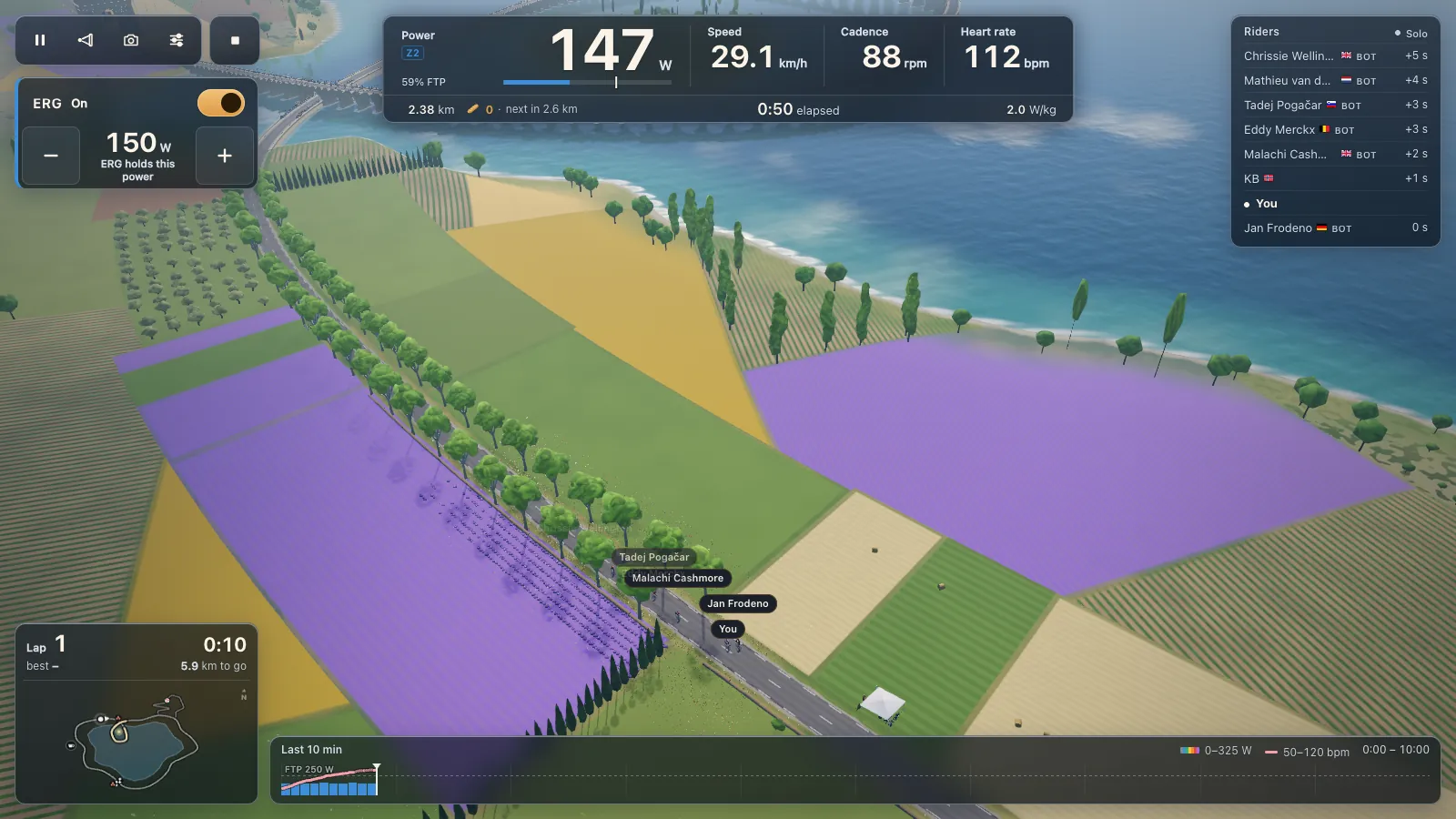
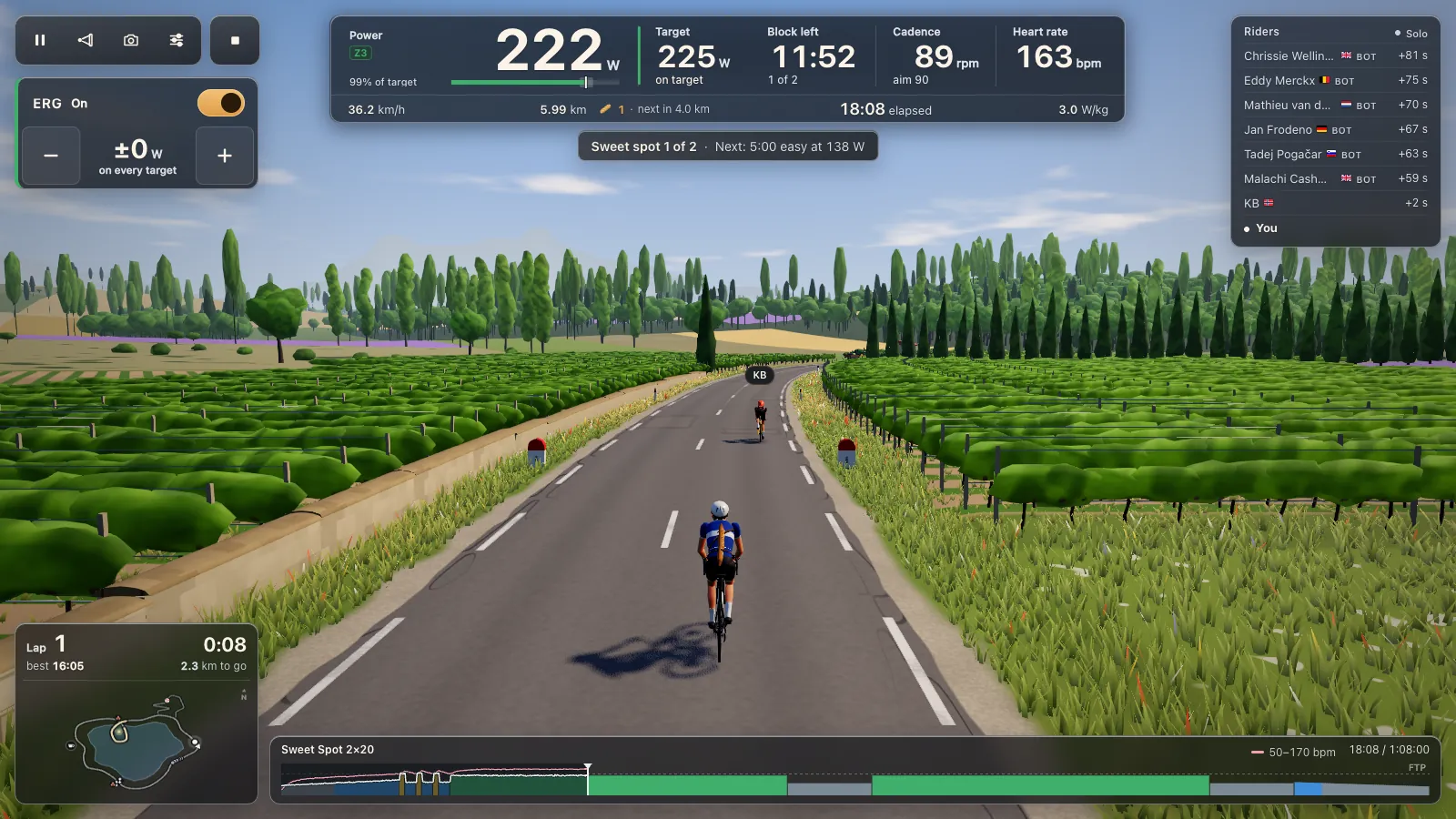
ERG holds the watts of each workout block whatever your cadence; see ERG workouts in your browser. It starts light from a standstill and builds up over 6 seconds.
Zwift Ride: the trainer and the buttons
The Zwift Ride is a smart frame with handlebar controllers and a trainer at the back: a KICKR CORE Zwift One on the first Ride, a KICKR CORE 2 on the Ride V2 (Zwift Insider on the Ride V2). In Tour du Pain those are two connections:
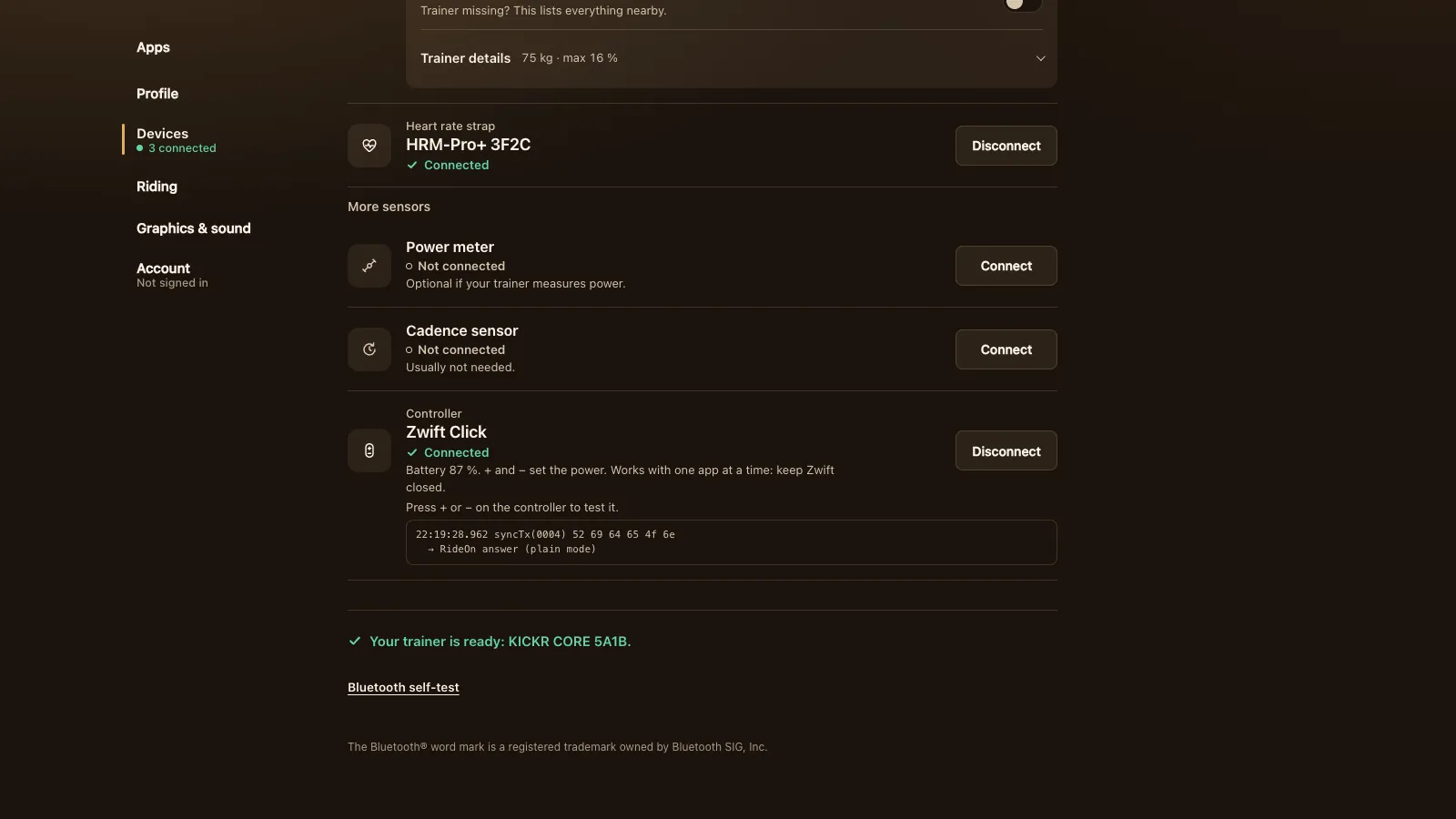
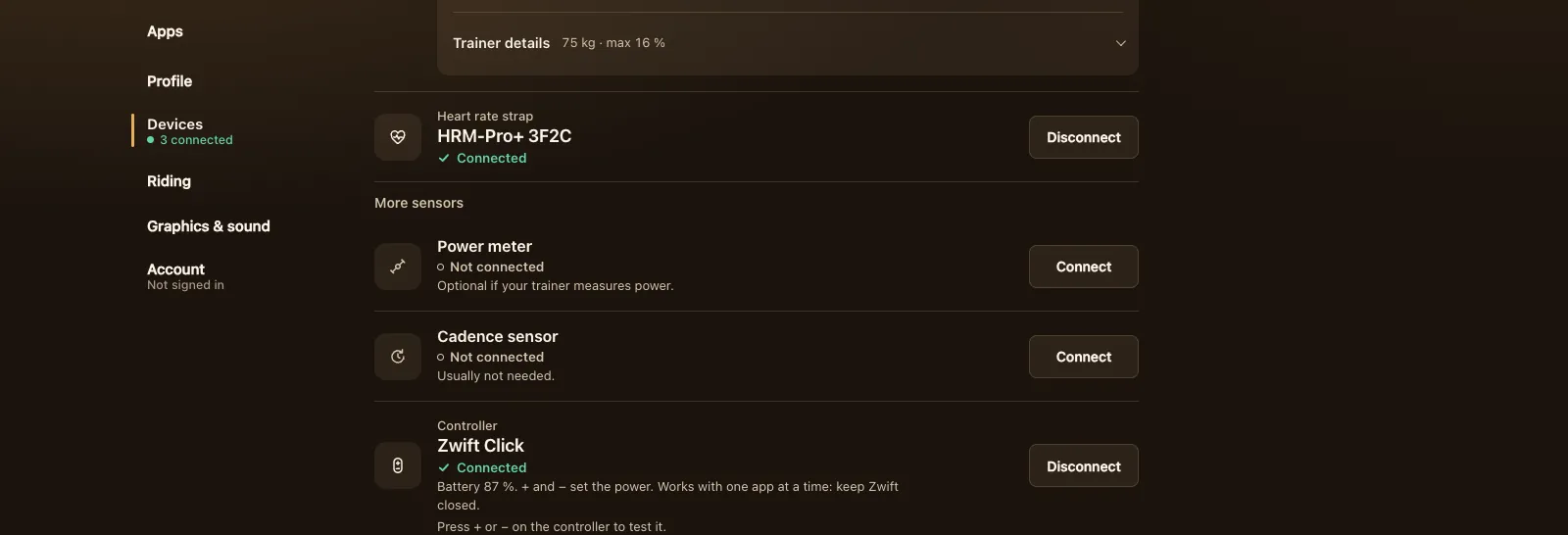
- Under Settings, Devices, press Connect next to Smart trainer and pick the KICKR CORE.
- Then press Connect next to Controller and pick the Zwift Ride.
The handlebar controllers then step the levels, or the ERG watts with ERG on. Every right button makes it harder and every left button easier (fixed in version 1.20.1, when one right button worked the wrong way round). Holding a button at the end of the scale shows the limit once instead of flashing.
If you press buttons and nothing happens, connect again and pick the other Zwift Ride entry in the browser's list. If that doesn't help either, it's locked to Zwift.
The Zwift Ride V2 lock, and how to unlock it
The Ride V2's controllers (firmware 1.3) are locked to Zwift. Other apps only see their buttons for about a day after the Zwift app has unlocked them, as BikeControl's guide to the Click V2 and Ride V2 explains. Since version 1.20.1, Tour du Pain tells you when a Ride is locked and shows the steps, instead of connecting and doing nothing:
- On the day you ride, open the Zwift app itself (Companion doesn't count; a free account works).
- Pair the trainer and the Ride in Zwift.
- Quit Zwift everywhere: on your computer, phone, tablet or Apple TV.
- Connect the Ride in Tour du Pain again.
- If it still doesn't work, restart the trainer and try once more.
The trainer itself isn't locked. Even without the buttons you can ride a Zwift Ride in ERG, or on levels with the keyboard or the on-screen minus and plus.
A Zwift Click can be locked the same way. If Devices says "Locked to Zwift", open Zwift with it once, close Zwift, then reconnect.
Other controllers
Besides Zwift Click, Play and Ride, Tour du Pain reads the Wahoo KICKR BIKE's shifters, Shimano Di2 (D-FLY), Elite Square, ThinkRider and Cycplus remotes and OpenBikeControl. All of them do the same thing: plus and minus set the power or the level. A controller works with one app at a time, so keep Zwift closed.
One app at a time
Zwift hardware, like most trainers, talks to one app at a time. If Zwift is open on any device, Tour du Pain can't take control. Quit Zwift everywhere, Apple TV and phone included, or turn off Bluetooth on the device it runs on. What the game does when something still holds the trainer is on the smart trainer page.
Why ride Zwift hardware in Tour du Pain
It's a browser tab, so there's nothing to install, and it runs on a Chromebook or an Android tablet. Group rides have voice and chat built in, clubs get their own kit and planned coffee rides, and the bots ride along so the road is never empty. It's much smaller than Zwift: one 8.3 km lake loop and one climb, no races yet and no training plans. For an honest comparison of ten apps, see Zwift alternatives. To look first without a trainer, try the demo.
Tour du Pain is free through 2027, everything included. It runs on donations.
Questions
Can I use a Zwift Hub with other apps?
It should. The Zwift Hub speaks FTMS, so apps that support FTMS can drive it. Tour du Pain is expected to connect to it from Chrome or Edge (emulator-tested, not yet on a real Hub), and finds it by name if it only advertises heart rate.
Does the Zwift Ride work outside Zwift?
The trainer does: it's a KICKR CORE Zwift One or KICKR CORE 2 over FTMS. The handlebar buttons should work as a controller in Tour du Pain (emulator-tested), but the Ride V2's are locked to Zwift and need unlocking on the day you ride.
How do I unlock my Zwift Ride V2 for another app?
Open the Zwift app on the day you ride, pair the trainer and the Ride, then quit Zwift everywhere and connect in Tour du Pain. The buttons then work for about a day.
Does virtual shifting work outside Zwift?
Zwift's virtual shifting is Zwift's own. In Tour du Pain, minus and plus step 33 resistance levels based on your FTP, or the ERG watts.
Is there a free app for the Zwift Hub?
Tour du Pain is free through 2027, everything included. It runs on donations. The game runs in a browser tab with nothing to install.
Can I use my Zwift Click with Tour du Pain?
It should, as a controller (emulator-tested): plus and minus set the power or level. If it says it's locked, open Zwift with it once, close Zwift, then reconnect.