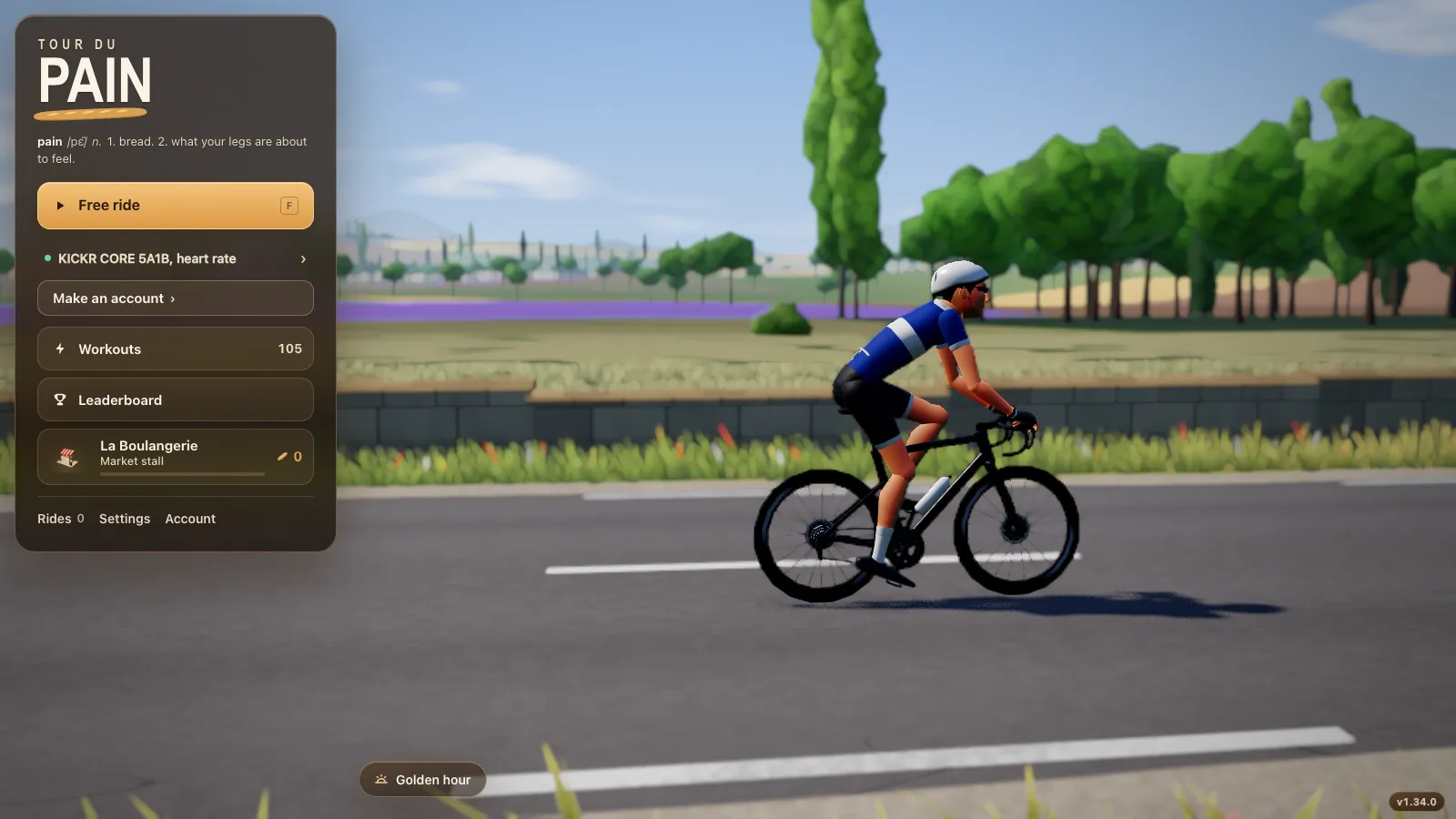
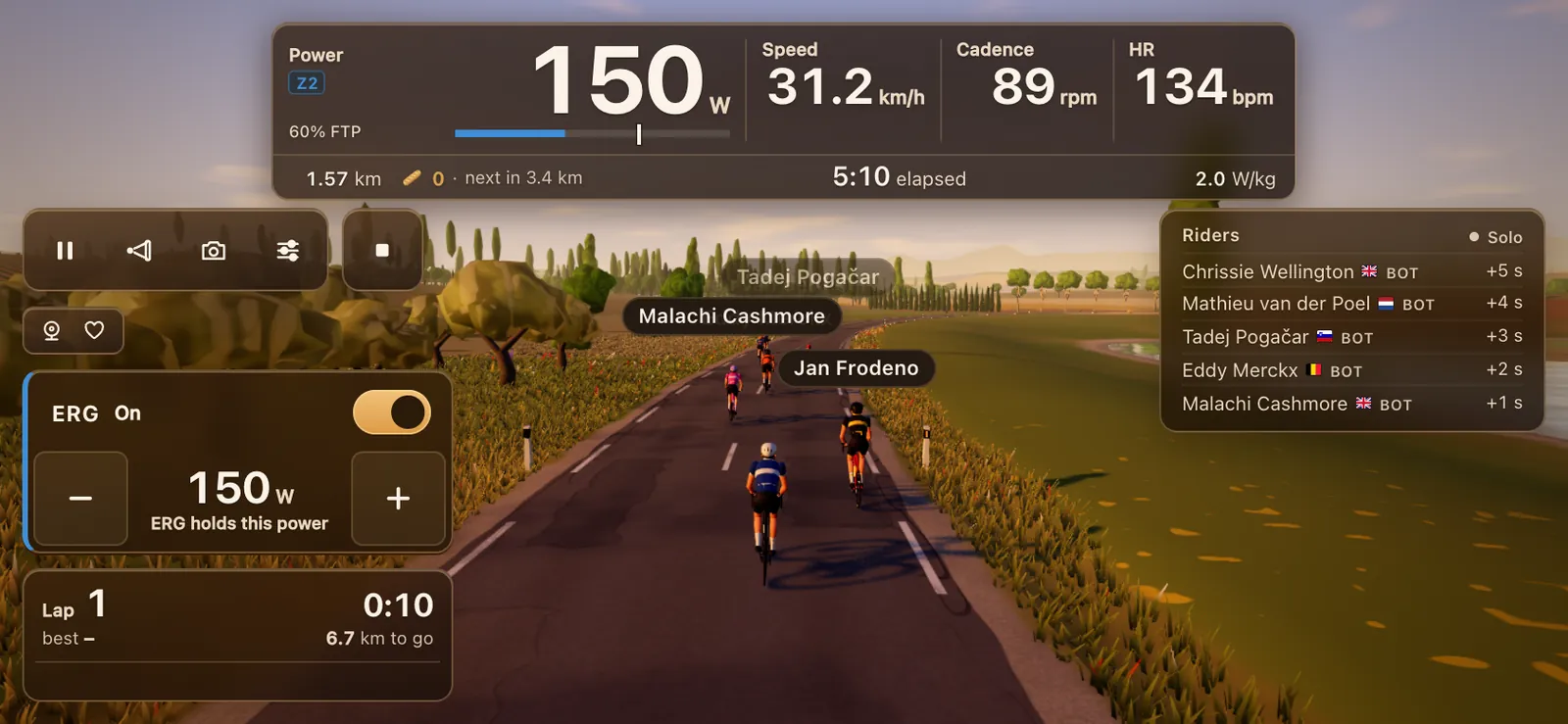
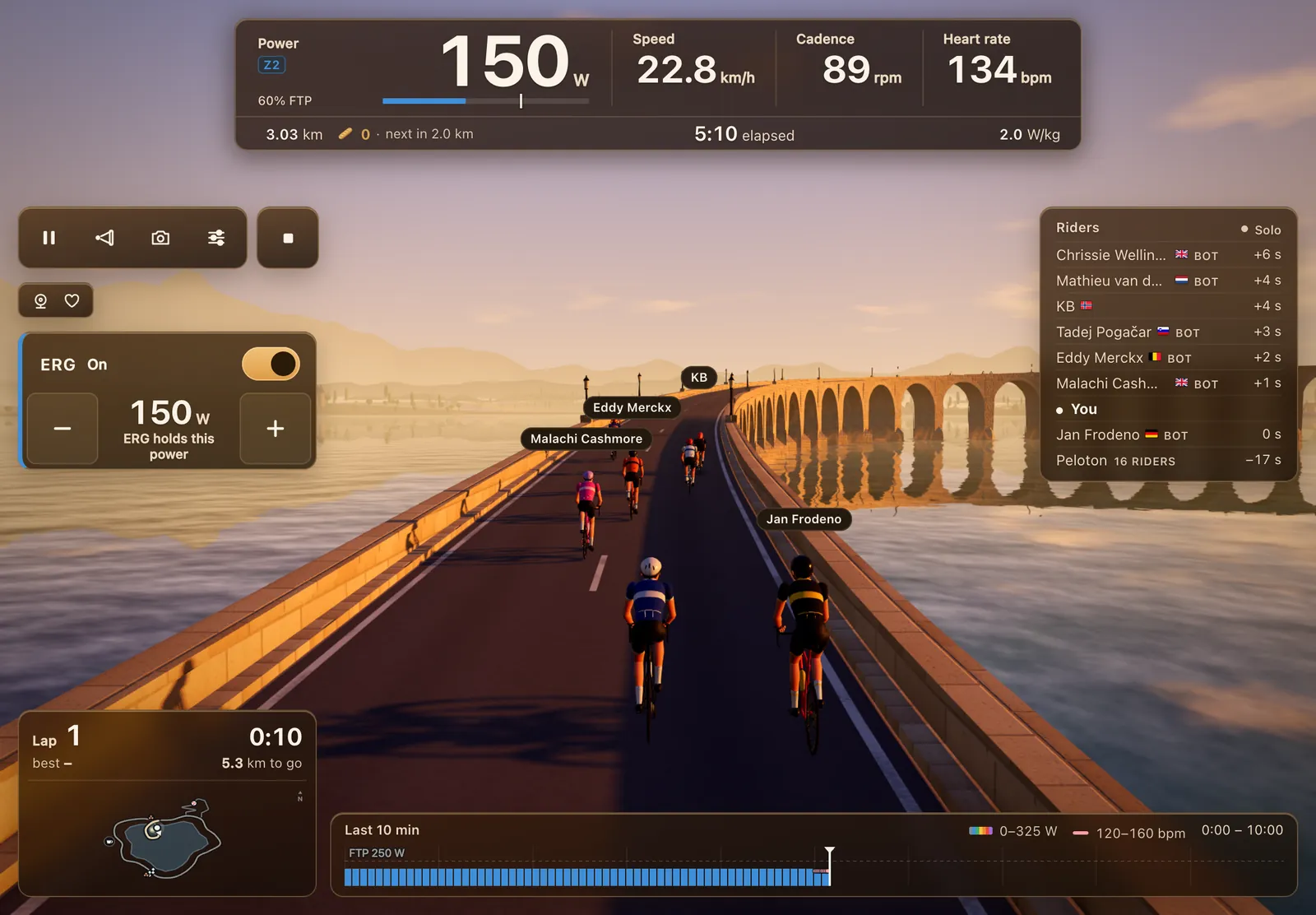
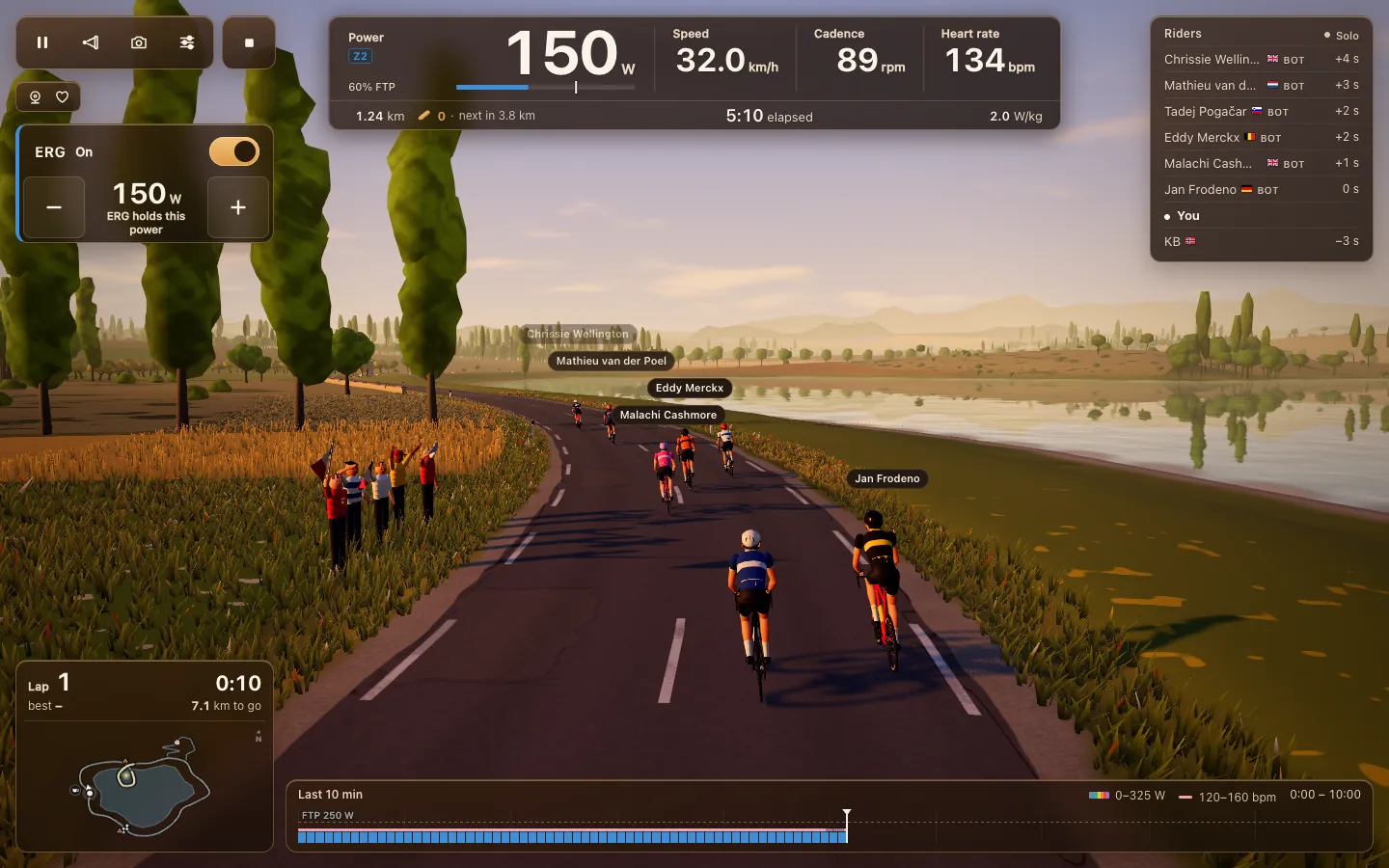
Indoor cycling on a Windows laptop or Mac
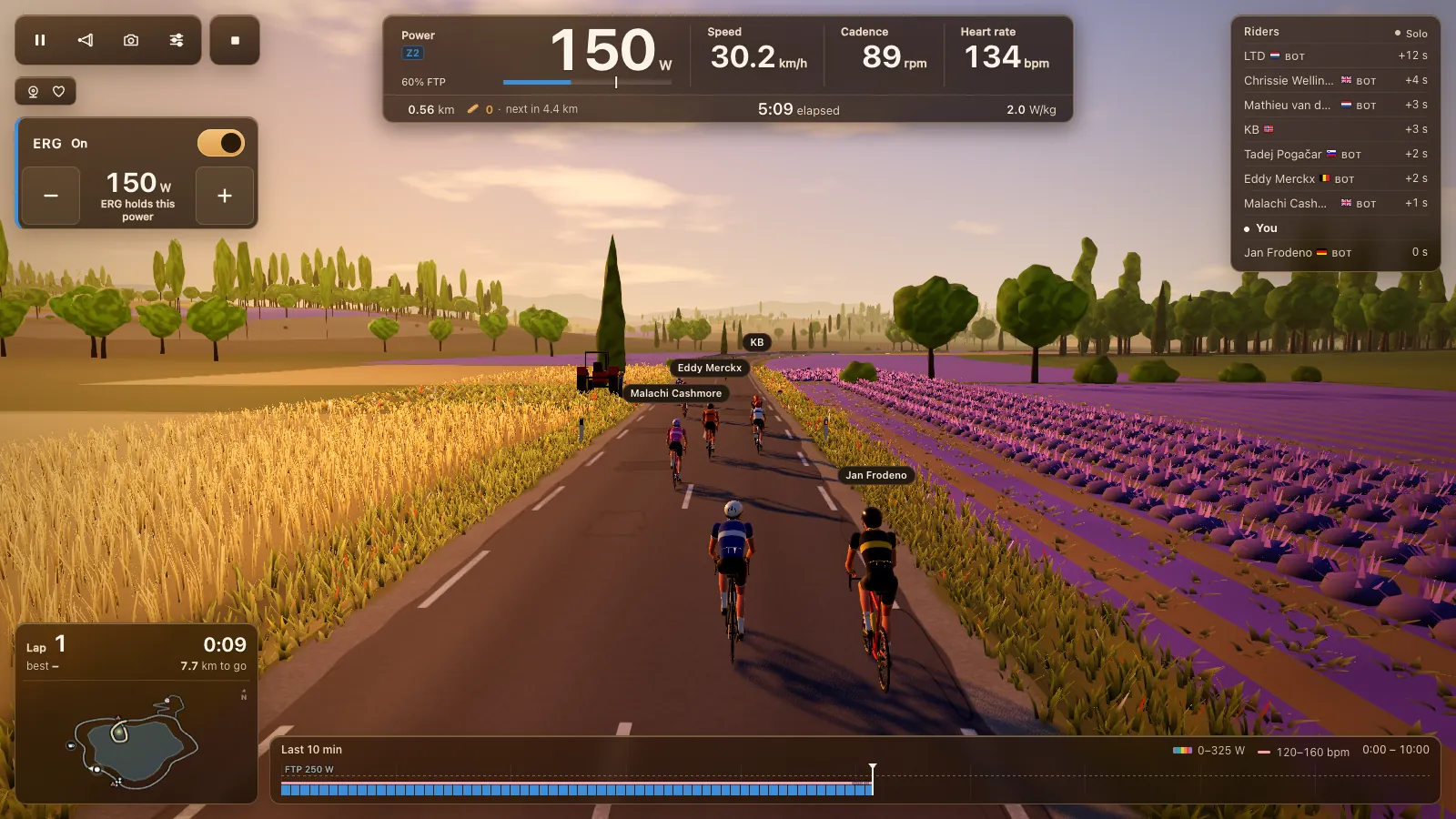
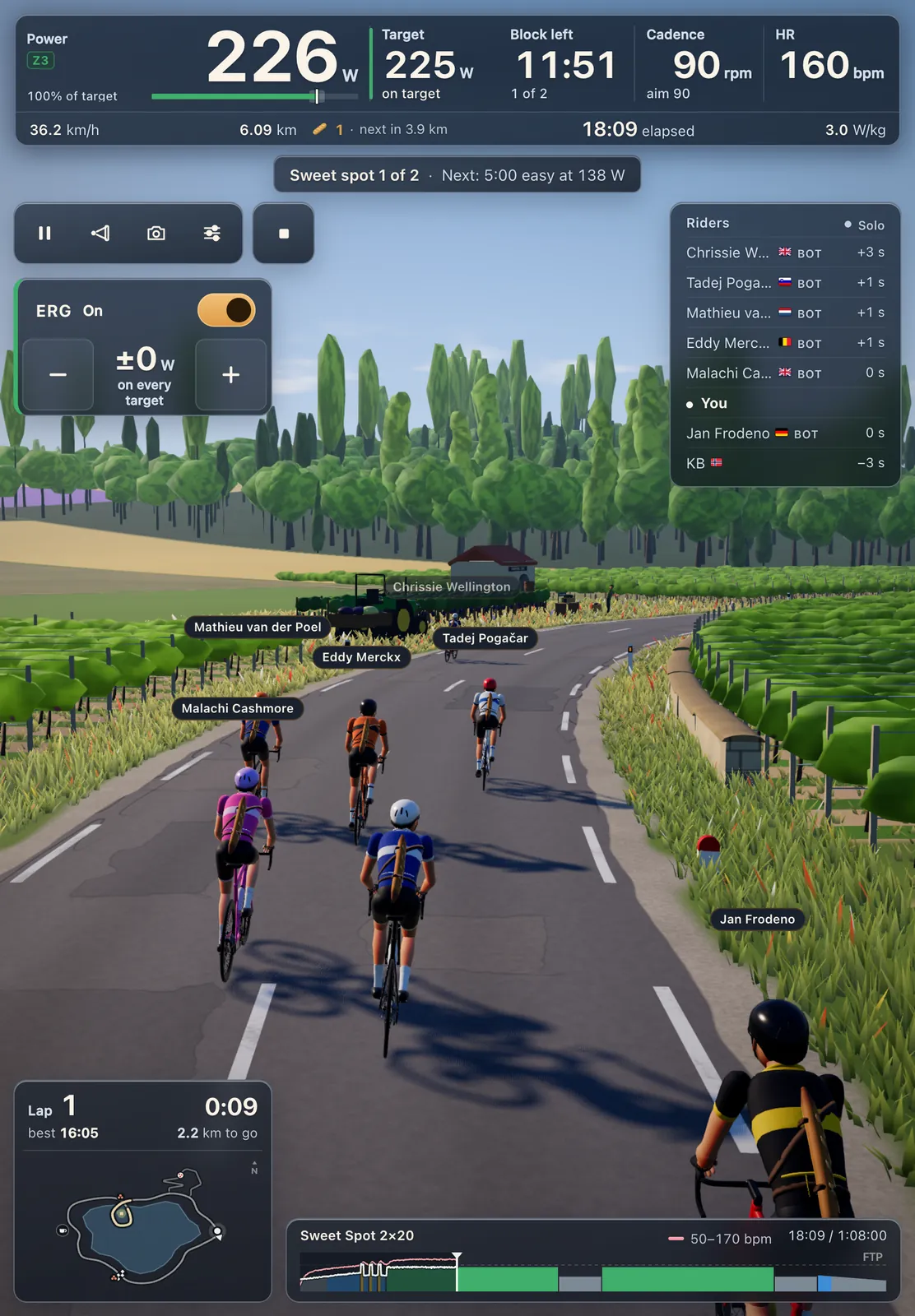
Most riders already own the best screen for indoor cycling: a Windows laptop or a Mac. Tour du Pain runs on both in Chrome or Edge, connects your smart trainer over Bluetooth Low Energy and needs nothing installed. This guide covers the browser, the Bluetooth your computer needs, graphics settings for an older laptop, and putting the ride on a TV.
Updated · Written for version 1.36.3
Tour du Pain is free for everyone through 2027, everything included. Donations are optional.
Which browser
Use Chrome or Edge. Both have Web Bluetooth on Windows and macOS, the part of the browser that lets a page connect to your trainer once you allow it. Opera is built on the same engine and Tour du Pain supports it, but the Web Bluetooth group's status page says it doesn't work in recent desktop versions; if Opera doesn't find your trainer, switch to Chrome or Edge.
Safari and Firefox can't reach Bluetooth at all, on Windows or on a Mac. You can still open the demo in them, which needs no Bluetooth. For the full picture by browser, see which browsers can talk to your smart trainer.
The Bluetooth your computer needs
Smart trainers use Bluetooth Low Energy, also called Bluetooth LE or Bluetooth Smart. Most laptops and Macs from the last several years have it built in.
- Windows: the Web Bluetooth group's implementation status lists Windows 10 version 1703 or later. Windows 11 has it too. Turn Bluetooth on in Settings, then Bluetooth & devices. You don't need to pair the trainer in Windows first; Chrome does that when you tap Connect a trainer.
- Mac: the same page lists OS X Yosemite or later, and warns that some older MacBooks lack Low Energy support. To check, hold Option, click the Apple menu, choose System Information and look under Bluetooth for Low Energy support.
- No Bluetooth LE? A desktop PC often has none. A USB Bluetooth adapter can add it; pick one that says Bluetooth 4.0 or newer with Low Energy, and check it supports your Windows version. We haven't tested specific adapters.
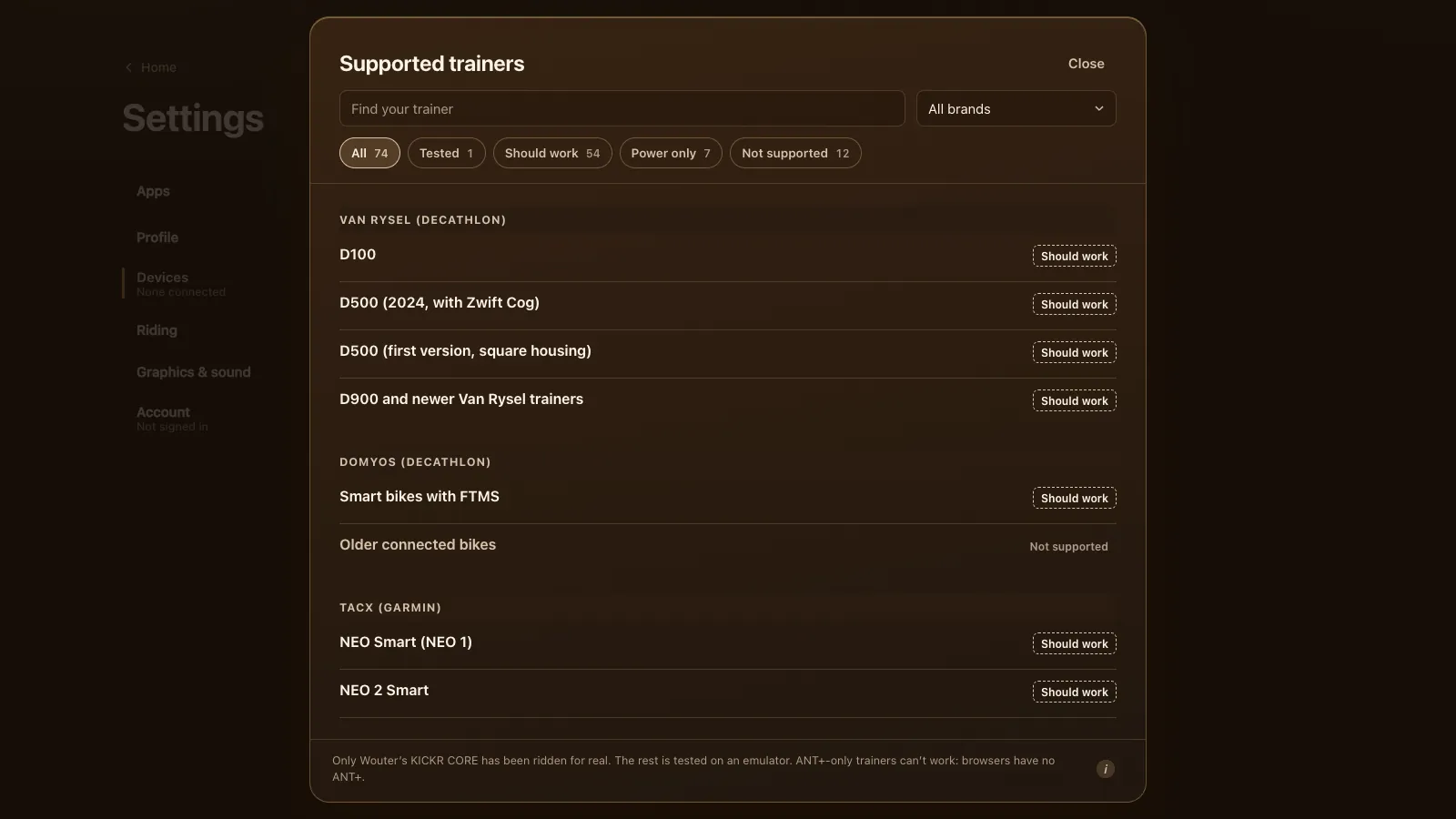
ANT+ is a different radio. A USB ANT+ stick doesn't help here, because browsers have no ANT+. An ANT+-only trainer can't be used from a browser.
Connect step by step
- Turn on Bluetooth and wake your trainer by turning the pedals.
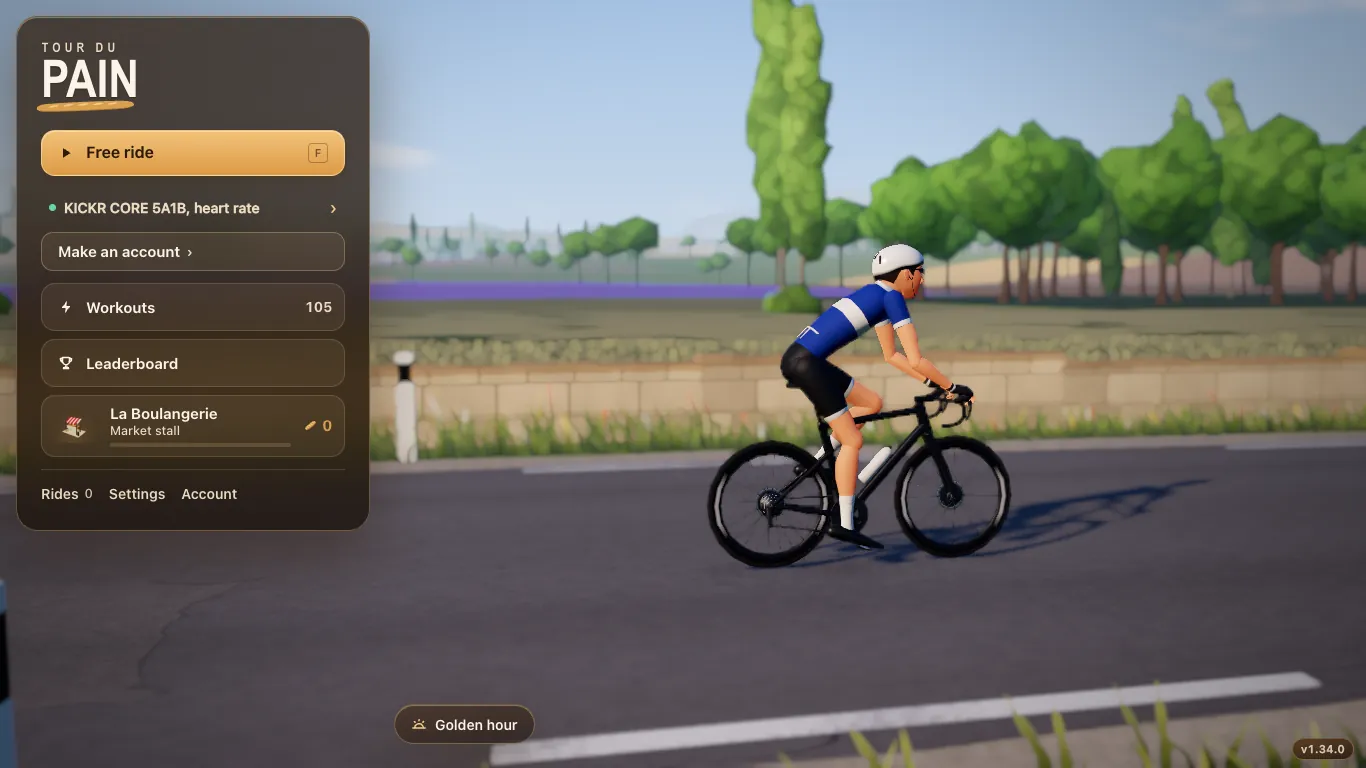
- Open tourdupain.app in Chrome or Edge and tap Connect a trainer.
- Pick your trainer in the browser's list. Add a heart-rate strap or power meter under Devices.
- If the trainer is missing, close Zwift or any other app that holds it, and turn on Show all devices.
- Ride. A guest gets 20 km; a free account keeps your rides on every device.
Graphics presets and older laptops
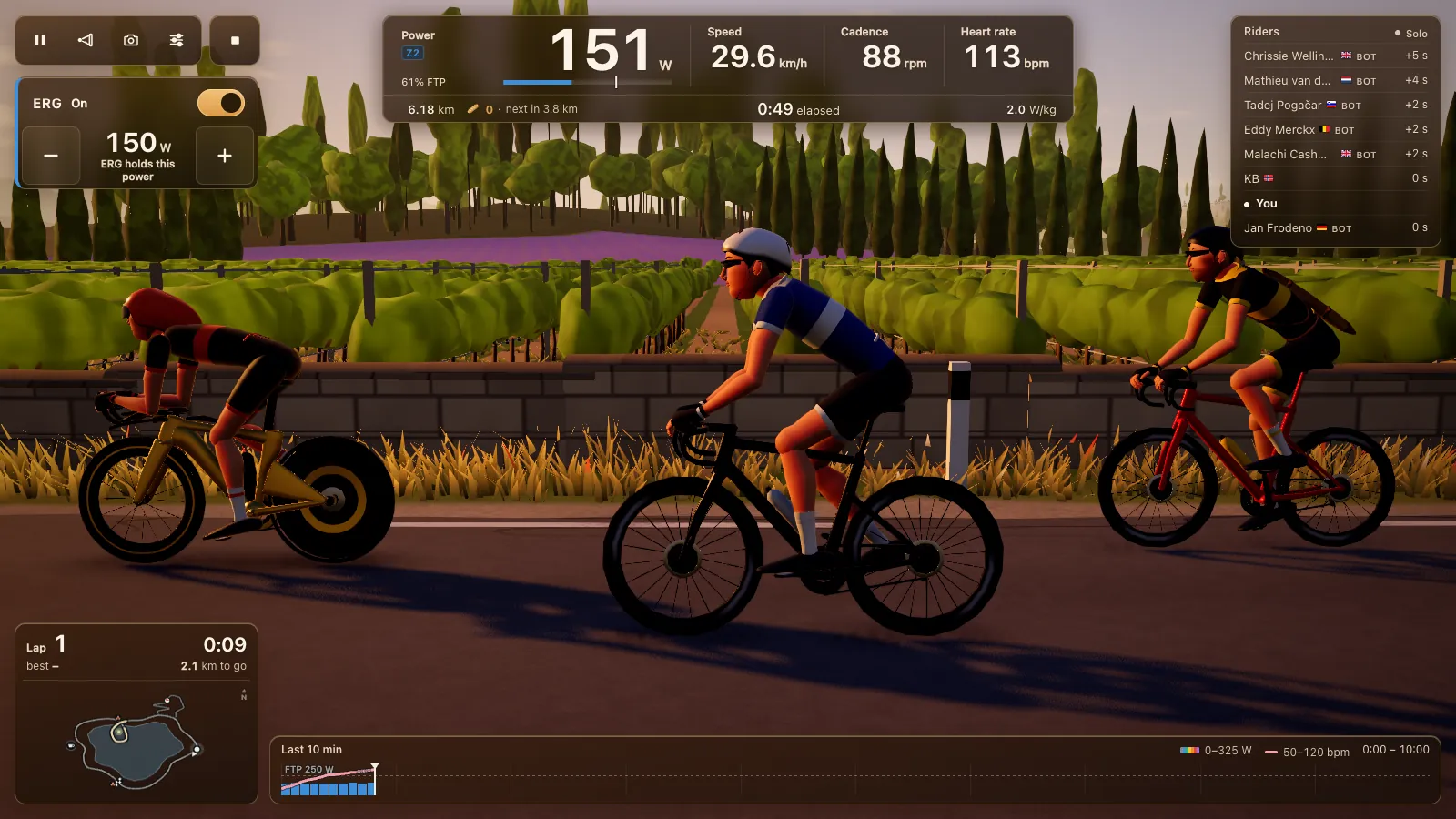
The game draws a 3D world with Three.js on your graphics chip, so a laptop's age shows. Open Settings, then Graphics & sound, and pick Low, Medium or High, or tap Pick for this computer. If a ride drops below 45 frames a second, the game offers to switch down a level.
Three updates in late October and early November made older laptops happier:
| Version | What changed |
|---|---|
| 1.28.3 | Menu pages stop drawing the world behind them, so laptops stay cooler and quieter. A ride starts with less work. |
| 1.28.9 | Up to 30% less work per frame and about 80 MB less memory, most of all with many riders around. |
| 1.31.3 | Low is lighter on weak graphics chips: browser zoom no longer makes it heavier, fewer crowd rows, shorter shadows. |
What each preset does: Low for an older laptop or one with basic built-in graphics; Medium gives the 3 nearest riders a real sun shadow; High gives 6 riders a shadow and the fullest crowds on the Col. Turn on Show FPS counter in the same panel to see the number while you ride.
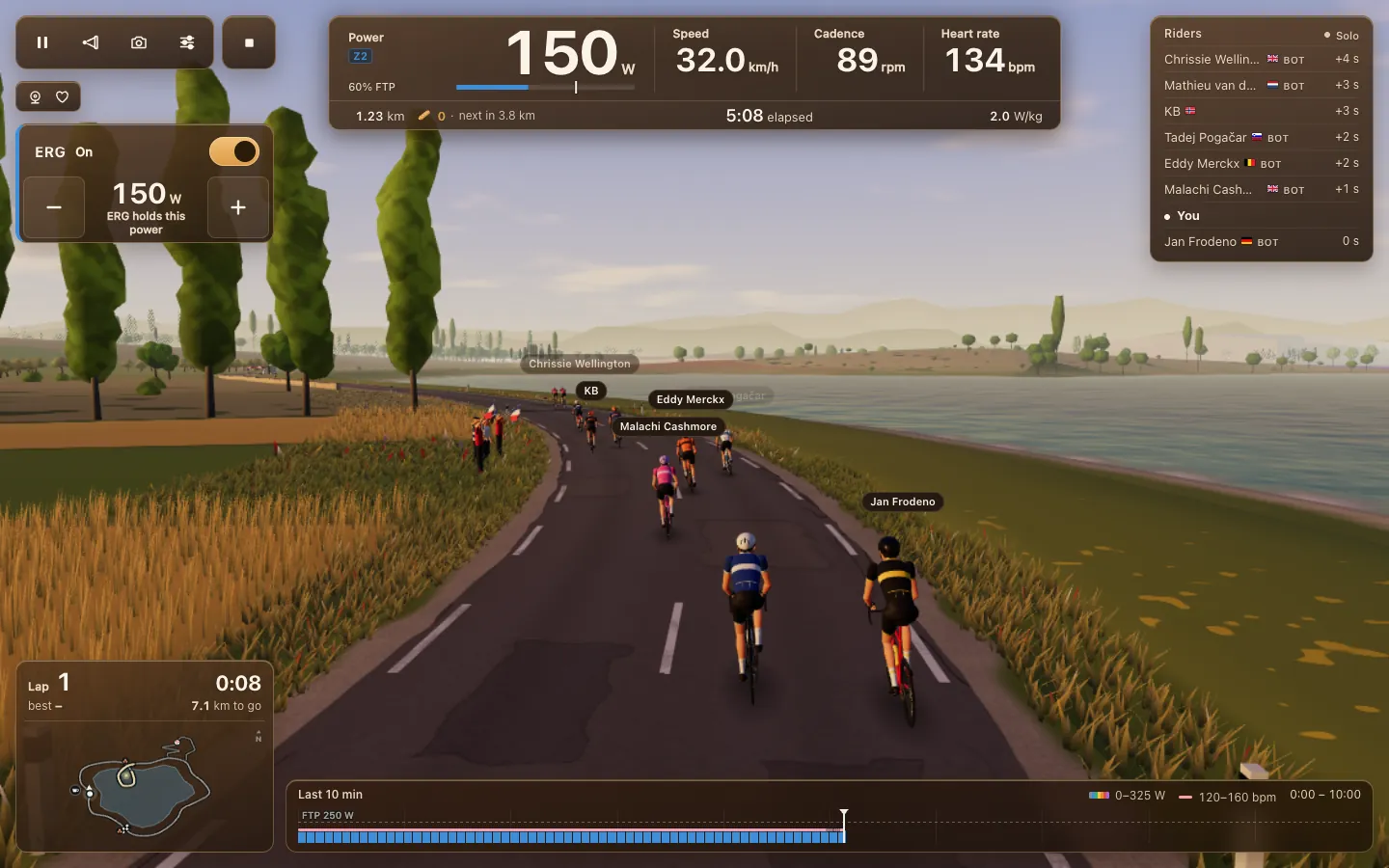
If the game says it couldn't start the 3D graphics (WebGL), turn on hardware acceleration in the browser's settings and reload. Keep a laptop plugged in during a ride, since many can slow their chip down on battery.
On a TV or big screen
A long ride is easier to enjoy on a TV than on a 13 inch laptop screen. Connect the laptop with an HDMI cable (or USB-C to HDMI on a recent Mac or ultrabook), then either mirror the screen or move the Tour du Pain window to the TV.
- Use the Full screen switch at the top of the ride settings, next to Close, so the browser bar disappears.
- Put the laptop near the trainer. Bluetooth reaches best over a short distance; the HDMI cable can be the long part.
- The keyboard does most things: hold R to talk, the up and down arrows set more or less power, V changes the view and ? lists every key. Page Up and Page Down do the same as the arrows, so a page turner or media remote works from the saddle.
- Turn the laptop's own screen off or down if it mirrors, to keep the chip cooler.
Install it as an app
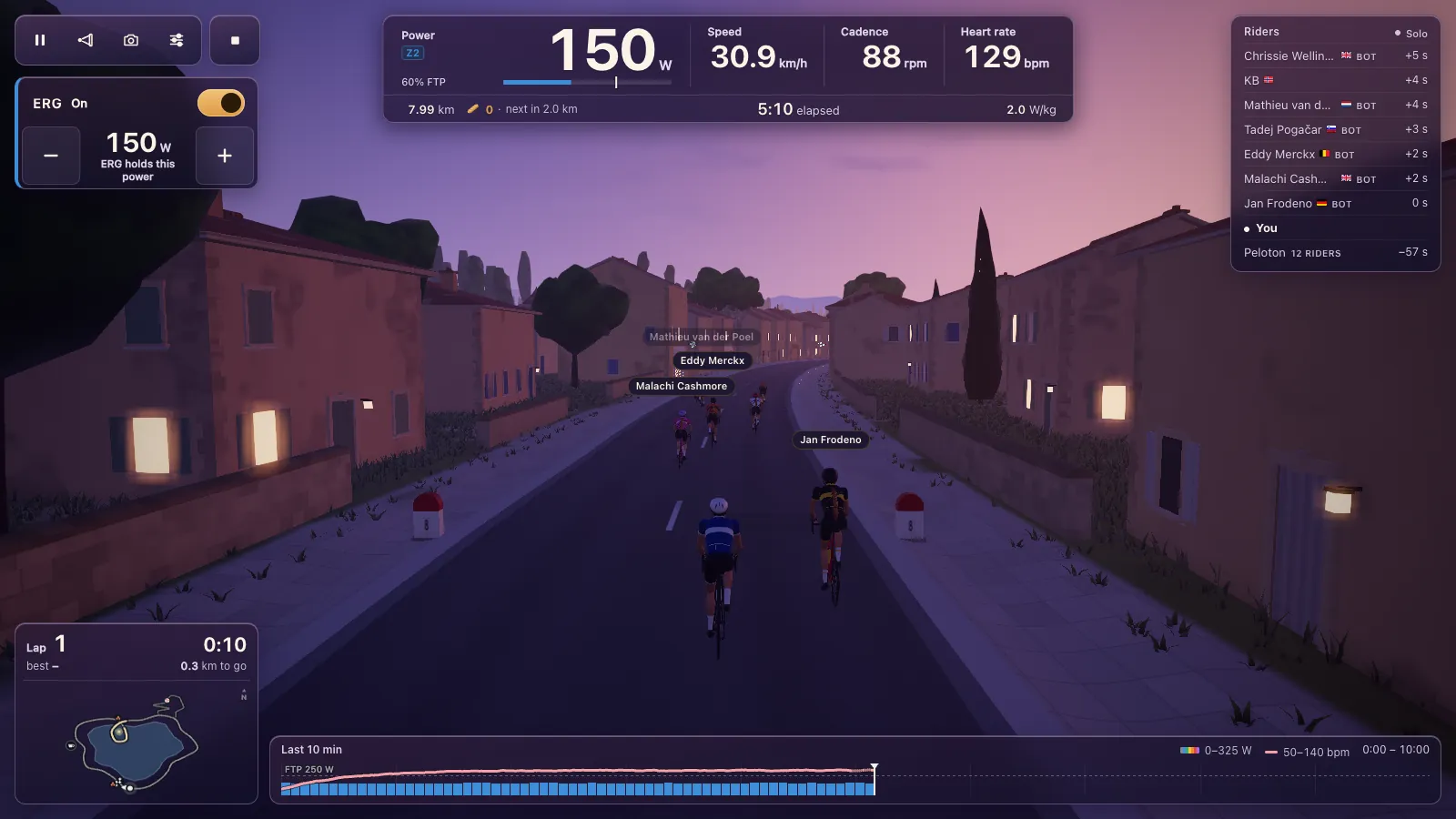
You can ride in a tab, or install Tour du Pain from Chrome or Edge with the install icon in the address bar or the browser menu. It then has its own icon in the Start menu, taskbar or Dock, and opens in its own window without tabs. Bluetooth works there too. Once it has run online, it also opens without a connection. It's the same game as the tab and updates itself; see a cycling game in your browser.
Quiet and cool
A trainer usually drowns out a laptop fan, but between rides you'll hear it. Since 1.28.3 menu pages don't draw the world behind them, so the fan calms down between rides. Voice uses the microphone: a headset keeps the trainer's noise out of what your club hears. Voice is off until you switch it on, and nothing is recorded.
Tour du Pain is free through 2027, everything included. It runs on donations.
Questions
Can my Windows laptop connect to a smart trainer?
Yes, if it has Bluetooth Low Energy and runs Windows 10 version 1703 or later. Open tourdupain.app in Chrome or Edge and tap Connect a trainer.
Does it work on a Mac?
Yes, in Chrome or Edge. Safari can't reach Bluetooth. Some older MacBooks lack Bluetooth Low Energy; System Information shows whether yours has it.
My PC has no Bluetooth. What do I need?
A USB Bluetooth adapter with Bluetooth 4.0 or newer and Low Energy support. An ANT+ stick won't help in a browser.
Which graphics setting suits an old laptop?
Low. Or tap Pick for this computer, and let the game offer a lower level if it drops below 45 frames a second.
Can I ride on my TV?
Yes. Connect the laptop to the TV over HDMI, mirror or move the window, and turn on Full screen in the ride settings.
Does it work on Linux?
The Web Bluetooth group lists Chrome on Linux as partial, behind a flag. We haven't tested it; Windows, macOS, ChromeOS and Android are the safe choices.
Sources
Checked on 7 November 2026: Web Bluetooth implementation status and caniuse, Web Bluetooth. The changes for older laptops come from Tour du Pain's update log.