· Updated · 2 min read
Lighter on older laptops, and tablets that ride upright
Tour du Pain runs in a browser tab, so it shares your laptop with everything else on it. Between 29 October and 7 November four releases made it lighter on older laptops and friendlier to tablets and phones, without making Medium or High look any worse.
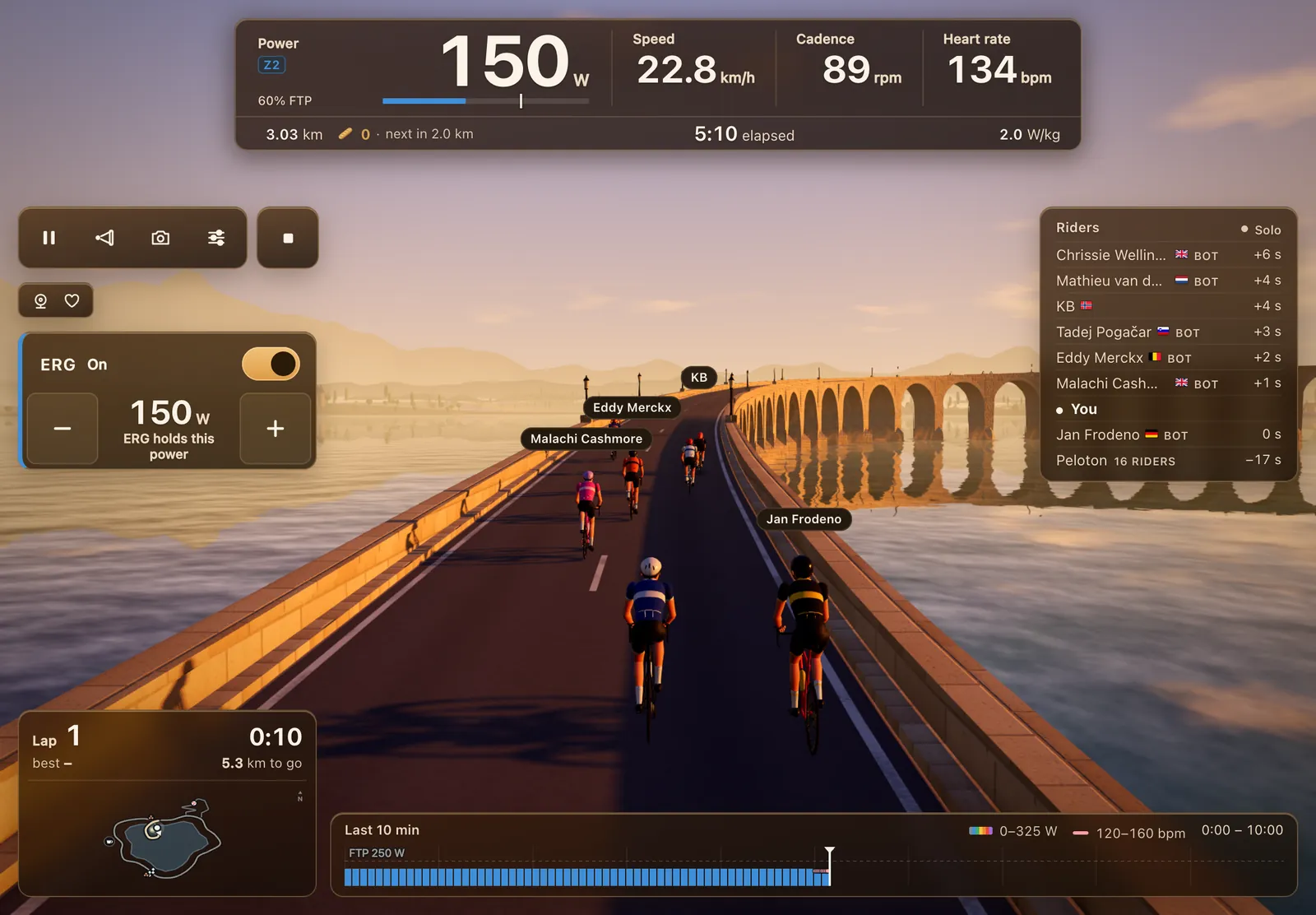
Tablets held upright
1.19.9 on 29 October let tablets held upright, 768 pixels wide and up, ride with the full HUD instead of showing "Turn your device". On a phone on its side the ride HUD got a size smaller, so more road shows and the whole riders list fits. The minimap also gained the Col du Pain's branch and its summit.
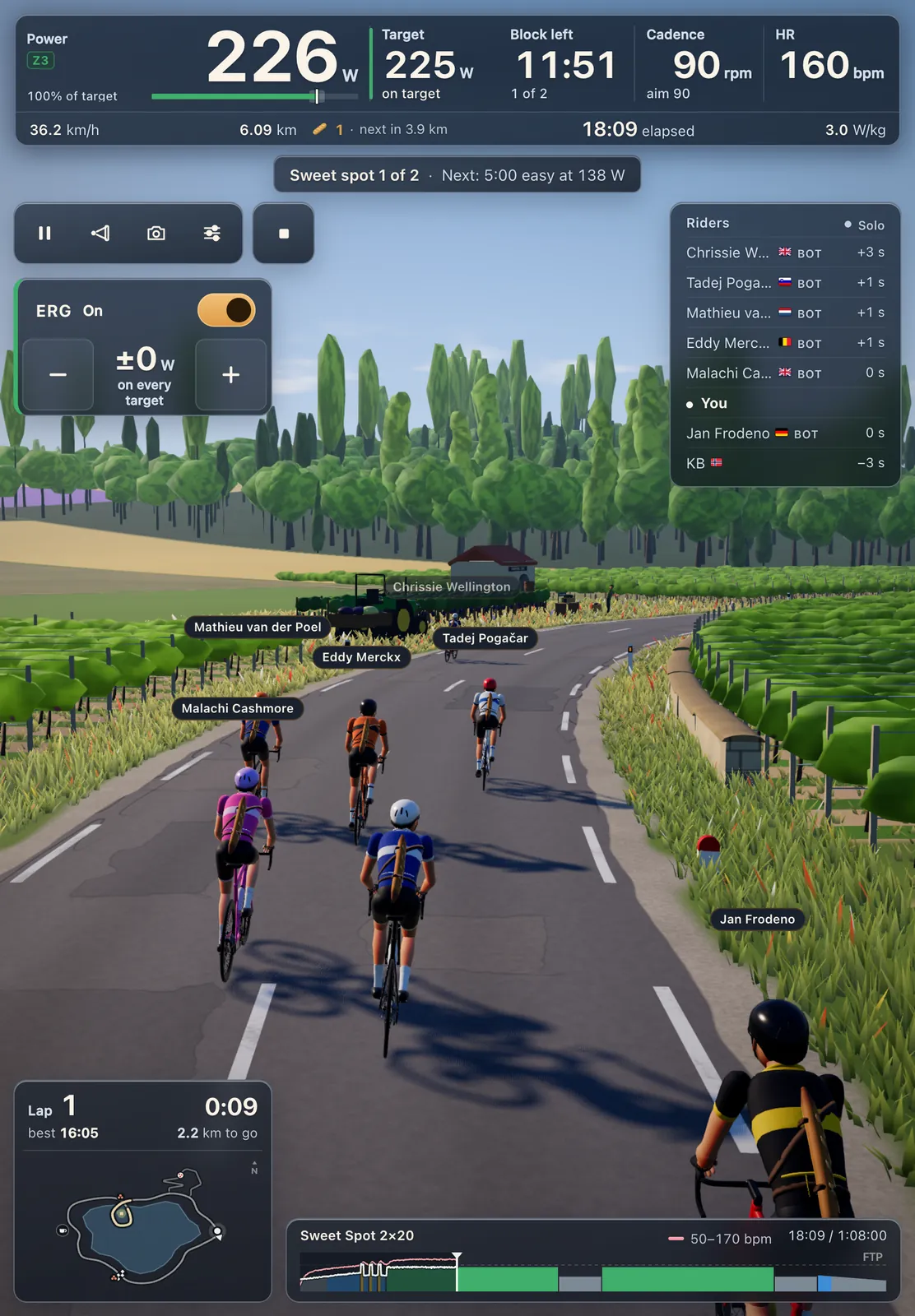
Menus that don't draw the world
On 31 October 1.28.3 stopped menu pages from drawing the 3D world behind them. On a menu the game now does almost nothing, so laptops stay cooler and quieter while you pick a workout or plan a coffee ride. On a Mac the work per frame on a menu dropped from 2.1 to 0.3 milliseconds.
The fades and Home look the same as before. A ride also starts with less work, the riders list is right from the first frame, and repeat visits load a little faster.
That matters more than it sounds. Between rides you spend time on Home, in the Workouts screen or planning a coffee ride, and a laptop that already runs hot before the warm-up has less to give once the bunch is on screen.
Up to 30% less work per frame
The same day 1.28.9 made riding itself lighter, most of all with many riders around on an older laptop: up to 30% less work to draw a frame, and about 80 MB less memory. Nothing looks different. That release also sat every rider properly on the saddle, with no gap on the TT bike.
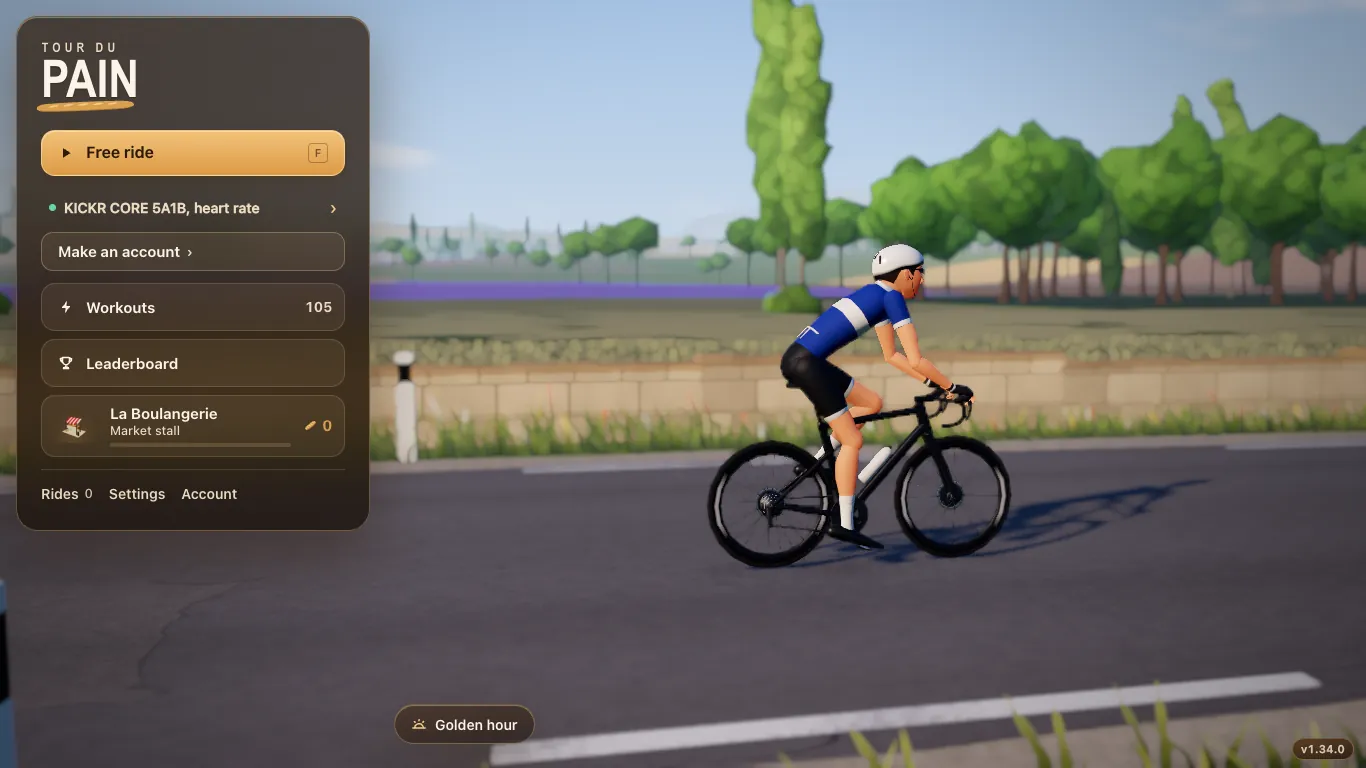
A lighter Low
1.31.3 on 7 November looked after weaker graphics cards. On Low, browser zoom no longer makes the game heavier, only the front rows of the crowds in the village and at the crossing are drawn, and shadows stop sooner. Medium and High look the same as before.
The same release kept the lap card and the map on screen in the compact HUD on tablets and short windows, and put a full-screen switch in the ride settings, so a tablet can give the whole screen to the road.
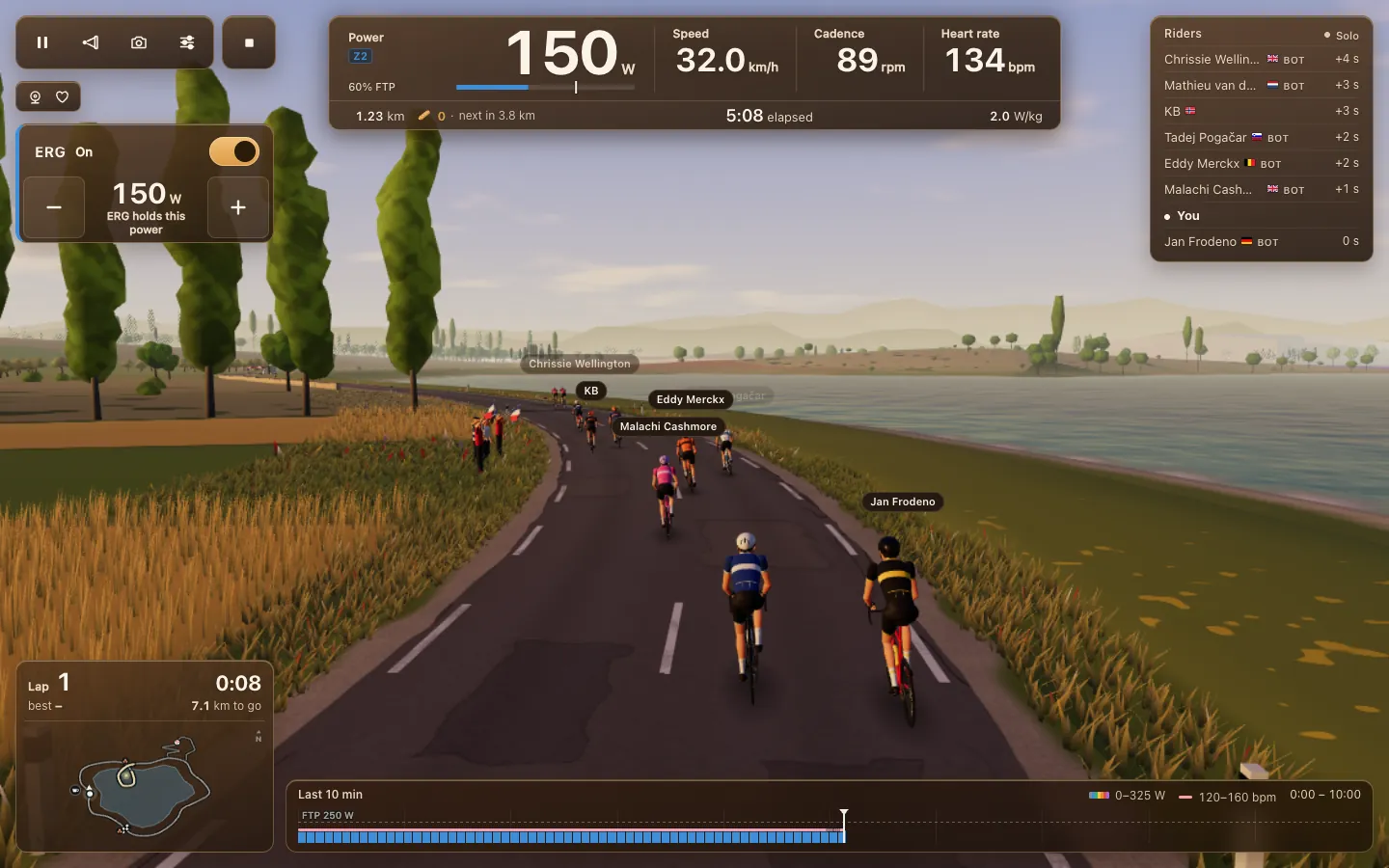
What stayed the same
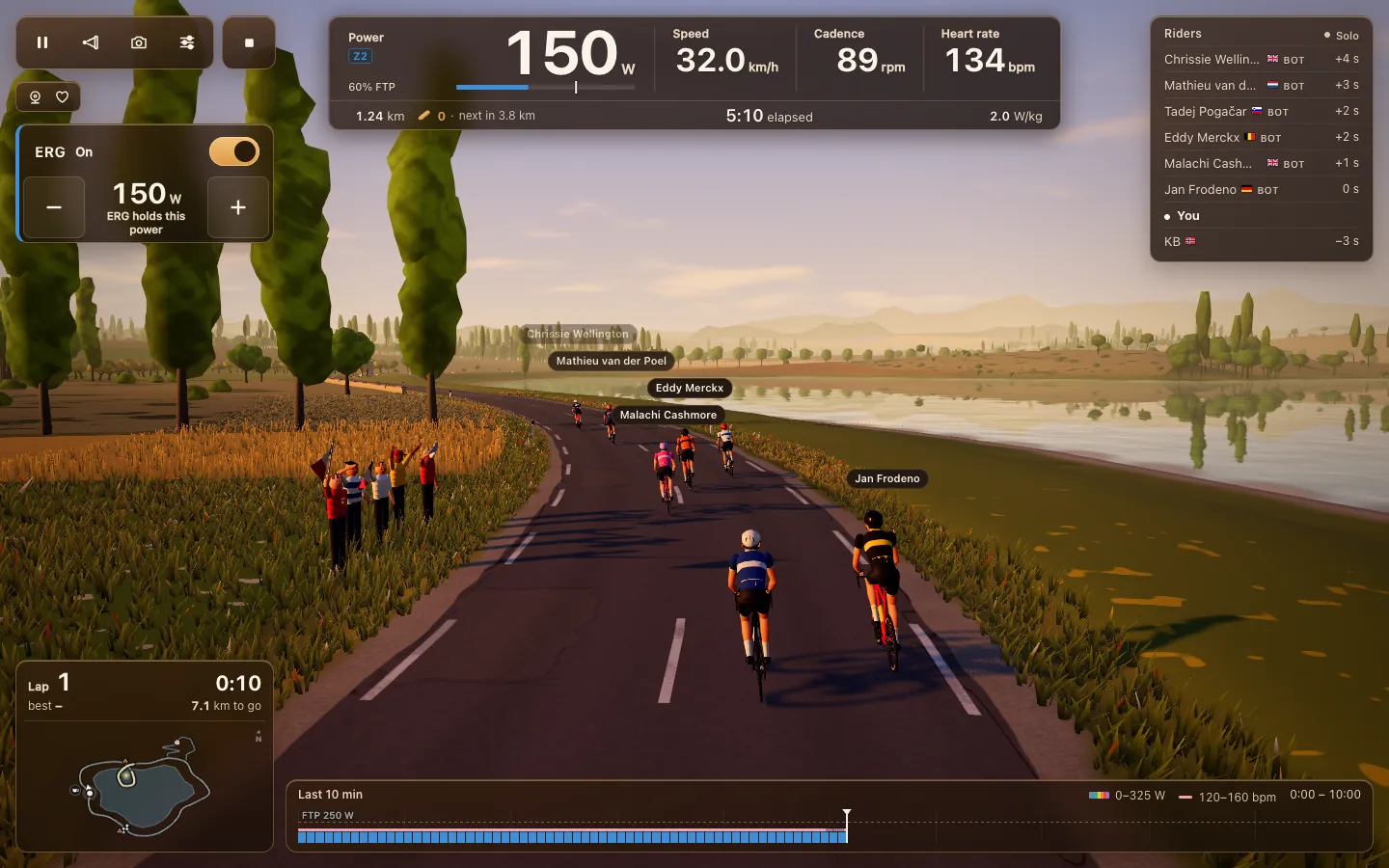
None of these releases took anything away on Medium or High. The road, the riders, the crowd on the Col and the HUD look as they did; the game just does less work where nobody can see the difference.
Which setting to pick
If your laptop's fan spins up or the ride stutters, set graphics to Low under Graphics & sound in Settings. You keep the same road, riders and HUD, and the game asks far less of the graphics card. On a recent laptop, Medium or High shows more fans and longer shadows. You can try both in the demo before you connect a trainer.
There's a guide for each kind of device: Windows and Mac laptops, Chromebooks and Android tablets. Why a game in a browser tab works at all is in a cycling game in your browser.