An indoor cycling game that runs in your browser
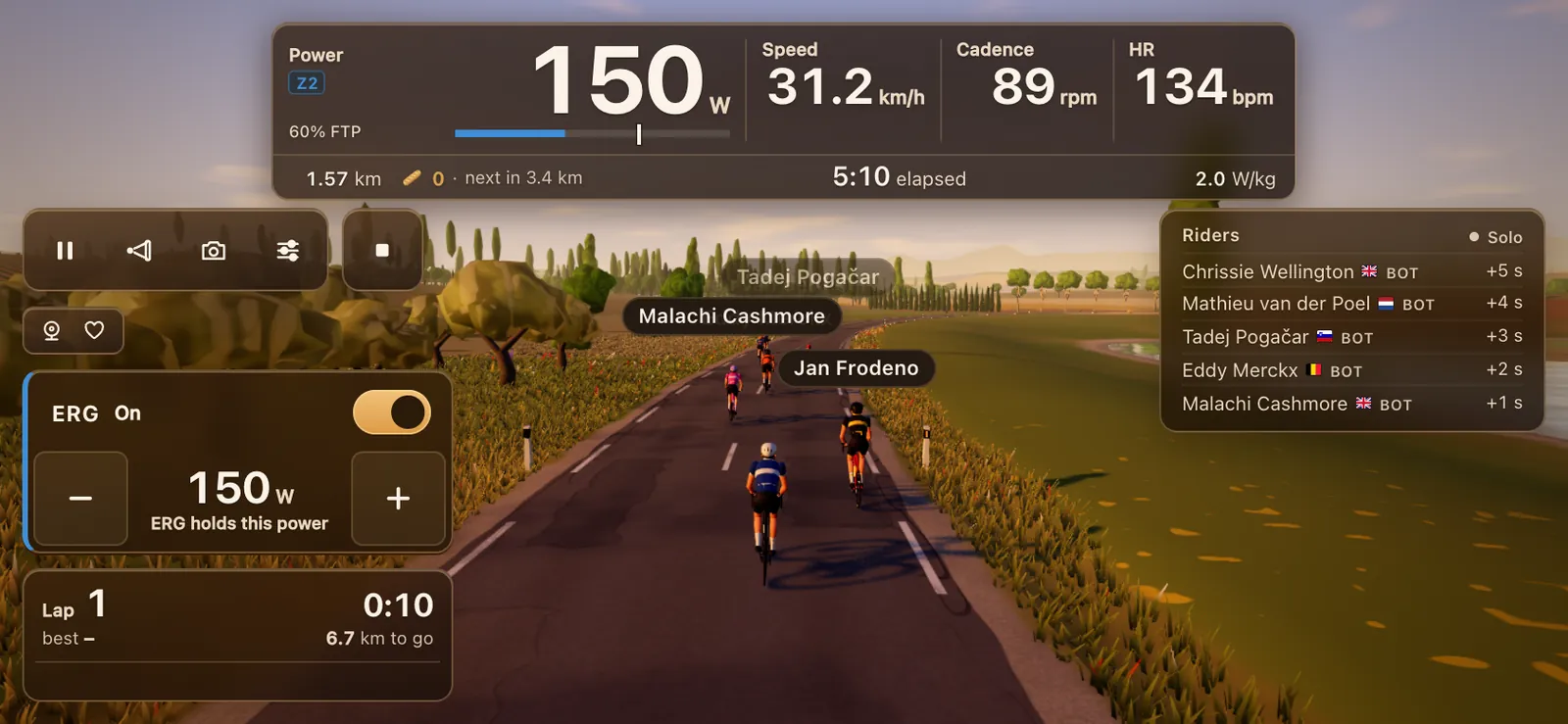
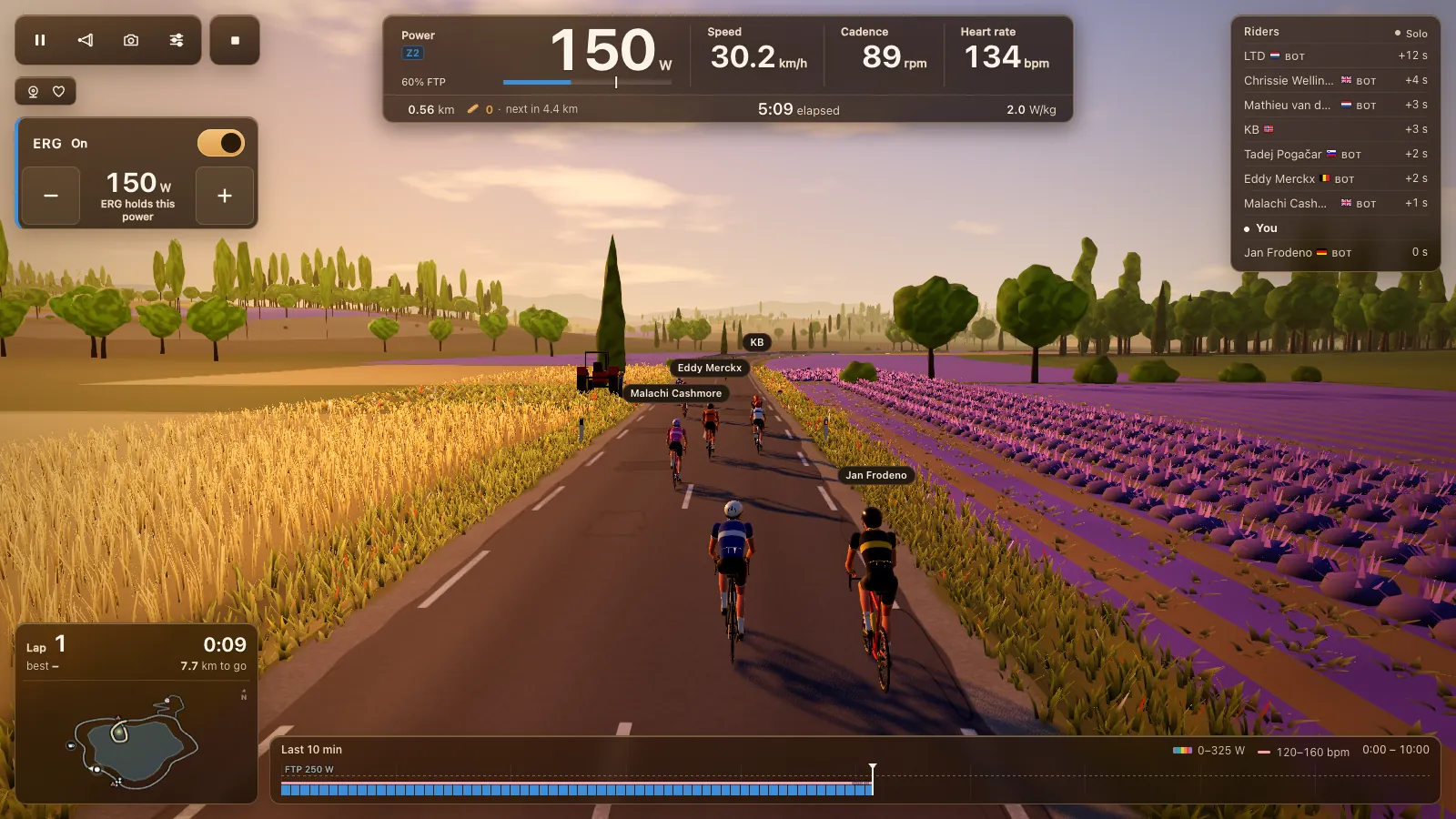
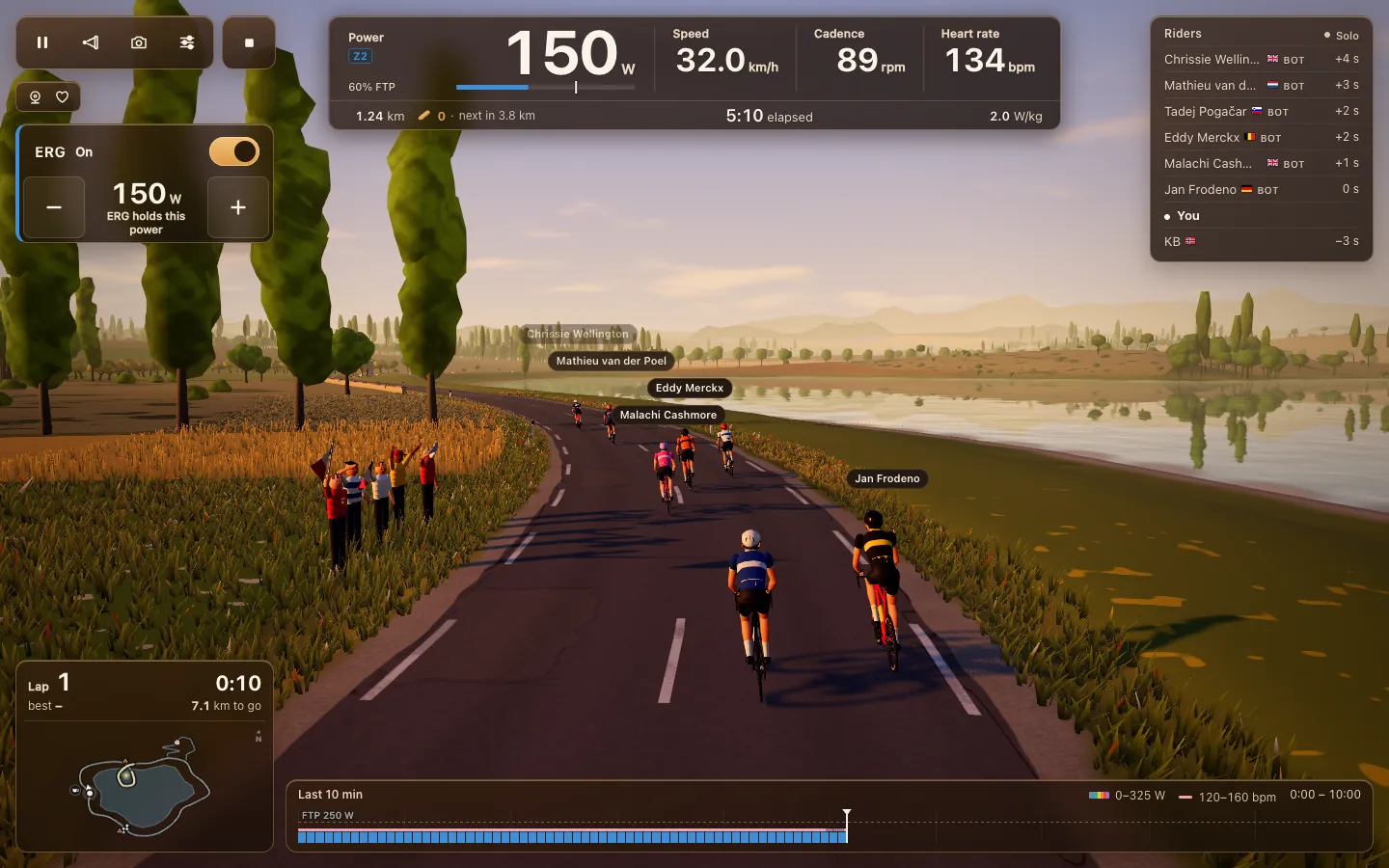
Tour du Pain is an indoor cycling game that runs in your browser. Open tourdupain.app in Chrome or Edge, connect your smart trainer over Bluetooth and ride a 3D lake loop with other riders. There's no app to download, no installer and no launcher: a web page talks to your trainer directly, and it works the same on a Windows laptop, a Mac, a Chromebook or an Android tablet.
Updated · Written for version 1.36.3
Tour du Pain is free for everyone through 2027, everything included. Donations are optional.
How a web page reaches your trainer
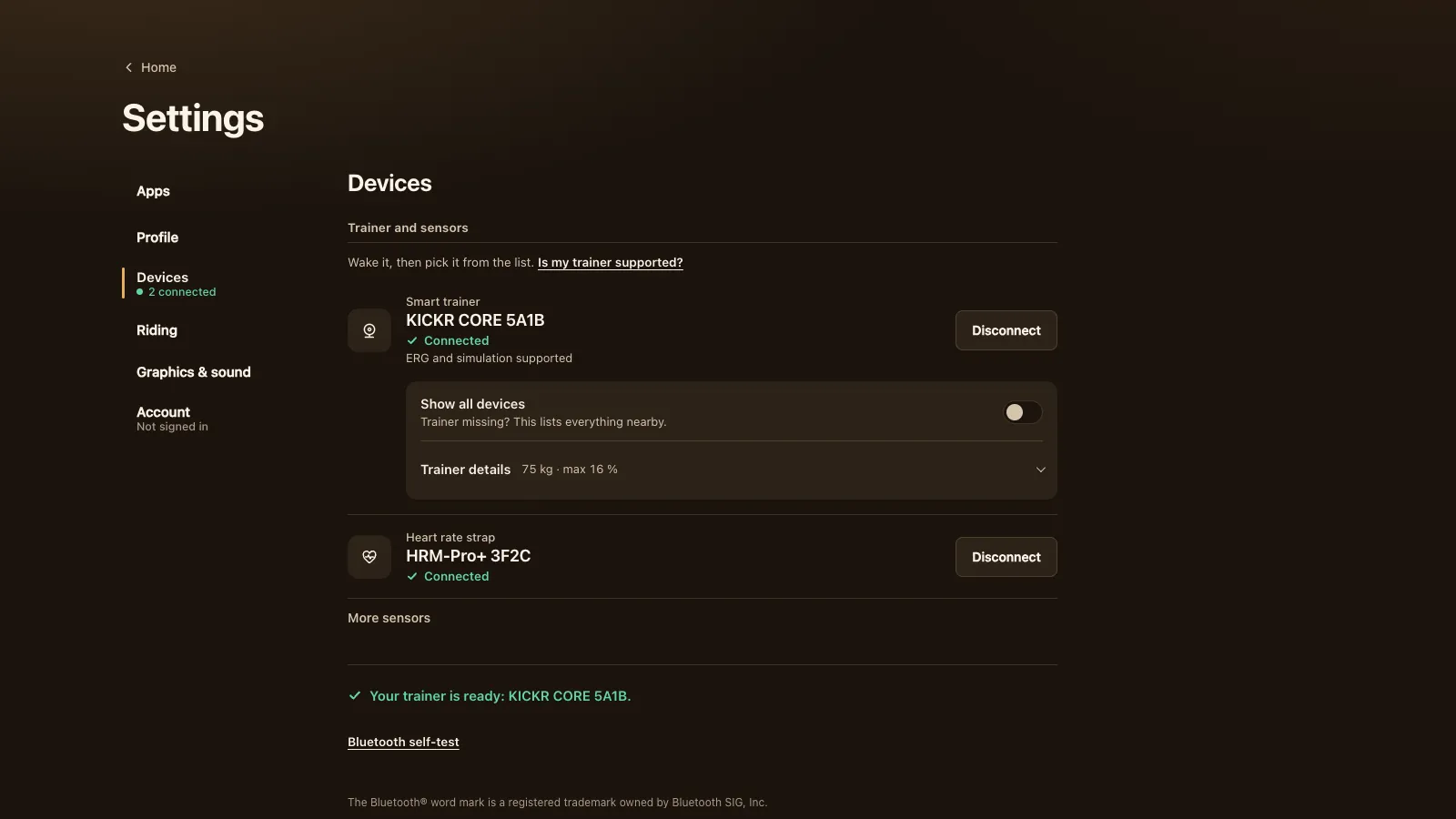
Chrome, Edge and Opera have Web Bluetooth, a part of the browser that lets a page talk to a Bluetooth Low Energy device once you allow it. In Tour du Pain you tap Connect a trainer. The browser opens its own list of Bluetooth devices nearby, you pick your trainer, and from then on the game reads your power and cadence and, on a smart trainer, sets the resistance for ERG workouts and the 33 resistance levels.
A page can't scan for devices behind your back. As Chrome's Web Bluetooth guide explains, the browser only shows that list after you tap a button, and only connects the device you pick. It also only works on a secure (https) page, which the Web Bluetooth specification requires.
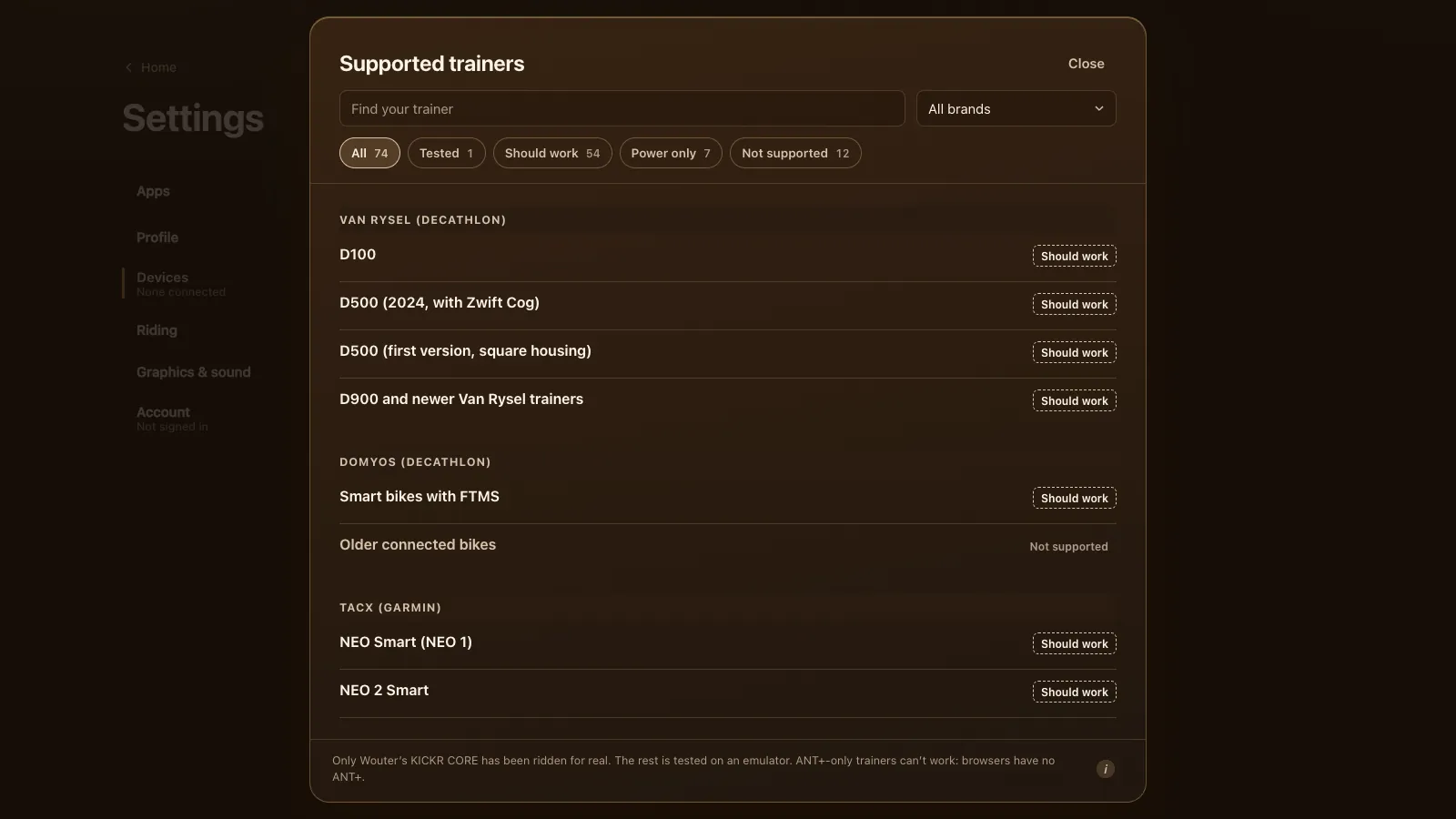
The game speaks three trainer languages over Bluetooth: FTMS, the Bluetooth SIG's open standard most trainers since about 2020 use; Tacx FE-C over Bluetooth for older Tacx trainers; and Wahoo's older protocol for KICKRs and SNAPs from before FTMS. It also reads Bluetooth power meters, cadence sensors and heart-rate straps. See which smart trainers work.
What runs where
Most of Tour du Pain runs on your own device, inside the browser tab.
| Part | Where it runs |
|---|---|
| The 3D world, the bunch, the light | Your browser, on your graphics chip (WebGL, drawn with Three.js) |
| Your speed from your watts, the gradient, ERG targets | Your browser |
| The Bluetooth link to your trainer | Between your browser and your trainer, no server in between |
| The recording of your ride and its .fit file | Your browser, saved on your device |
| Other riders' positions and chat | The game's servers, in the EU |
| Voice | Passed through the nearest data centre and never stored |
| Your account, leaderboard, clubs and Strava | The game's servers, in the EU |
That split matters when your Wi-Fi hiccups. The ride never depends on the network: your trainer keeps getting its targets, your ride keeps recording, and the game reconnects to the other riders by itself. A finished ride is saved on your device as soon as the report opens, so a crash or a closed tab won't lose it; it uploads at your next start.
What the game is
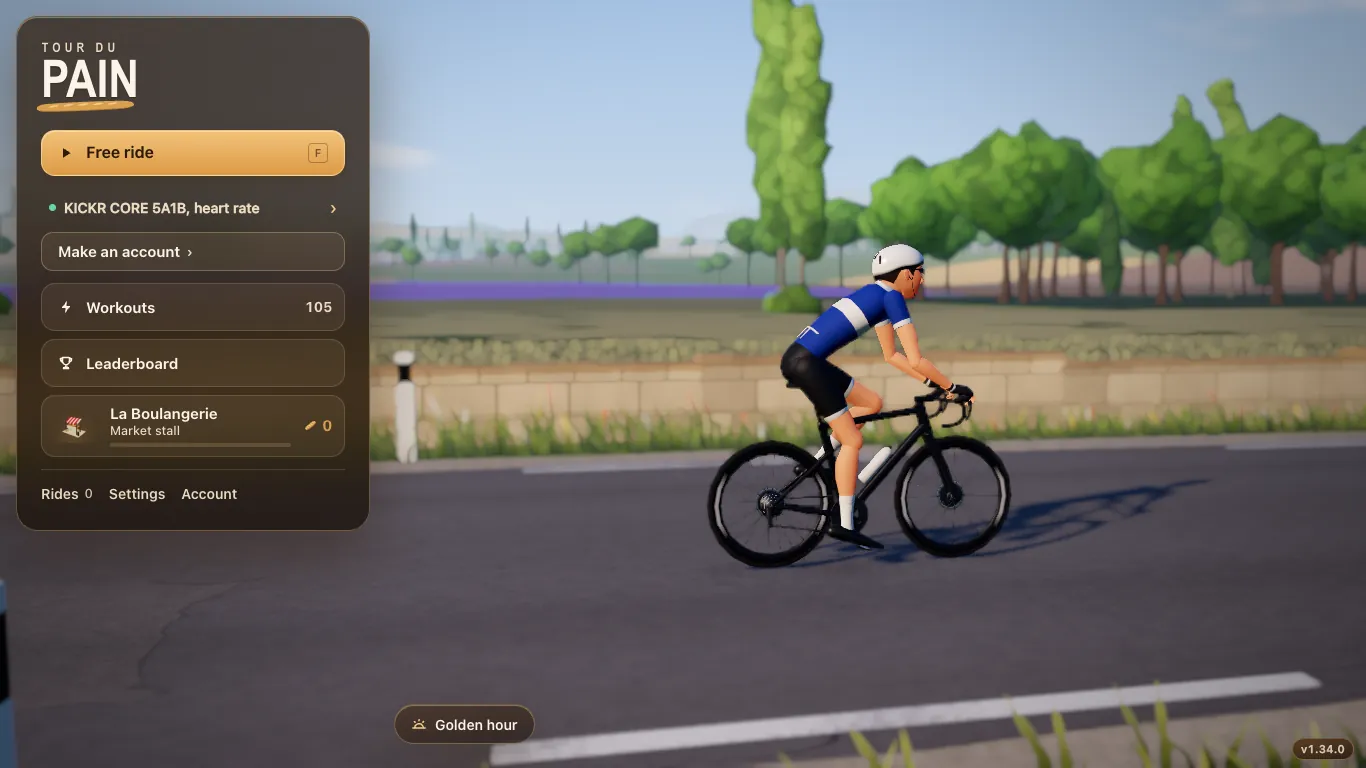
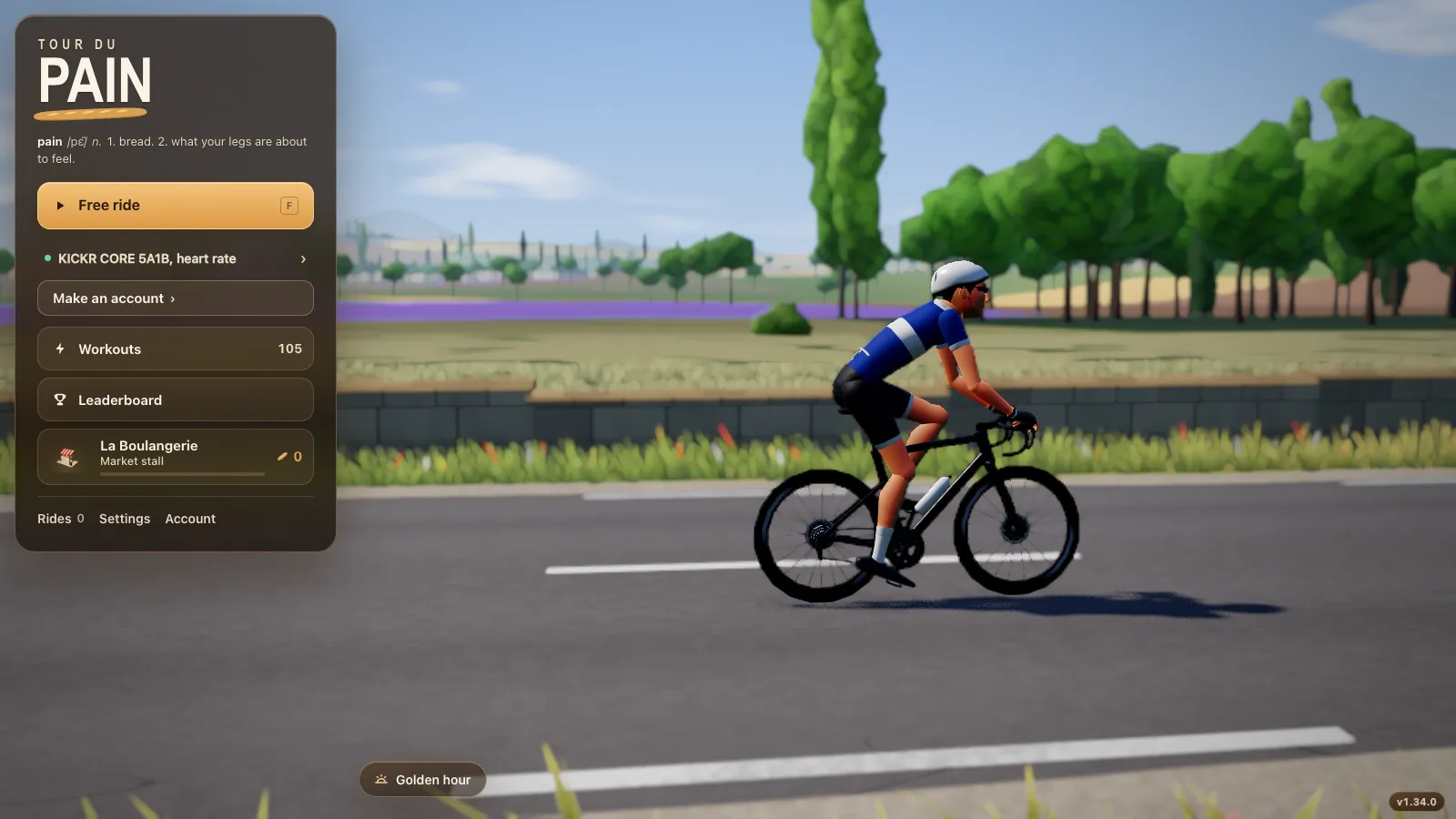
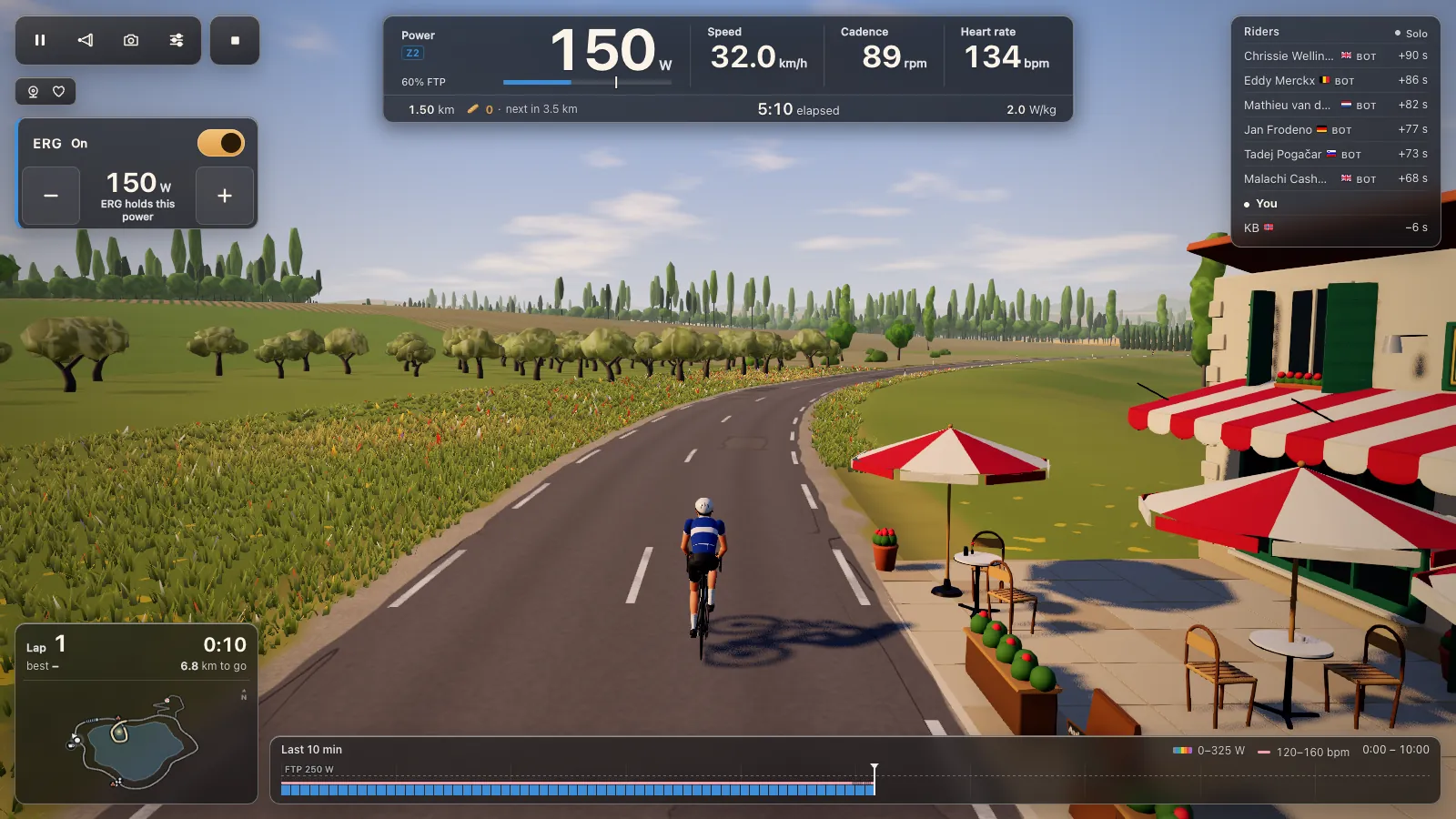
An 8.3 km loop around a French lake, about 15 minutes a lap, with the village of Saint-Levain, a café, vineyards, lavender and a viaduct around an island chapel. North of the lake the Col du Pain is 974 m long with 73 m of climbing, with a weekly leaderboard and a polka-dot jersey.
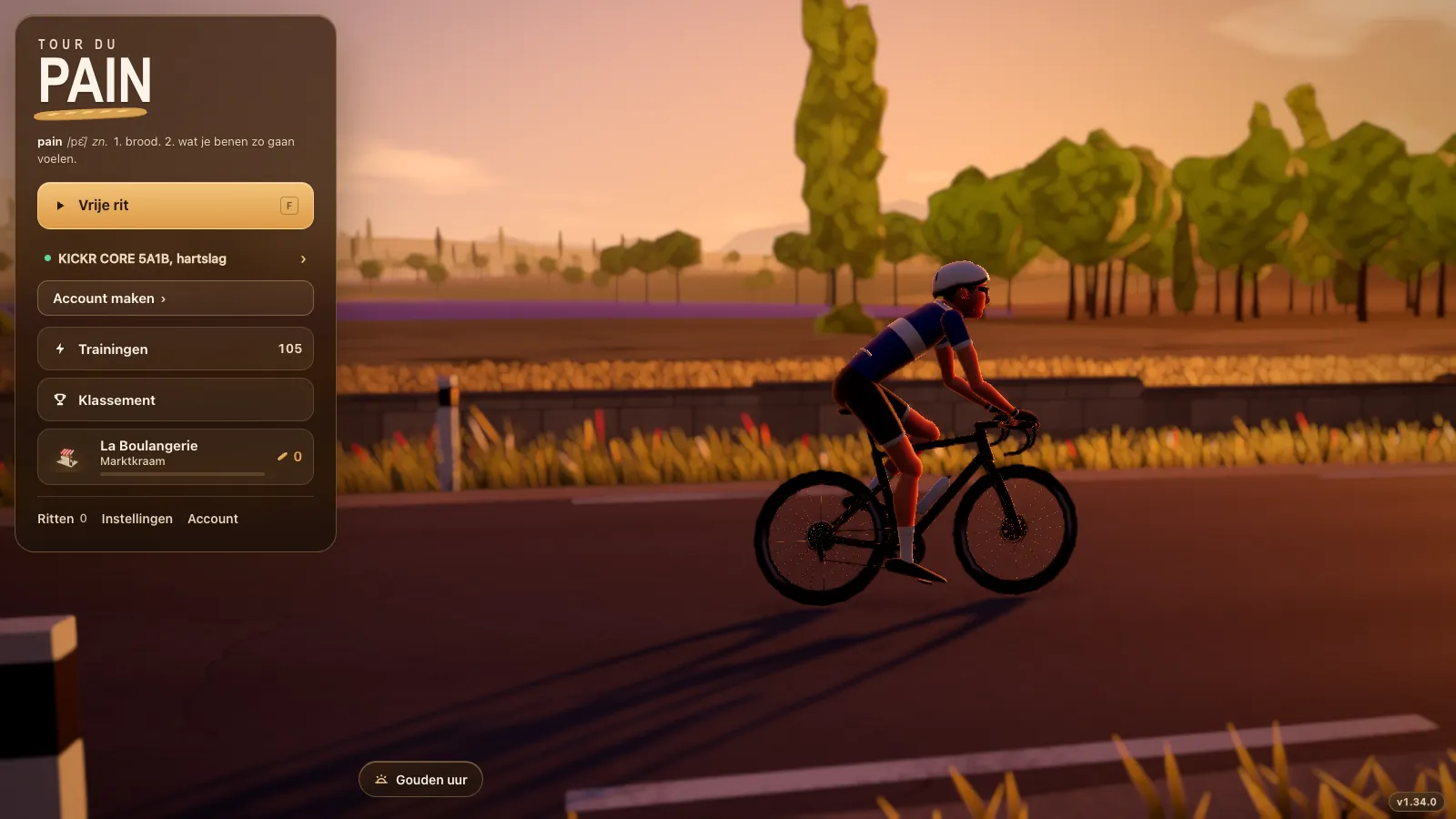
- The menus and texts in English or Dutch; there's a page for Dutch riders too, fietsgame in het Nederlands.
- Up to 50 riders in a room, and bots riding as cycling and triathlon legends when few people are online.
- Free rides, 105 ERG workouts and your own .zwo, .erg, .mrc and .fit files. See ERG workouts in your browser.
- Voice and chat in the game, coffee rides and clubs. See riding with friends and your club.
- A baguette every 5 km, a bakery shop for bikes and kit, and a time of day that moves from morning to night.
Try the demo first, without a trainer
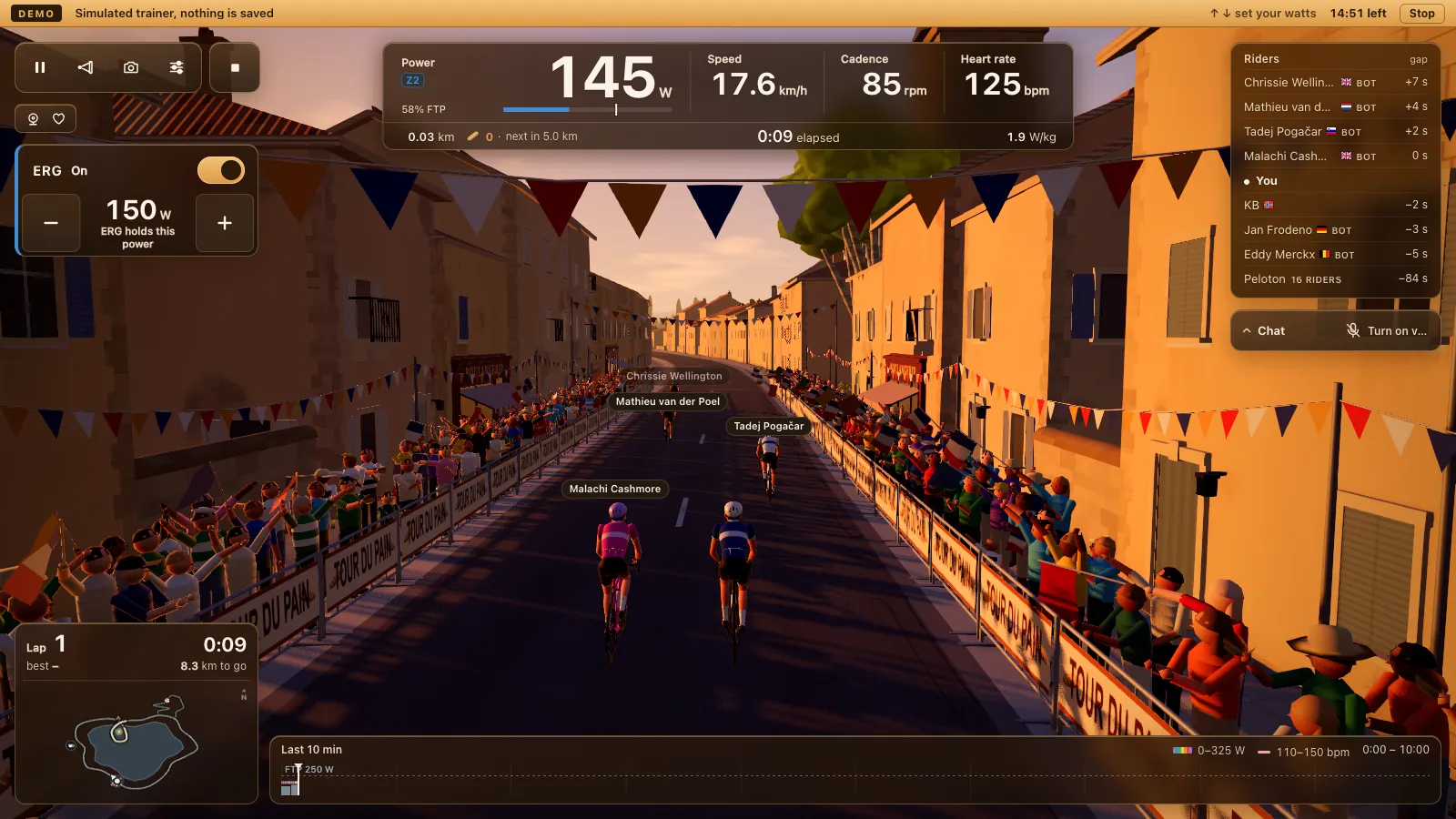
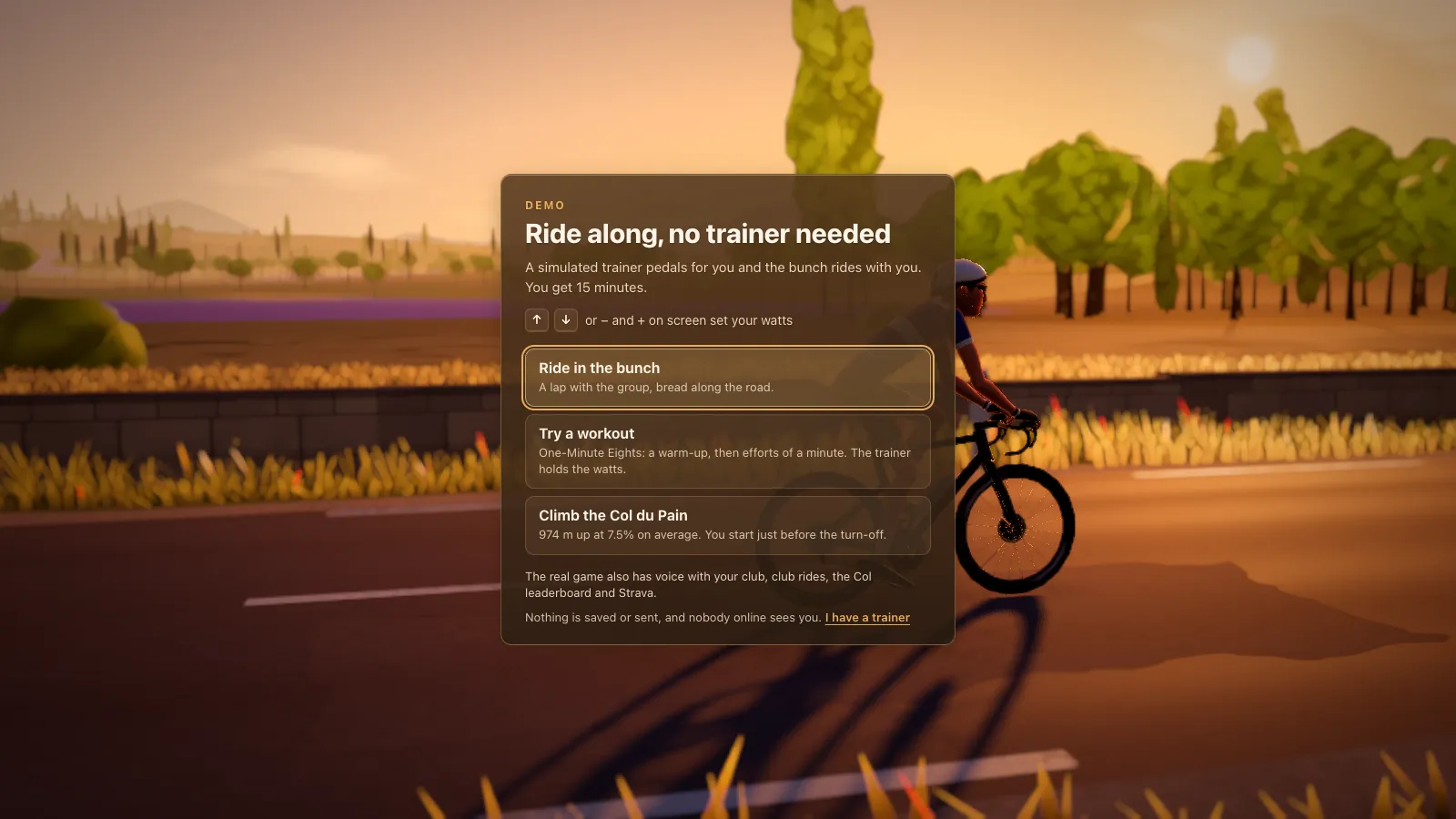
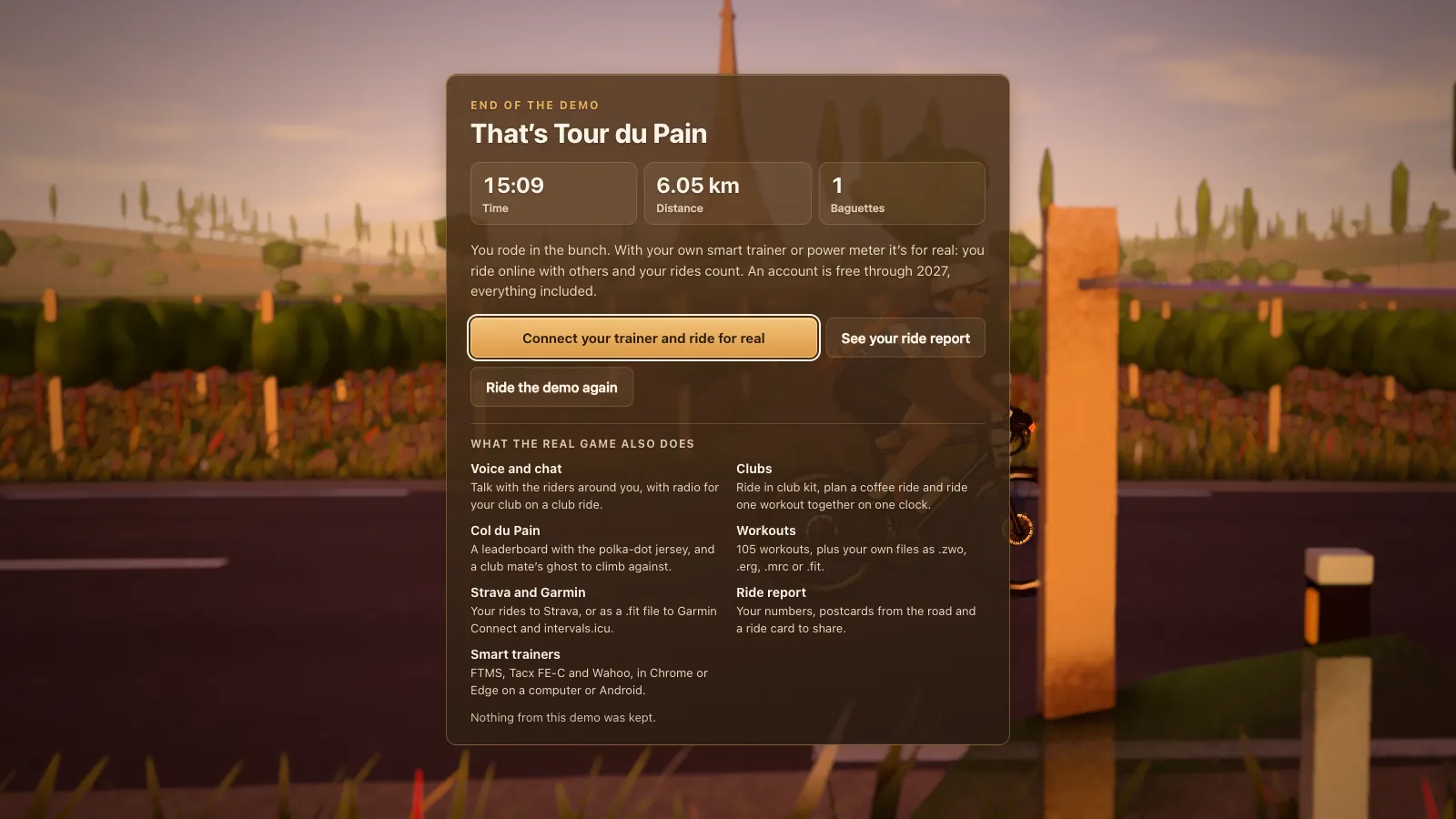
The demo runs the real game with a simulated trainer. Pick Ride in the bunch, Try a workout or Climb the Col du Pain. The arrow keys, or minus and plus on screen, set your watts, and the bunch rides with you. After 15 minutes an end card shows what you rode, and you can open the report of your demo ride.
The demo needs no Bluetooth, so it also runs on a phone or an iPad, which can't connect a trainer. It saves and sends nothing, nobody online sees you, and your own settings stay untouched. If your device struggled, the end card says how many frames a second it managed, which is a quick way to see whether that laptop is fast enough.
Install it as an app, if you like
You don't have to install anything, but you can. In Chrome or Edge, use the install button in the address bar or the browser menu. Tour du Pain then opens in its own window without tabs and an address bar, with its own icon on your desktop, dock or home screen. Bluetooth works there too.
This is a Progressive Web App: the same game as the tab, not a separate download. It updates itself. When a newer version is live, the menus show a quiet note with a Reload button, and a ride in progress is never ended for an update.
Offline after the first run
Once the game has run online, it opens without a connection too, because the browser keeps its files. That helps in a pain cave with patchy Wi-Fi. When the connection drops mid-ride, the ride carries on and your recording stays on your device until it can upload. Voice, chat and the other riders need the internet.
Graphics presets
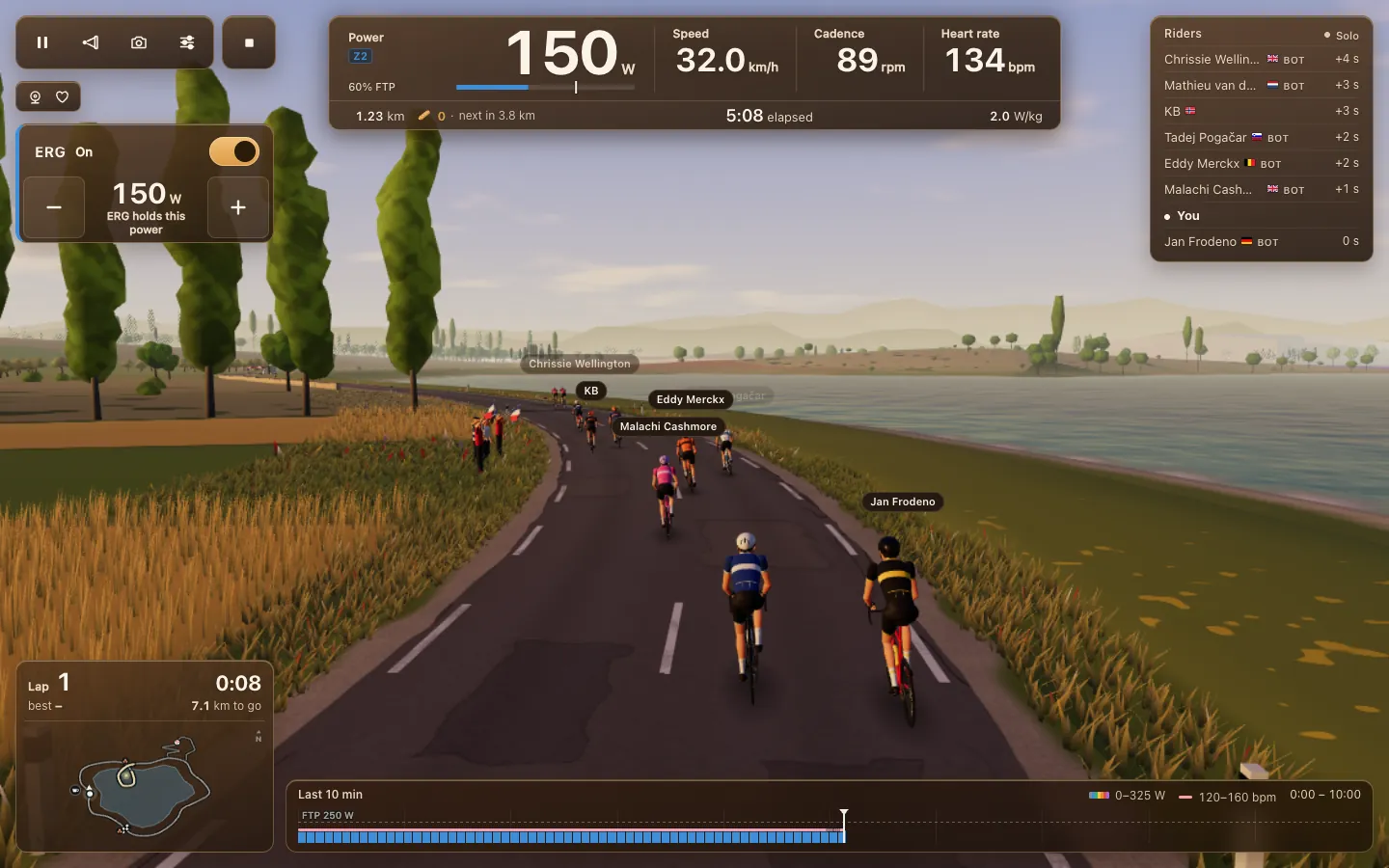
The game is 3D, so the graphics chip does the heavy work. Settings has three presets, Low, Medium and High, and a Pick for this computer button that chooses one for you. If the game runs below 45 frames a second, it offers to switch down a level.
- Low suits older laptops and Chromebooks. It draws fewer crowd rows and shorter shadows; since 1.31.3 browser zoom no longer makes it heavier.
- Medium gives the 3 nearest riders a real sun shadow.
- High gives 6 riders a shadow and the fullest crowd on the Col.
Menus don't draw the world behind them since 1.28.3, so laptops stay cooler between rides. If the browser can't start the 3D graphics at all, turn on hardware acceleration in Chrome or Edge and reload. More for older machines in indoor cycling on a Windows laptop or Mac.
What you need
- Chrome or Edge on a Windows or Mac computer or a Chromebook, or Chrome, Edge or Opera on an Android phone or tablet.
- A smart trainer or a power meter that talks Bluetooth. Trainers that only speak ANT+, a separate radio standard, can't be used from a browser.
- A heart-rate strap if you like.
It doesn't work in Safari or Firefox, or in any browser on an iPhone or iPad, except Bluetooth browsers like Bluefy. See which browsers can talk to your smart trainer.
Start in a minute
- Open tourdupain.app in Chrome or Edge.
- Tap Connect a trainer and pick your trainer or power meter.
- Ride. A guest gets 20 km; a free account keeps your rides, baguettes and settings on every device.
Tour du Pain is free through 2027, everything included. It runs on donations.
Questions
Do I need to download anything?
No. Tour du Pain runs in a browser tab. You can install it as an app from Chrome or Edge, but that's optional.
Which browsers work?
Chrome or Edge on a computer, or Chrome, Edge or Opera on an Android device. Safari and Firefox can't reach Bluetooth, and neither can browsers on iPhone or iPad, except Bluetooth browsers like Bluefy.
What happens if my internet drops?
The ride carries on. Your trainer talks to your browser, not to a server, and the game reconnects to the other riders by itself.
Does it work offline?
Partly. Once it has run online, the game opens without a connection, and a ride carries on when the internet drops. Other riders, voice and chat need the internet.
Is a browser game slower than an installed app?
It runs on your graphics chip like an installed game. On a weaker laptop pick Low; the game also offers to switch when it drops below 45 frames a second.
Can I play without a smart trainer?
You need a smart trainer or a Bluetooth power meter to ride for real. Without one, the demo rides with a simulated trainer for 15 minutes.
Do I need an account?
Not to start. A guest can ride 20 km. Voice, chat and clubs need a free account.