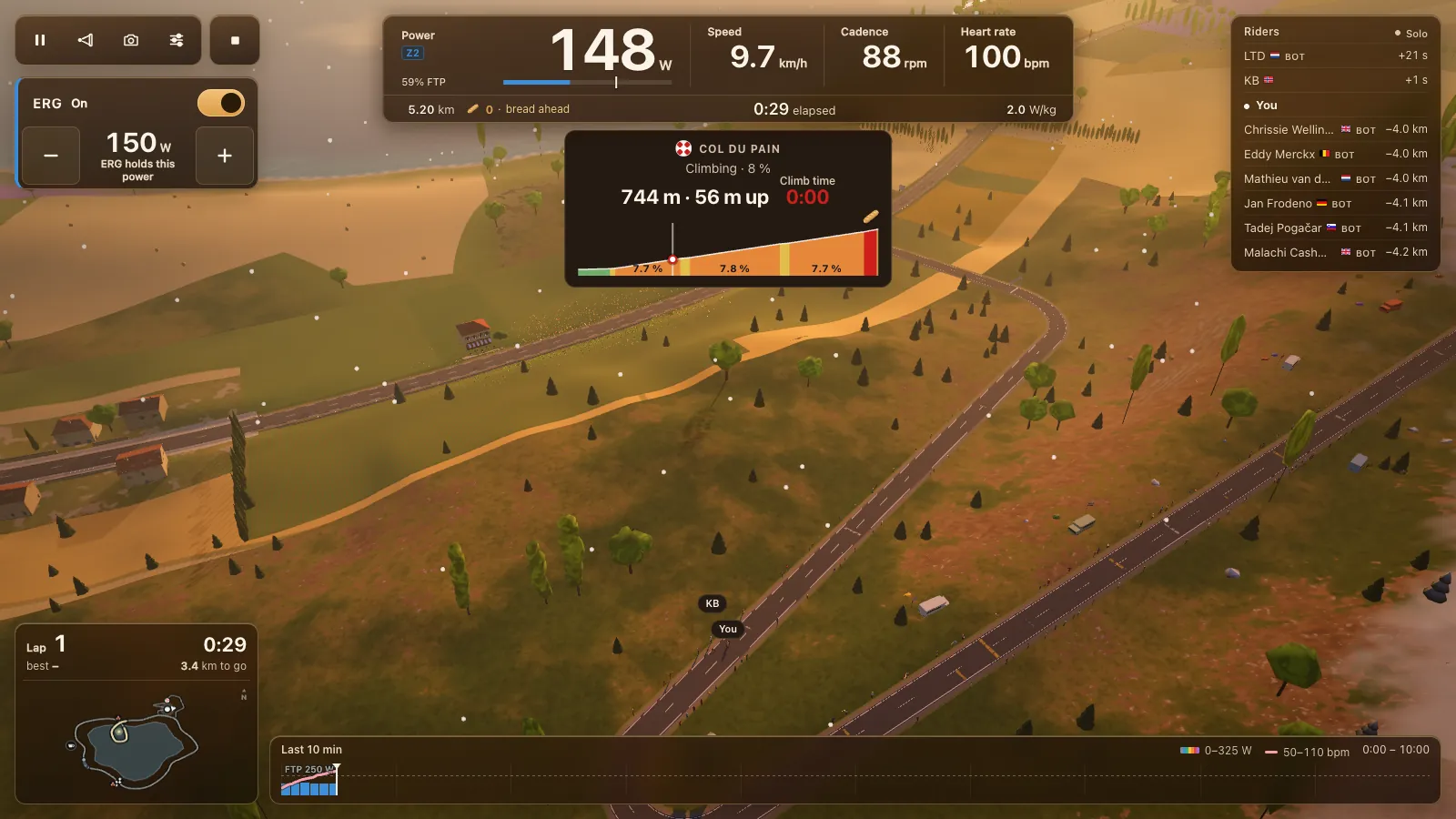
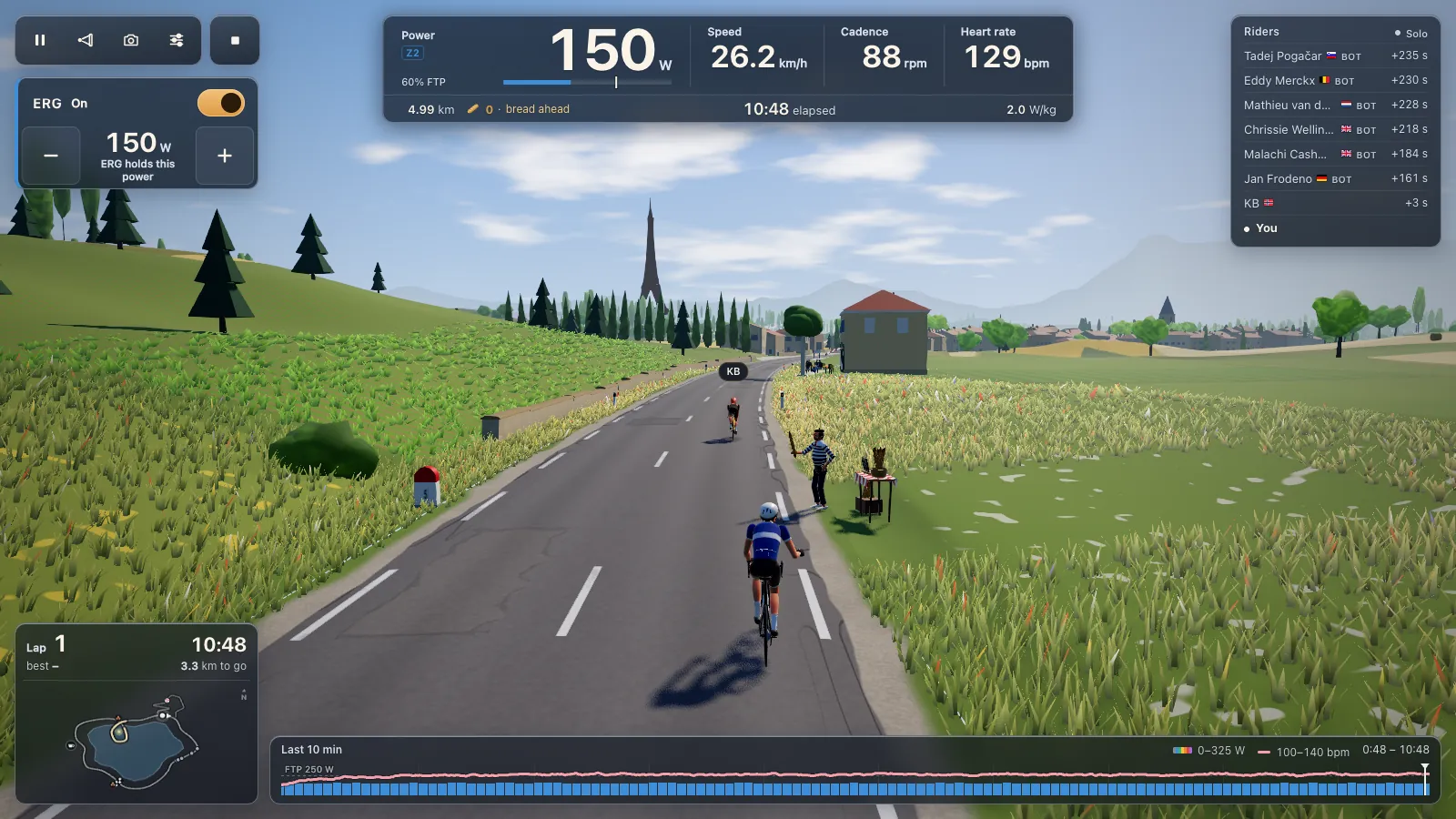
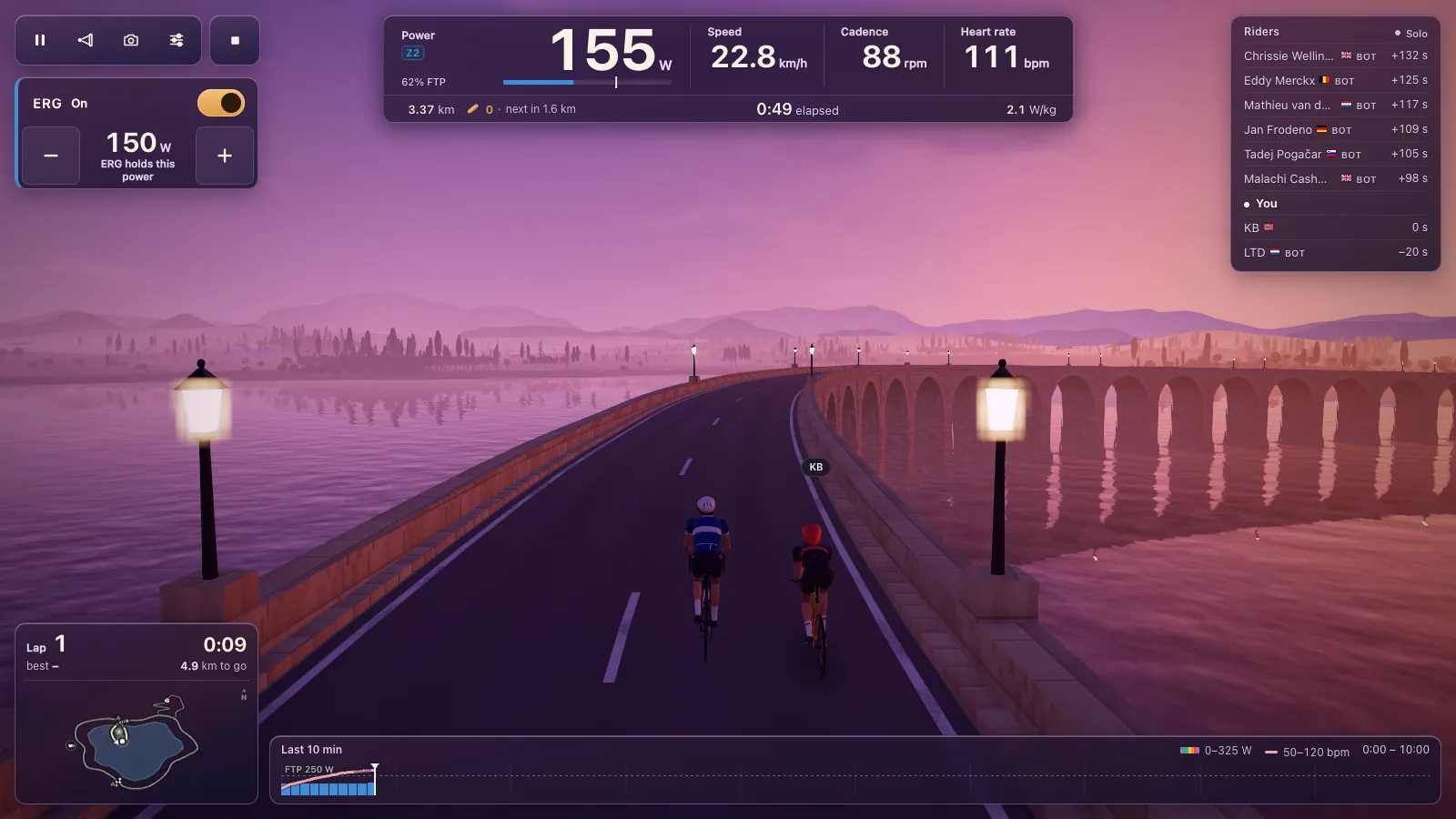
ERG workouts in your browser: 105 free structured workouts
Tour du Pain has 105 ERG workouts that run in a browser tab: pick one, connect your smart trainer over Bluetooth and the trainer holds the watts of each block while you ride the lake loop with the bunch. Your own .zwo, .erg, .mrc and .fit files load too. There's nothing to install, and it's free through 2027, everything included. It runs on donations.
Updated · Written for version 1.36.3
Tour du Pain is free for everyone through 2027, everything included. Donations are optional.
What ERG mode does
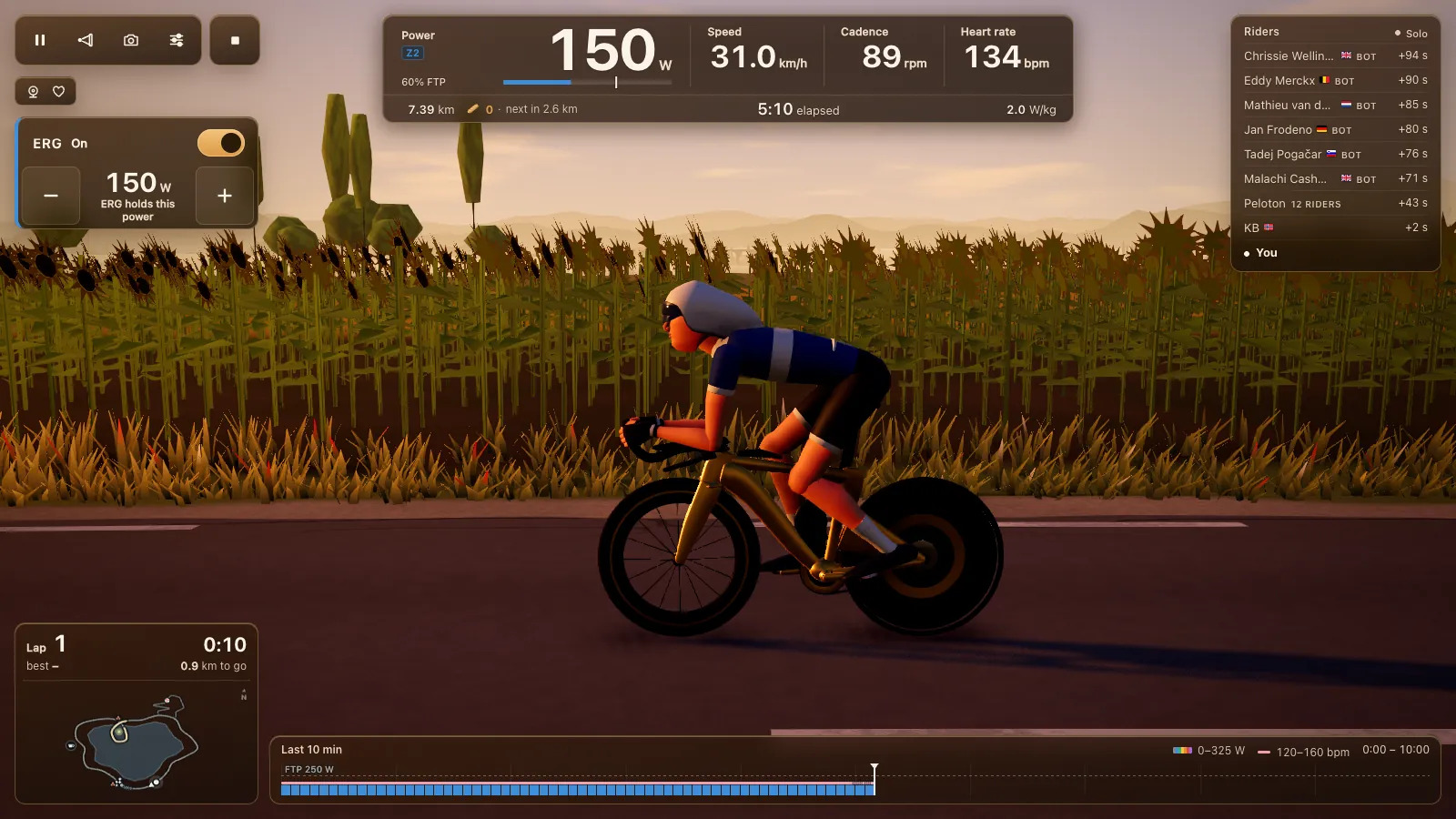
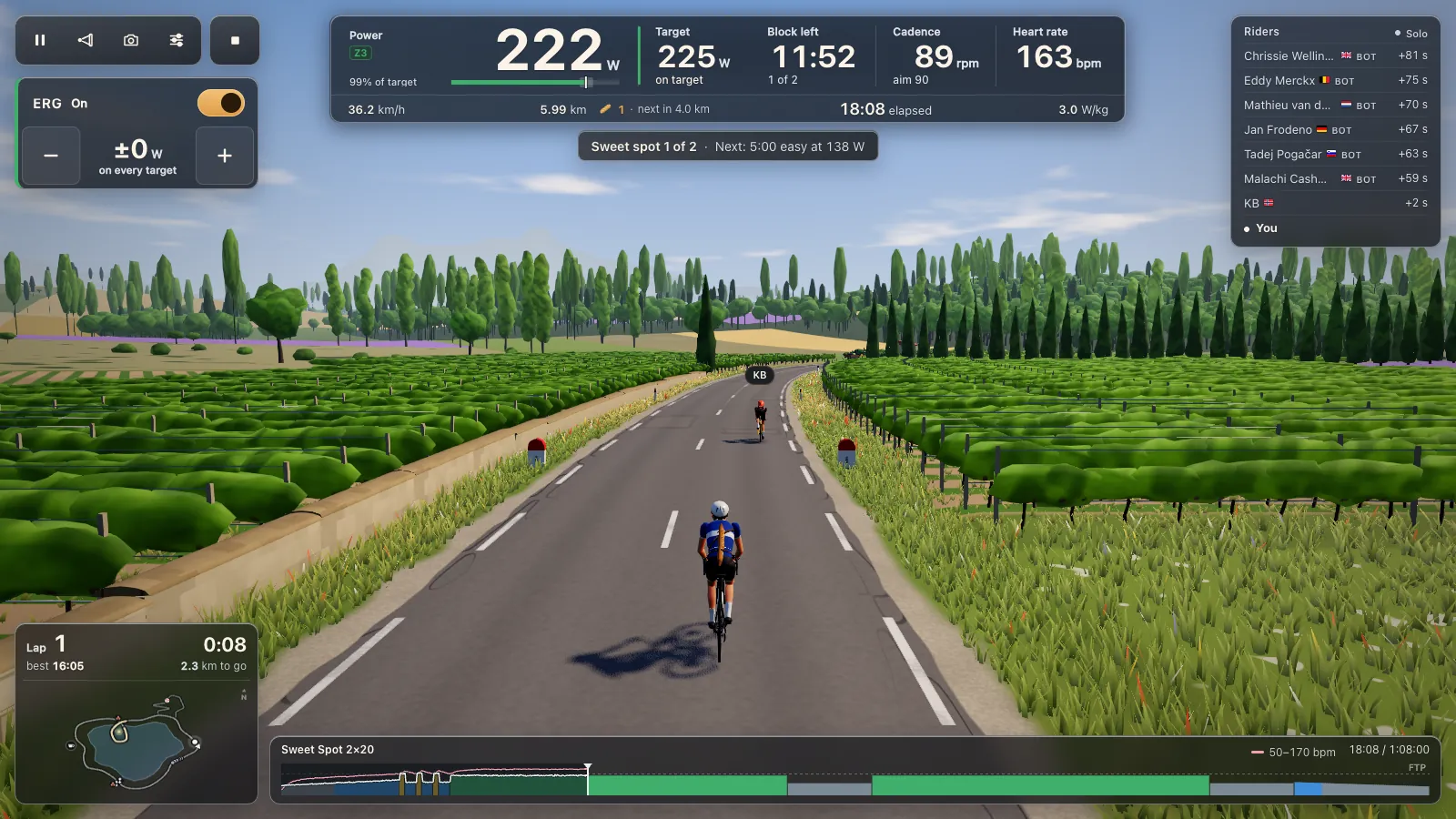
In ERG mode the smart trainer sets the resistance for you, as Wahoo's guide to ERG mode explains. The workout asks for 225 W, so the trainer holds 225 W: spin faster and it gets lighter, slow down and it gets heavier, and the power stays on target. You only have to keep pedalling. That makes structured training simple indoors, because you can't drift off the number the way you can on a road.
Every target in Tour du Pain is a share of your FTP, like Andrew Coggan's power levels, so the same workout fits a rider at 180 W and one at 350 W. The Workouts screen says it at the top: "Targets at 250 W FTP", with your own number in it. If you don't know your FTP yet, ride the free ramp test first.
The 105 workouts by goal
The library is sorted by goal. The counts below are straight from the game.
| Goal | Workouts | A few names |
|---|---|---|
| Endurance | 15 | Zone 2 · 30 min to Zone 2 · 5 hours, Negative Split 75, Endurance Base |
| FTP | 30 | Tempo 2×20, Sweet Spot 2×20, Threshold 2×20, Over-Unders, Ramp Test |
| VO2max | 13 | VO2max 5×3, 40/20s, 30/30 Microbursts, Anaerobic Minutes |
| Climbing | 10 | Long Climb 60, Two Climbs, Col Simulation, Steep Kicks |
| Sprint | 6 | First Sprints, Flying Sprints, Sprint Ladder, Sprints on Tired Legs |
| Racing | 19 | Criterium 45, Time Trial 20, Breakaway 60, ten Ironman and 70.3 sessions |
| Skills | 6 | Cadence Pyramid, One-Leg Focus, Learning to Spin, Fast Feet |
| Recovery | 6 | Easy Twenty, Recovery Spin, Loose Legs 40, Long Easy Hour |
A few things run through the whole list. Short weekday sessions start at 20 minutes, so Sweet Spot 2×8 or One-Minute Eights fit in a lunch break. Workouts that start with "First" are entry versions, with lower targets and a gentler warm-up: First Spin 20, First Tempo, First Sweet Spot, First Threshold, First VO2max, First Climb. Long-course triathletes get their own block, covered in indoor training for triathlon and Ironman.
Hard efforts shorter than 40 seconds are ridden on feel. ERG can't follow a 15-second sprint, so for those blocks the trainer lets go and you set the effort yourself. They still count in the training load.
Search, sort and favourites
With 105 workouts you need a way in. The Workouts screen has a search box for name, goal or effort ("threshold", "IM", "sprint"), a row of goal buttons, length buttons from 30 minutes to 3 hours, and menus for effort and race. Sort puts them shortest first, longest first, hardest first or most TSS first.
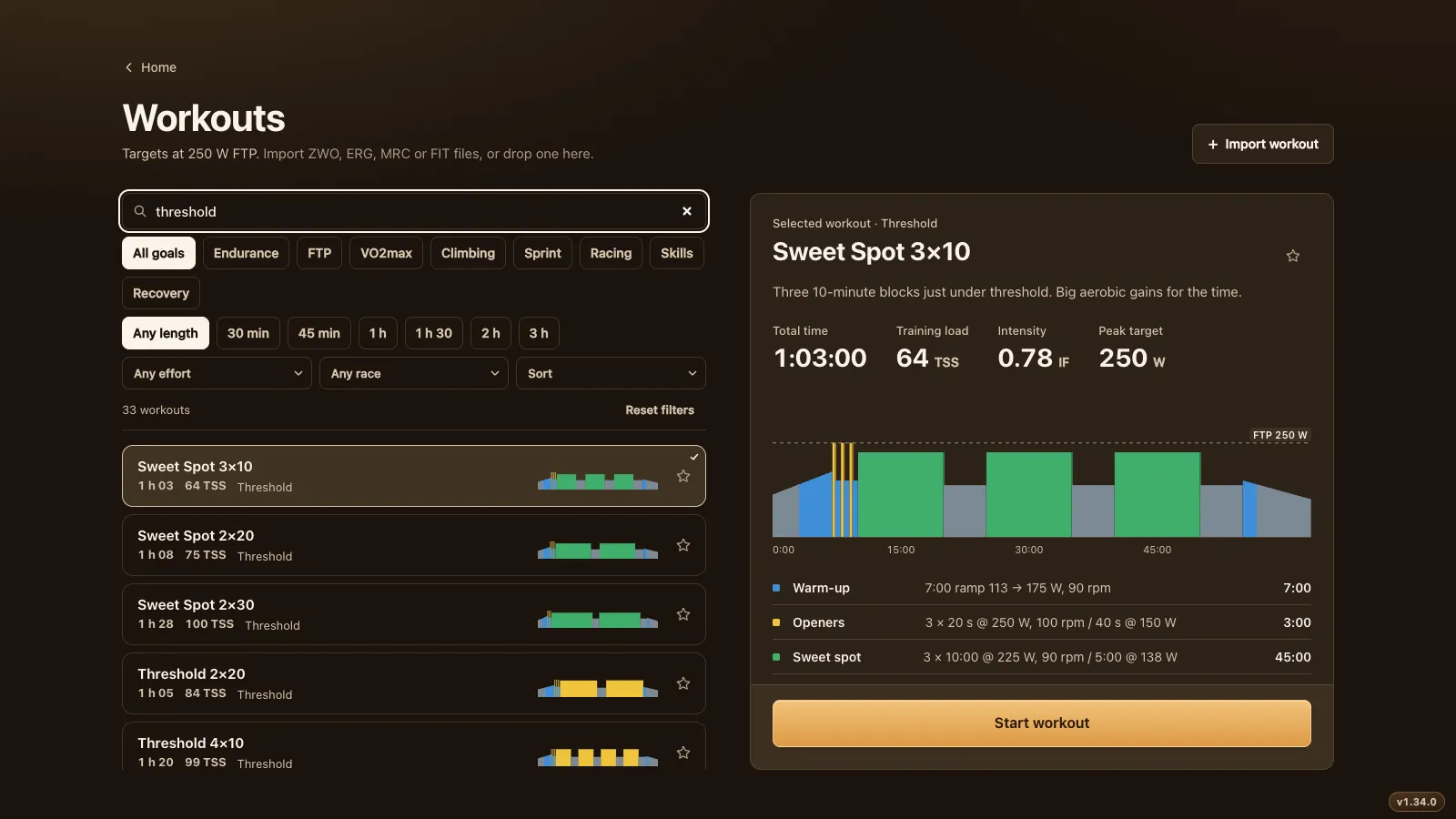
With no filter set, the list opens on what you rode recently, then your favourites, then a few per goal with "All 15" or "All 30" to see the rest. Star a workout from its row or from its details and it goes into Favorites. Your favourites follow your account, so they're there on your laptop and on the Chromebook in the spare room.
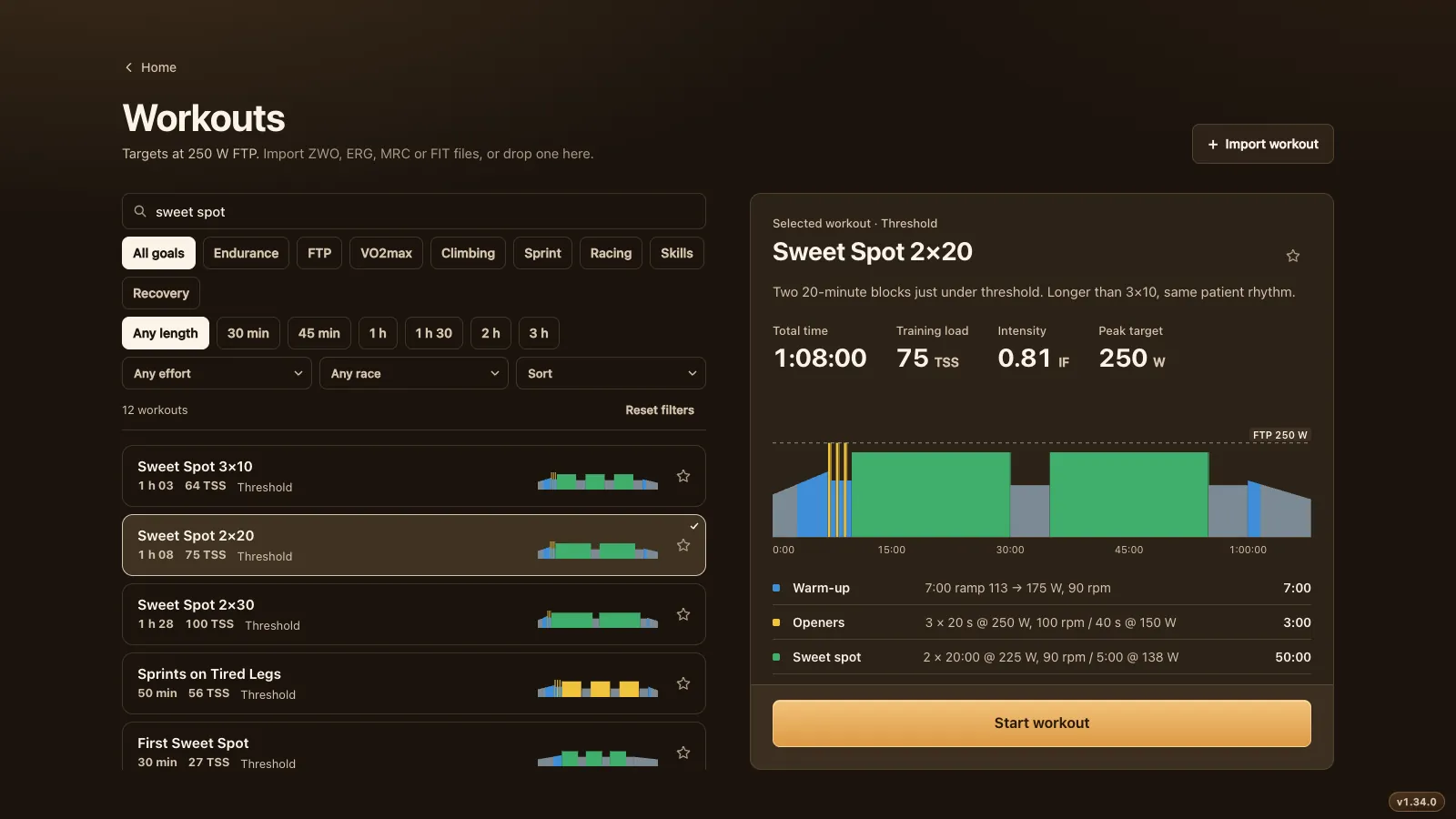
Click a workout and the detail panel shows the total time, training load (TSS), intensity (IF), the peak target in watts, a chart of every block and a line per block with its watts and cadence. "Start workout" is at the bottom.
How a workout rides
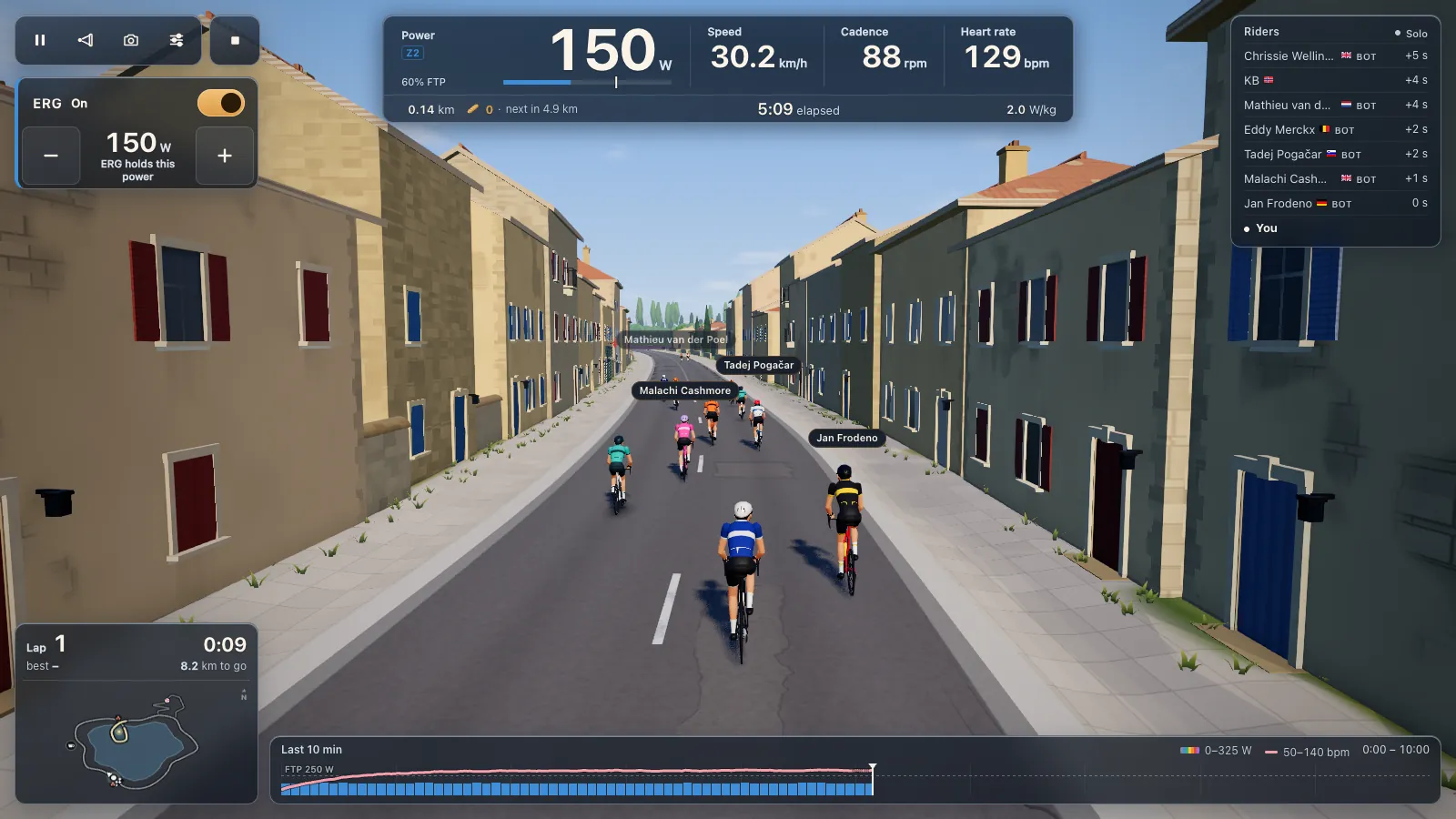
You ride a workout on the same 8.3 km lake loop as a free ride, with other riders and bots around you. The workout runs on top of it.
- It starts when you do. Until your first pedal strokes the clock, the distance and the bunch wait, and the screen says "Start pedalling to begin".
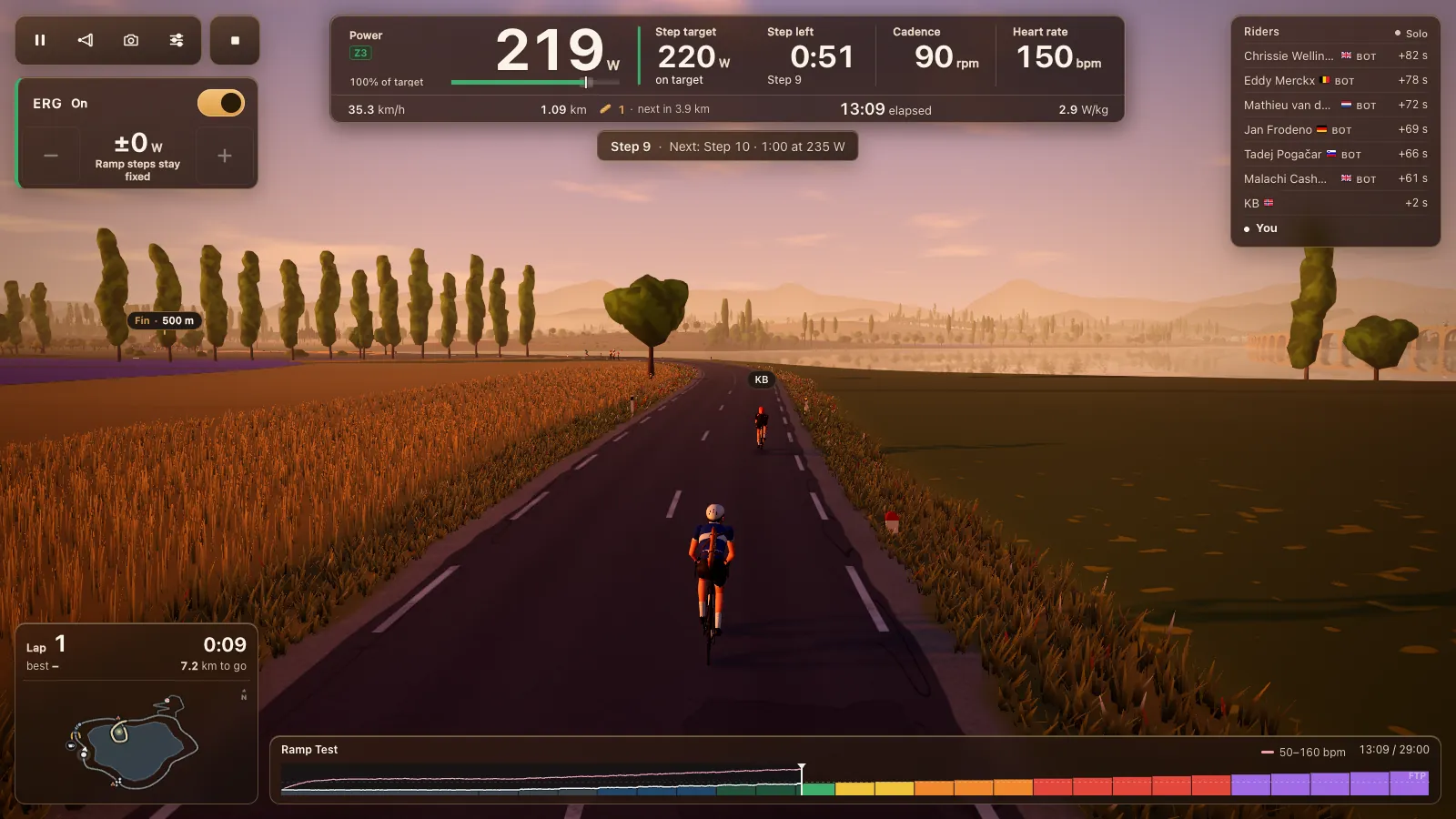
- ERG starts soft. From a standstill the trainer stays light until your legs turn, then ramps up to the target over 6 seconds. No more grinding a heavy gear from zero.
- The chart shows what's coming. The bar at the bottom has every block in its zone colour, with your power and heart rate drawn over it. The card above the road says which block you're in and what's next.
- Nudge the targets. The ERG panel has minus and plus buttons that move every target a little, about 2% of FTP per tap. Handy on a day when your legs say no.
- Skip takes the whole block. A block is skipped as the workout lists it, so "4 × 5 minutes" goes in one go. With more than 2 minutes left, the game asks first.
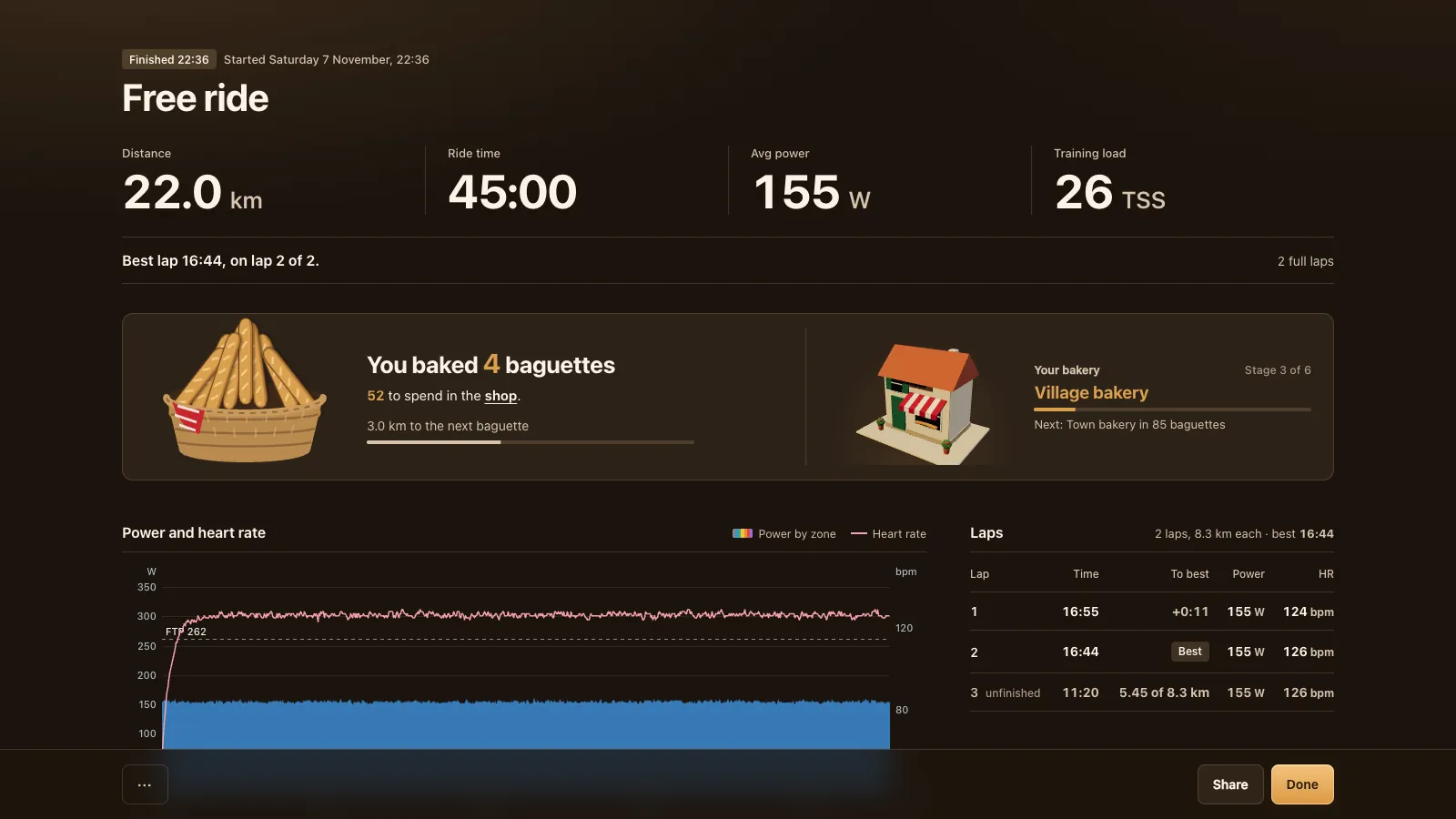
- The bakery van still comes. Every 5 km of your own work earns a baguette, in workouts too, long zone 2 included. A 5 km mark that falls in a short hard effort waits for the next calm stretch.
- Voice pauses in hard intervals. If you ride with voice on, it pauses during hard blocks and comes back after.
Afterwards the ride report shows your numbers, the workout target as a line over your power, time in zones and TSS. Every ride gives you a .fit file, Garmin's FIT format, for Strava, Garmin Connect or intervals.icu; see Strava, Garmin and .fit files.
Import your own workouts
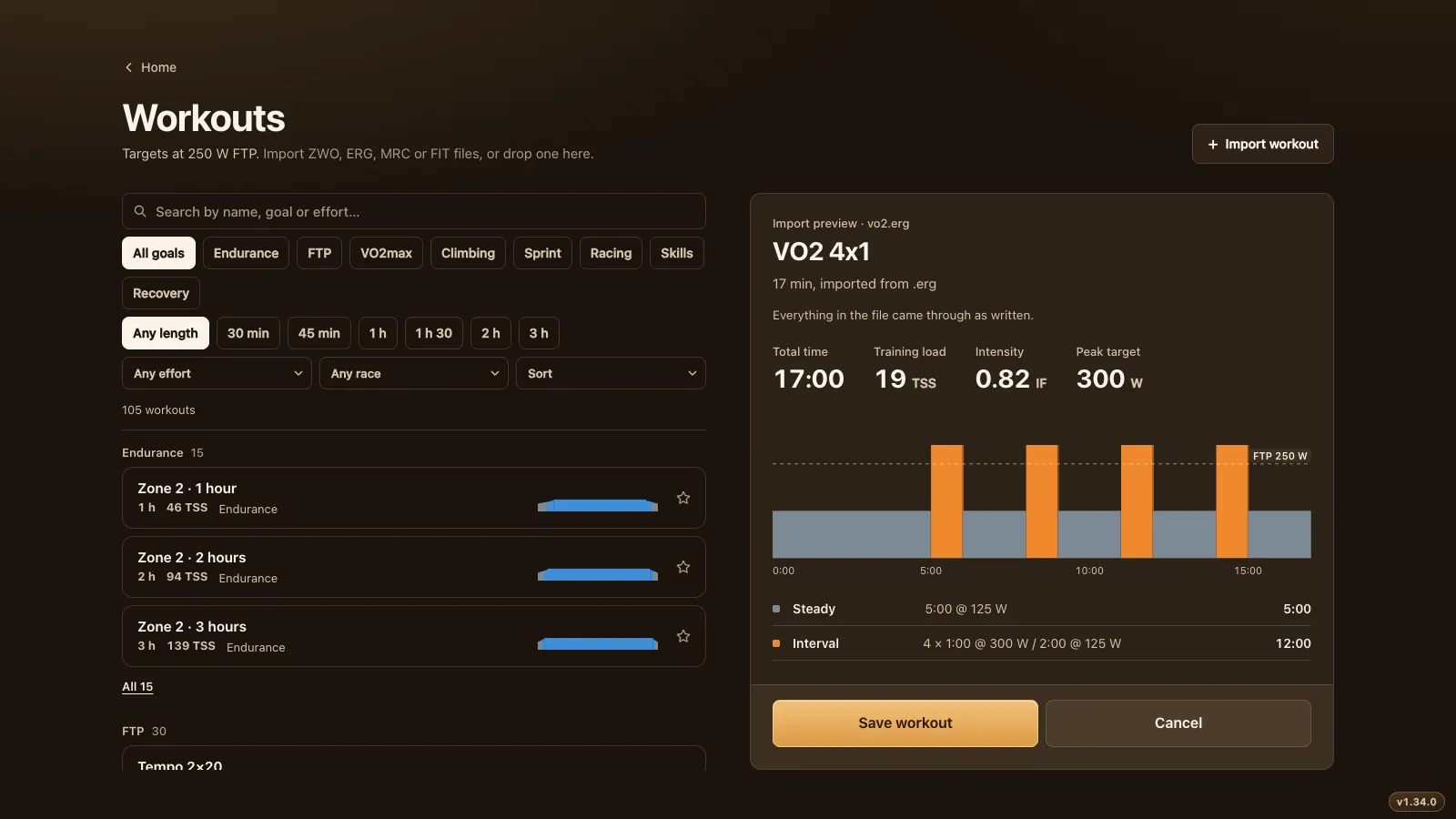
Workouts from another app or a coach come along too. "Import workout" on the Workouts screen takes .zwo (Zwift's custom workout format), .erg, .mrc and .fit workout files, or you drop one on the screen.
You get a preview first: the chart, total time, TSS, intensity and every block. If everything came through, it says "Everything in the file came through as written". If something needed a guess, such as an .erg file in watts without an FTP line, the preview lists what to check before you save. A name or step label that's too long is cut at a word, and the preview tells you. Saved workouts go under Imported and ride exactly like the built-in ones.
One workout with your club, on one clock
A club ride can be one workout together. The captain or any member picks a workout when planning the club ride, and everyone rides the same blocks on one clock, each at their own FTP. A rider at 2.5 W/kg and one at 4 W/kg hit the interval at the same second and can talk through it. Join late and you're where the group is; a stop doesn't put you behind. The picker shows your favourites first, then every workout per goal with its length.
What you need
- Chrome or Edge on a Windows or Mac computer or a Chromebook, or Chrome, Edge or Opera on an Android phone or tablet. Safari, Firefox and every browser on iPhone and iPad can't reach Bluetooth.
- A smart trainer with ERG over Bluetooth. Most trainers since about 2020 speak FTMS, the open standard (the Bluetooth SIG's FTMS spec); check yours in which smart trainers work. ANT+ only won't work from a browser.
- Without a smart trainer, a power meter on a basic trainer works too: the targets show on screen and you match them with your gears, without ERG.
To see a workout before you connect anything, try the one in the demo, with a simulated trainer.
Questions
Are the ERG workouts free?
Yes. All 105 workouts and the import are part of the game. Tour du Pain is free through 2027, everything included. It runs on donations.
Can I ride my Zwift workouts in Tour du Pain?
Yes. Export the workout as a .zwo file and import it on the Workouts screen. .erg, .mrc and .fit workout files load too.
What happens with sprints in ERG mode?
Efforts under 40 seconds are free blocks: ERG lets go and you sprint on feel. ERG can't react fast enough for those, and fighting it would spoil the sprint.
Do I need to know my FTP?
It helps, because every target is a share of your FTP. Ride the 20-minute ramp test once, or start with an estimate and test later. The game reminds you after a couple of rides.
Can I make a workout easier during the ride?
Yes. The minus button in the ERG panel lowers every target a little, about 2% of FTP per tap, and skip moves you to the next block.
Is there a training plan?
No. Tour du Pain has a library of single workouts, not a plan that builds week by week. If you want an adaptive plan, an app like TrainerRoad is made for that; see TrainerRoad alternatives.