Elite Suito, Direto and Justo in the browser
An Elite Suito, Direto or Justo is expected to work in your browser. Tour du Pain connects to Elite's direct-drive trainers from Chrome or Edge over FTMS, the open Bluetooth standard Elite has used since at least 2019, and should drive them in ERG or on 33 resistance levels. No Elite has been ridden here yet. Free through 2027, everything included. It runs on donations. There's nothing to install.
Updated · Written for version 1.36.3
Tour du Pain is free for everyone through 2027, everything included. Donations are optional.
Which Elite trainers work in the browser
| Model | Protocol | Status |
|---|---|---|
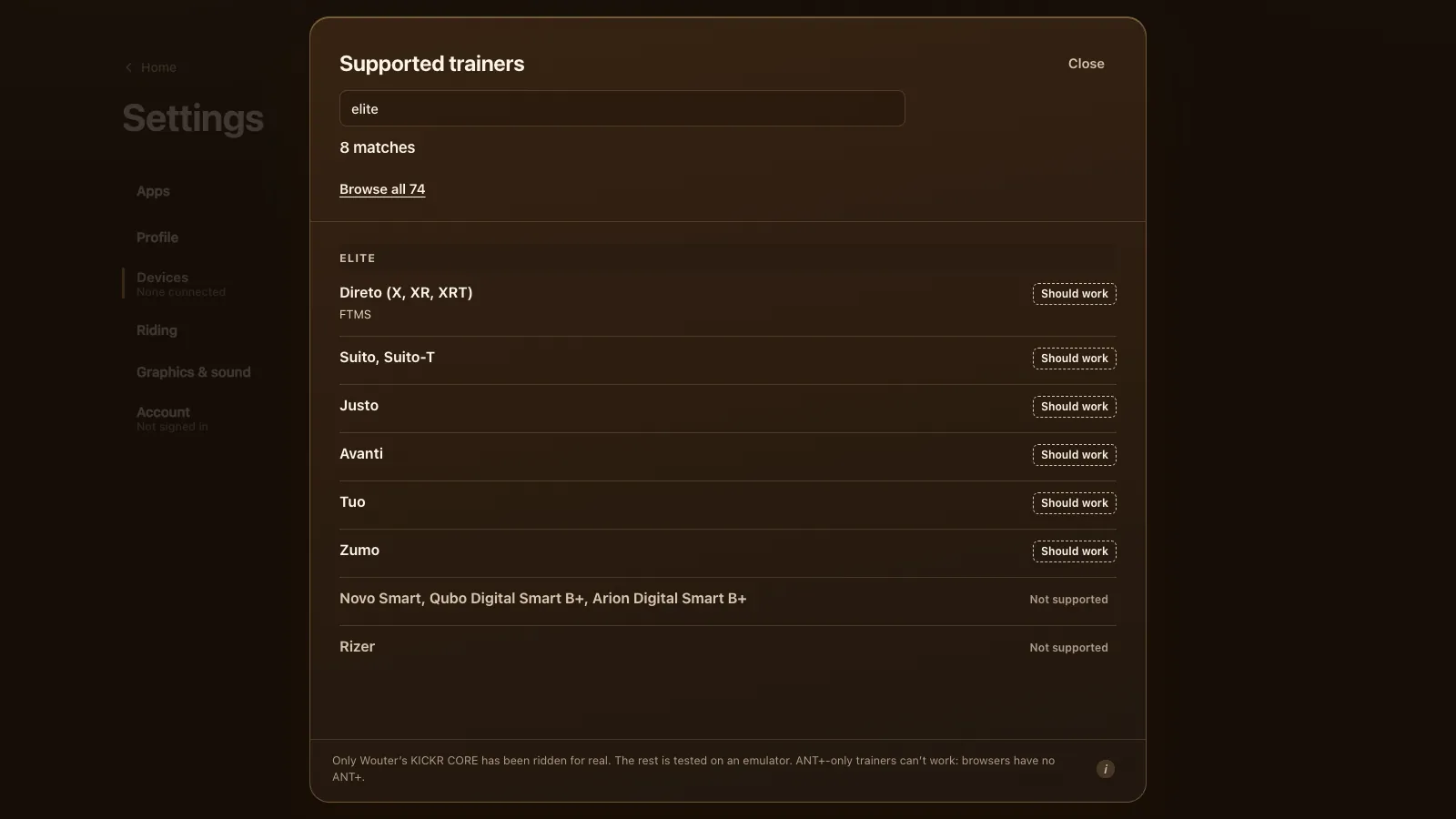
| Direto (X, XR, XRT) | FTMS | Should work |
| Suito, Suito-T | FTMS | Should work |
| Justo | FTMS | Should work |
| Avanti | FTMS | Should work |
| Tuo | FTMS | Should work |
| Zumo | FTMS (unconfirmed) | Should work |
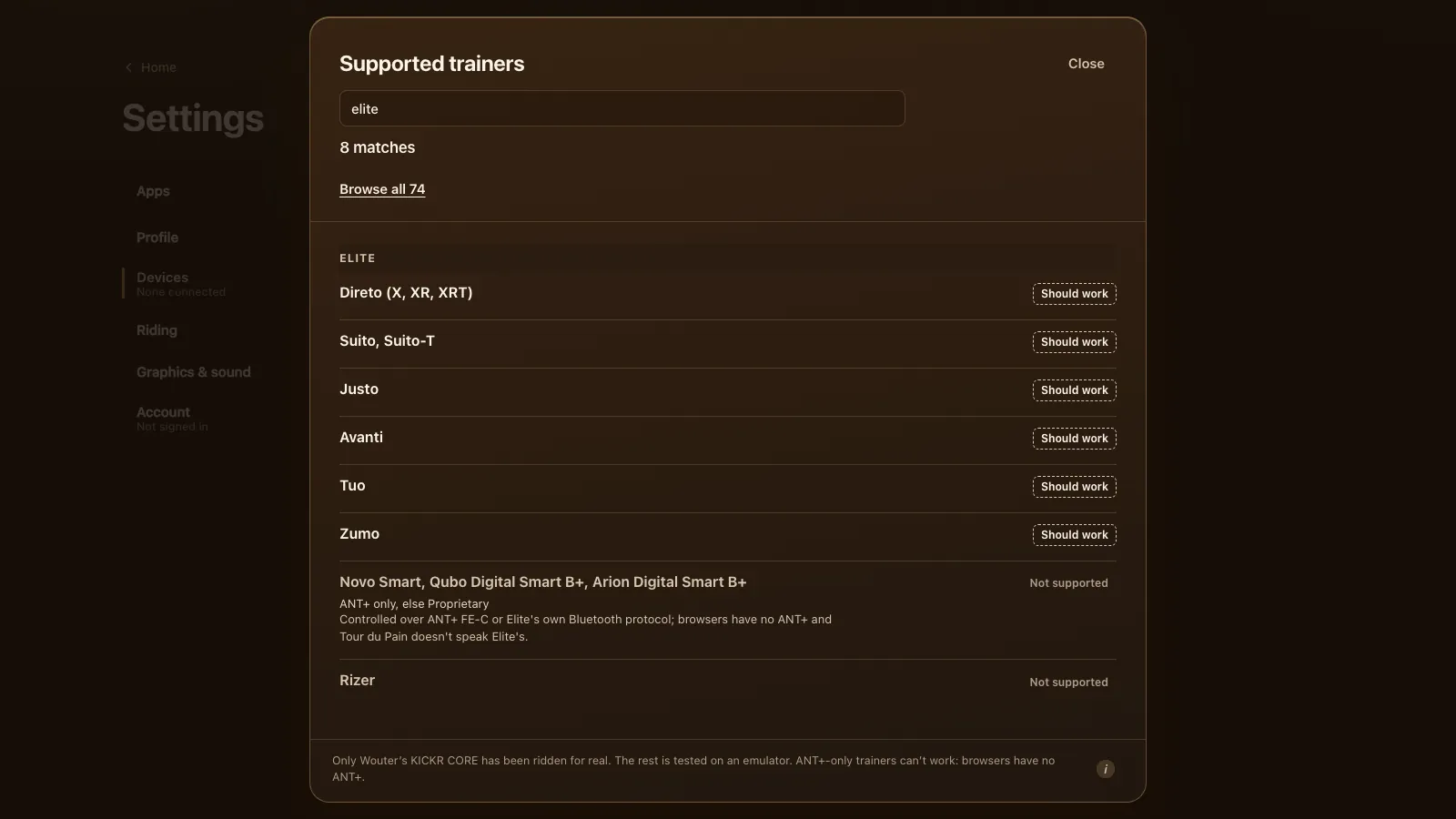
| Novo Smart, Qubo Digital Smart B+, Arion Digital Smart B+ | ANT+ only, else Elite's own | Not supported |
| Rizer | Elite's own | Not supported |
Elite's current trainers all speak FTMS (see DC Rainmaker's Suito hands-on and his Tuo review), which is the protocol the game uses first and the one it was tested with on the KICKR CORE. So the Direto, Suito and Justo take the same route as the one trainer that has been ridden. For the Zumo we found no source that names its protocol, so it's marked unconfirmed, though a recent Elite trainer probably speaks FTMS too.
Setting up an Elite Suito or Direto
- Update the trainer's firmware with Elite's own app, Upgrado (Elite's note on its firmware updates), then close the app on your phone. Most trainers take one Bluetooth connection at a time.
- Open tourdupain.app in Chrome or Edge on a Windows or Mac computer, a Chromebook or an Android tablet.
- Turn the pedals to wake the trainer.
- Go to Settings, Devices and press Connect next to Smart trainer. Pick your Elite from the browser's list.
- If it isn't in the list, turn on Show all devices, which lists everything nearby.
The Suito, Direto and Justo measure power themselves, so you don't need a separate power meter. A heart rate strap connects next to the trainer if you wear one.
ERG and resistance levels
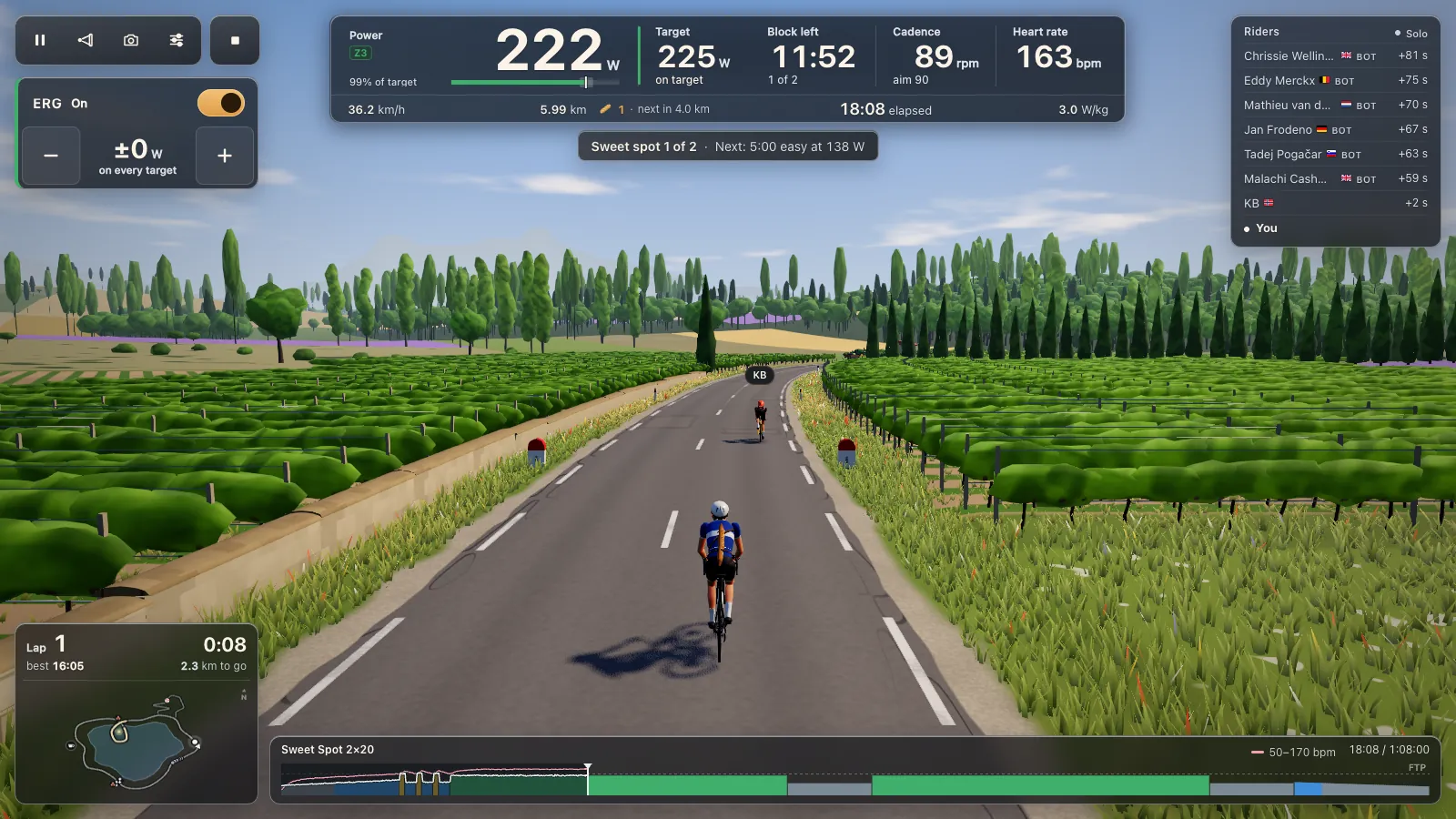
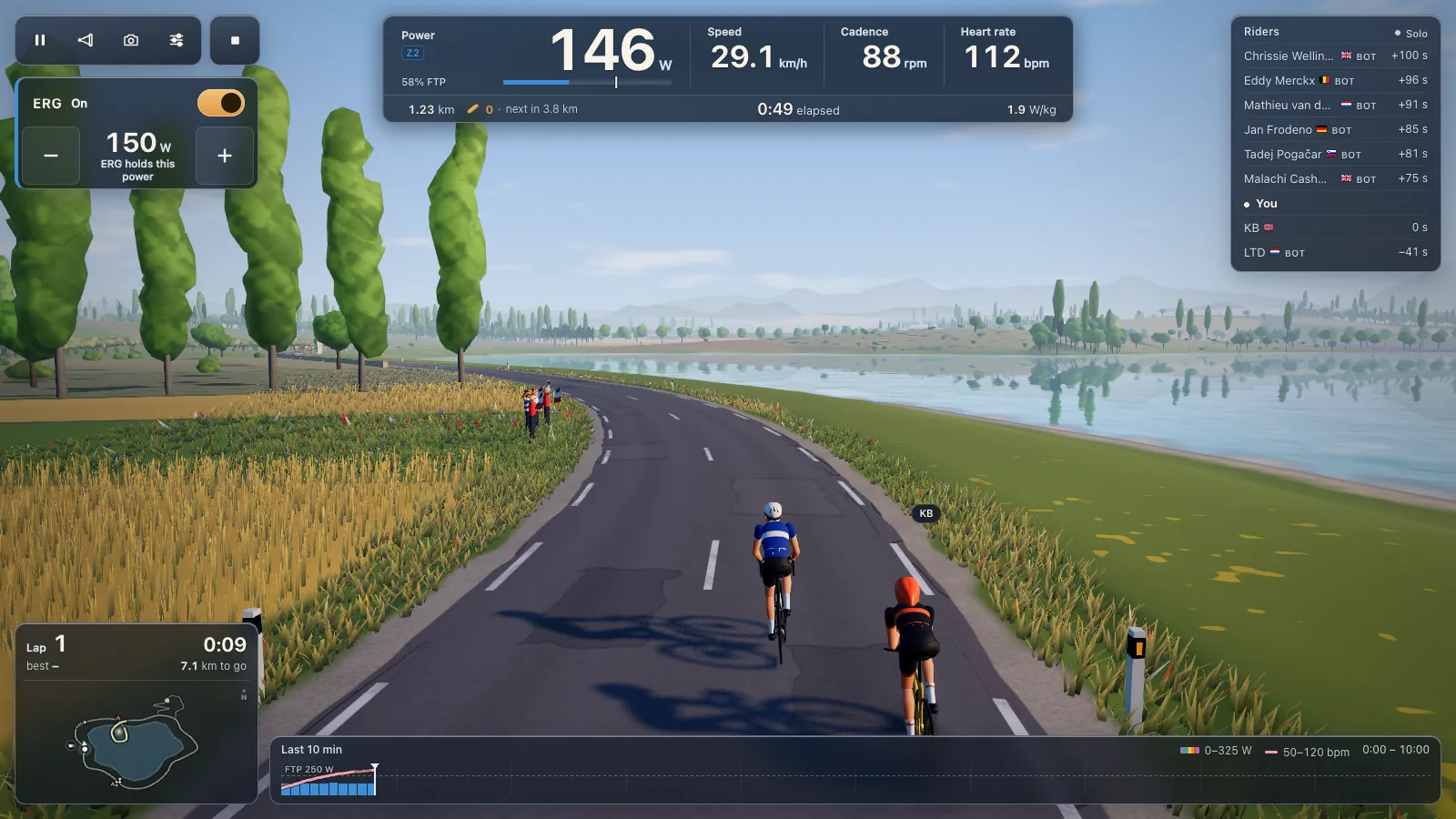
In ERG, the Elite holds the target power of each block of a workout whatever your cadence. Tour du Pain has 105 workouts, from 20-minute weekday sessions to long zone 2 rides, and loads your own .zwo, .erg, .mrc and .fit files; see ERG workouts in your browser. ERG starts light from a standstill and builds up to the target over 6 seconds once your legs turn.
With ERG off, one of 33 levels sets the resistance. The levels are worked out from your FTP, and each one shows about how many watts it takes at 90 rpm. You shift your own gears, and minus and plus step the level.
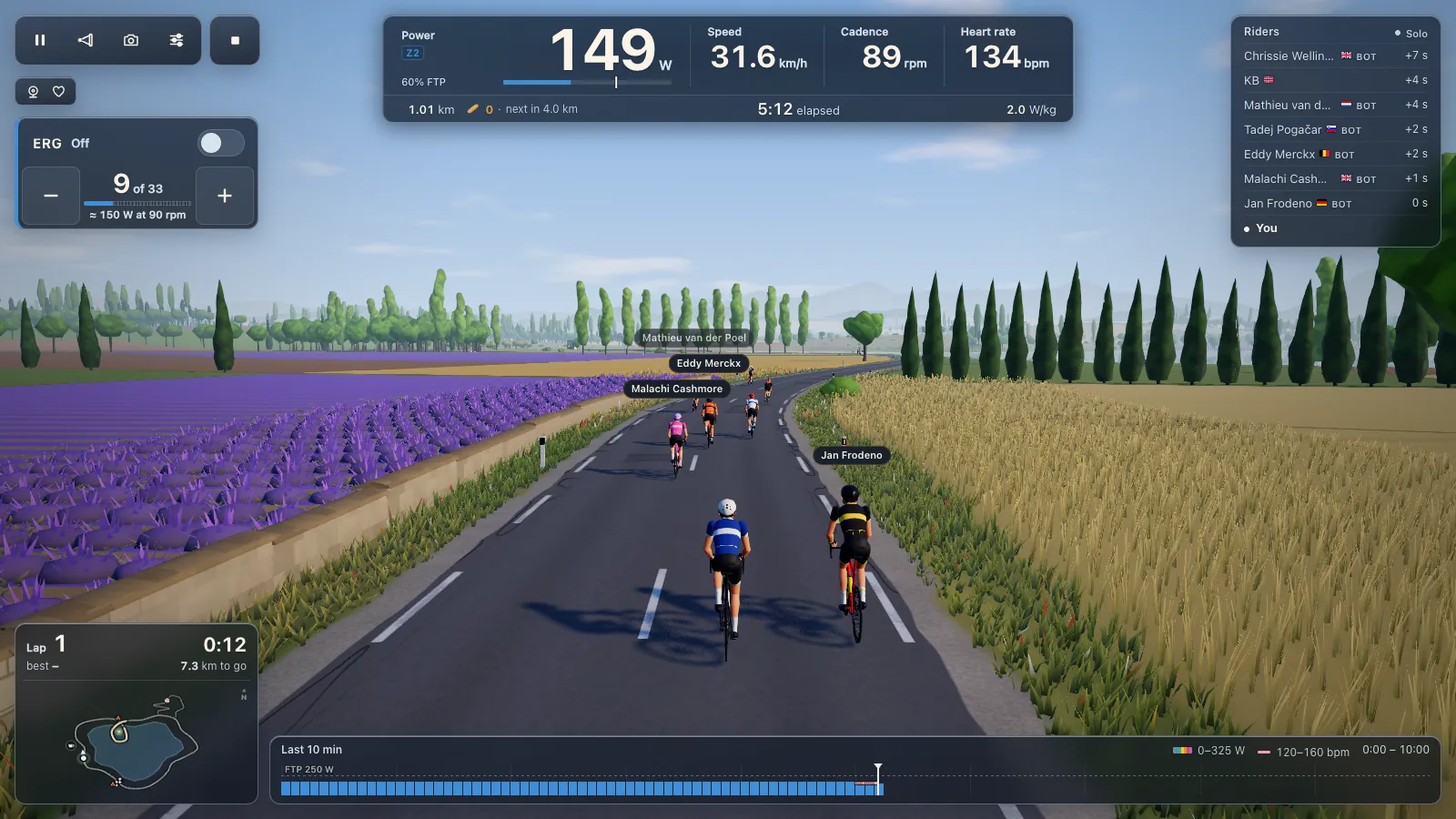
The game's climbs change your speed on screen, but the trainer's resistance stays at your level. The Col du Pain feels flat on a Direto, as on any trainer.
Elite's Square remote works as a controller in Tour du Pain, so its buttons can change the level or the ERG watts from the handlebar.
What doesn't work: Novo Smart, Qubo and Arion Digital Smart B+
Elite's older smart trainers take commands over ANT+ FE-C or over Elite's own Bluetooth protocol. Browsers have no ANT+ radio, and Tour du Pain doesn't speak Elite's own protocol, so the Novo Smart, Qubo Digital Smart B+ and Arion Digital Smart B+ can't be controlled from Chrome or Edge.
If you own one of those, a Bluetooth power meter on your bike still lets you ride: speed follows your watts and you set the effort with your gears and the trainer's own resistance. See riding with a power meter only.
The Rizer is a front-wheel accessory for climbing and steering (Zwift Insider's Rizer review), and the game doesn't drive it.
When your Elite doesn't show up
Check Elite's own app first: it may still be open on the phone you used for the firmware update. Close it there, and Zwift on any other device. The general fixes, and what the game does when another app won't let go, are on the smart trainer app page with every other trainer in the game.
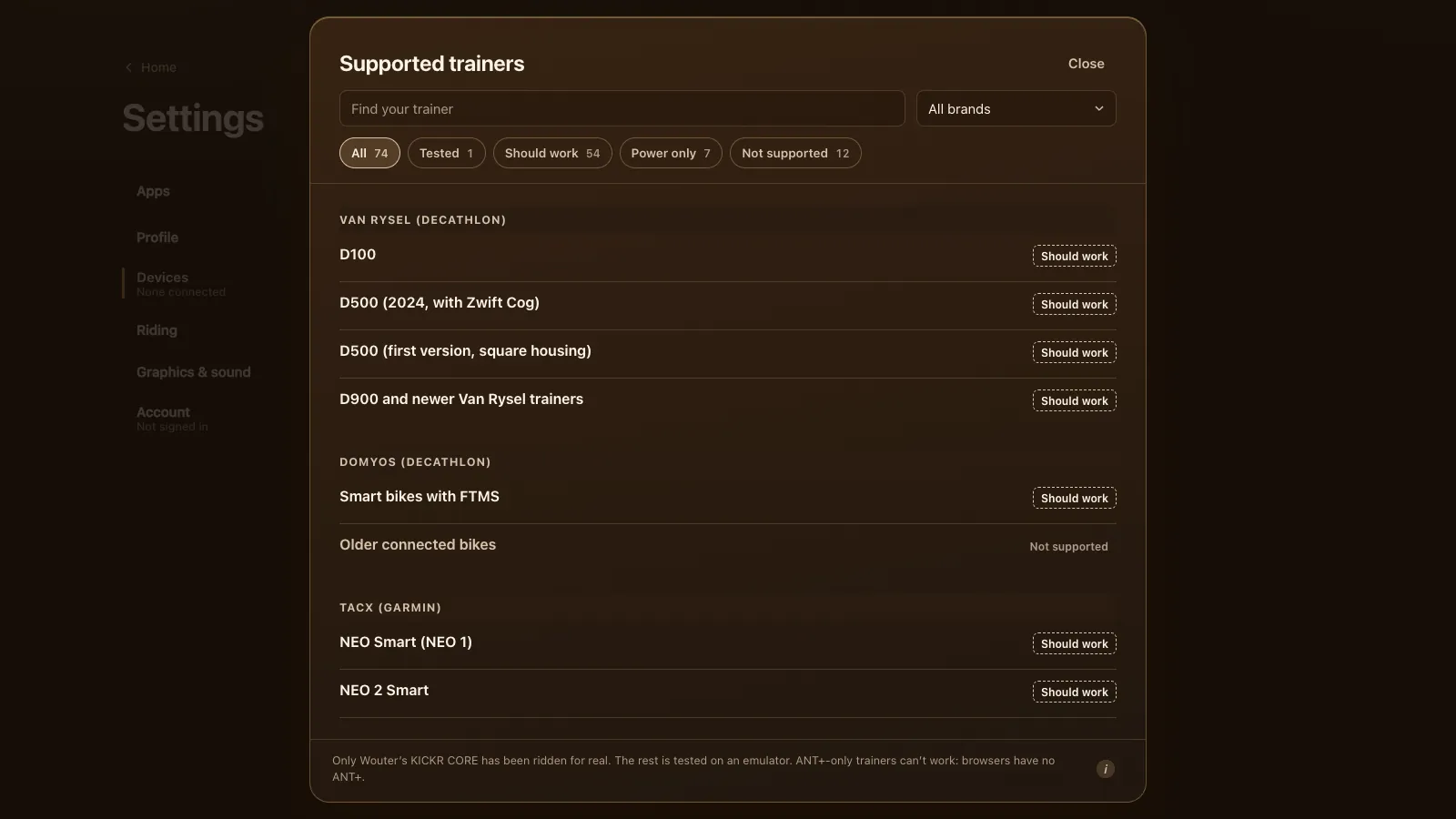
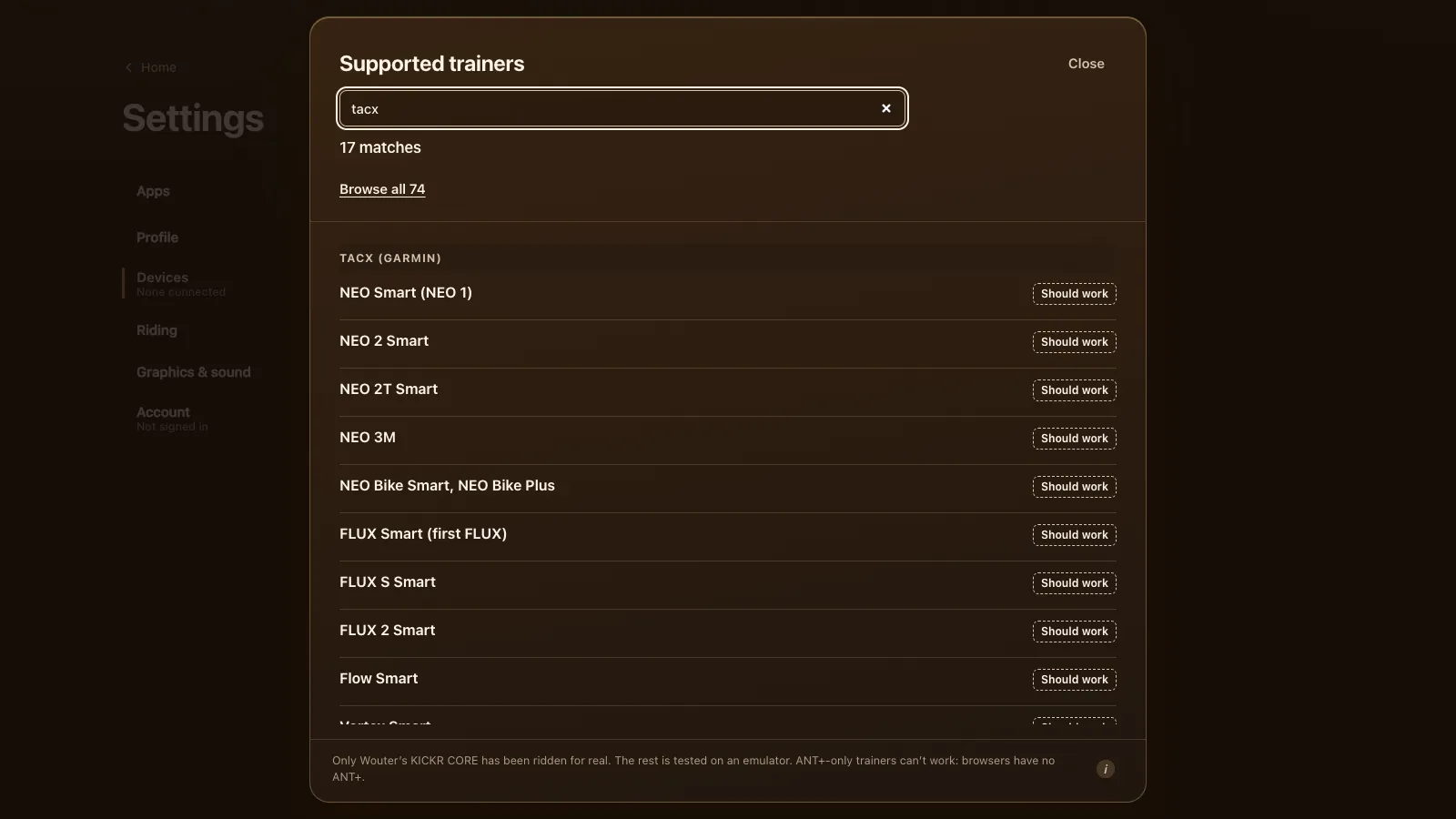
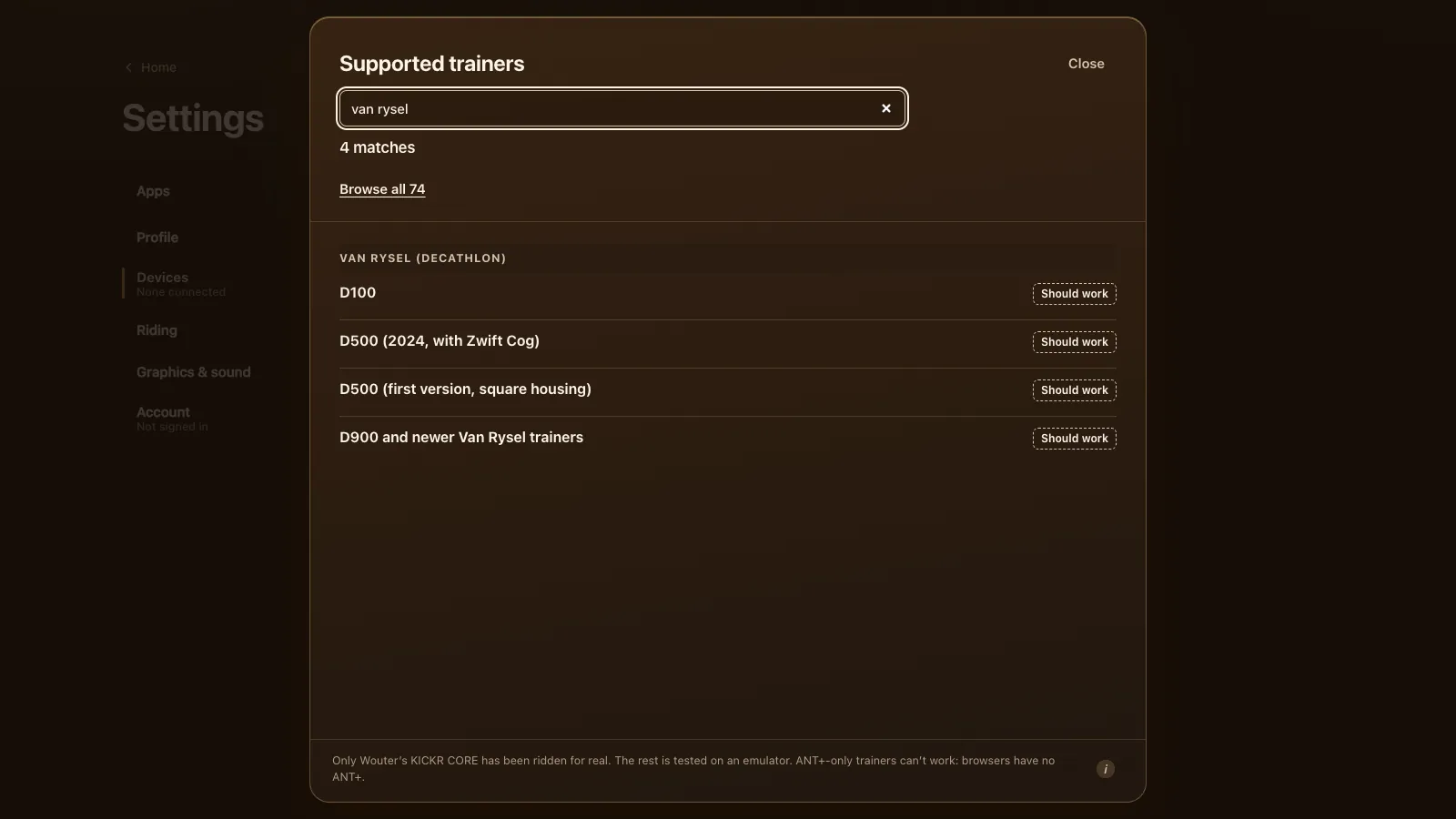
If you're setting up a friend's trainer too, the Van Rysel and Tacx guides cover those brands' quirks.
Why ride an Elite in a browser
You open a tab and ride: no install, no account needed for a first ride, and it runs on a Chromebook as well as a laptop. Group rides have voice and chat built in, so a club doesn't need a separate call. The world is small (one 8.3 km lake loop and one climb), and there are no races or training plans yet. If that fits, it's a quick way to get a Suito rolling without another app on your phone. You can try it without a trainer in the demo.
Tour du Pain is free through 2027, everything included. It runs on donations.
Questions
Does the Elite Suito work in a browser?
It should. The Suito speaks FTMS, the protocol Tour du Pain uses, and was tested on an emulator. Nobody has ridden a real Suito with the game yet.
Is there a free app for an Elite Direto or Suito?
Tour du Pain is free through 2027, everything included. It runs on donations. The game runs in Chrome or Edge with nothing to install.
Do I need Elite's app?
Only for firmware updates. Close it before you ride, because the trainer takes one connection at a time.
Does my Elite Qubo Digital Smart B+ work?
No. It takes commands over ANT+ or Elite's own Bluetooth protocol, and the game can use neither from a browser. A Bluetooth power meter on your bike is the way around it.
Does ERG work on an Elite Justo?
It should. The Justo speaks FTMS, and ERG holds each workout block's watts whatever your cadence.
Can I use an Elite trainer on a Chromebook?
Yes, in Chrome. iPhones and iPads can't, because their browsers can't reach Bluetooth trainers.