Elite Suito and Suito-T in Chrome or Edge
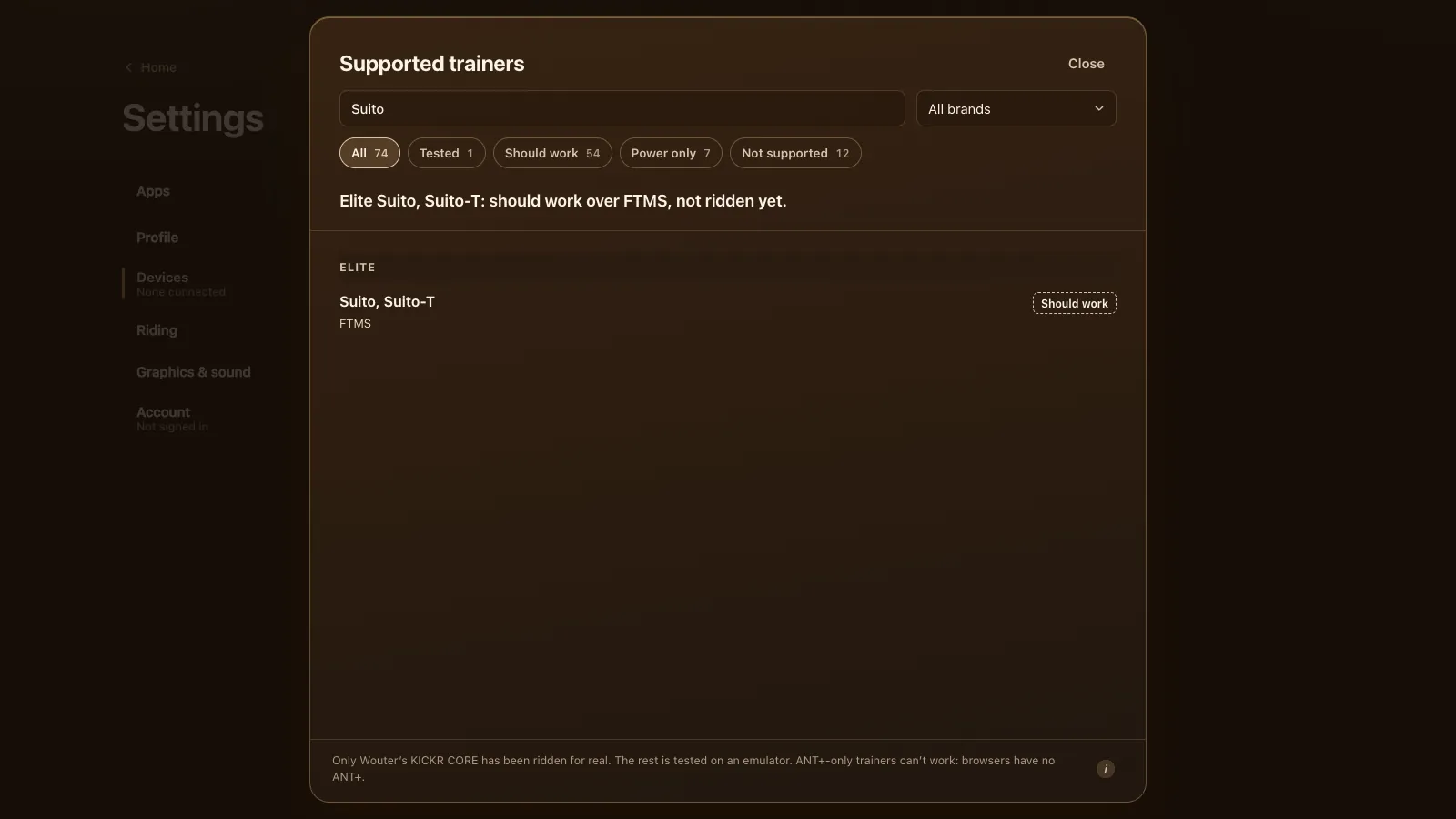
An Elite Suito or Suito-T should work in Chrome or Edge with nothing to install. Tour du Pain connects to it over FTMS, the open Bluetooth standard the Suito speaks, and drives it in ERG or on 33 resistance levels. It takes the same route as the one trainer the game has been ridden on, but nobody has ridden a real Suito with it yet: it's tested on an emulator. Tour du Pain is free for everyone through 2027, everything included.
Updated · Written for version 1.36.3
Tour du Pain is free for everyone through 2027, everything included. Donations are optional.
Suito or Suito-T: only the cassette
The two are the same trainer. In DC Rainmaker's Suito and Suito-T review the Suito comes with a Shimano 105 11-speed cassette, and the Suito-T is "simply" the Suito without it, so you fit your own. Everything else matches: Elite's claim of up to 1,900 W at 40 km/h and 15 % grade, ±2.5 % on power, folding legs and a carry handle. Control goes over ANT+ FE-C or Bluetooth FTMS.
For the game the cassette doesn't matter, unless you swap it for a Zwift Cog (below). For Elite's other trainers, see the Elite trainers guide.
How to connect a Suito
- Update the firmware with Elite's Upgrado app, as in Elite's note on Upgrado updates, then close Upgrado and any other Elite app on your phone.
- Plug the Suito in. DC Rainmaker notes it takes no commands without its power cable, so ERG and levels need mains power.
- Close Zwift on every other device. Most trainers take commands from one app at a time.
- Open tourdupain.app in Chrome or Edge on a computer, a Chromebook or an Android tablet, and turn the pedals to wake the trainer.
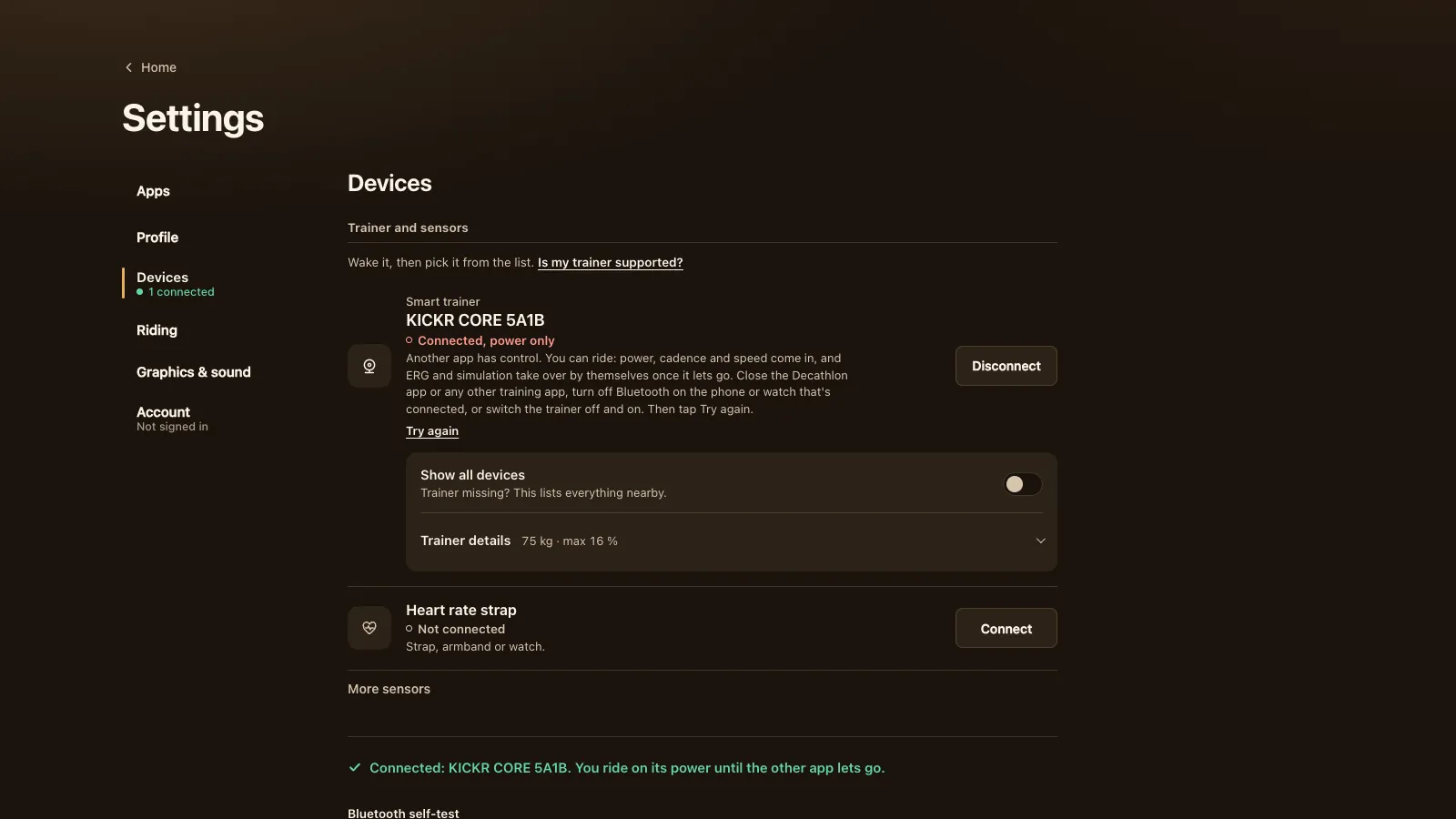
- Go to Settings, Devices, press Connect next to Smart trainer and pick your Suito in the browser's chooser. Not listed? Turn on Show all devices.
If an Elite app on your phone still has the trainer, the game says so. You can ride on power meanwhile, and ERG takes over by itself once the other app lets go.
Calibration
The Suito does a spin-down: pedal up to speed, stop, and it times the coast-down. If the Suito offers it over FTMS, the game shows a Calibrate button under Trainer details; warm up for about 10 minutes first. If there's no button, calibrate in Elite's app and close it again. DC Rainmaker suggests a new calibration every few weeks, after moving the trainer, or after a big change in temperature.
What works on a Suito in Tour du Pain
| Feature | In Tour du Pain | Notes |
|---|---|---|
| Power and cadence | Yes | The Suito reports them itself |
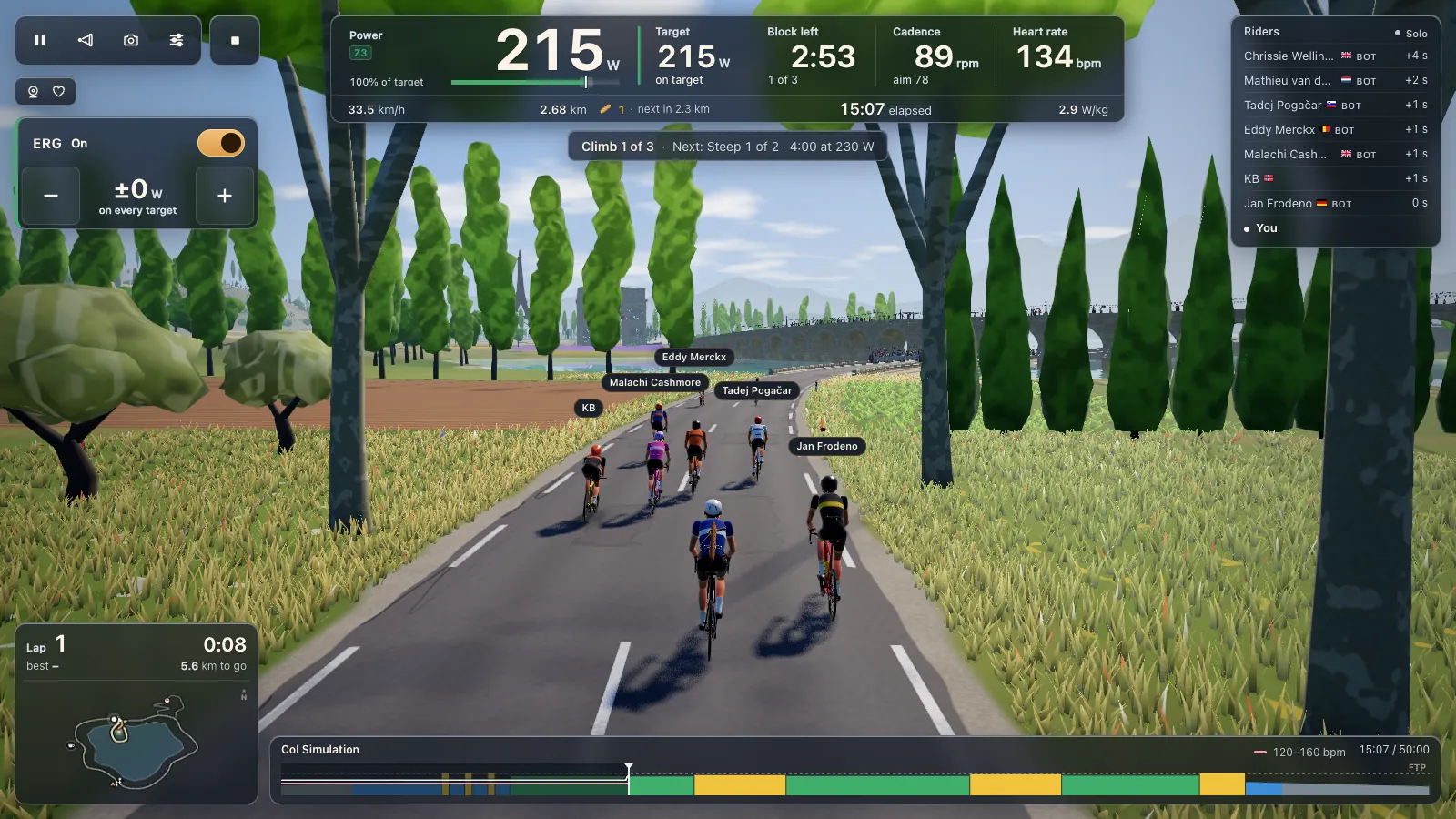
| ERG | Yes | Holds each block's watts; starts light from a standstill and builds up over 6 seconds |
| 33 resistance levels | Yes | Based on your FTP, sent as a simulated force |
| Simulation | Partly | Used for the levels; climbs never make the trainer heavier |
| The game's virtual gears | Not needed | They're for trainers that can't hold a target power |
| Zwift Cog | Yes | With one cog the levels set the effort |
| Zwift virtual shifting | No | That's Zwift's own |
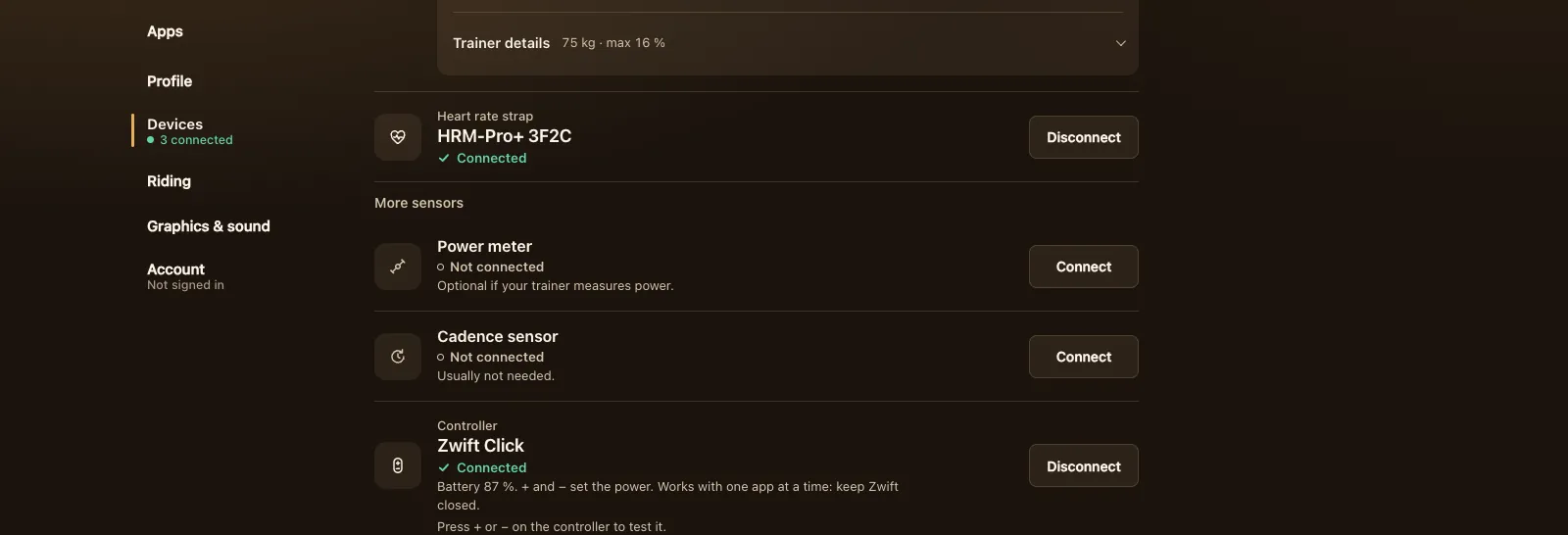
| Zwift Click as a controller | Yes | + and − step the level, or the ERG watts |
| Elite Square as a controller | Should work | Not tested on a real Square |
| ANT+ | No | Browsers have no ANT+ radio |
In ERG, 105 built-in workouts and your own .zwo, .erg, .mrc and .fit files ride the same as on any FTMS trainer; see ERG workouts in your browser. The Suito's 15 % grade limit doesn't matter here, because a climb in the game slows you on screen without adding resistance.
A Suito with Zwift Cog and Click
Elite brought Zwift's Cog and Click to the Suito and Suito-T by firmware in May 2025. Per Elite's Zwift Cog and Click page, you update with Upgrado, take off the cassette and fit the Elite version of the Zwift Cog. In Zwift that gives you virtual shifting.
Zwift's virtual shifting is Zwift's. Tour du Pain sets the effort with ERG or 33 levels instead, so the Suito rides the same with a Cog fitted.
The Zwift Click connects as a controller: in Settings, Devices, press Connect next to Controller. Its + and − step the level with ERG off, or the ERG watts with ERG on. Some Clicks are locked to Zwift; the game then says so, and opening Zwift with it once, closing Zwift and connecting again frees it. The Zwift Hub and Zwift Ride guide goes into Zwift's hardware in more detail.
Tour du Pain or Zwift on a Suito
We make Tour du Pain. Zwift is the big one: many worlds, races, structured training plans and a big community, for a subscription. Tour du Pain is a browser tab with no install, voice chat and text chat built in, clubs, a ride-along that keeps friends together whatever their watts, and a demo you can try without a trainer. It's free for everyone through 2027, everything included.
For a Suito:
- Virtual shifting with the Zwift Cog and Click is Zwift's. In Tour du Pain the Click steps your level instead.
- ERG works the same in both, and Zwift .zwo workouts load into Tour du Pain.
- ANT+: the Suito speaks ANT+ FE-C too, which Zwift can use on some platforms. A browser has Bluetooth only, and FTMS covers it.
- Content: Zwift has many worlds and races. Tour du Pain has one 8.3 km loop, one climb and no races yet.
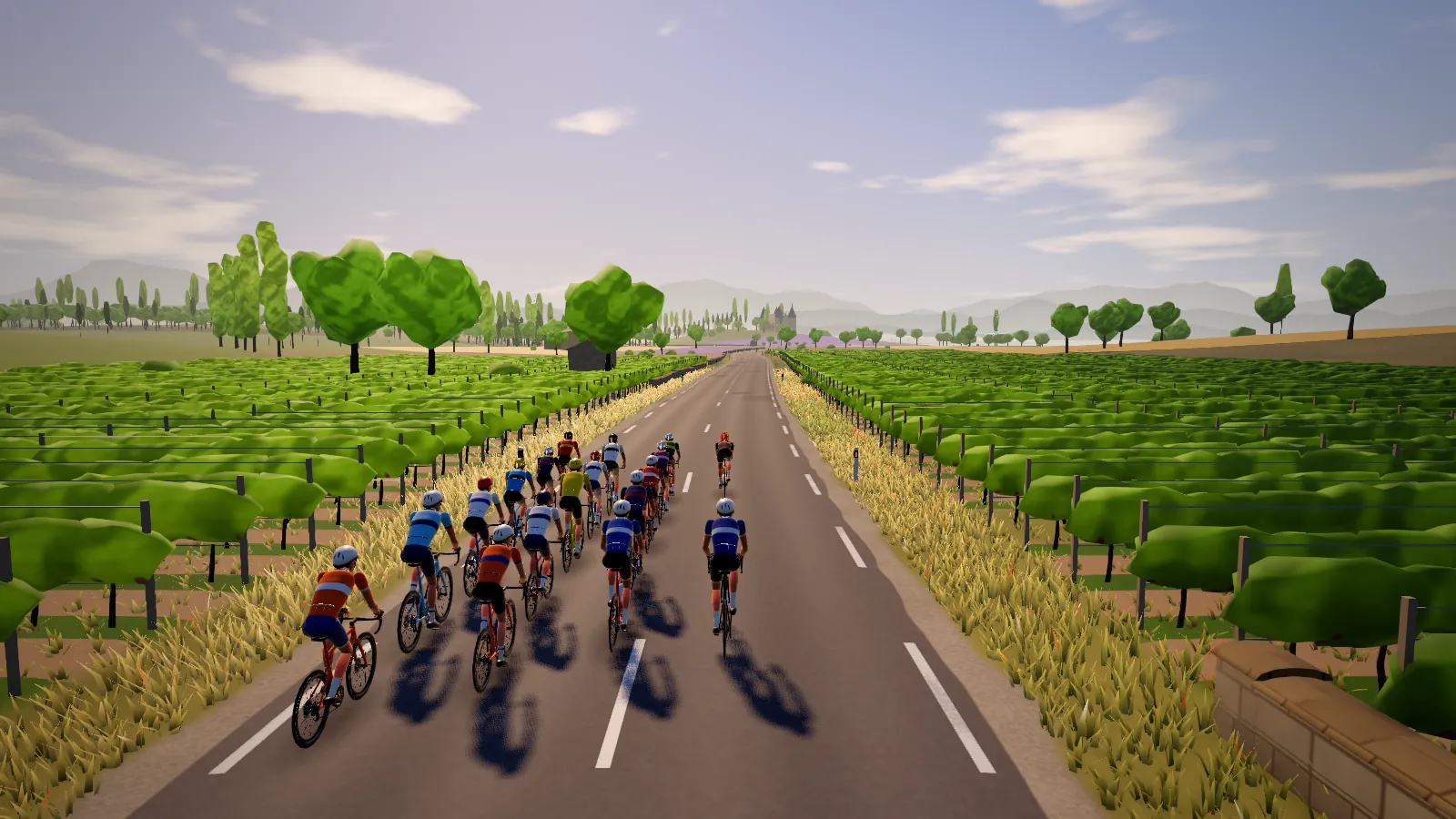
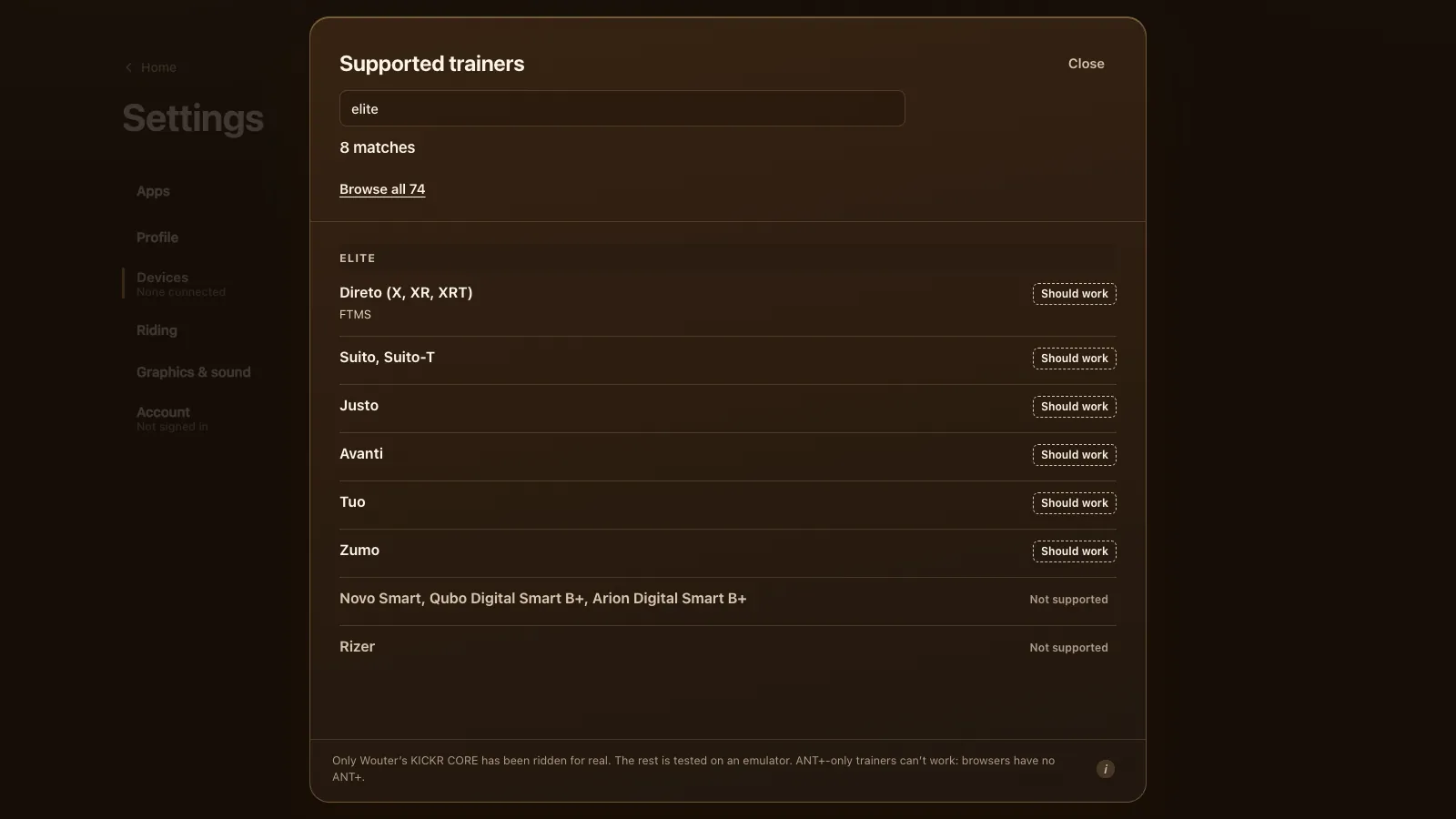
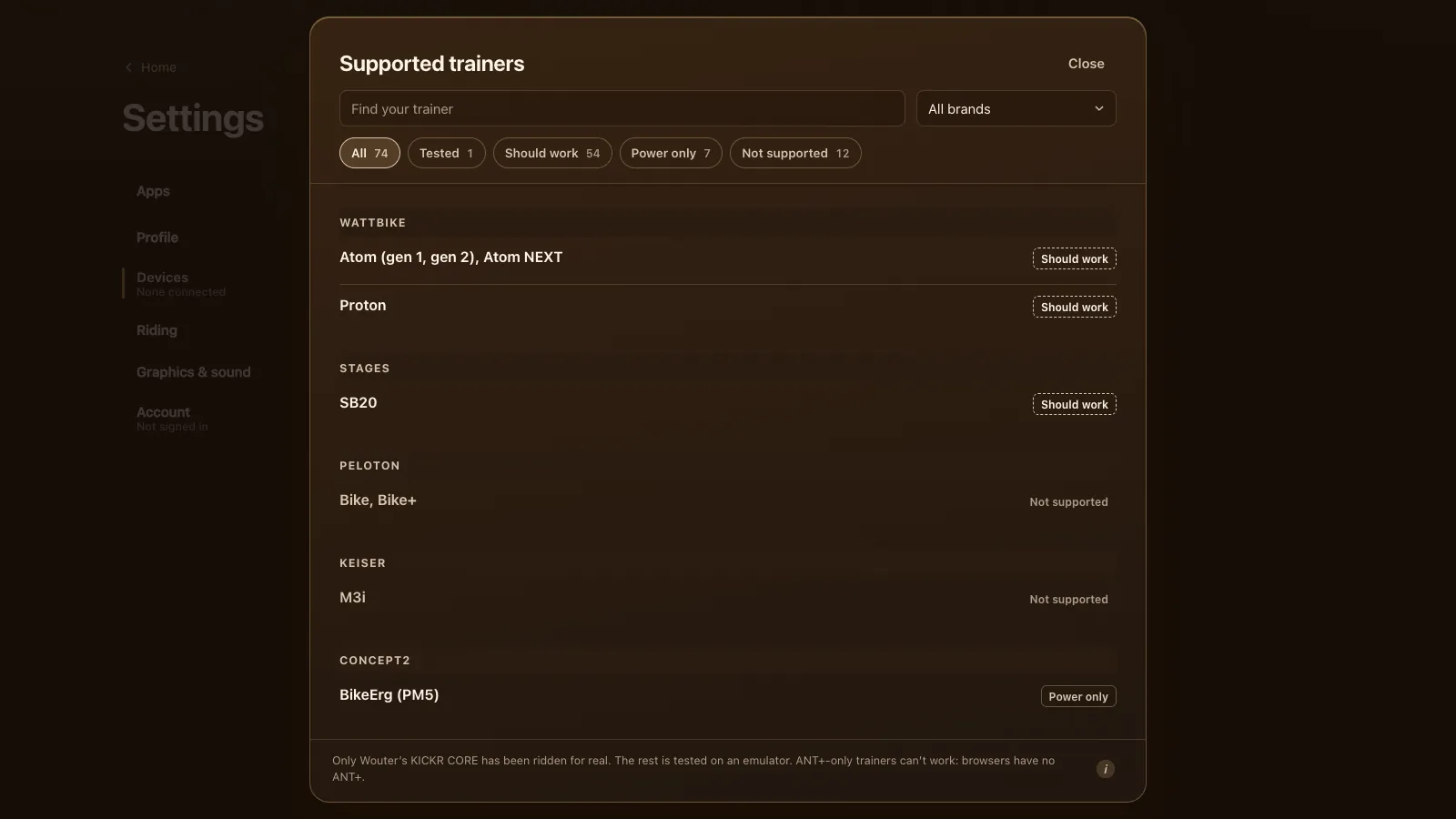
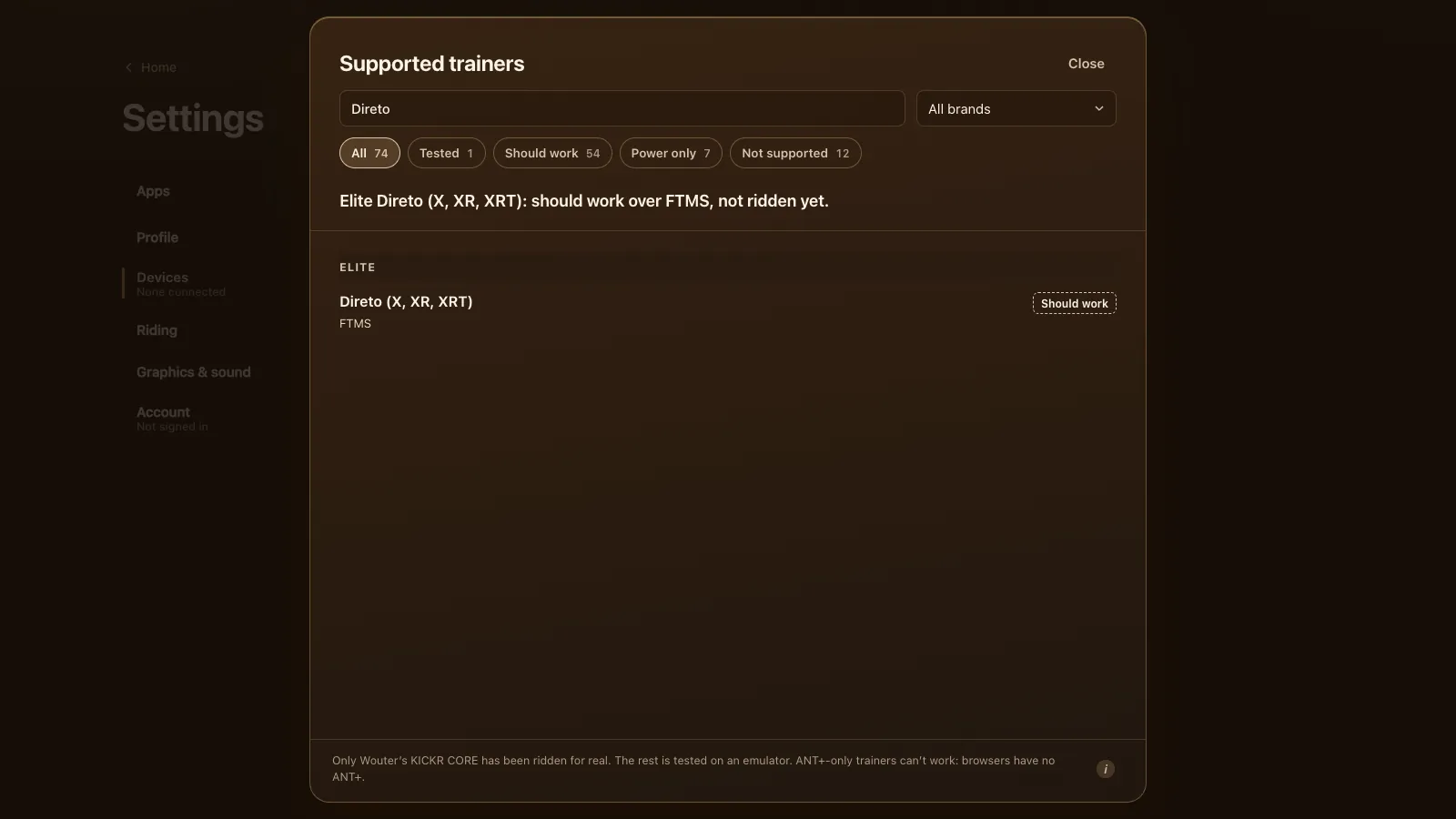
The Suito sits with every other Elite under every supported trainer. If it doesn't show up, the smart trainer guide has the general fixes.
Questions
Does the Elite Suito work in a browser?
It should, in Chrome or Edge on a computer, Chromebook or Android. Tour du Pain uses FTMS, which the Suito speaks. It's tested on an emulator, not yet on a real Suito.
What's the difference between the Suito and the Suito-T?
Only the cassette. The Suito comes with an 11-speed cassette; the Suito-T doesn't, so you fit your own. They connect and ride the same.
Can I use a Zwift Cog on my Suito in Tour du Pain?
Yes. With one cog the 33 levels set the effort, and ERG works as usual. Zwift's virtual shifting stays in Zwift.
Does the Zwift Click work with a Suito outside Zwift?
In Tour du Pain it connects as a controller, and + and − step the level or the ERG watts. If it's locked to Zwift, open Zwift with it once, close Zwift and connect again.
Do I need to calibrate my Suito?
Now and then. Use the Calibrate button under Trainer details if the game shows it, or Elite's app before you ride.