Tacx FLUX S and FLUX 2 in Chrome or Edge
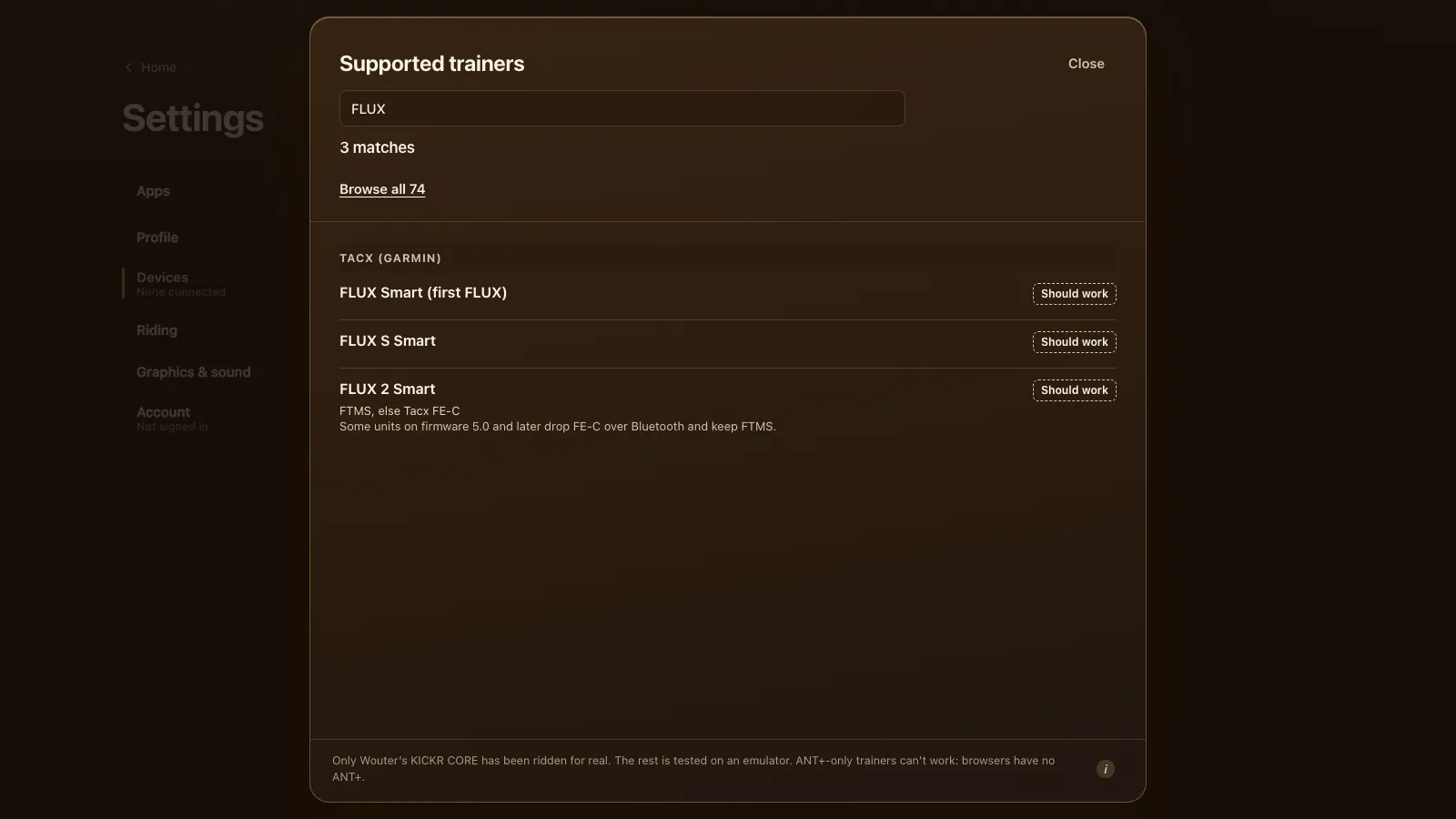
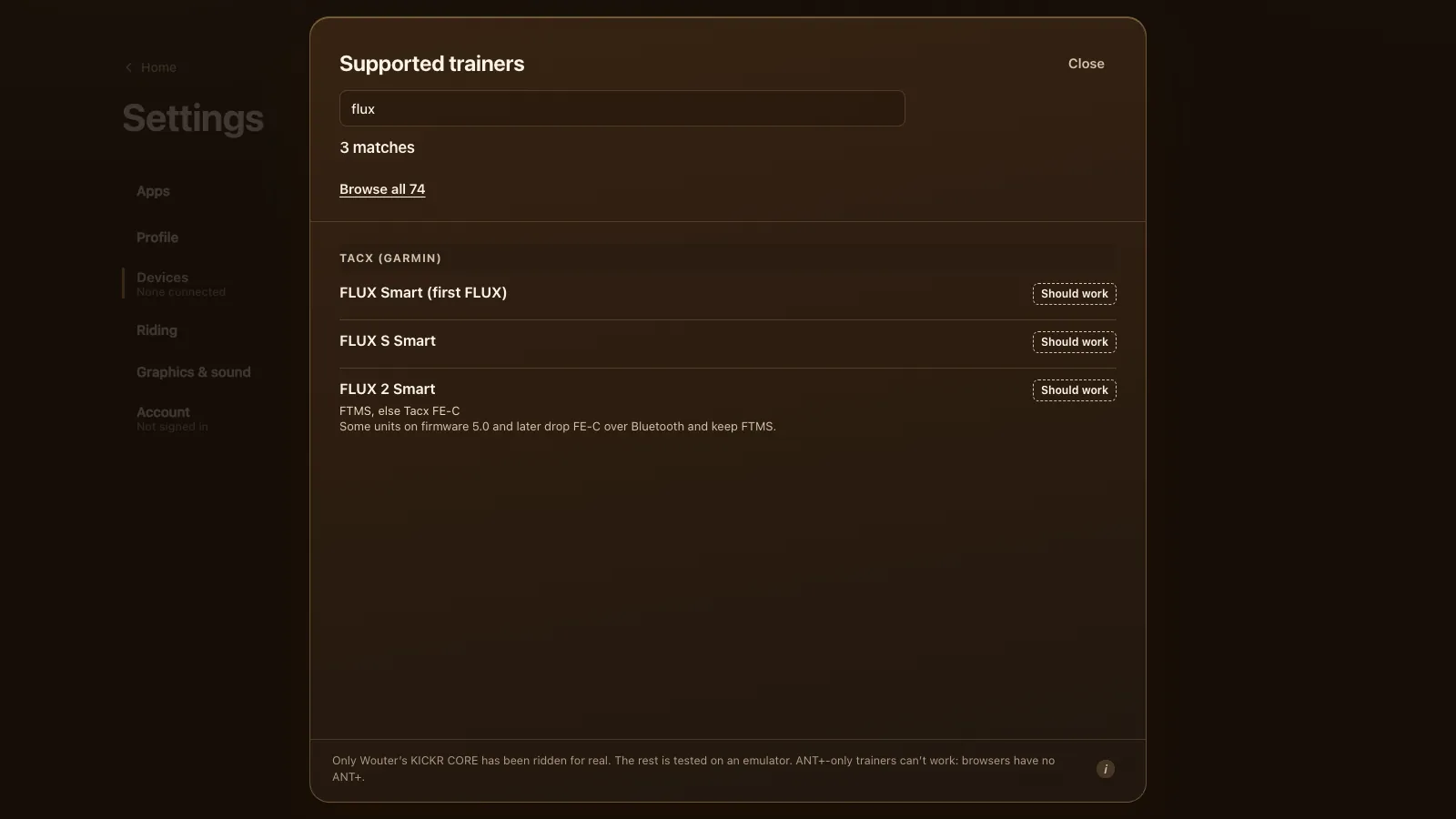
A Tacx FLUX S or FLUX 2 should work in Chrome or Edge, and so should the first FLUX. Tour du Pain connects to all three over Bluetooth, using FTMS where the trainer has it and Tacx's own FE-C over Bluetooth where it doesn't, and drives them in ERG or on 33 resistance levels. None of them has been ridden with the game on real hardware: they're tested on an emulator. Tour du Pain is free for everyone through 2027, everything included.
Updated · Written for version 1.36.3
Tour du Pain is free for everyone through 2027, everything included. Donations are optional.
Three FLUX trainers, three sets of numbers
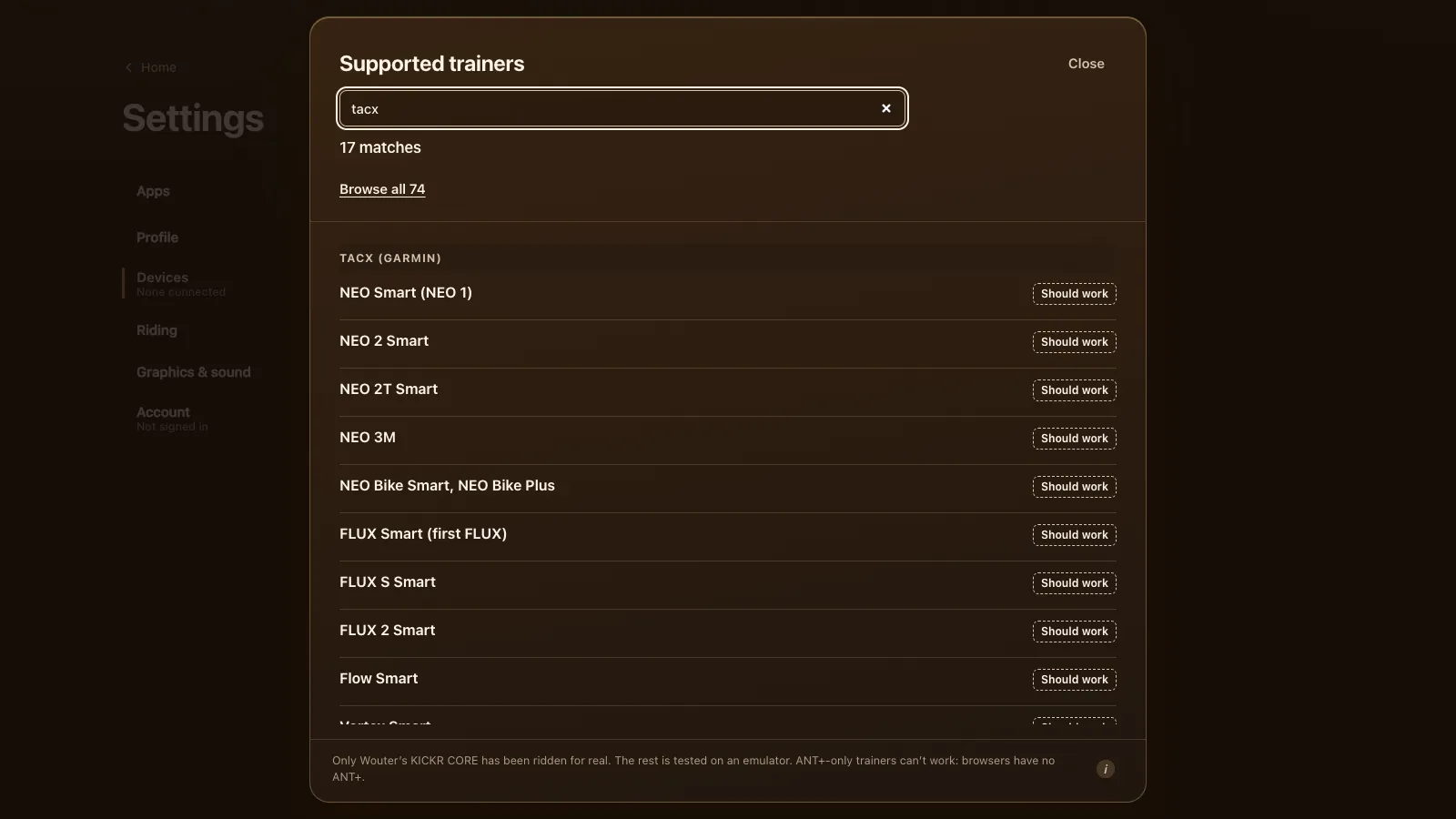
The FLUX is Tacx's mid-range direct-drive trainer, in three versions that the game handles a little differently.
| Model | Years | Max power | Max grade | Protocol in the game |
|---|---|---|---|---|
| FLUX Smart (first FLUX) | 2016 | Not confirmed | 10 % | Tacx FE-C (unconfirmed) |
| FLUX S Smart | 2018 | 1,500 W | 10 % | FTMS, else Tacx FE-C |
| FLUX 2 Smart | 2018, 2.1 in 2019 | 2,000 W | 16 % | FTMS, else Tacx FE-C |
The numbers come from DC Rainmaker's FLUX S review and his FLUX 2 review. The FLUX S is a small refresh of the first FLUX, with a ±3 % accuracy claim. The FLUX 2 has a heavier flywheel and ±2.5 %. Its first batch was off in ERG; Tacx revised the internals as the FLUX 2.1 in 2019 and fixed the remaining ERG accuracy in firmware in April 2020.
For every other Tacx, see the Tacx NEO and FLUX guide.
FTMS, FE-C and the firmware 5.0 change
Garmin's Tacx protocol overview lists the FLUX S and FLUX 2 together, and gives some FLUX 2 units on firmware 5.0.0 and later a row of their own: those keep FTMS and drop Tacx FE-C over Bluetooth. The first FLUX isn't in the overview at all. Tacx trainers of its time spoke FE-C over Bluetooth, so that's what the game expects from it, but no source names it outright.
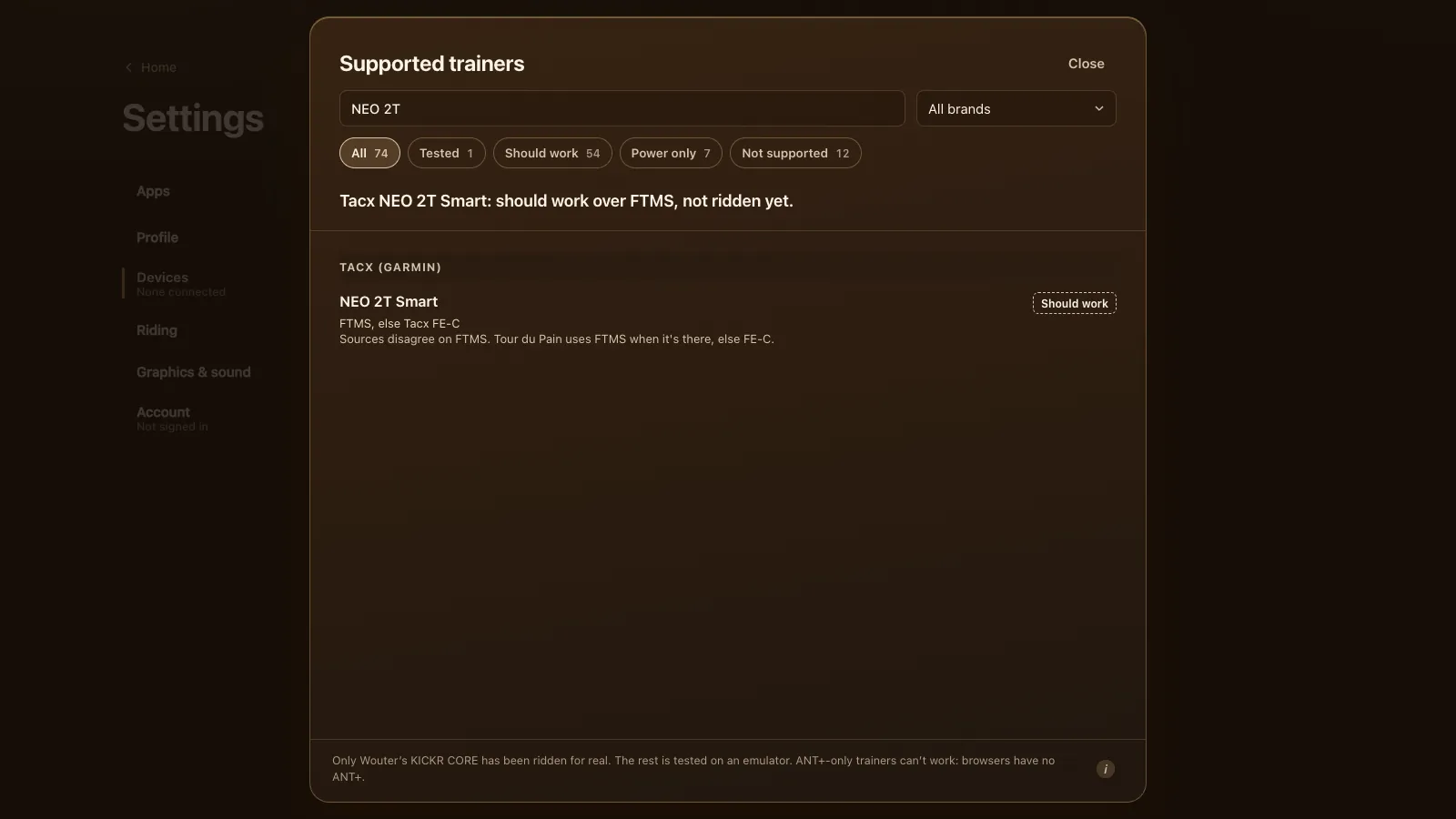
None of that changes what you do. The game looks for FTMS first and uses Tacx FE-C only when there's no FTMS, so a FLUX 2 on firmware 5.0 rides on FTMS and an older FLUX on FE-C. Both give ERG, the 33 levels and simulation.
On the FE-C route the trainer reports no power range, so the game caps ERG at the FLUX's own maximum: 1,500 W for a FLUX S, 2,000 W for a FLUX 2.
The FLUX S and its 16-bit levels
Over FTMS, a resistance level is meant to go out as a small 8-bit number. The FLUX S refuses that with "invalid parameter" and wants the level as a 16-bit value. The game knows this and sends a FLUX the 16-bit form from the first command. Any other trainer that refuses the 8-bit form gets the 16-bit one on the next try.
In practice your 33 levels reach a FLUX as a simulated force anyway; the 16-bit form is the fallback, and you won't notice either.
How to connect a FLUX
- Update the firmware in Tacx's own app, as in Garmin's steps for updating Tacx trainer software.
- Plug it in. A FLUX needs mains power to give any real resistance.
- Close the Tacx app and Zwift on every other device. DC Rainmaker found the FLUX 2 takes one Bluetooth connection at a time.
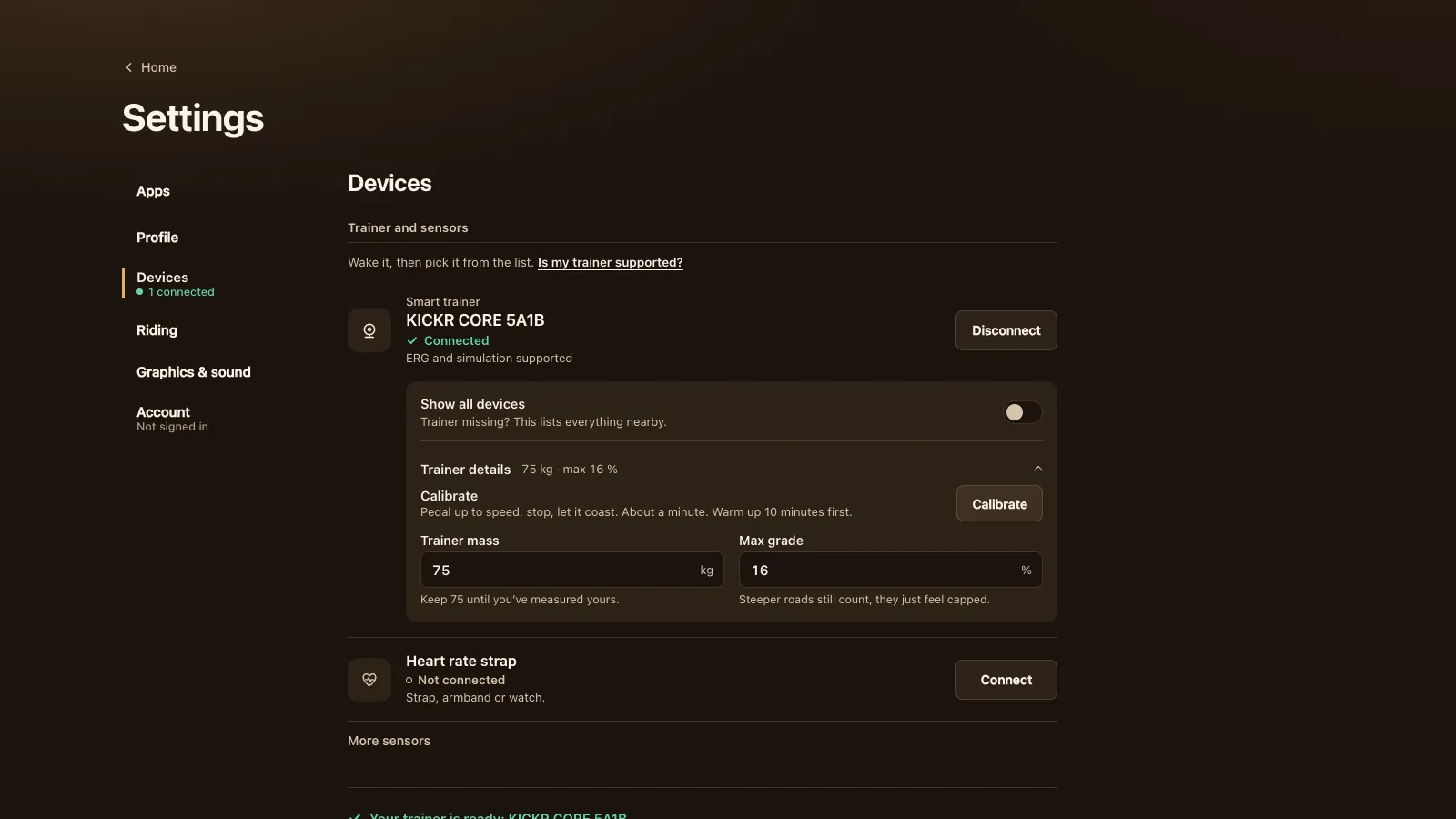
- Open tourdupain.app in Chrome or Edge on a computer, a Chromebook or an Android tablet. Go to Settings, Devices and press Connect next to Smart trainer, then pick your FLUX in the browser's chooser. Not listed? Turn on Show all devices.
Calibrating a FLUX
The FLUX does a roll-down: pedal up to speed, stop, and it times the coast-down. The game shows a Calibrate button under Trainer details when the trainer offers an FTMS spin-down. If yours doesn't, calibrate in Tacx's app and close it again. Warm up for about 10 minutes first, and calibrate again after a big change in room temperature.
What works on a FLUX in Tour du Pain
| Feature | In Tour du Pain | Notes |
|---|---|---|
| Power and cadence | Yes | From the trainer |
| ERG | Yes | Starts light from a standstill and builds up over 6 seconds |
| 33 resistance levels | Yes | Based on your FTP, sent as a simulated force |
| Simulation | Partly | Used for the levels; a climb never makes the trainer heavier |
| The game's virtual gears | Not needed | They're for trainers that can't hold a target power |
| Calibration | When offered | Otherwise in Tacx's app |
| ANT+ | No | Browsers have no ANT+ radio |
The FLUX S is the weaker of the two at low speed: DC Rainmaker found it can struggle with high resistance when the flywheel turns slowly. For hard ERG blocks, a bigger gear keeps the flywheel faster. Climbs in the game don't add resistance, so the 10 % limit costs you nothing here.
Tour du Pain or Zwift on a FLUX
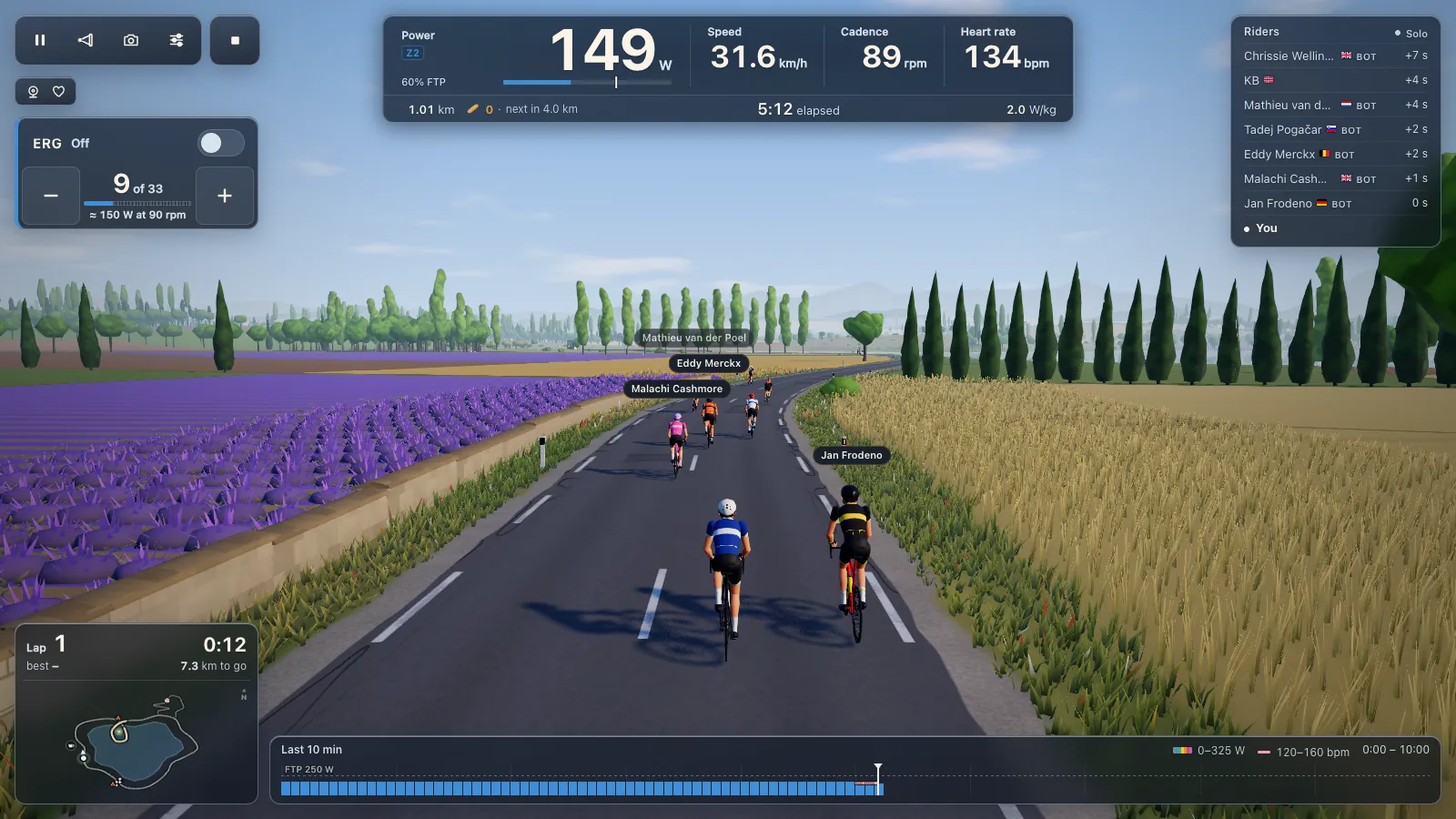
We make Tour du Pain. Zwift is the big one: many worlds, races, structured training plans and a big community, for a subscription. Tour du Pain is a browser tab with no install, voice chat and text chat built in, clubs, a ride-along that keeps friends together whatever their watts, and a demo without a trainer. It's free for everyone through 2027, everything included.
For a FLUX:
- ERG works the same in both, and your .zwo workouts load into Tour du Pain; see ERG workouts in your browser.
- ANT+: a FLUX also speaks ANT+ FE-C, which Zwift can use on some platforms. A browser has Bluetooth only, so firmware with FTMS or FE-C over Bluetooth is what counts here.
- Climbs: Zwift has many routes and climbs. Tour du Pain has one 8.3 km loop and one climb, no races yet, and climbs that slow you on screen without making the trainer heavier.
The full list is under every supported trainer. If your FLUX doesn't show up, the smart trainer guide has the fixes.
Questions
Does the Tacx FLUX 2 work in a browser?
It should, in Chrome or Edge on a computer, Chromebook or Android. Tour du Pain uses FTMS, or Tacx FE-C over Bluetooth on firmware without FTMS. It's tested on an emulator, not on a real FLUX 2.
My FLUX 2 lost FE-C after a firmware update. Does it still work?
Yes. Garmin lists some FLUX 2 units on firmware 5.0 and later as FTMS only, and Tour du Pain uses FTMS first.
Does the Tacx FLUX S support FTMS?
Garmin's overview lists it with the FLUX 2, and the game treats it as FTMS, else FE-C. A 2018 review said FTMS wasn't there yet, so older firmware probably rides on FE-C, which works too.
Does the first Tacx FLUX work?
It should, over Tacx FE-C over Bluetooth, but no source confirms its protocol. Turn on Show all devices if it isn't listed.
How do I calibrate a Tacx FLUX?
With the Calibrate button under Trainer details when the game offers it, or in Tacx's app before you ride. Close the app afterwards.