A free smart trainer app in Chrome or Edge
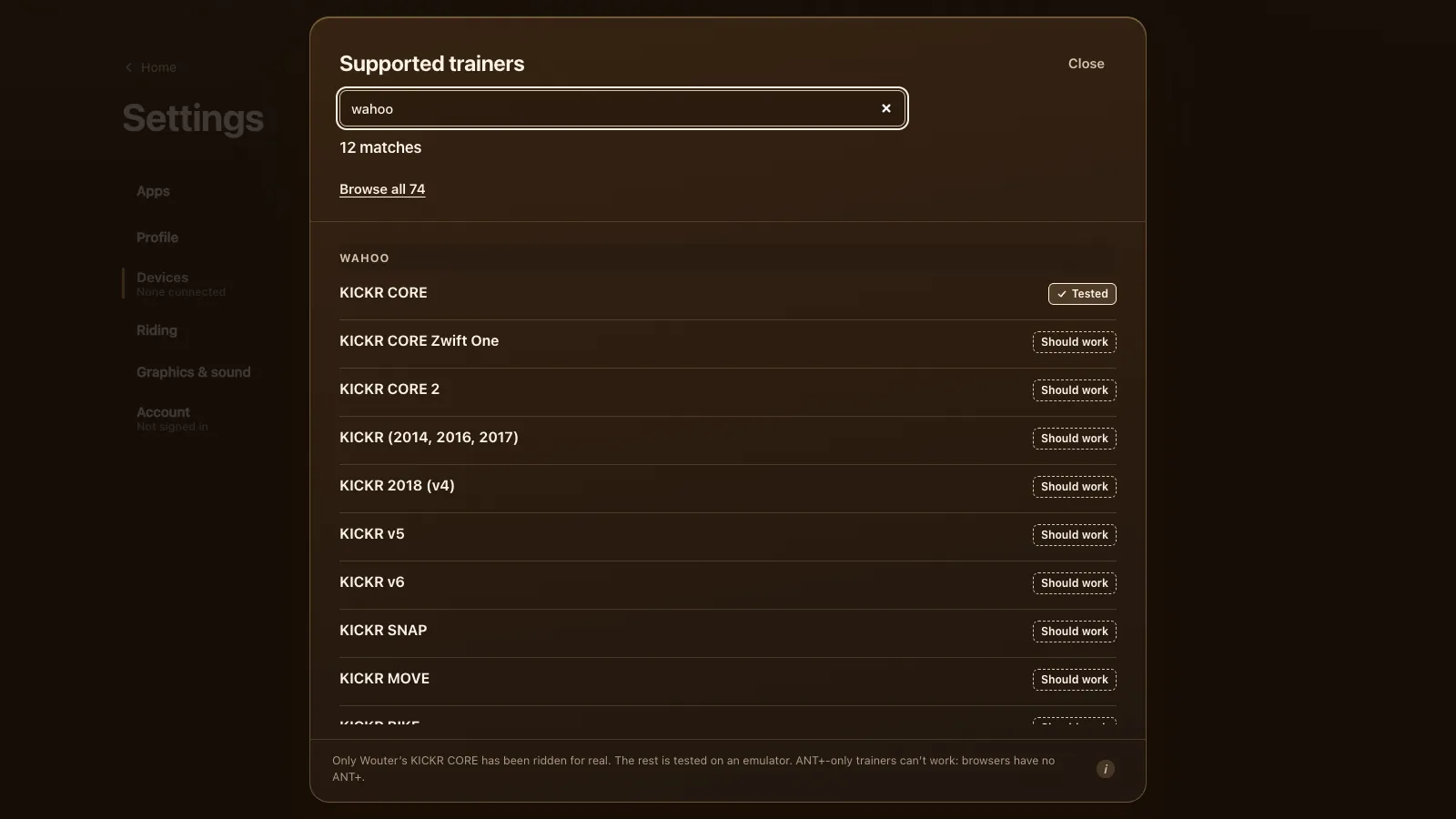
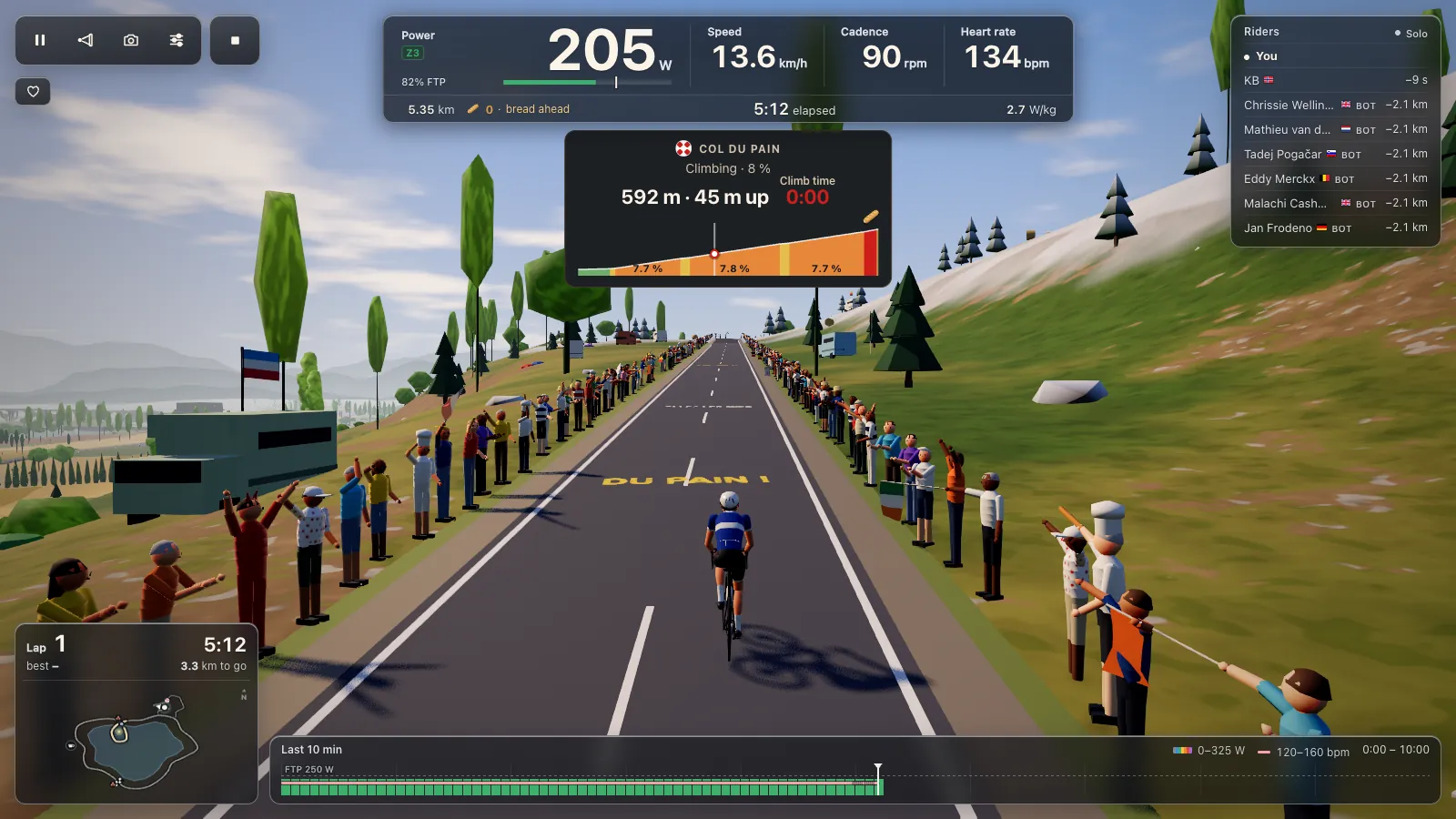
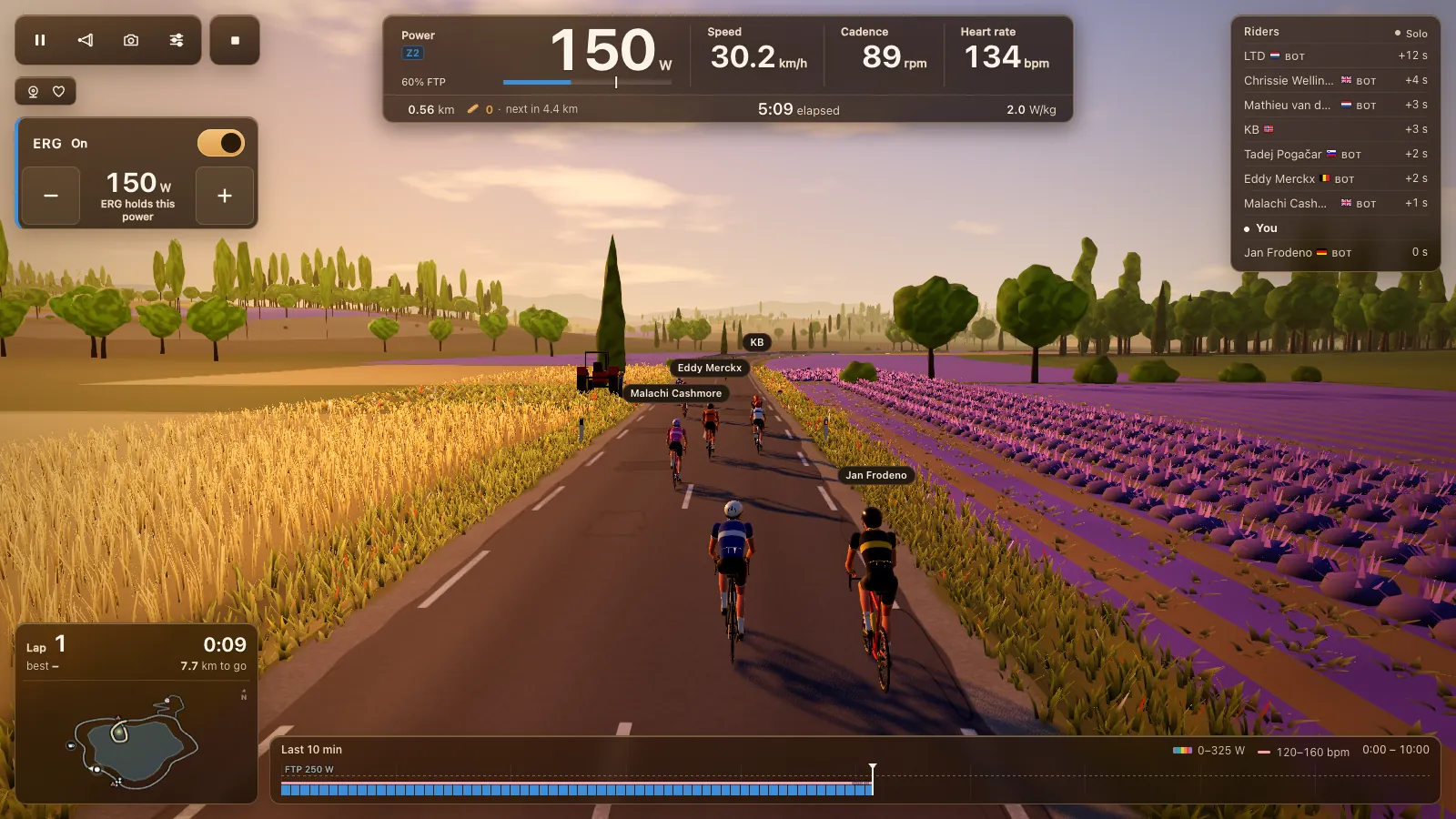
Tour du Pain is a free smart trainer app that runs in a browser tab. Open tourdupain.app in Chrome or Edge, pair your trainer over Bluetooth and ride: the game holds the watts of an ERG workout, sets one of 33 resistance levels when ERG is off, and works with a plain power meter too. There's nothing to install. Only the Wahoo KICKR CORE has been ridden on real hardware so far; the list below marks each model as tested, expected to work, power only or unsupported. Free through 2027, everything included. It runs on donations.
Updated · Written for version 1.36.3
Tour du Pain is free for everyone through 2027, everything included. Donations are optional.
Does my smart trainer work with a browser app?
Probably, if it was made in about 2020 or later. Most trainers since then speak FTMS, the Bluetooth SIG's open standard for fitness machines, and that's the first thing Tour du Pain looks for. Older Tacx trainers get Tacx's FE-C over Bluetooth and older Wahoo KICKRs get Wahoo's own control. Both are built into the game, so a trainer from before FTMS isn't automatically out.
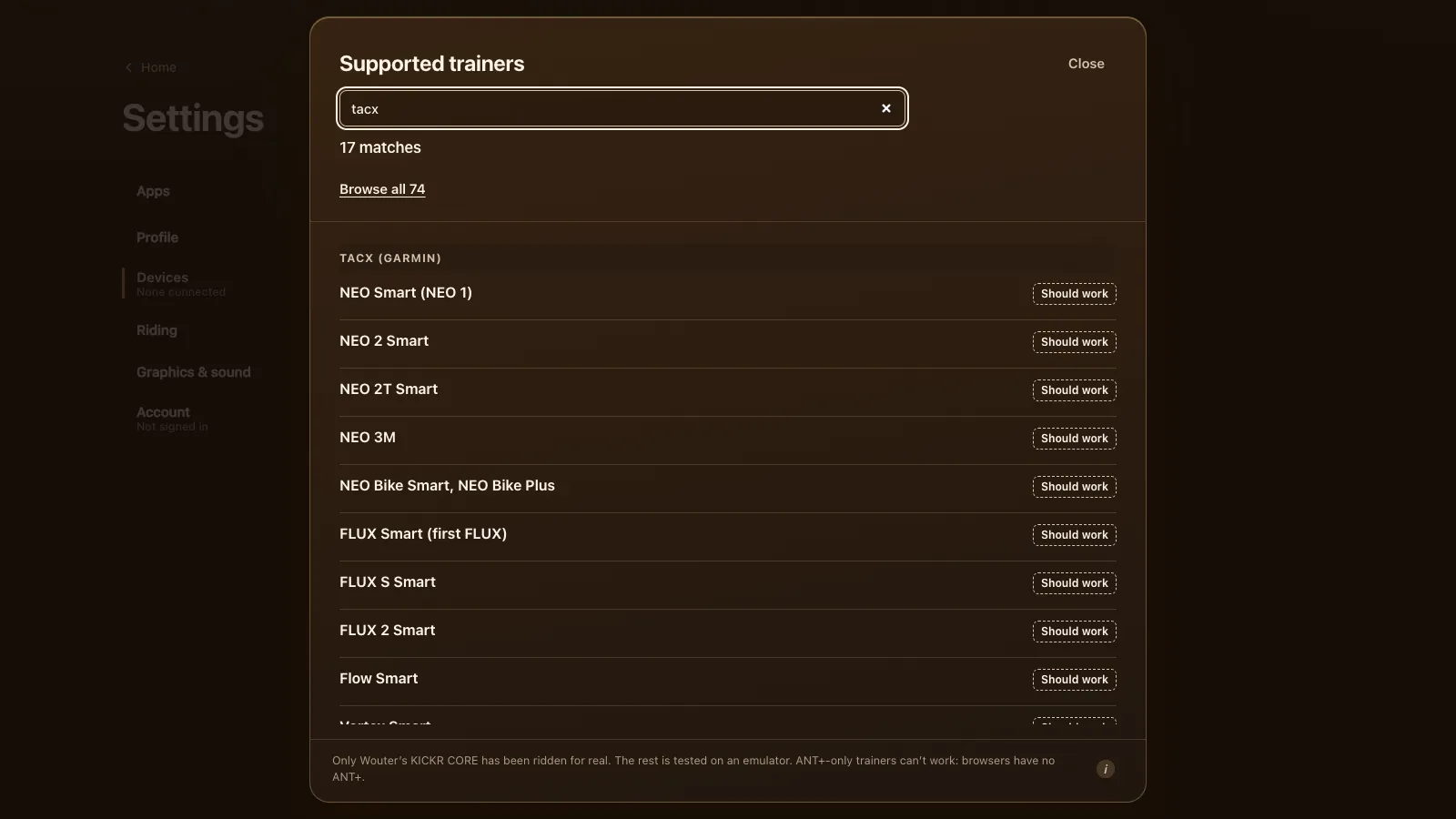
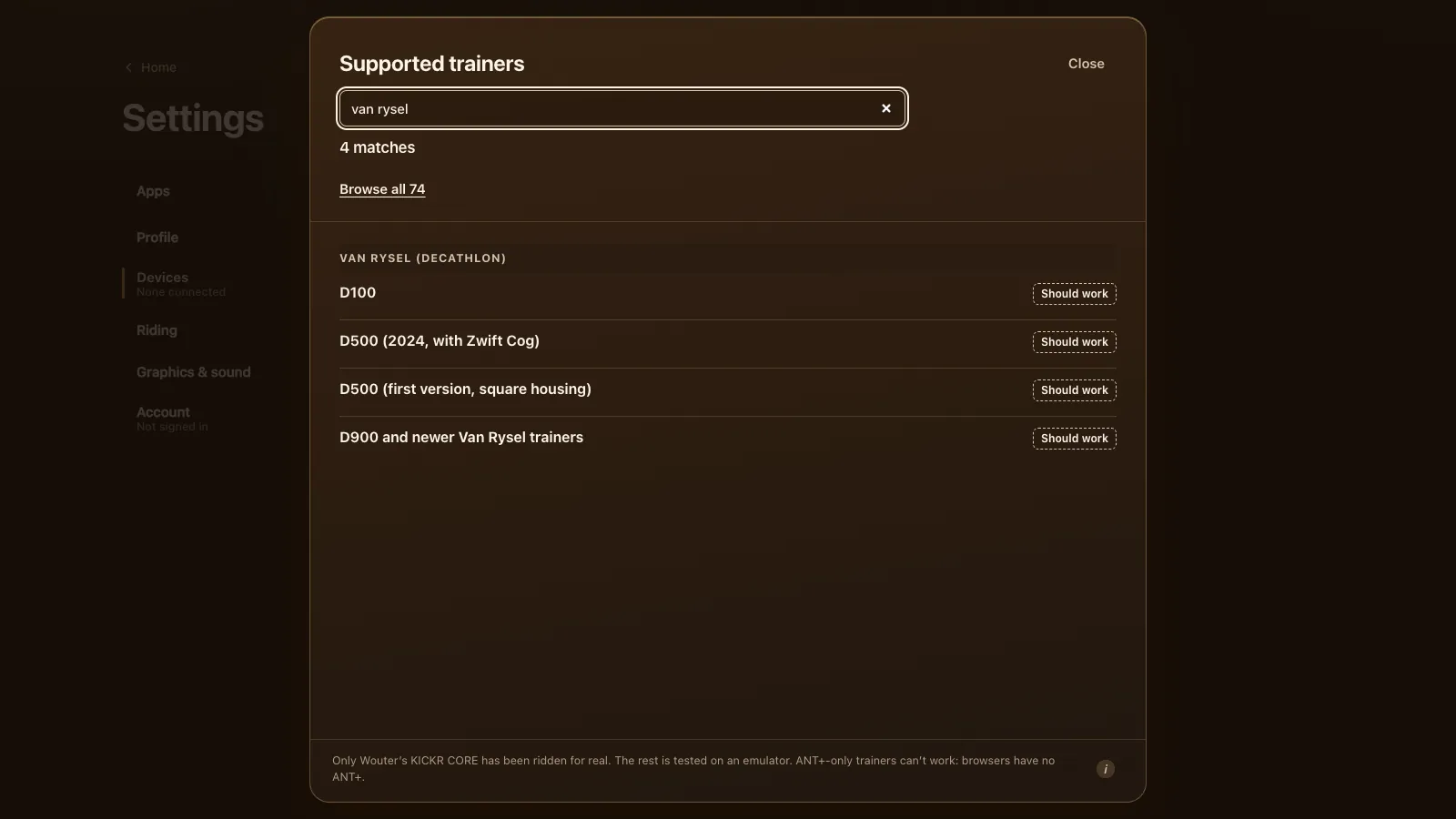
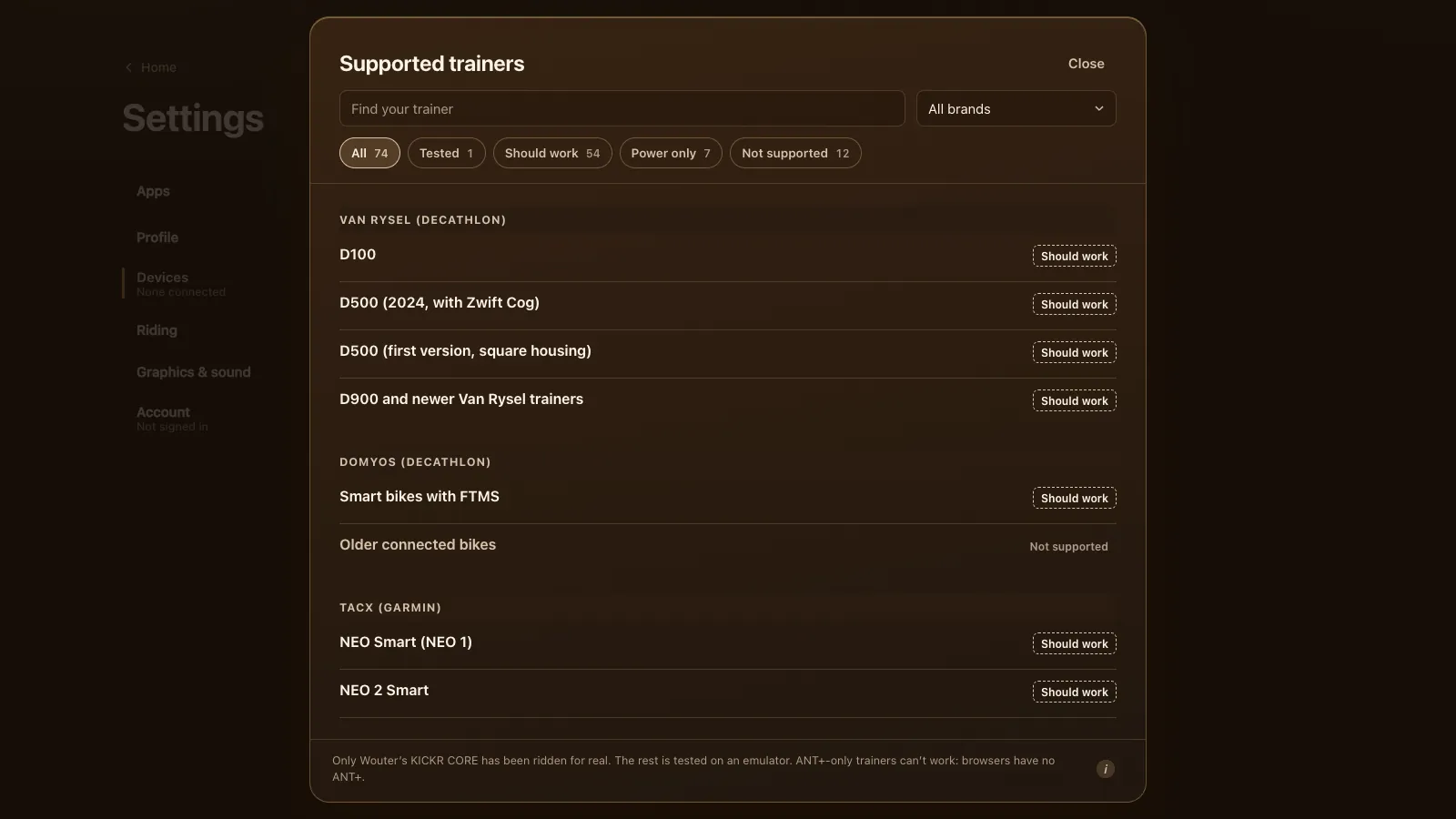
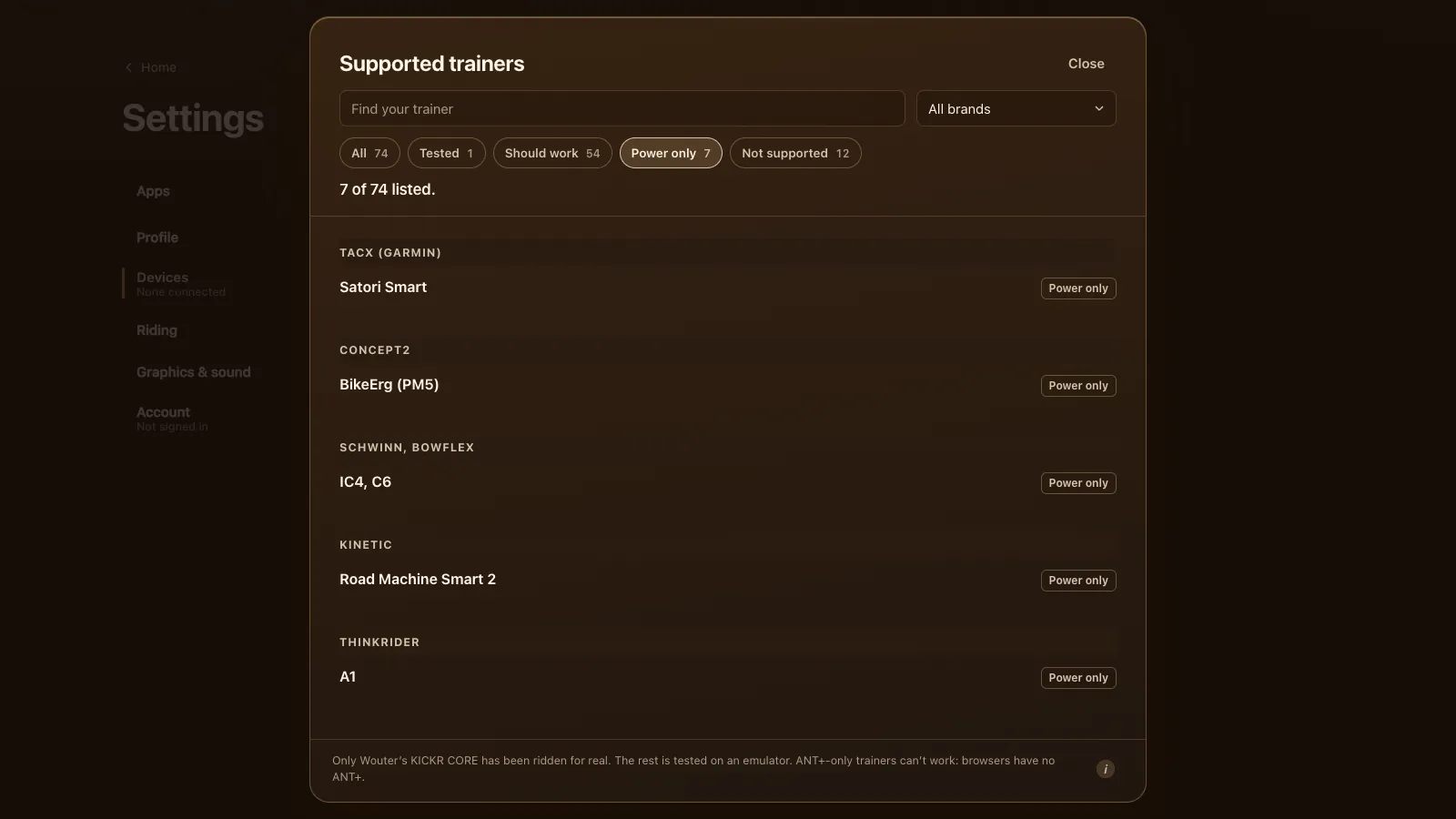
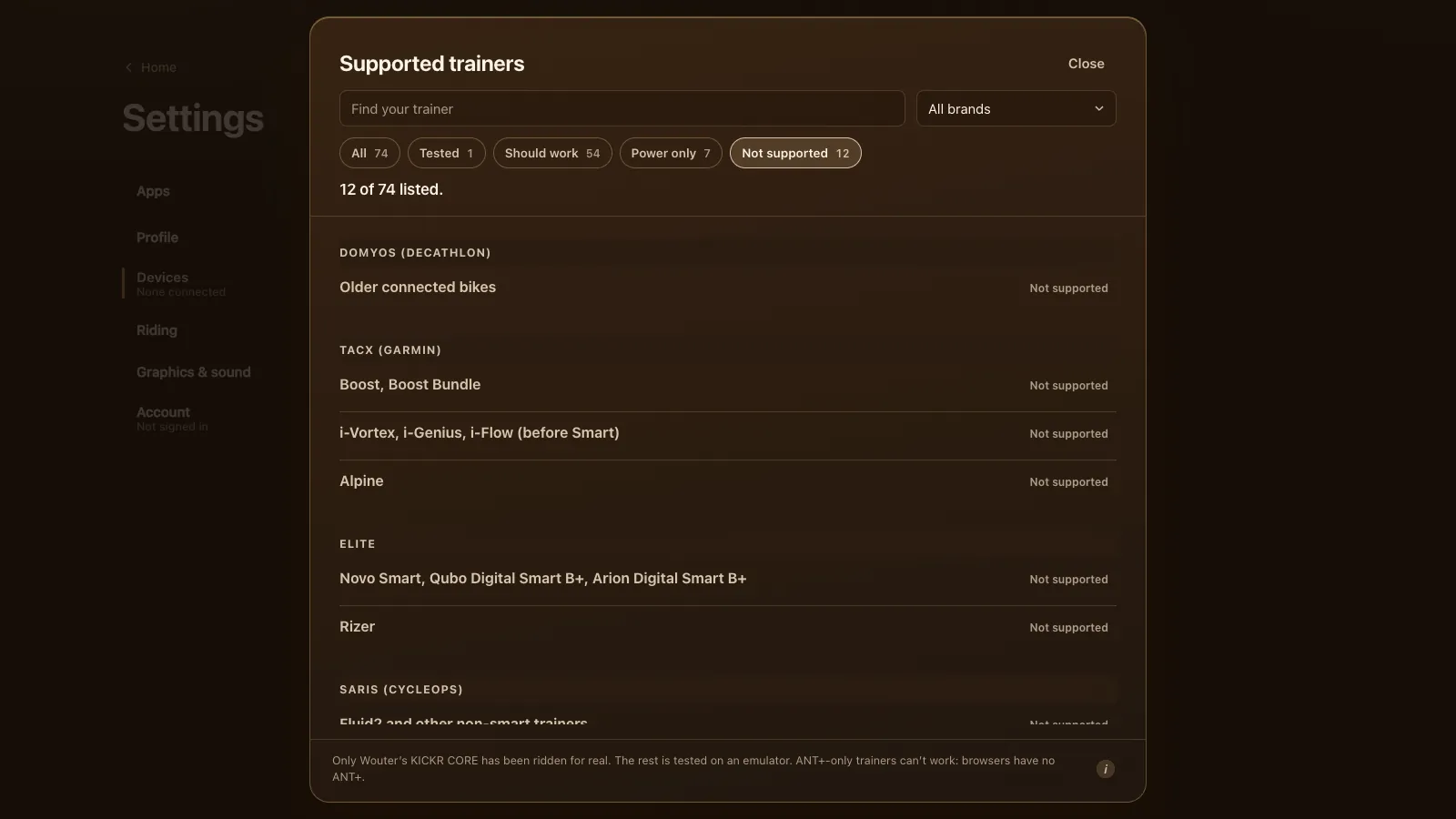
The game's own list has 74 entries: 1 tested, 54 that should work, 7 power only and 12 not supported. Here's how the brands people ask about most come out.
| Brand | Should work | Protocol | Not supported | Guide |
|---|---|---|---|---|
| Wahoo | KICKR CORE (tested), CORE 2, CORE Zwift One, every KICKR from 2014 to v6, SNAP, MOVE, BIKE, ROLLR | FTMS, older ones Wahoo legacy | None | Wahoo KICKR in your browser |
| Tacx (Garmin) | NEO 1 to NEO 3M, NEO Bike, FLUX, FLUX S, FLUX 2, Flow, Vortex, Bushido and Genius Smart | FTMS or Tacx FE-C | Boost, i-Genius, i-Vortex, i-Flow, Alpine | Tacx NEO and FLUX |
| Elite | Direto, Suito, Justo, Avanti, Tuo, Zumo (unconfirmed) | FTMS | Novo Smart, Qubo and Arion Digital Smart B+, Rizer | Elite Suito, Direto and Justo |
| Van Rysel and Domyos (Decathlon) | D100, both D500 versions, D900, Domyos bikes with FTMS | FTMS | Older Domyos bikes | Van Rysel D100 and D500 |
| Zwift | Zwift Hub Classic, Zwift Hub One, Zwift Ride | FTMS | None | Zwift Hub and Zwift Ride |
| Saris, JetBlack, Wattbike, Stages, Magene, ThinkRider, Kinetic | H3, Hammer, H2, M2, Magnus, Volt, Victory, Atom, Proton, SB20, T600, T300, XX Pro, R1 and more | FTMS, some unconfirmed | Kinetic trainers on Kinetic Control or inRide | This page |
| Power meters | Favero Assioma, Garmin Rally, Stages, 4iiii, Quarq and others | Bluetooth Cycling Power | None | Power meter, no smart trainer |
"Power only" means the game reads power and cadence but can't control the resistance. That's the Tacx Satori Smart, the Concept2 BikeErg, the Schwinn IC4 and Bowflex C6, and a few others. You shift your own gears on those.
What the app does with your trainer
ERG
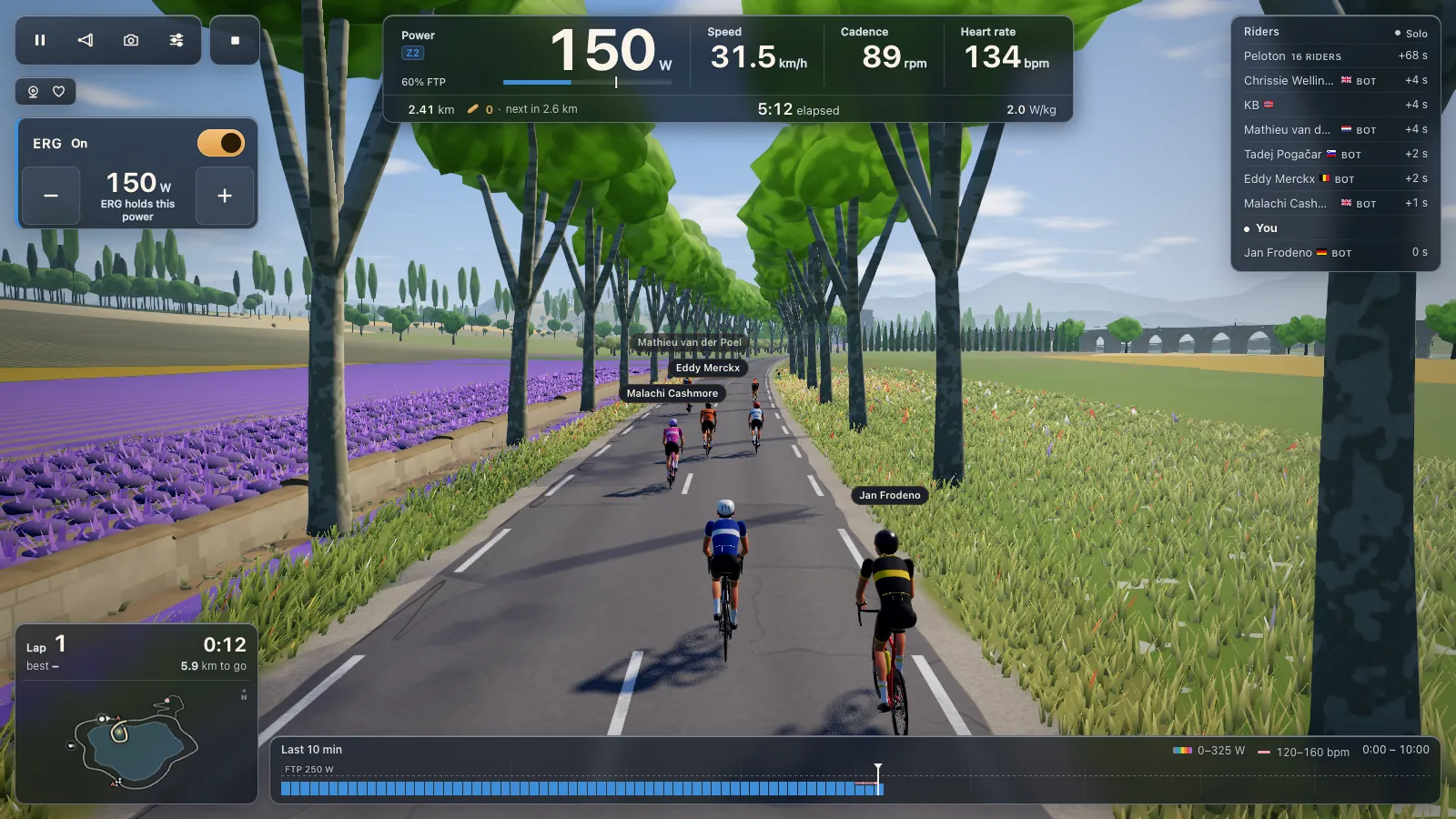
In ERG the trainer holds a target power whatever your cadence. Every block of a workout gets its watts, from the 105 workouts in the library or your own .zwo, .erg, .mrc and .fit files; see ERG workouts in your browser. From a standstill ERG starts light and builds up to the target over 6 seconds once your legs turn. The E key switches it on and off.
Resistance levels
With ERG off, one of 33 levels sets the resistance. The levels are worked out from your FTP, so a level asks the same share of your FTP whoever you are. You shift your own gears, and minus and plus (on the keyboard, on screen or on a controller) step the level.
Climbs
The road's gradient changes your speed in the game, but the trainer itself stays flat: the game doesn't add the slope to your resistance. That's true on the lake loop and on the Col du Pain. If you want the hill in your legs, pick a higher level on the climb.
Controllers
Zwift Click, Play and Ride, the Wahoo KICKR BIKE's shifters, Shimano Di2 (D-FLY), Elite Square, ThinkRider and Cycplus remotes connect as a controller. Their plus and minus set the power or the level.
How to connect your trainer
- Open tourdupain.app in Chrome or Edge on a Windows or Mac computer or a Chromebook, or in Chrome, Edge or Opera on an Android phone or tablet.
- Wake the trainer by turning the pedals a few times.
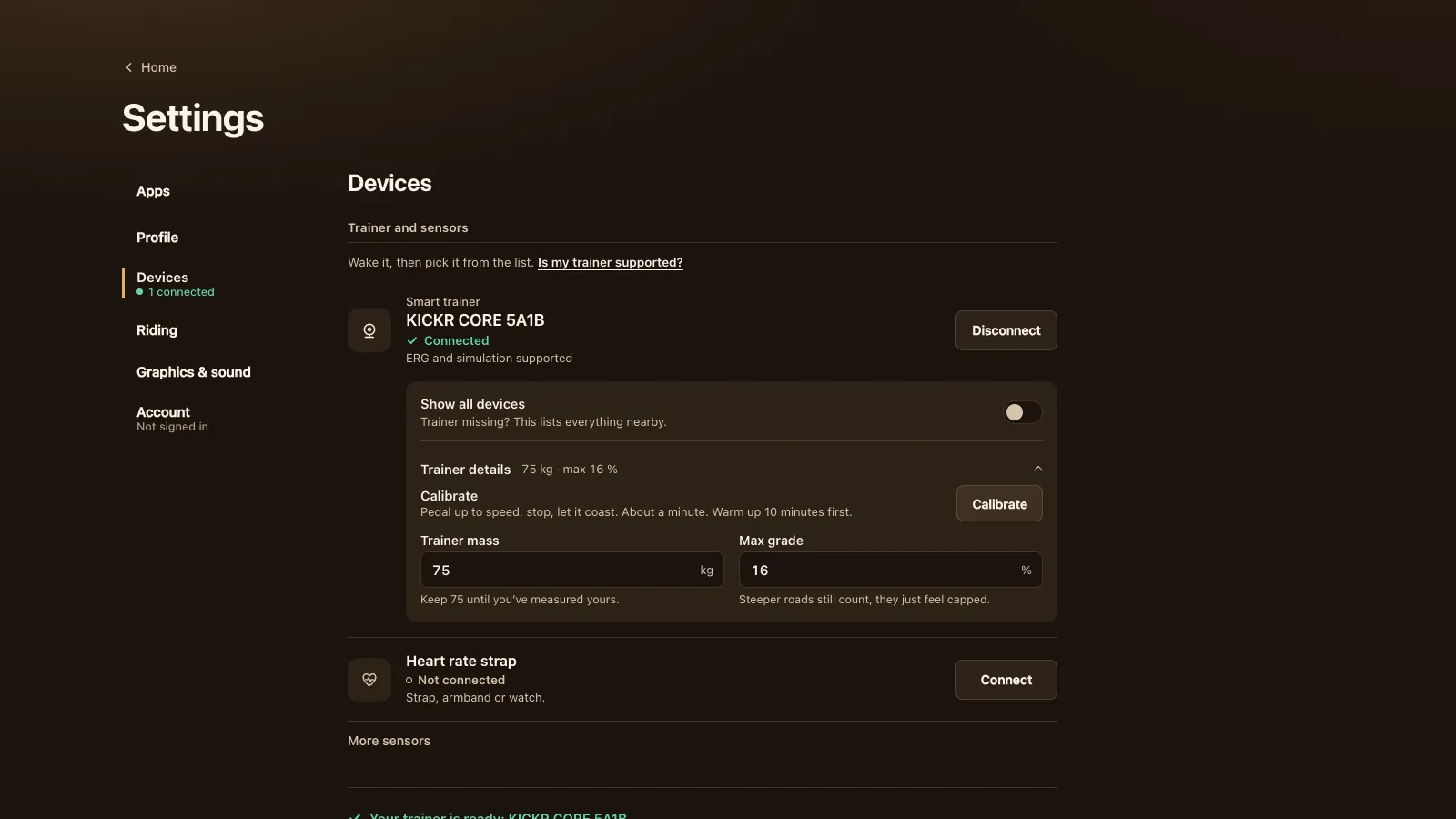
- Go to Settings, Devices, and press Connect next to Smart trainer. Pick your trainer from the browser's list.
- If it isn't in the list, turn on Show all devices, which lists everything nearby.
- Add a heart rate strap if you like. A separate power meter is optional when the trainer measures power.
Under Trainer details you'll find the trainer mass (keep 75 kg until you've measured yours), a cap on the steepest grade and Calibrate, a spin-down for trainers that support it. Calibrate asks you to warm up for 10 minutes, pedal up to speed, stop and let the flywheel coast. It takes about a minute.
When your trainer doesn't show up
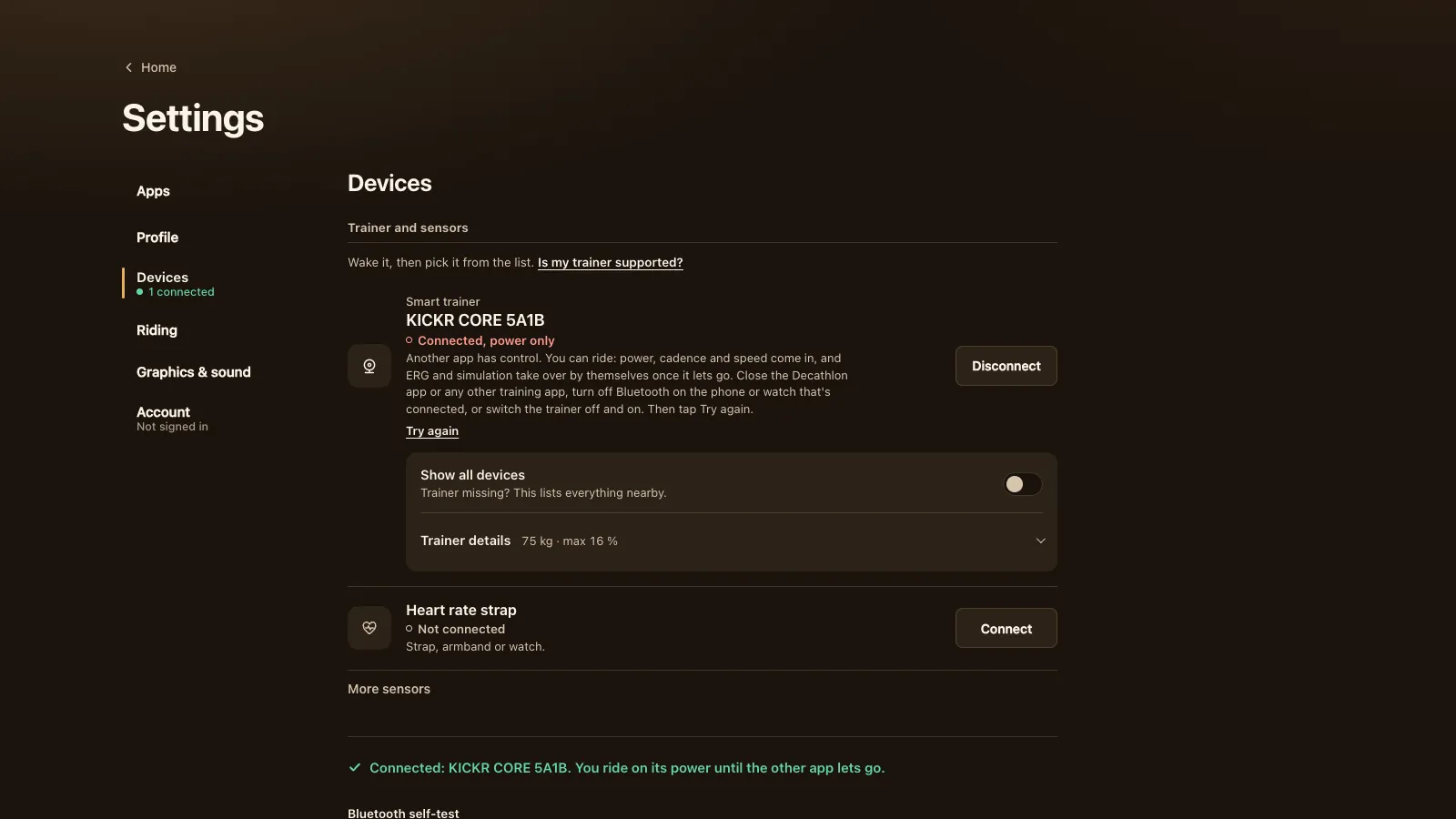
Most trainers take one Bluetooth connection at a time. If the brand's app, Zwift or a watch already holds it, the browser either can't see it or can't control it. Close every training app on every device, turn off Bluetooth on the phone or watch it's paired with, or switch the trainer off and on.
Since version 1.8.1 (28 October) a trainer that another app holds connects anyway, marked "Connected, power only". You ride on its power, cadence and speed, the game asks for control again every 5 seconds, and ERG comes on by itself once the other app lets go. A Try again link sits under the message.
Firmware matters too. Several trainers got FTMS through an update: the KICKR CORE from firmware 1.1.1 (June 2021, in Wahoo's KICKR CORE release notes), the Tacx NEO Bike from 4.5, the Saris H2 and Hammer by update. Update with the brand's app, then close that app before you ride. If something still looks wrong, the Bluetooth self-test at the bottom of Devices shows what the browser can see.
What doesn't work
These can't be used from a browser, and the game says so in its list:
- Trainers that take commands only over ANT+, like the Tacx i-Genius, i-Vortex and i-Flow. Browsers have no ANT+ radio.
- Trainers on a brand's own closed Bluetooth protocol: older Domyos bikes, the Elite Novo Smart, Qubo and Arion Digital Smart B+, and Kinetic's Control and inRide trainers.
- Peloton Bike and Bike+, which have no open protocol, and the Keiser M3i, which only sends power inside Bluetooth advertisements (Keiser's developer notes).
- Trainers with no power reading at all, like the Tacx Boost or a Saris Fluid2. Put a power meter on the bike and they're fine; see riding with a power meter only.
On the browser side: Safari and Firefox can't reach Bluetooth, and neither can any browser on an iPhone or iPad, except Bluetooth browsers like Bluefy. Windows, Mac, Chromebook and Android all work with Chrome or Edge.
Your rides afterwards
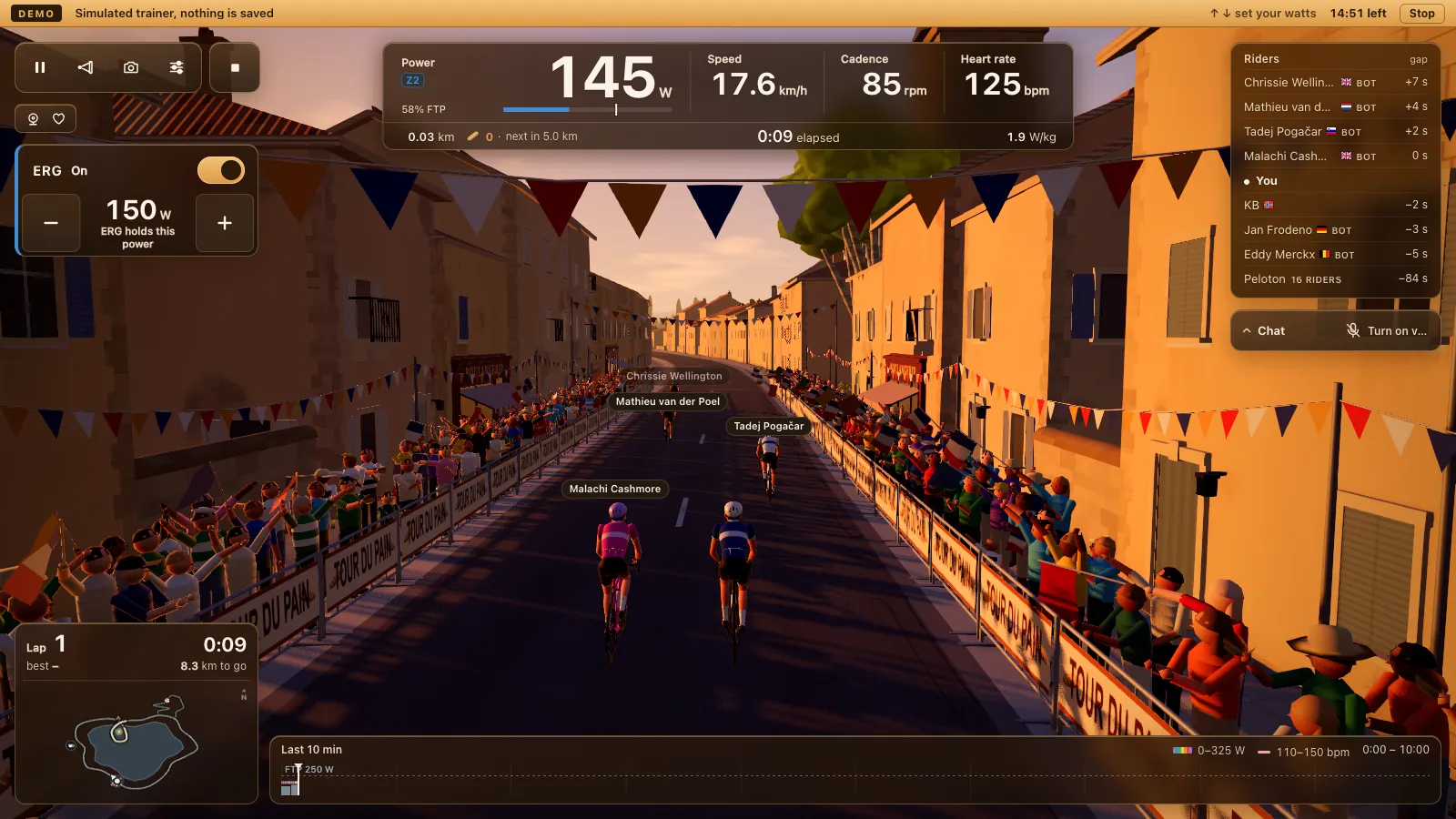
Every ride gives you a .fit file with power, cadence, heart rate and laps. Link Strava and rides upload by themselves; Garmin Connect and intervals.icu take the .fit as an import. See Strava, Garmin Connect and intervals.icu. Without your trainer at hand, the demo rides with a simulated one, no Bluetooth needed.
Tour du Pain is free through 2027, everything included. It runs on donations.
Questions
Is there a free app for my smart trainer?
Yes. Tour du Pain is free through 2027, everything included. It runs on donations. The game runs in Chrome or Edge on a computer or Chromebook, or Chrome, Edge or Opera on Android, and connects to your trainer over Bluetooth.
Do I need the brand's own app?
Only for firmware updates. Update the trainer with the Wahoo, Tacx or Elite app (OneLap Fit for a Van Rysel D100), then close it, because most trainers take one connection at a time.
Which trainers have been tested on real hardware?
One: a Wahoo KICKR CORE over FTMS. The other models speak a protocol the game implements and were tested on an emulator. They should work, but they haven't been ridden here yet.
Why doesn't my trainer show up in the list?
It's probably connected to something else. Close Zwift and the brand's app on every device, turn off Bluetooth on the phone or watch it's paired with, or switch the trainer off and on. Then try Show all devices.
Does Tour du Pain work with ANT+?
No. Browsers can only use Bluetooth, so a trainer that takes commands only over ANT+ can't be controlled. Most trainers since about 2020 have Bluetooth.
Can I use a smart trainer with an iPad or iPhone?
Not in Safari, and no iPhone or iPad browser can reach Bluetooth except special Bluetooth browsers like Bluefy. Use a laptop, a Chromebook or an Android tablet.