Indoor rides to Strava, Garmin Connect and intervals.icu
Every indoor ride in Tour du Pain ends with a .fit file, the format Strava, Garmin Connect and intervals.icu all read. Link Strava once and your rides upload by themselves, with a title, a map and the Tour du Pain link on the first line. Garmin Connect and intervals.icu take the same file as an import. Nothing about your ride stays locked inside the game.
Updated · Written for version 1.36.3
Tour du Pain is free for everyone through 2027, everything included. Donations are optional.
What's in the .fit file
The file is a full indoor ride, written as a virtual cycling activity:
- Power, cadence and speed, every second, from your trainer or power meter.
- Heart rate, when you wear a strap.
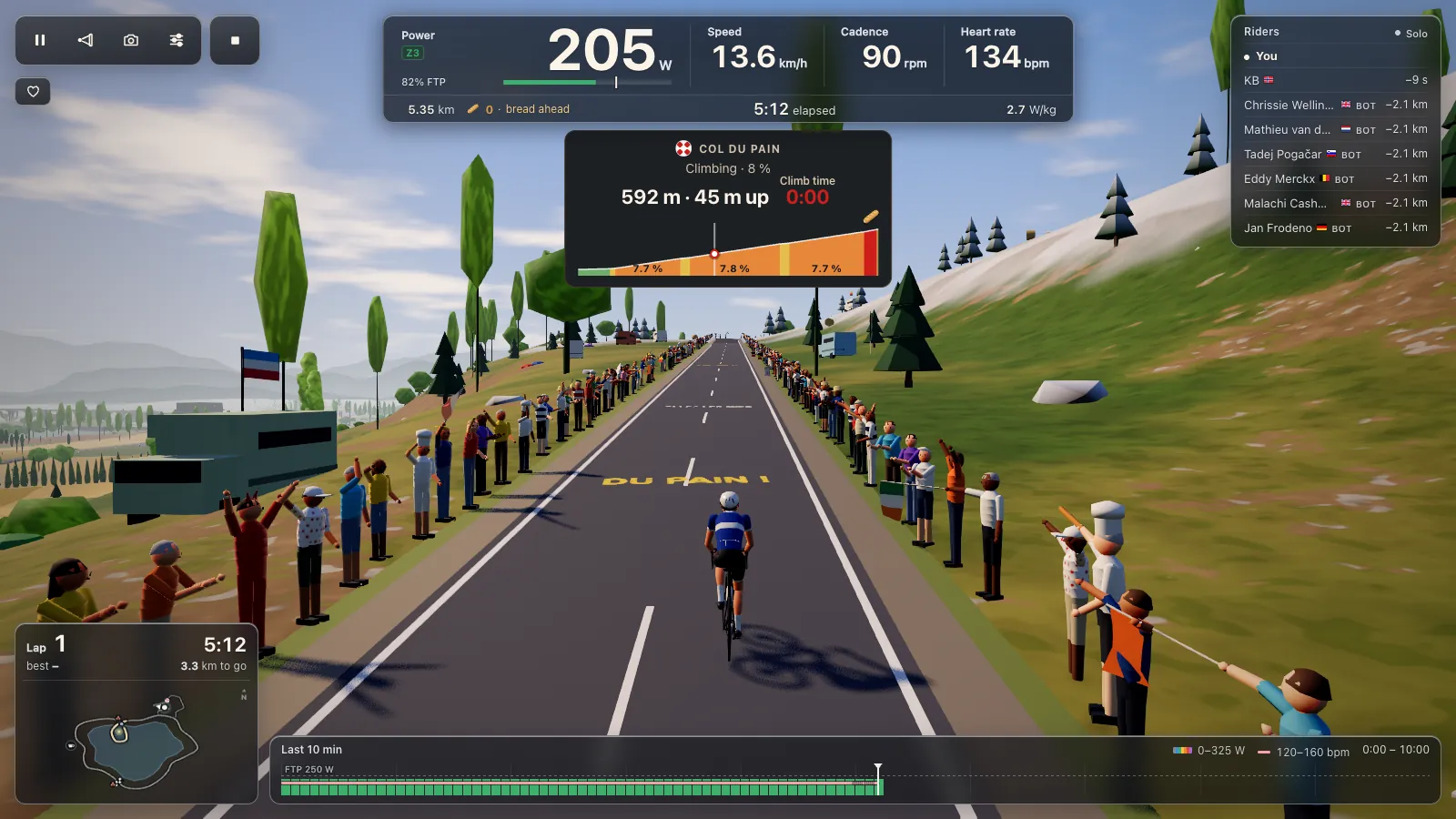
- Distance and climbing, including the Col du Pain, which is 974 metres long with 73 metres of climbing. Both count toward your ride.
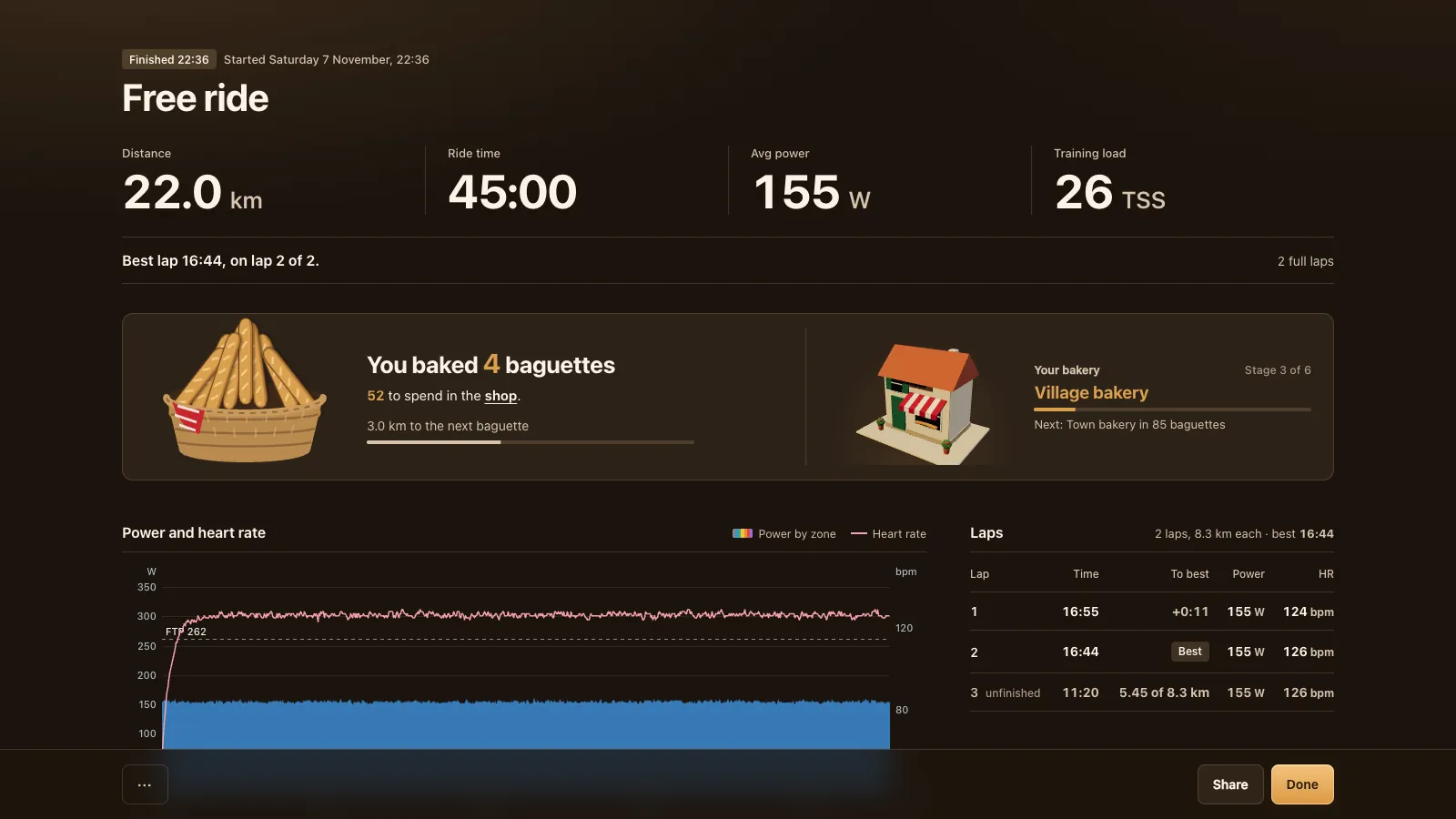
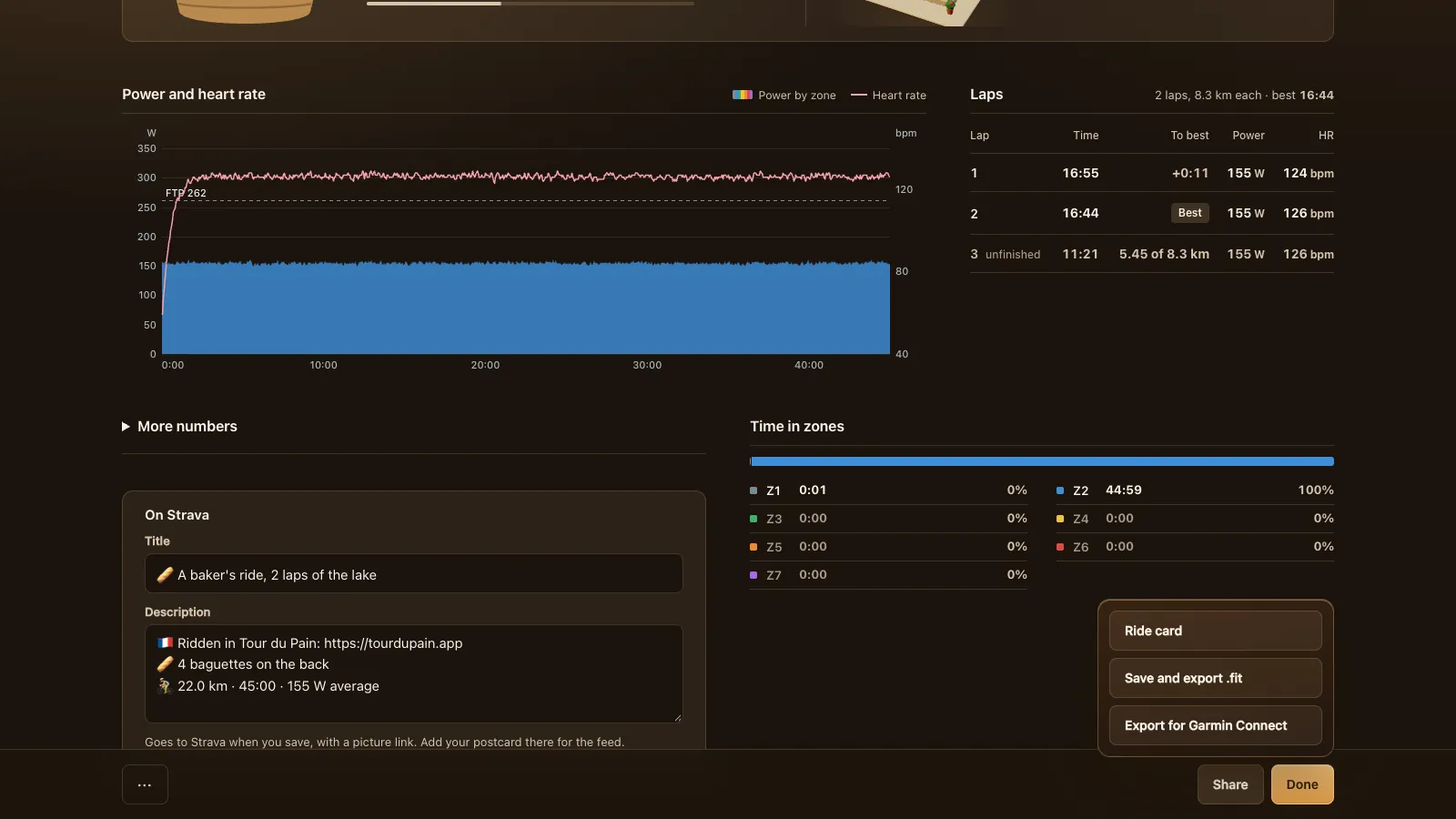
- A lap per lake lap, each 8.3 km, with its own time, distance and average power.
- Normalized power, training load (TSS), intensity and your FTP, so training apps don't have to guess.
- The devices you used, by name: trainer, power meter, cadence sensor, heart rate strap.
- A route on a map. The lake loop is laid on a quiet plateau in the south of France (the Causse Méjean) so Strava and Garmin can draw it. It's never your real location.
Because the file is marked as a virtual ride, it stays off outdoor segment leaderboards. Café stops show as pauses, so your moving time is right.
Strava: link it once
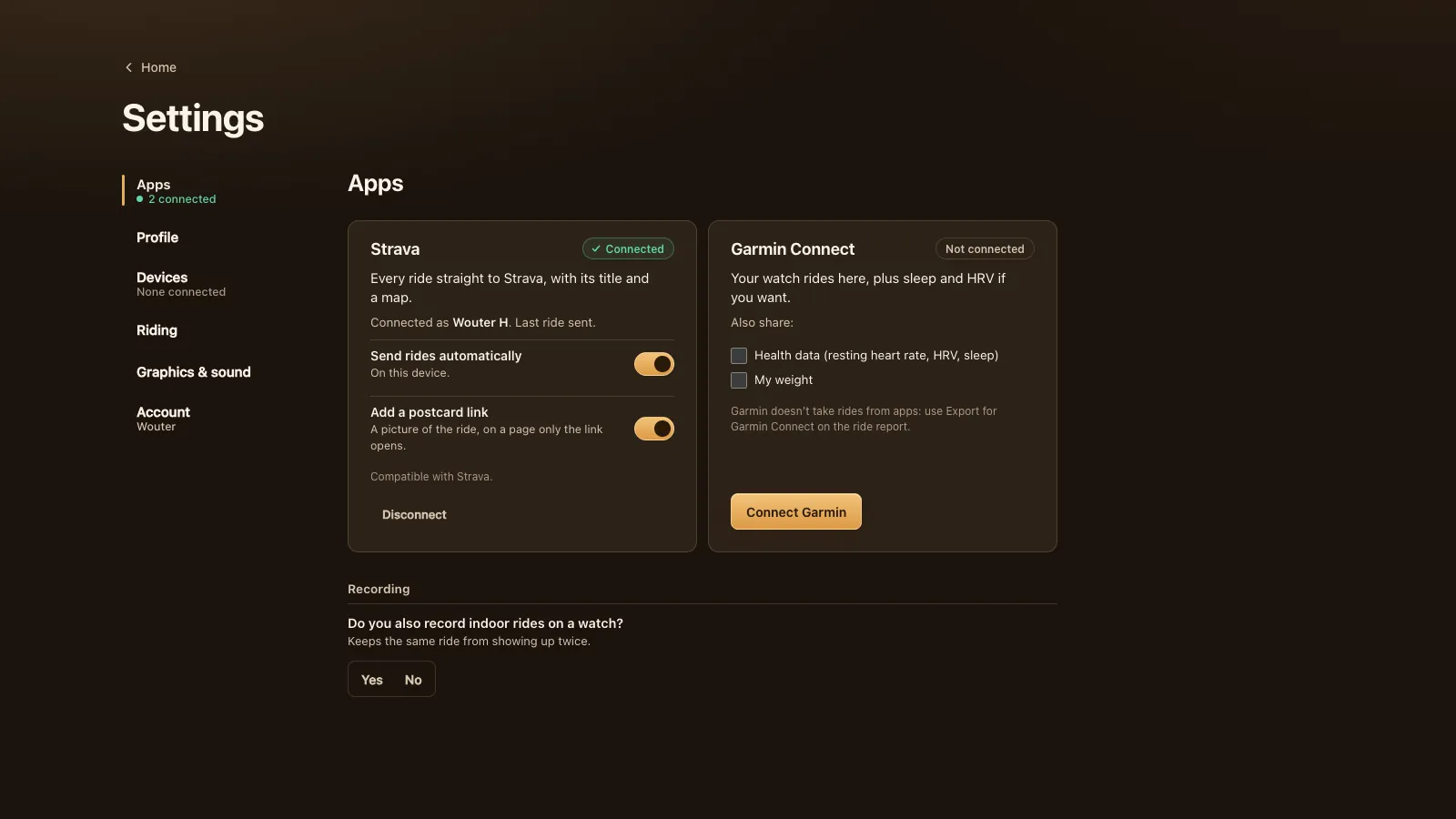
Go to Settings, Apps and press Connect with Strava. Strava asks you to allow Tour du Pain, and from then on every ride you save goes to Strava with its title and a map. Two switches sit on the Strava card:
- Send rides automatically, on this device. Off means rides stay off Strava until you send one from its ride report.
- Add a postcard link: a picture of your ride on a page that only the link opens.
The first line of the description is the Tour du Pain link, so it shows in your followers' feed. The lines under it carry the baguettes you baked and your distance, time and average power. On the ride report you can change the title and description before you save.
The public postcard on Strava is the clean picture, without your heart rate, power or W/kg. If you remove Tour du Pain in your Strava settings, the link in the game goes too.
If you'd rather not link Strava, Upload to Strava on the ride report downloads the .fit and your postcards and opens Strava's upload page, so you can drop the file there yourself.
Garmin Connect: by import
Garmin doesn't take rides from apps like Tour du Pain, so a ride gets to Garmin Connect through you. On the ride report, open Share and press Export for Garmin Connect. The .fit downloads and Garmin Connect's import page opens in a new tab: drop the file there and it's in your Garmin Connect history.
The other direction works through a link. Connect Garmin in Settings, Apps and the rides from your watch show in Ride history, next to your game rides. You can also share your resting heart rate, HRV, sleep and weight, each with its own tick box; unticking one deletes what was stored for it.
If you record indoor rides on a watch as well, say so under Recording ("Do you also record indoor rides on a watch?"). It keeps the same ride from showing up twice.
intervals.icu: upload the .fit
The direct intervals.icu link in Tour du Pain isn't open yet, so for now upload the file yourself. On the ride report press Save and export .fit (or Export .fit in Ride history later), then add the file in intervals.icu with its own upload. It reads the power, heart rate and laps like those of any other ride.
The ride card and postcards
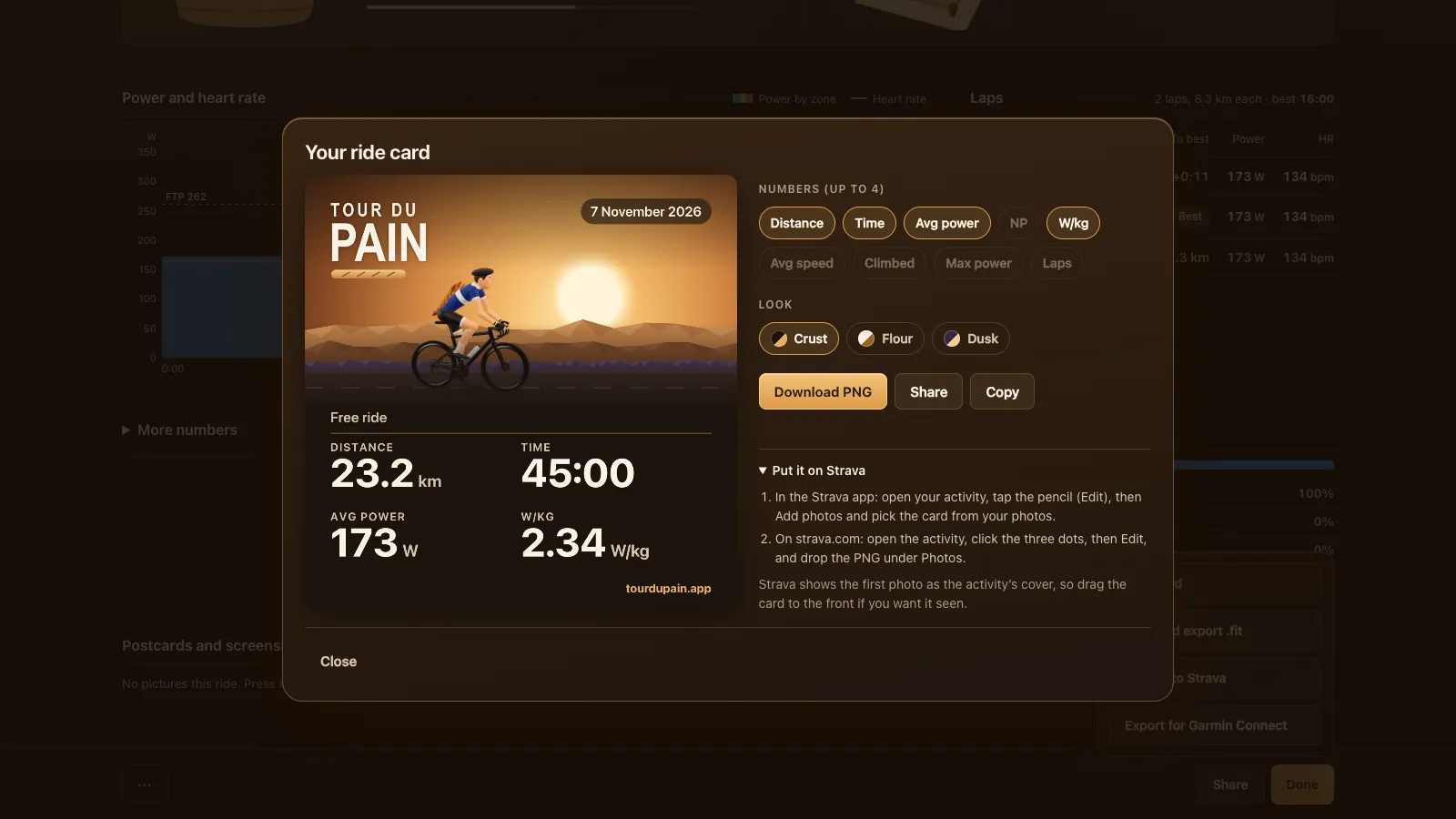
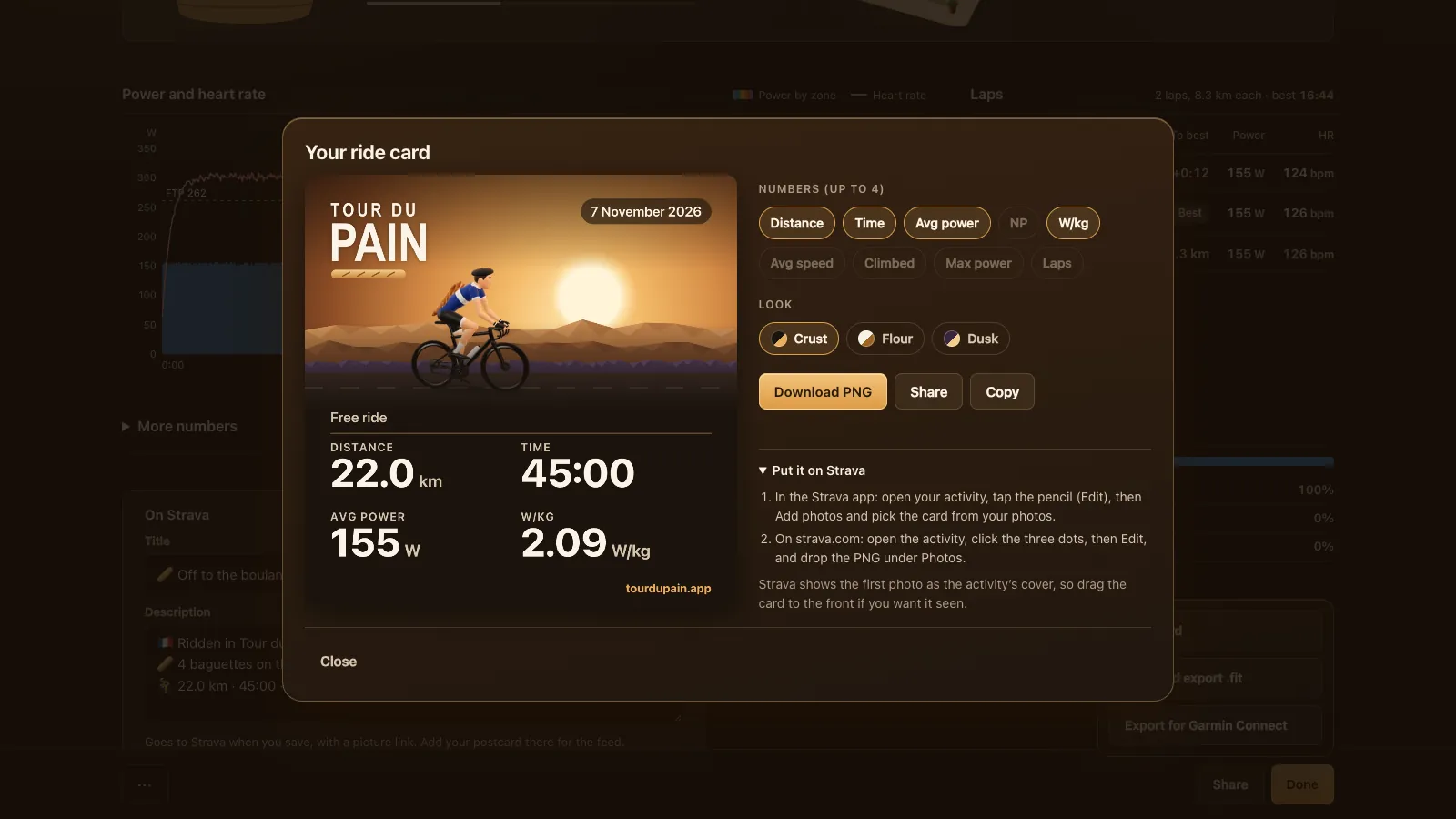
Not everything has to be a file. The ride card is a square picture, 1080 by 1080 pixels, made from a moment of your ride and up to four numbers you pick: distance, time, average power, NP, W/kg, average speed, climbing, max power or laps. Choose one of three looks (Crust, Flour or Dusk), then download it as a PNG, share it from your phone or copy it. The card has a short guide for adding it to a Strava activity as a photo.
Postcards and screenshots are the pictures from your ride; press P or the camera button to take one. They're kept on your device, each with its own Share button on the report, as a clean photo or with your stats.
Your rides are safe
A finished ride is saved on your device as soon as the report opens, so a crash or a closed tab doesn't lose it; it uploads at your next start. A ride that stopped more than 12 hours ago isn't lost either: Home offers to save it for a week. Signed in, your rides follow your account, so the .fit of a ride from another device comes from there.
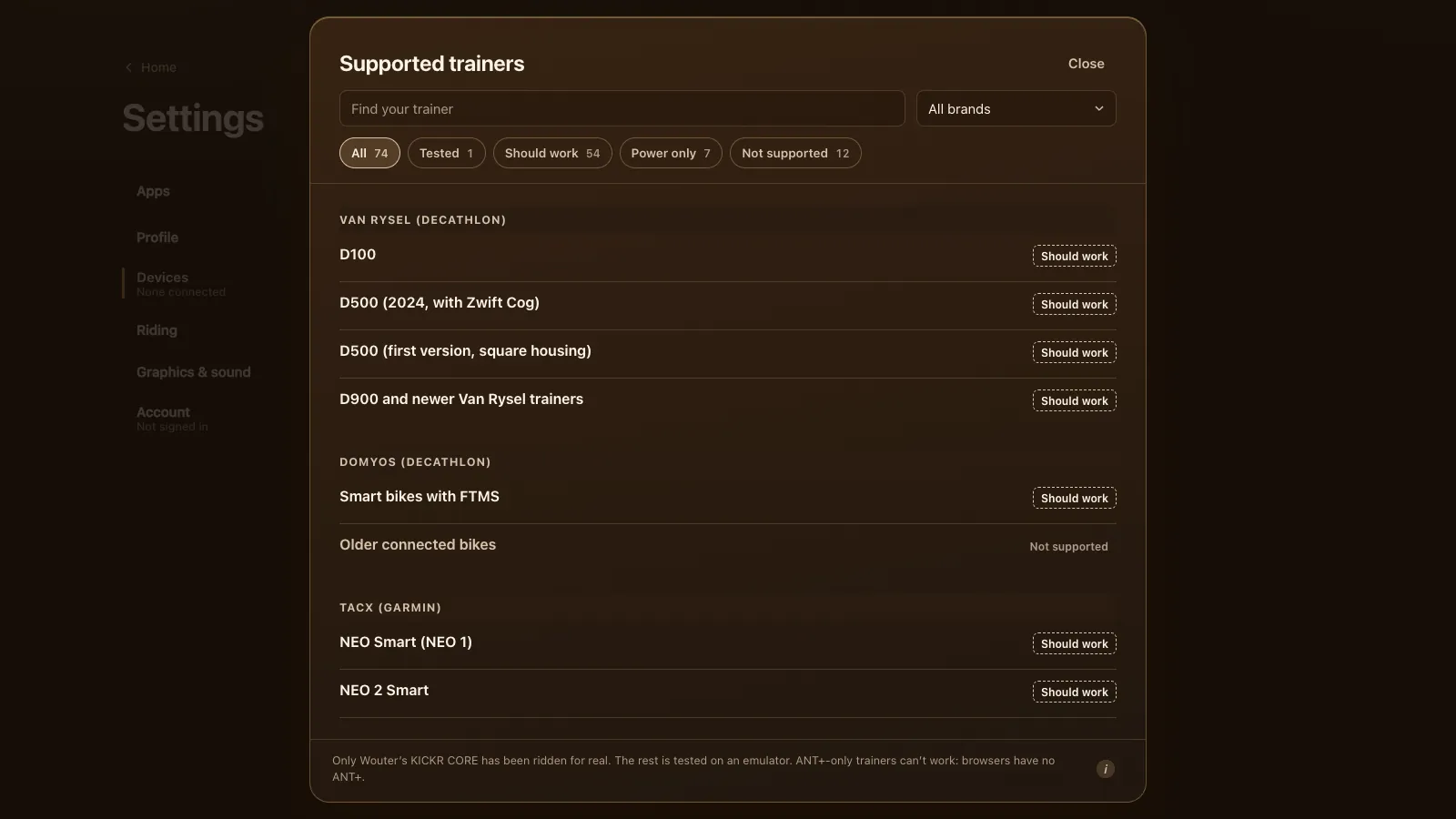
Power meter rides export the same way; see riding with a power meter only. For structured training, the ERG workouts guide covers the 105 workouts and your own files, and triathletes logging every session can read indoor training for triathlon. Every trainer that works is on the smart trainer app page. The demo shows a ride report too, marked Demo, with saving and Strava switched off.
Tour du Pain is free through 2027, everything included. It runs on donations.
Checked on 8 November 2026: Strava's help on uploading files (FIT accepted) and the intervals.icu Activities page guide (its Upload button).
Questions
Does Tour du Pain upload to Strava automatically?
Yes, once you connect Strava in Settings, Apps. Each saved ride uploads with a title, a map and the Tour du Pain link on the first line of the description.
How do I get a Tour du Pain ride into Garmin Connect?
On the ride report, open Share and press Export for Garmin Connect. The .fit downloads and Garmin Connect's import page opens: drop the file there.
Does Tour du Pain work with intervals.icu?
Yes, through the .fit file. Export it from the ride report or Ride history and upload it in intervals.icu. A direct link isn't open yet.
Does the .fit file include heart rate and power?
Yes: power, cadence, speed and heart rate every second, plus laps, distance, climbing, normalized power, TSS and your FTP.
Will my indoor ride show up on Strava segments?
No. The file is a virtual ride, so it stays off outdoor segment leaderboards. The map is a made-up route on a plateau in France, not your location.
What if I also record the ride on my Garmin watch?
Tell the game under Settings, Apps, Recording. It keeps the same ride from showing up twice when your watch rides come in from Garmin Connect.