Saris and CycleOps smart trainers in your browser
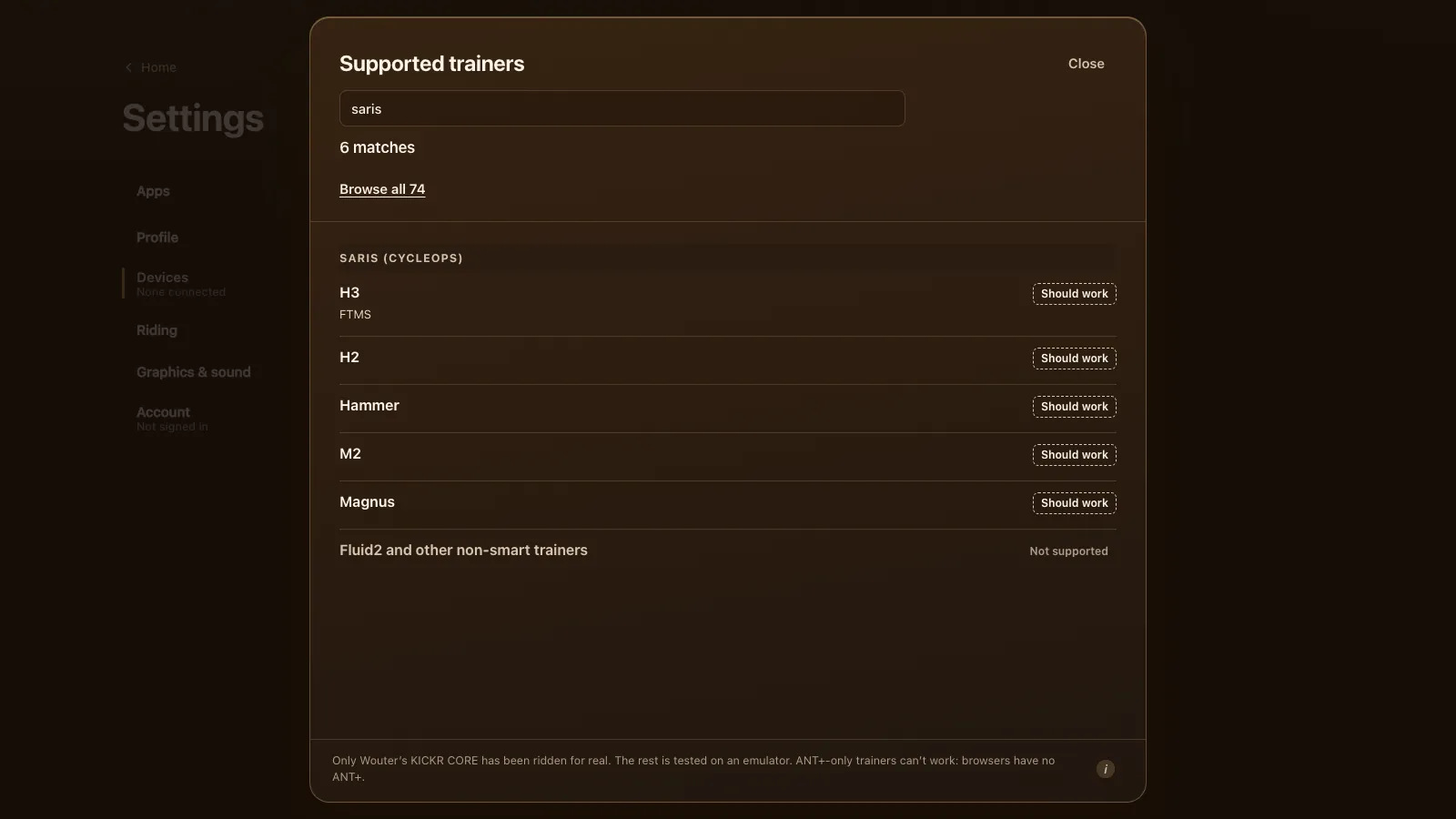
Saris trainers, once sold as CycleOps, should work in Tour du Pain straight from Chrome or Edge over Bluetooth. The H3 speaks FTMS, the open trainer standard, and the H2, Hammer, M2 and Magnus are expected to after a firmware update in the Saris app. You get ERG and 33 resistance levels. None of them has been ridden here yet. Tour du Pain is free for everyone through 2027, everything included. Donations are optional.
Updated · Written for version 1.36.3
Tour du Pain is free for everyone through 2027, everything included. Donations are optional.
Which Saris and CycleOps trainers work
| Model | Type | Protocol | Status | What to know |
|---|---|---|---|---|
| H3 | Direct drive | FTMS | Should work | One Bluetooth connection at a time |
| H2 | Direct drive | FTMS (unconfirmed) | Should work | Update the firmware in the Saris app first |
| Hammer | Direct drive | FTMS (unconfirmed) | Should work | Update the firmware in the Saris app first |
| M2 | Wheel-on | FTMS (unconfirmed) | Should work | Calibrate after it warms up |
| Magnus | Wheel-on | FTMS (unconfirmed) | Should work | Calibrate after it warms up |
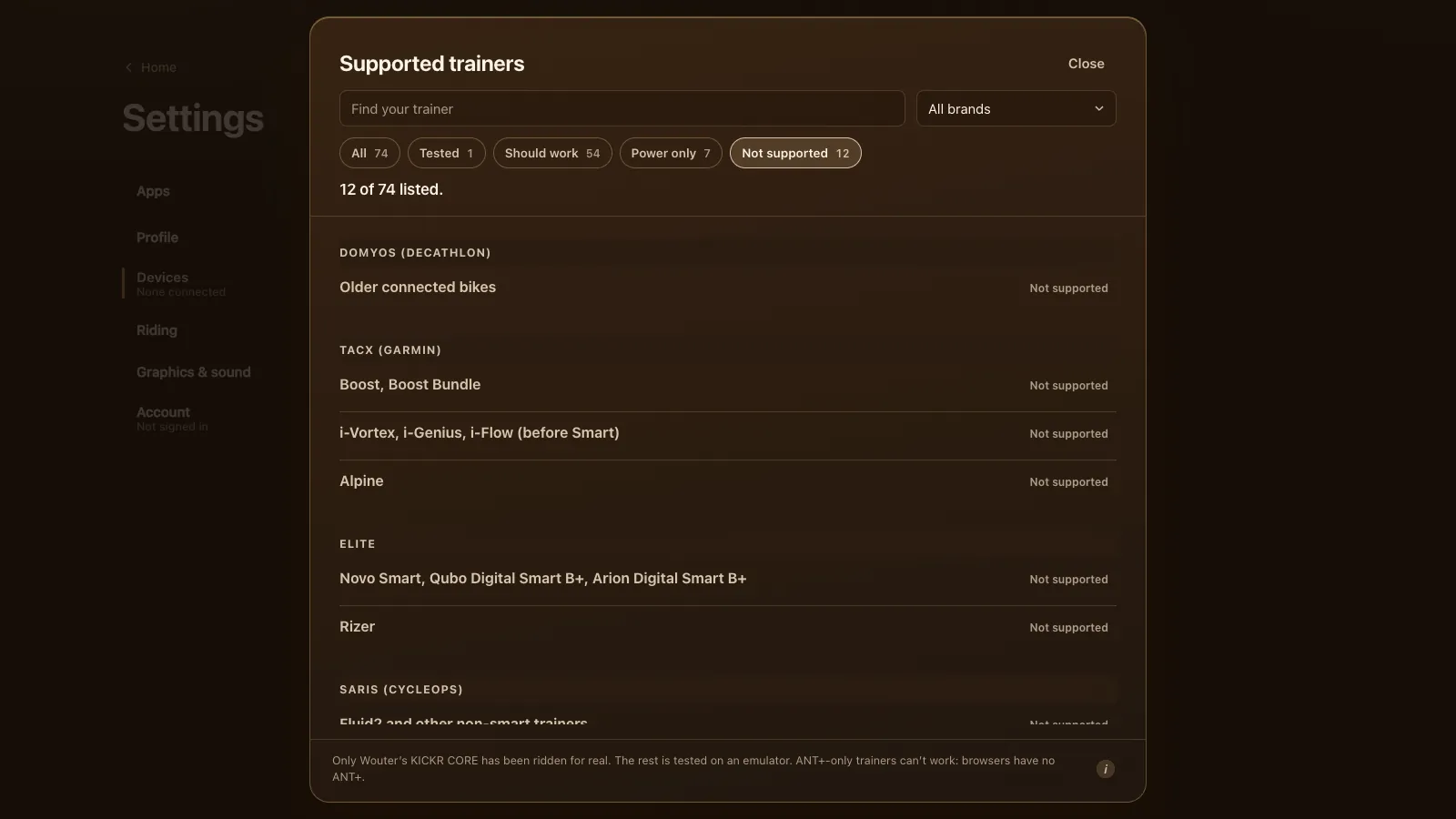
| Fluid2 and other non-smart trainers | Fluid or magnetic | None | Not supported | No Bluetooth, no power: add a power meter |
The H3 is the safest bet. DC Rainmaker's Saris H3 review lists it as a standard Bluetooth FTMS trainer, good for 2,000 watts, with one Bluetooth connection at a time. The older Hammer and H2 and the wheel-on M2 and Magnus got their Bluetooth control by firmware, and we found no source that names FTMS for each of them. That's why the game's list says "unconfirmed" next to them.
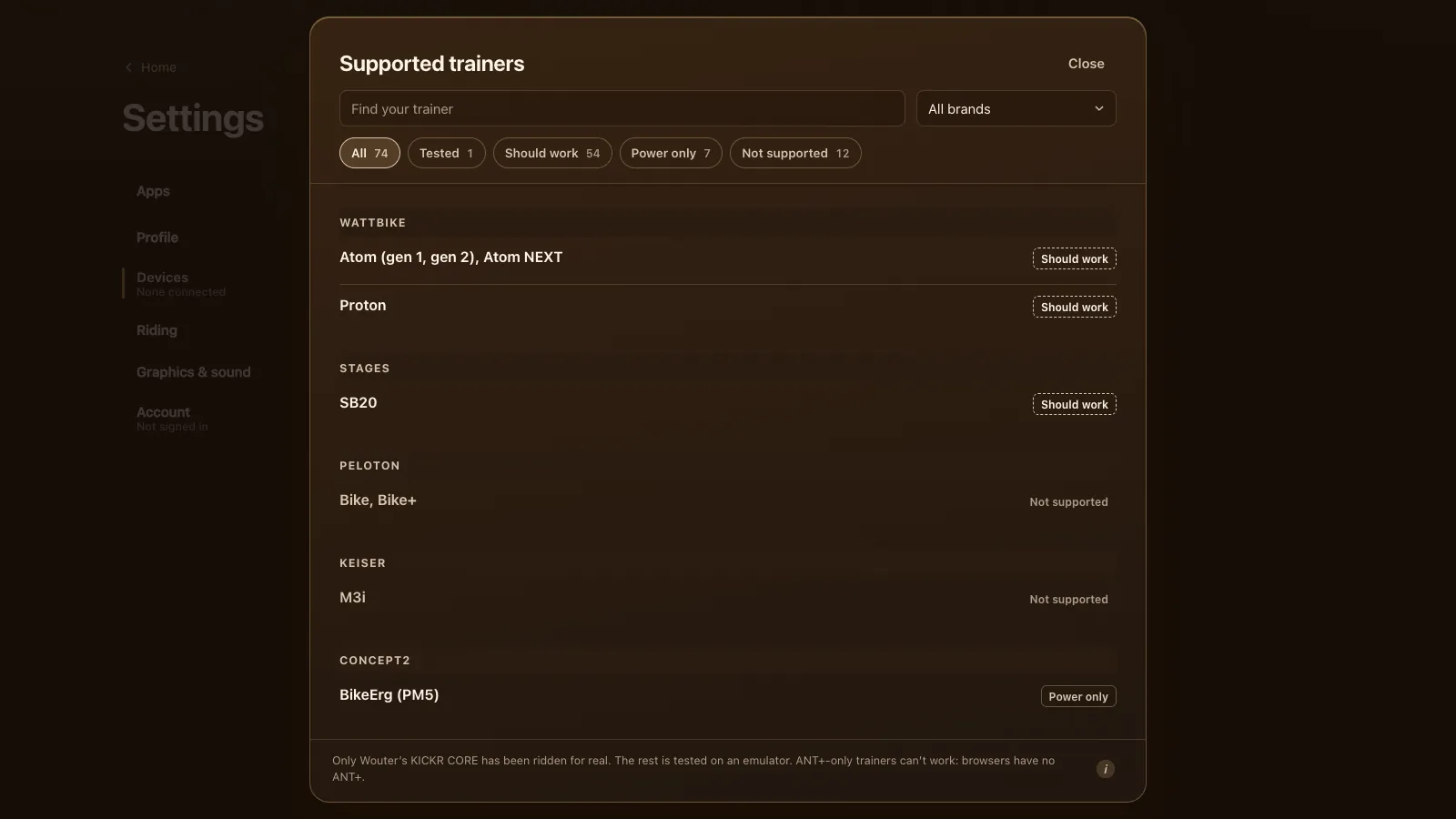
The Saris table on every supported trainer is built from the same list the game shows, so the two never disagree.
Update the firmware first
This is the one step that matters most for a Saris. Saris says the H3, H2, M2, Hammer and Magnus all take wireless updates through the Saris app, also listed as Saris Utility (Saris's firmware update page). The short version from that page:
- Wake the trainer: spin the pedals until the green light blinks.
- Open the Saris app, connect to the trainer and tap Firmware.
- Pick the latest version and tap Install. The trainer reboots and the app shows a check mark.
- Close the Saris app completely. On a phone, swipe it away.
Step 4 is easy to forget. An H3 takes one Bluetooth connection, so a Saris app still open in the background keeps the trainer to itself.
Setting up a Saris in Tour du Pain
- Open tourdupain.app in Chrome or Edge on a Windows or Mac computer, a Chromebook or an Android tablet.
- Pedal a few strokes to wake the trainer.
- Go to Settings, Devices and press Connect next to Smart trainer.
- Pick the Saris from the browser's list. If it isn't there, turn on Show all devices and look again.
- When Devices says the trainer is ready, start a free ride, a workout or the Col du Pain.
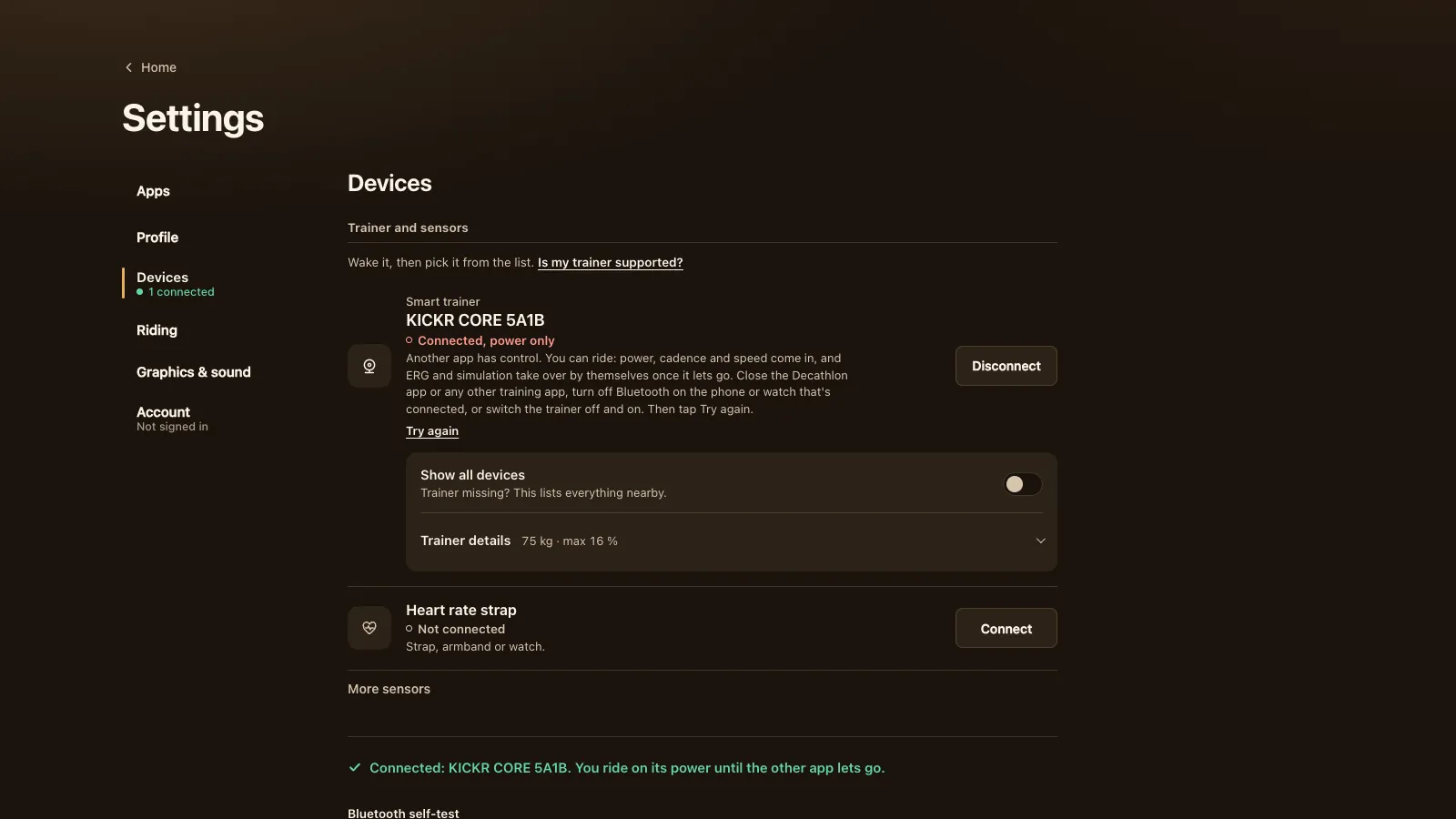
If Devices calls it "Power only" (it sends power and cadence but takes no commands), the trainer probably runs old firmware without FTMS. You can ride like that, shifting your own gears, but there's no ERG. Go back to the Saris app, update, close it and connect again.
Calibration, and the wheel-on M2 and Magnus
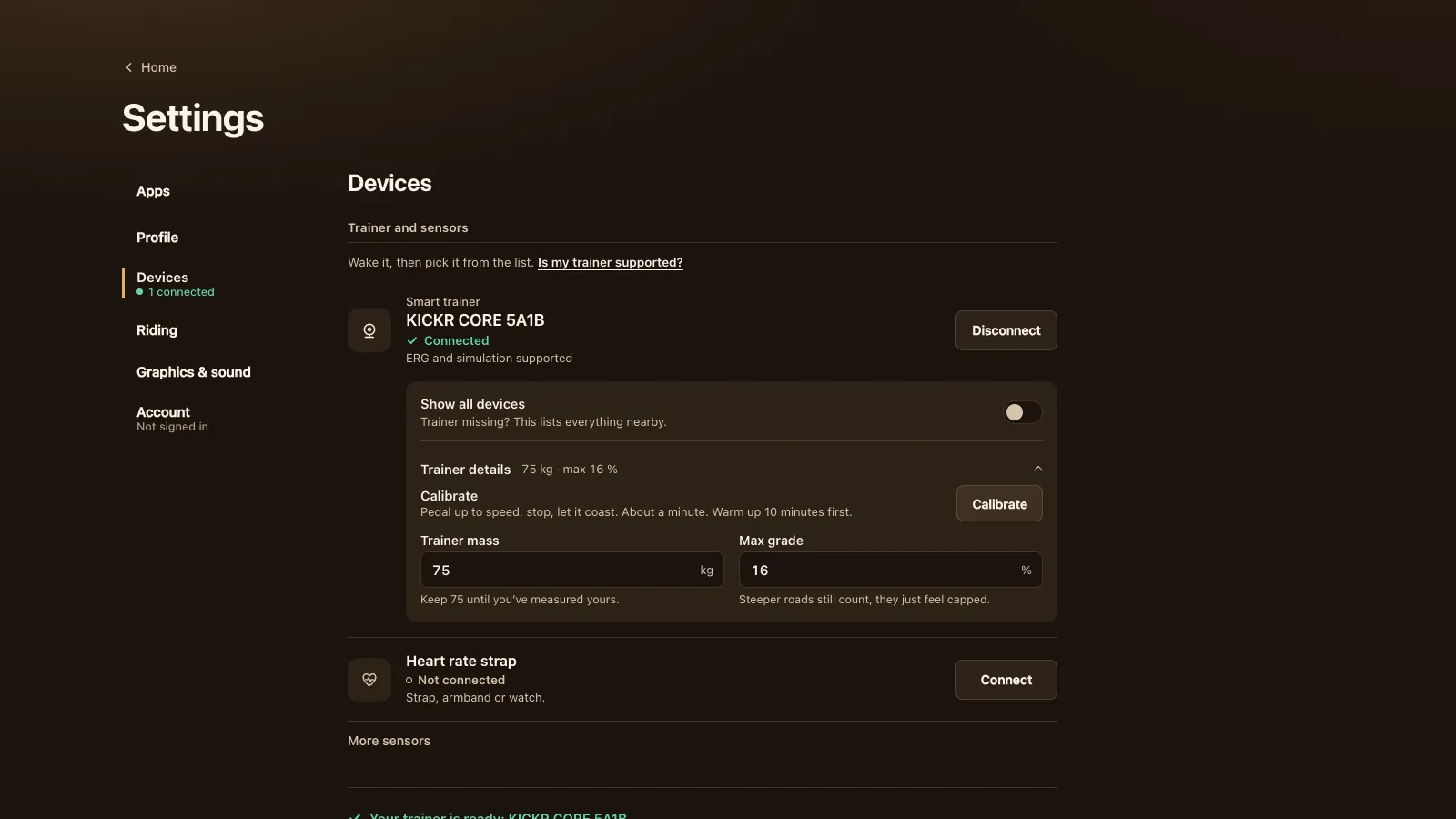
The M2 and Magnus press a roller against your back tyre (Zwift Insider on the Saris M2), so tyre pressure and roller pressure change the power they read. Pump the tyre to the same pressure every time, warm up for 10 minutes, then calibrate. The direct-drive H3, H2 and Hammer need it less often: after you move the trainer, or when the room is much warmer or colder.
Tour du Pain has a Calibrate button under Settings, Devices, Trainer details. It only shows when the trainer says over FTMS that it can do a spin-down. If your Saris doesn't offer it there, calibrate in the Saris app, close the app, then connect in the game.
What works on a Saris
| H3 | H2, Hammer | M2, Magnus | |
|---|---|---|---|
| Power and cadence | Yes | Yes | Yes |
| ERG workouts | Yes | Should, after the update | Should, after the update |
| 33 resistance levels | Yes | Should | Should |
| Calibrate in the game | If it offers spin-down | If it offers spin-down | If it offers spin-down |
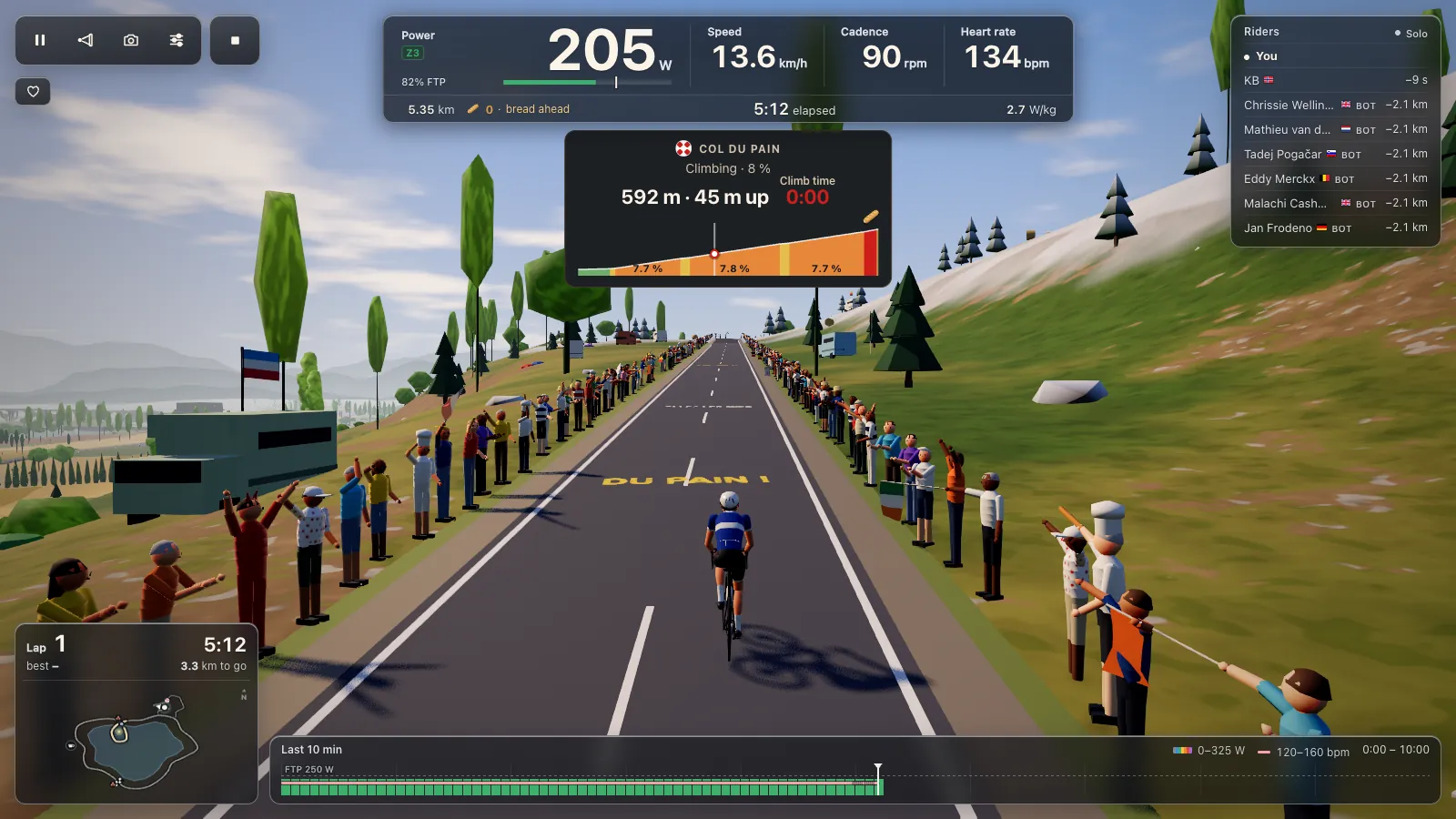
In ERG the trainer holds each block's target whatever your cadence. There are 105 workouts in the game, and your own .zwo, .erg, .mrc and .fit files load; see ERG workouts in your browser. With ERG off you pick one of 33 levels, based on your FTP, and shift your own gears. The road's gradient changes your speed on screen, not the resistance, so the Col du Pain feels flat on the trainer.
What doesn't work, and why
The Fluid2 and other non-smart CycleOps trainers have no electronics: no Bluetooth, no power reading, nothing a browser can talk to. They aren't supported and can't be. The way around it is a Bluetooth power meter on the bike (pedals or a crank): connect it under Smart trainer and ride on its power, shifting your own gears. That's a proper way to ride; riding with a power meter only explains it.
ANT+ is the other limit. Every smart Saris also speaks ANT+, and browsers have no ANT+ radio, so Tour du Pain only uses Bluetooth. For a Saris that's fine, as long as the Bluetooth side has current firmware.
Tour du Pain or Zwift on a Saris
We make Tour du Pain, so read this with that in mind. Zwift is the big one: many worlds, races, structured plans, on a subscription. Tour du Pain runs in a browser tab with nothing to install, has voice and chat built in, clubs, ride-along groups that keep you together whatever your watts, a demo without a trainer, and is free for everyone through 2027 with everything included.
For a Saris specifically:
- For Zwift: Zwift can drive a trainer over ANT+ with a USB dongle on a computer (Zwift's ANT+ and Bluetooth overview). So a Saris whose Bluetooth side never gets FTMS can still be driven there over ANT+ FE-C; a browser can't do that.
- For Zwift: calibration from inside Zwift, and far more roads and events.
- For Tour du Pain: no install, and it runs on a Chromebook or an Android tablet. ERG behaves the same in both.
- For Tour du Pain: voice chat while you ride needs nothing extra, and a club ride is a link you send.
Questions
Does a Saris H3 work without the Saris app?
Yes. Tour du Pain talks to the H3 directly over Bluetooth in Chrome or Edge. You only need the Saris app for firmware updates and, if the game doesn't offer it, calibration. Close it before you ride.
Is CycleOps the same as Saris?
Yes. Saris used to sell its trainers under the CycleOps name, so a CycleOps Hammer or H2 is the same trainer as a Saris one. Look for your model under Saris (CycleOps) in the game's list.
Does the Saris M2 work with a free app?
It should. After a firmware update in the Saris app it's expected to speak FTMS over Bluetooth, which Tour du Pain uses for ERG and levels. It hasn't been ridden here yet, so tell us how it goes.
My Saris only shows up as power only. What now?
Update its firmware in the Saris app and close the app. If another app or a phone still holds the trainer, the game rides on its power and takes over control once that app lets go.
Can I use an old CycleOps Fluid2 with Tour du Pain?
Not by itself, since it has no electronics. Put a Bluetooth power meter on the bike and connect that instead. You shift your own gears and ride on real watts.
Does Tour du Pain support ANT+ on a Saris?
No. Browsers have no ANT+ radio, so the game uses Bluetooth only. Every smart Saris has Bluetooth too.