Indoor cycling on a Chromebook
Indoor cycling on a Chromebook used to mean bad news: most big training apps don't make a ChromeOS version. A browser game gets round that. Chrome on ChromeOS has Web Bluetooth, so Tour du Pain runs on a Chromebook in a normal tab, connects your smart trainer directly and needs nothing installed. Here's how to set it up and get it running smoothly on a modest machine.
Updated · Written for version 1.36.3
Tour du Pain is free for everyone through 2027, everything included. Donations are optional.
Why most cycling apps skip the Chromebook
The big indoor cycling apps are installed programs for Windows, macOS, iOS, Android and Apple TV. A Chromebook runs none of the Windows or Mac versions, and the support pages we checked in November 2026 don't offer a ChromeOS one:
| App | Chromebook, per its own support pages |
|---|---|
| Tour du Pain | Yes, in Chrome |
| Rouvy | Not supported, its system requirements say |
| TrainerRoad | Not supported, its help centre says |
| Zwift | Not on its list of supported devices |
| MyWhoosh | Not on its list of supported devices |
Many Chromebooks can also install Android apps from the Google Play Store. Whether a cycling app works that way, with Bluetooth to your trainer, is up to that app and your model; check whether your app supports it before you count on it. Rouvy and TrainerRoad say plainly that they don't.
Tour du Pain on a Chromebook
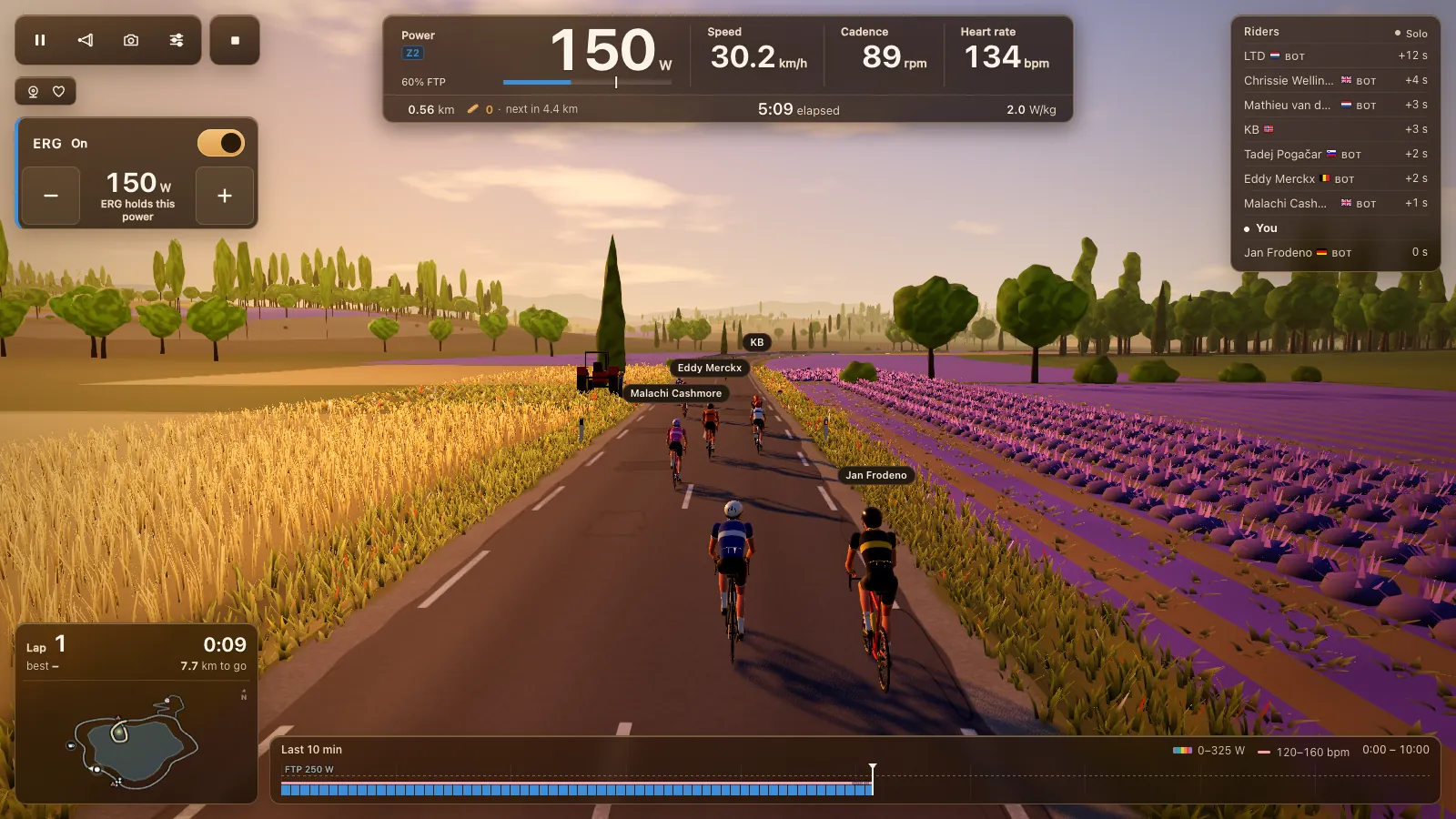
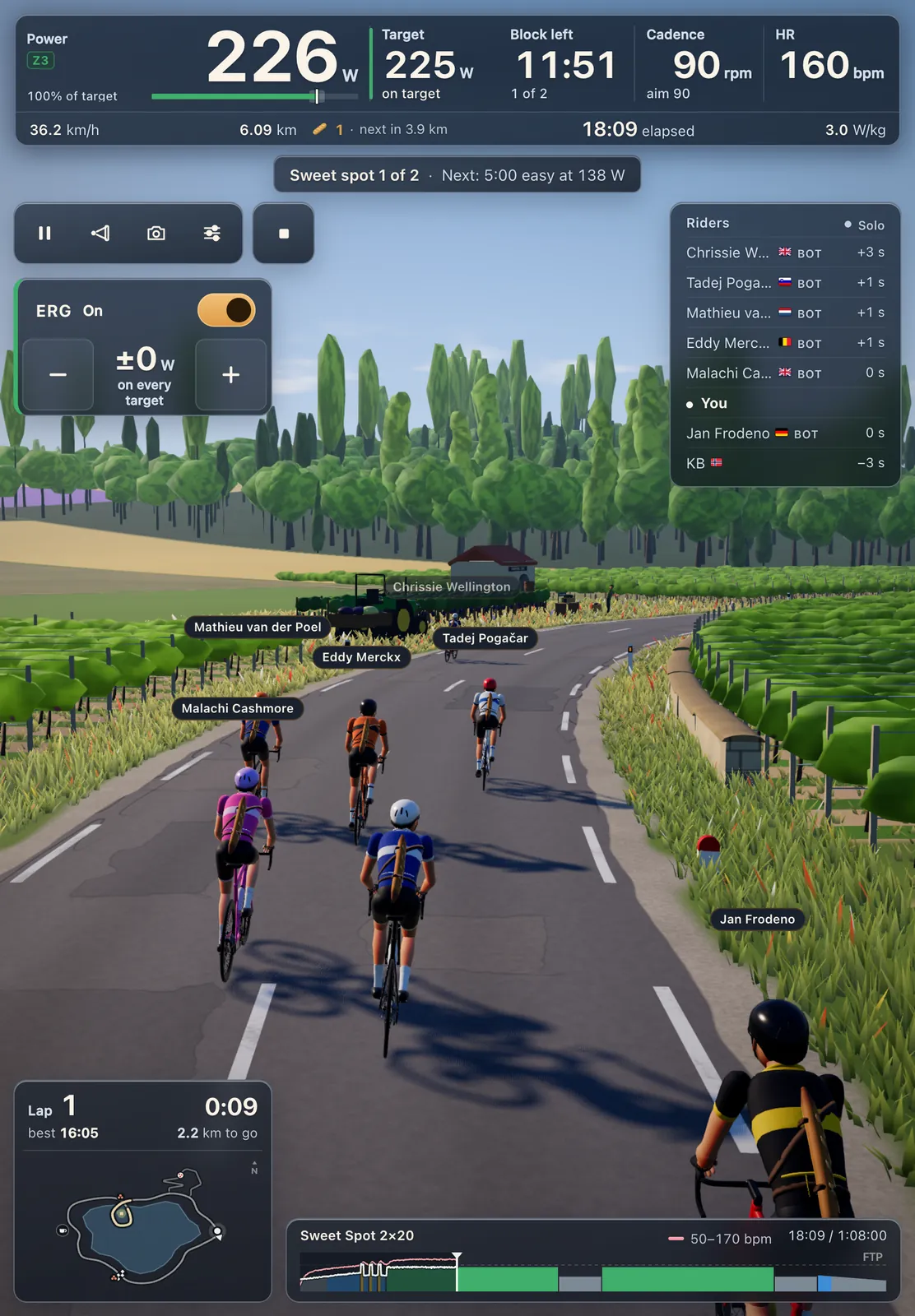
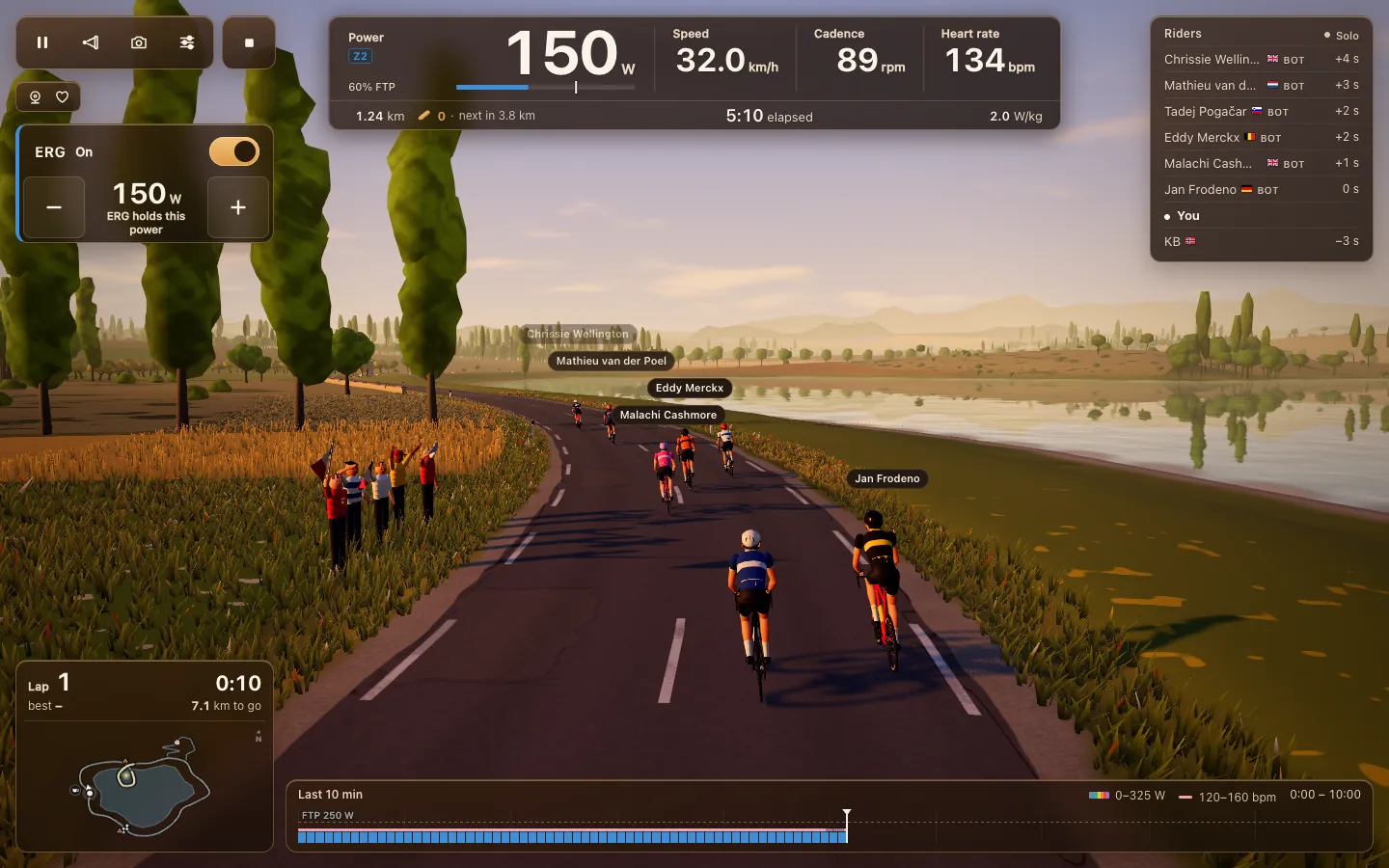
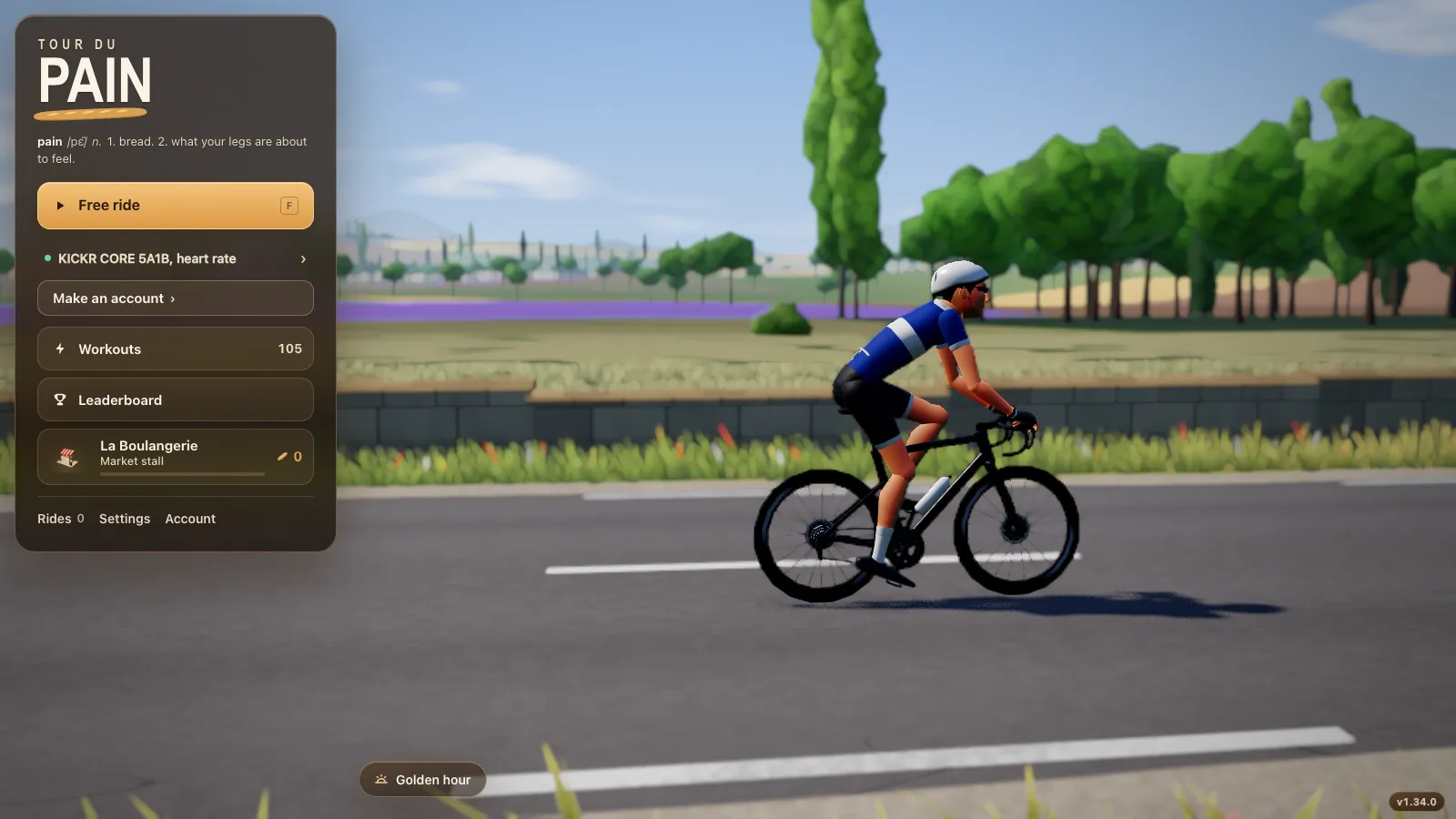
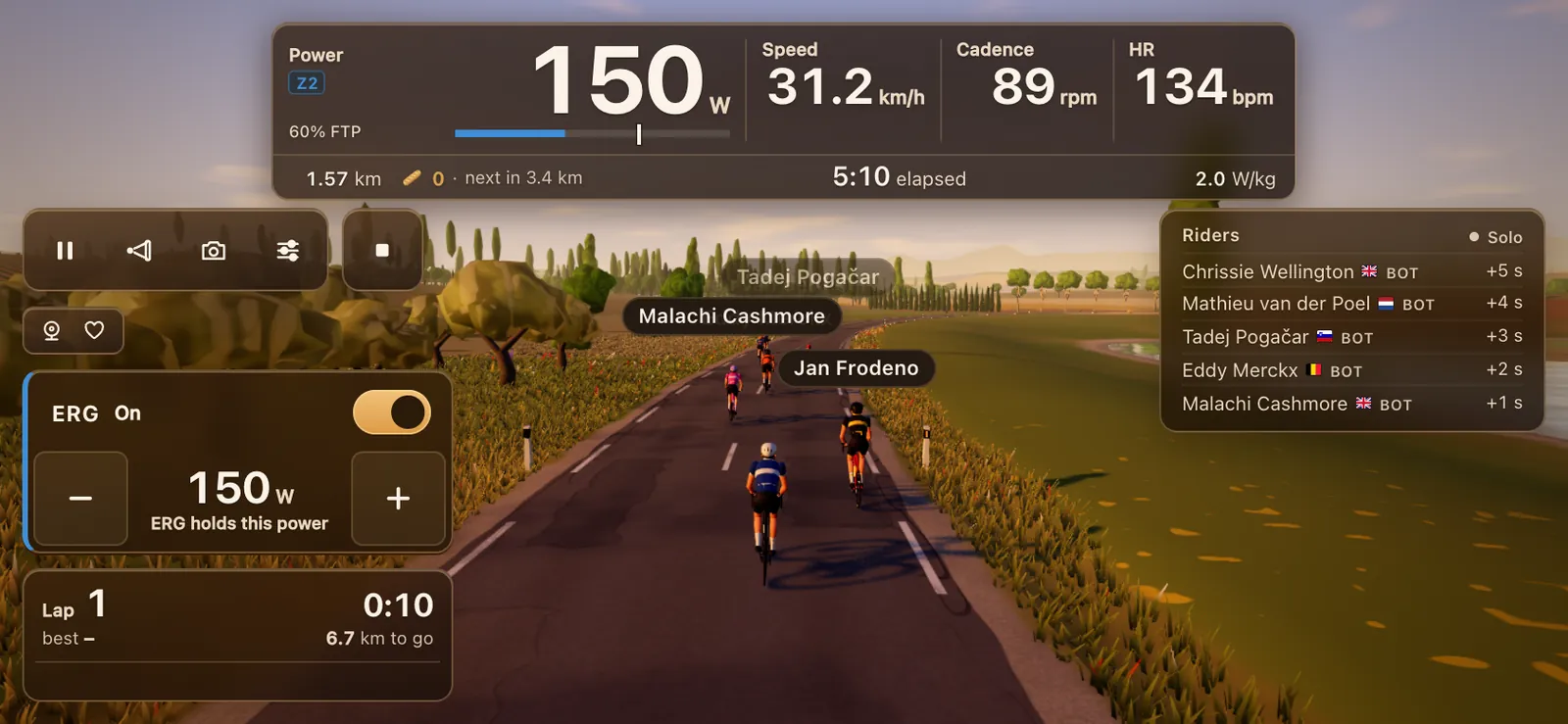
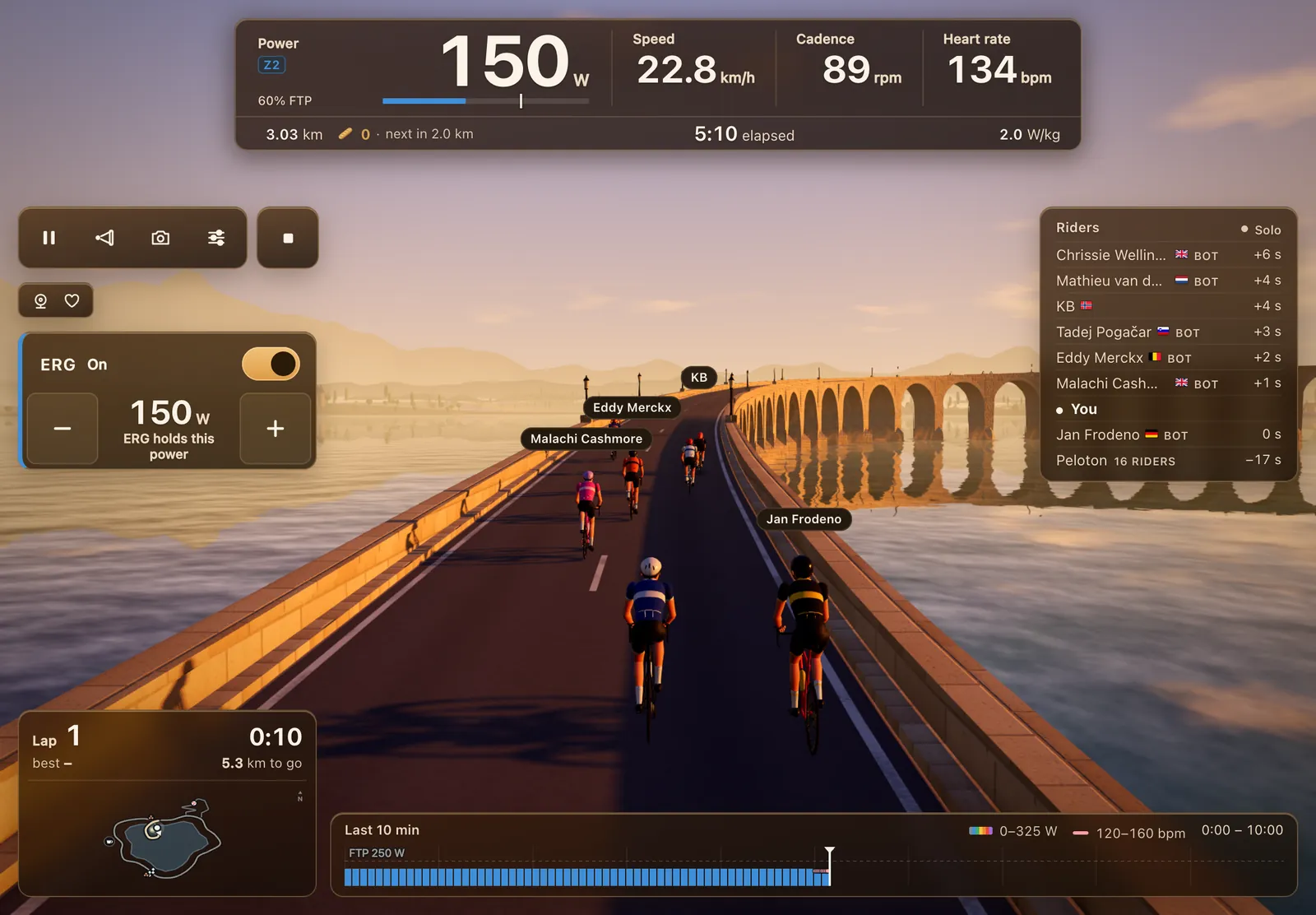
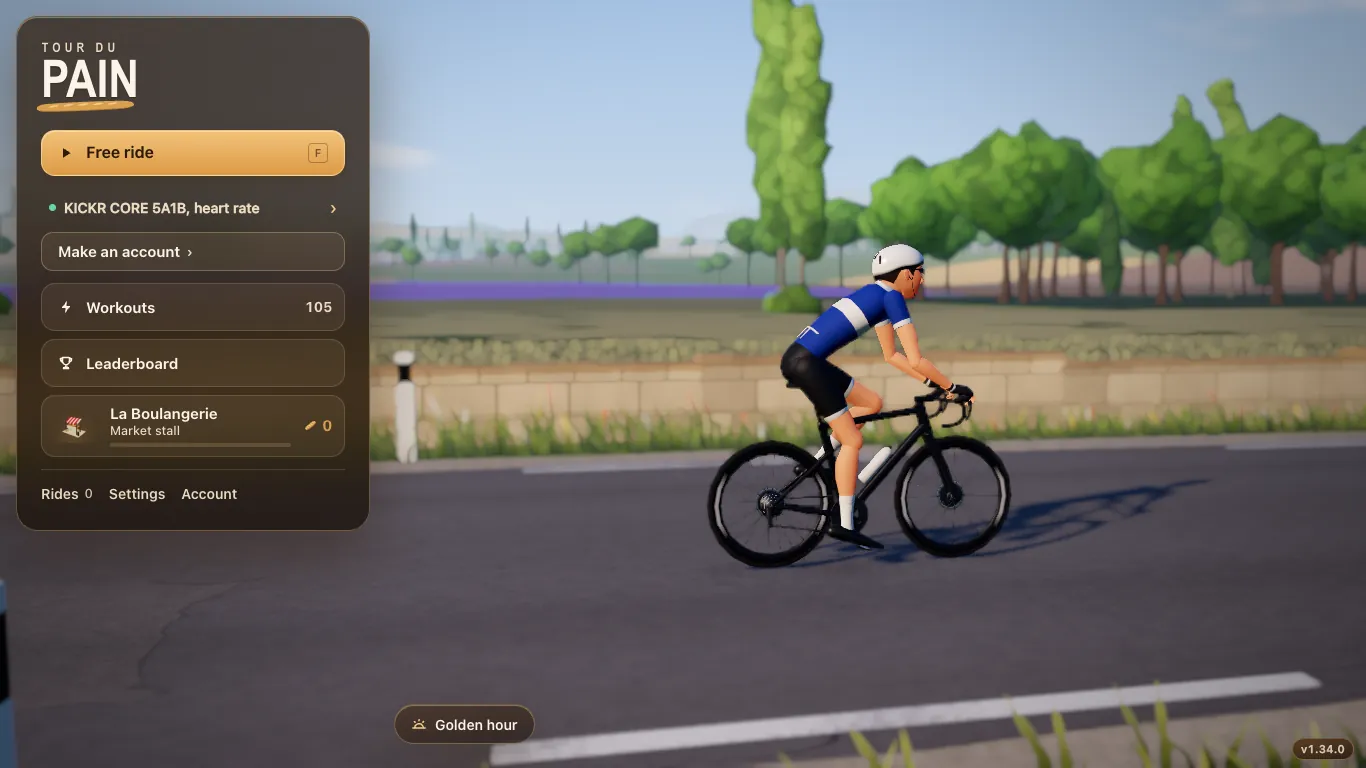
Chrome on ChromeOS ships Web Bluetooth without any flag, according to the Web Bluetooth group's implementation status. That's all Tour du Pain needs. Open tourdupain.app, tap Connect a trainer, pick your trainer from the list Chrome shows, and you ride the same game as on a Windows laptop: an 8.3 km lake loop, the Col du Pain climb, other riders, bots, voice and chat.
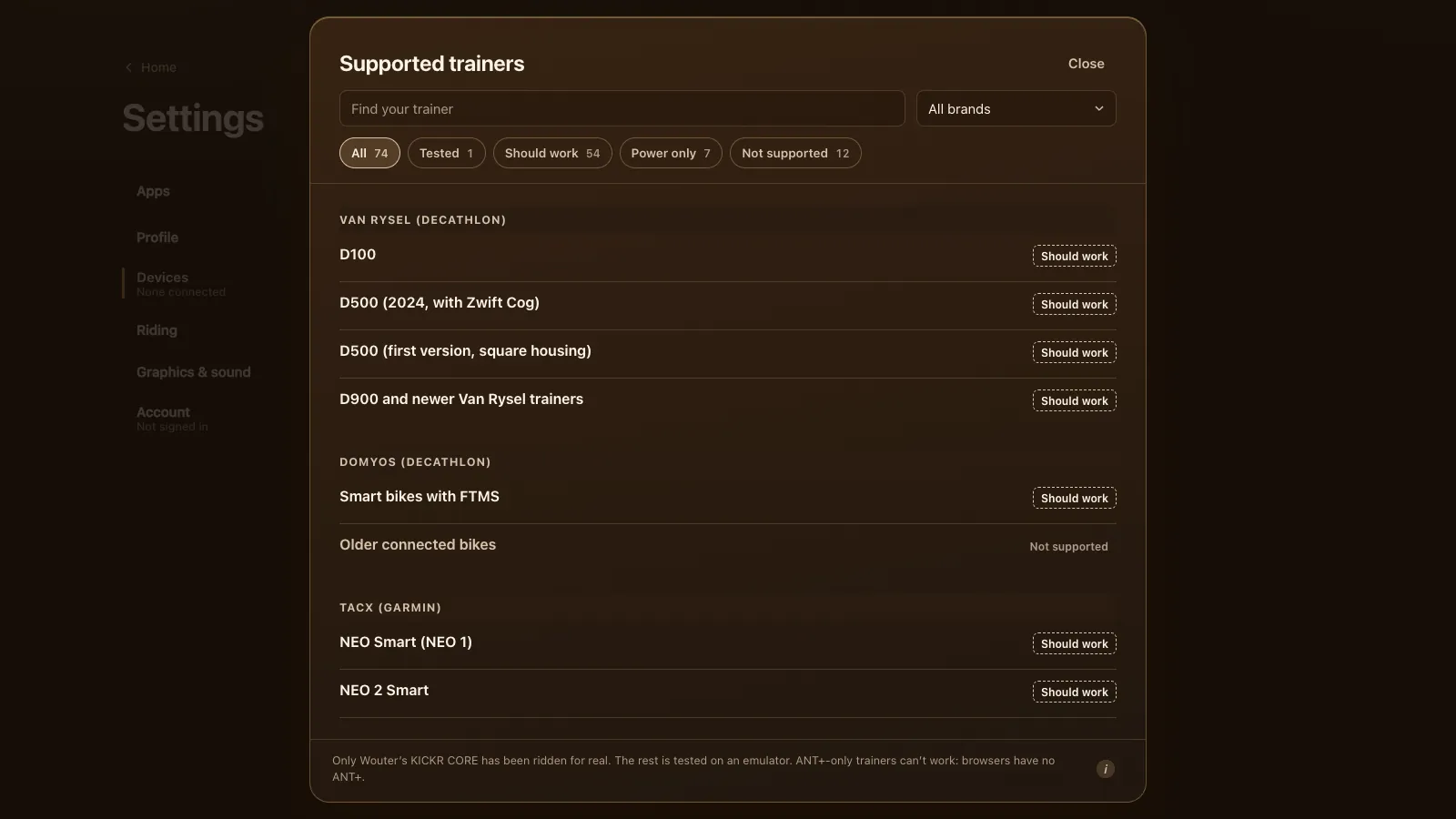
It speaks FTMS, Tacx FE-C over Bluetooth and Wahoo's older protocol, so most smart trainers since about 2020 work: a Wahoo KICKR CORE, a Tacx NEO 2T, a Van Rysel D100, a Zwift Hub One. See which smart trainers work. Only the KICKR CORE has been ridden on real hardware so far; the rest were tested on an emulator.
To see whether your Chromebook is up to it, try the demo. It runs for 15 minutes with a simulated trainer and no Bluetooth, and if your machine struggles, the end card says how many frames a second it managed.
Set up step by step
- Turn on Bluetooth in the quick settings, bottom right.
- Wake your trainer by turning the pedals.
- Open tourdupain.app in Chrome and tap Connect a trainer.
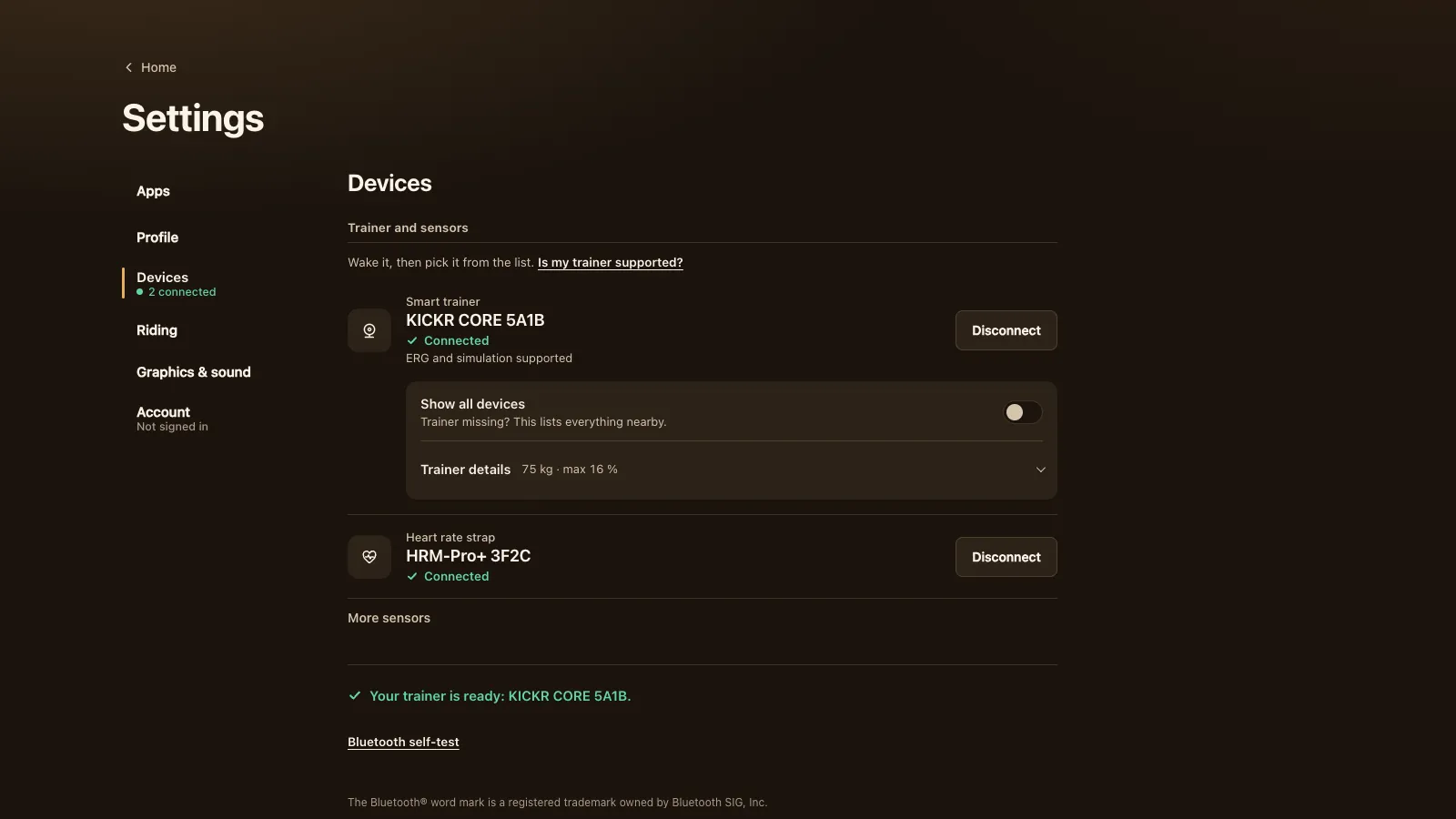
- Pick your trainer in Chrome's list and tap Pair. Add a heart-rate strap under Devices if you have one.
- Ride. A guest gets 20 km; a free account keeps your rides on every device.
Graphics on a weaker Chromebook
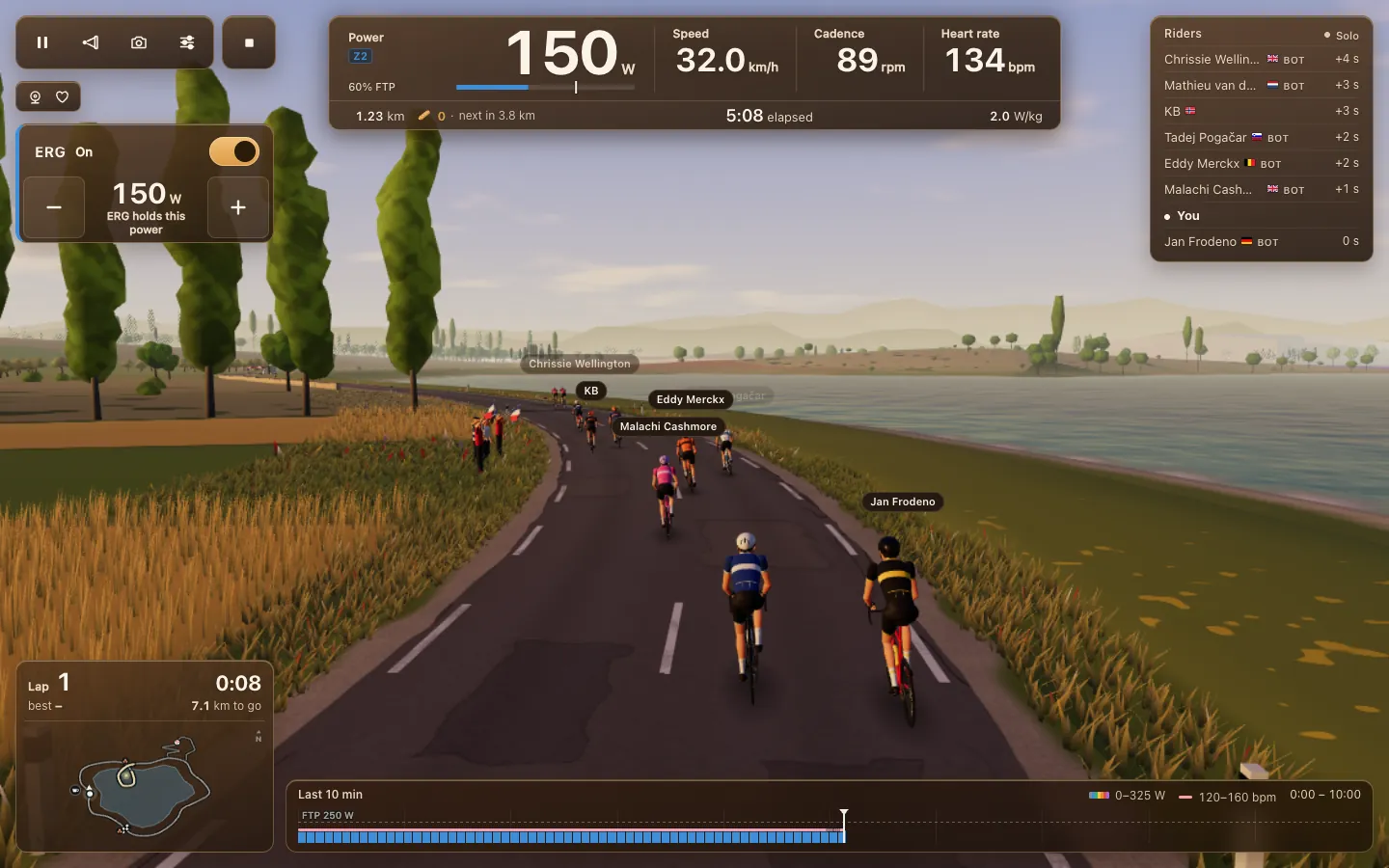
Chromebooks range from small school laptops to fast Chromebook Plus models, and the graphics chip decides how smooth the 3D world is. Open Settings, then Graphics & sound, and tap Pick for this computer, or choose yourself:
- Low for most budget Chromebooks. Since 1.31.3 it draws fewer crowd rows, stops shadows sooner, and browser zoom no longer makes it heavier.
- Medium for a recent Chromebook Plus. The 3 nearest riders get a real sun shadow.
- High only if Medium runs smoothly with frames to spare.
If the game drops below 45 frames a second, it offers to switch down a level for you. Show FPS counter, in the same panel, shows the number while you ride.
Two more things help. Keep the Chromebook plugged in, since a laptop can slow its chip down on battery. And close other tabs: menus no longer draw the world behind them since 1.28.3, but a video in another tab still competes for the same chip.
Install it as an app
You can keep using a tab, but installing feels more like an app. In Chrome, open the menu and choose to install Tour du Pain (or use the install icon in the address bar). It then sits in your launcher and shelf and opens in its own window, and Bluetooth works there too. Once it has run online, it also opens without a connection. See a cycling game in your browser for what runs where.
Bluetooth tips
- One app at a time. Most trainers talk to one app. If your phone still has Zwift, the Decathlon app or a watch connected to the trainer, Chrome may not see it. Close that app or turn off Bluetooth on that phone or watch.
- Trainer missing from the list? Turn on Show all devices in Devices. It lists everything nearby.
- Another app has control? You can still ride on power, cadence and speed. ERG and simulation take over by themselves once the other app lets go.
- Keep it close. Bluetooth works best over a short distance, so put the Chromebook on a stand next to the bike, not across the room.
- ANT+ won't work. A browser has no ANT+ radio, so an ANT+-only trainer can't connect.
A bigger screen
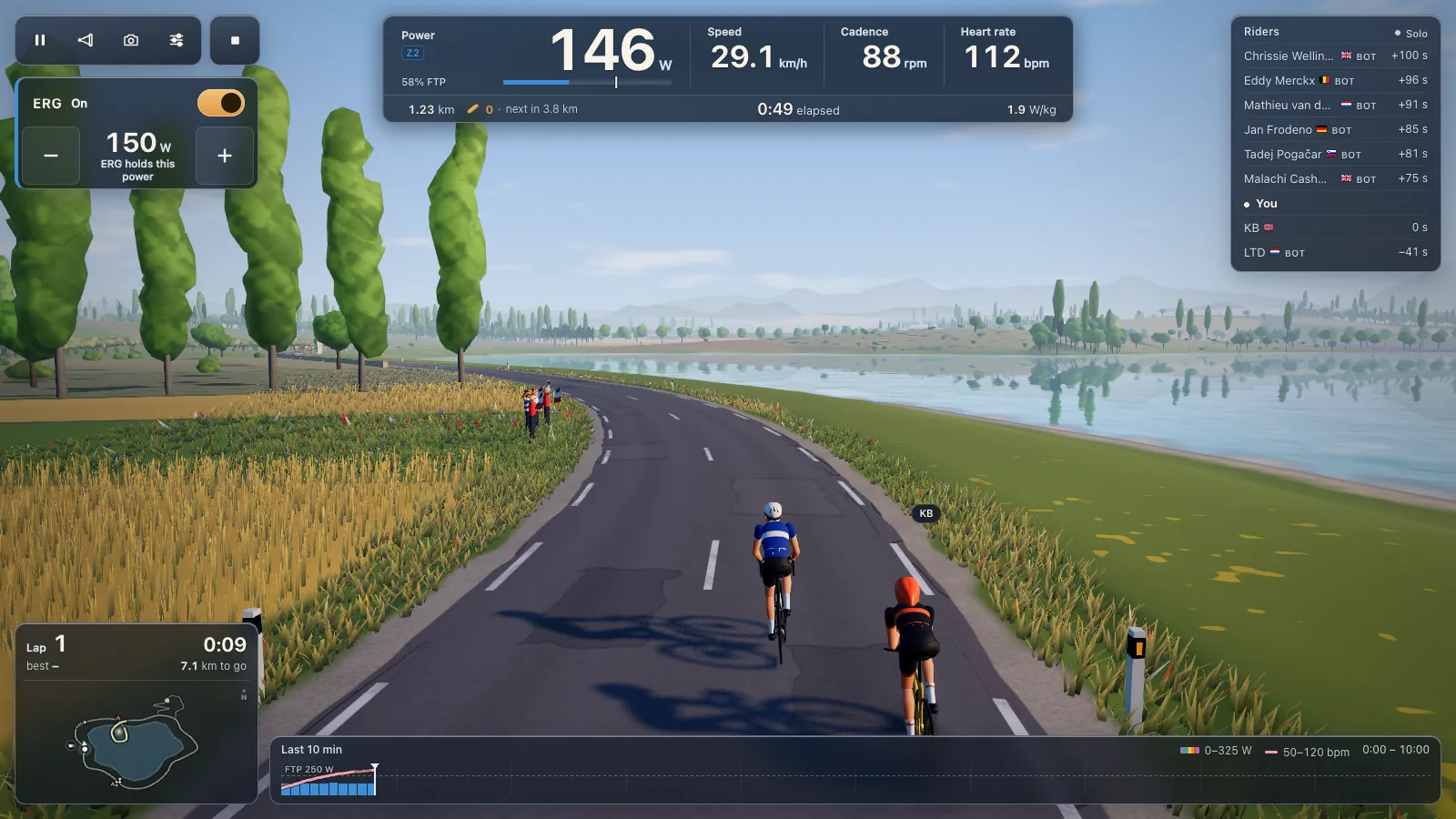
A Chromebook screen is small for a long ride. Plug it into a TV or monitor with an HDMI or USB-C cable and set the display to mirror, or move the Tour du Pain window to the big screen. A wireless keyboard nearby helps: R talks, C takes the Col turn-off.
What doesn't work
- ANT+-only trainers, as above.
- Safari and Firefox, if you installed another browser; use Chrome.
- Races and training plans, which Tour du Pain doesn't have yet on any device.
Tour du Pain is free through 2027, everything included. It runs on donations.
Questions
Can I use Zwift on a Chromebook?
Zwift's list of supported devices names Windows, macOS, Android, iOS and Apple TV, not ChromeOS. Check with Zwift before you count on the Android app on your model.
Does a Chromebook have Web Bluetooth?
Yes. Chrome on ChromeOS ships it without a flag, so a page like Tour du Pain can connect to your trainer once you allow it.
Which graphics setting should I use on a Chromebook?
Start with Pick for this computer. On most budget models that's Low; a fast Chromebook Plus usually manages Medium.
Do I need to install anything?
No. It runs in a Chrome tab. Installing it as an app from Chrome's menu is optional.
My trainer doesn't show up. What now?
Turn the pedals to wake it, close other apps that use it, and turn on Show all devices. Most trainers take one Bluetooth connection at a time.
Can I use a Chromebook with a power meter instead of a smart trainer?
Yes. A Bluetooth power meter on a basic trainer works; you shift yourself. See riding with a power meter only.
Sources
Checked on 7 November 2026: Web Bluetooth implementation status, Rouvy system requirements, TrainerRoad on Chromebooks, Zwift's supported devices and MyWhoosh supported devices.