· Updated · 3 min read
Busy trainers connect anyway, the Zwift Ride's buttons work, and the ThinkRider XX Pro
Smart trainers are picky about who they talk to. Most take one Bluetooth connection at a time, and a phone app left open in the next room is enough to keep yours busy. Between 28 October and 7 November Tour du Pain got better at that, learned the Zwift Ride's buttons and its lock, and added the ThinkRider XX Pro to its list. One note before you read on: only the Wahoo KICKR CORE has been ridden with Tour du Pain on real hardware. The other trainers and the Zwift Ride's buttons were tested on an emulator, so they're expected to work.
A busy trainer connects anyway
Before 1.8.1, a trainer held by another app or device simply wouldn't work. From 28 October it connects anyway, and you ride on its power, cadence and speed. The usual culprits are the Decathlon app, Kinomap, Zwift, or a phone or watch the trainer is paired with.
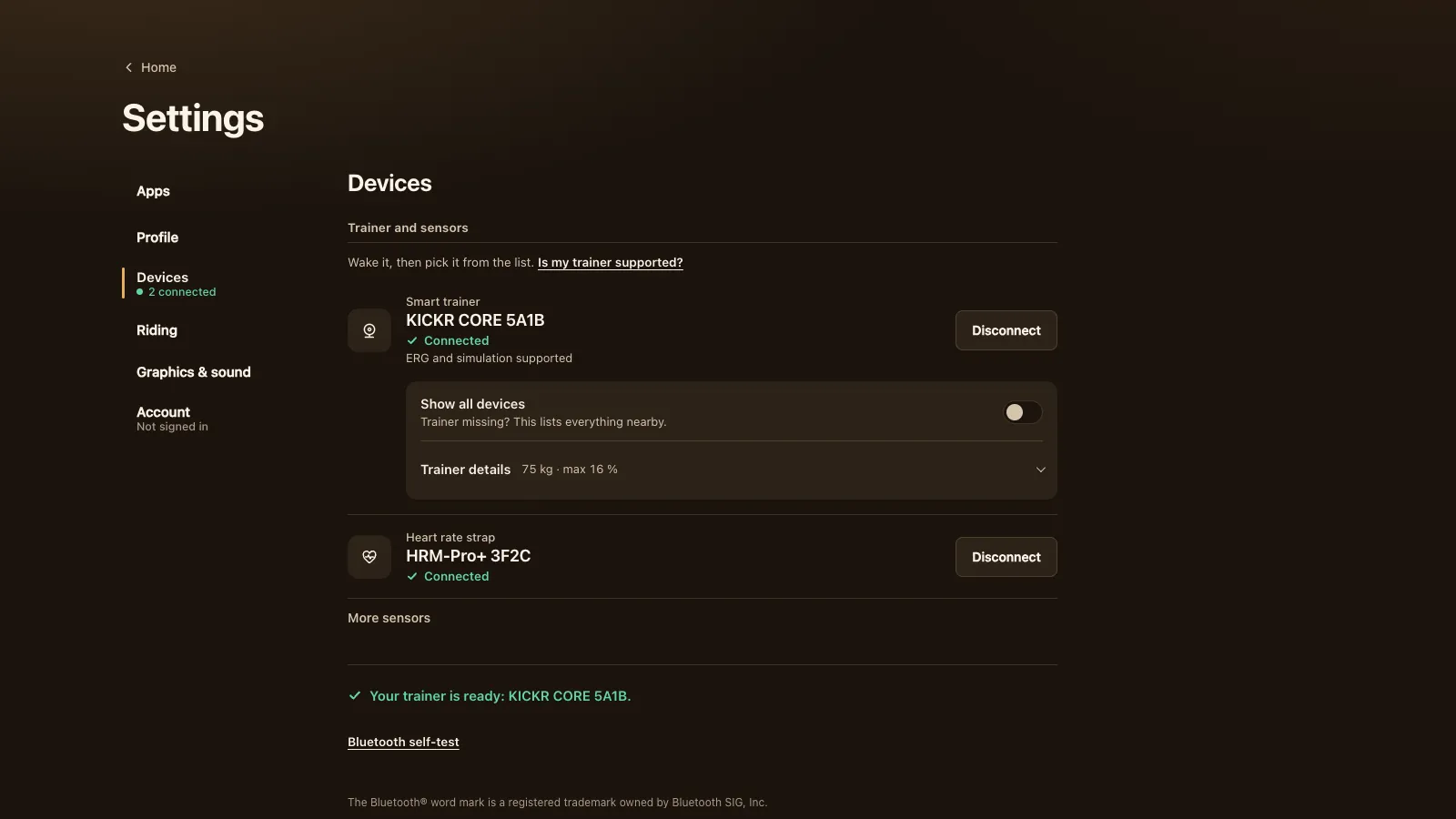
As long as the other app holds on, the game asks for control again every 5 seconds. Once it lets go, ERG and simulation switch on by themselves with a short notice. Connections tells you how to free the trainer: close that app, turn off Bluetooth on the phone or watch, or switch the trainer off and on. Then there's a Try again button.
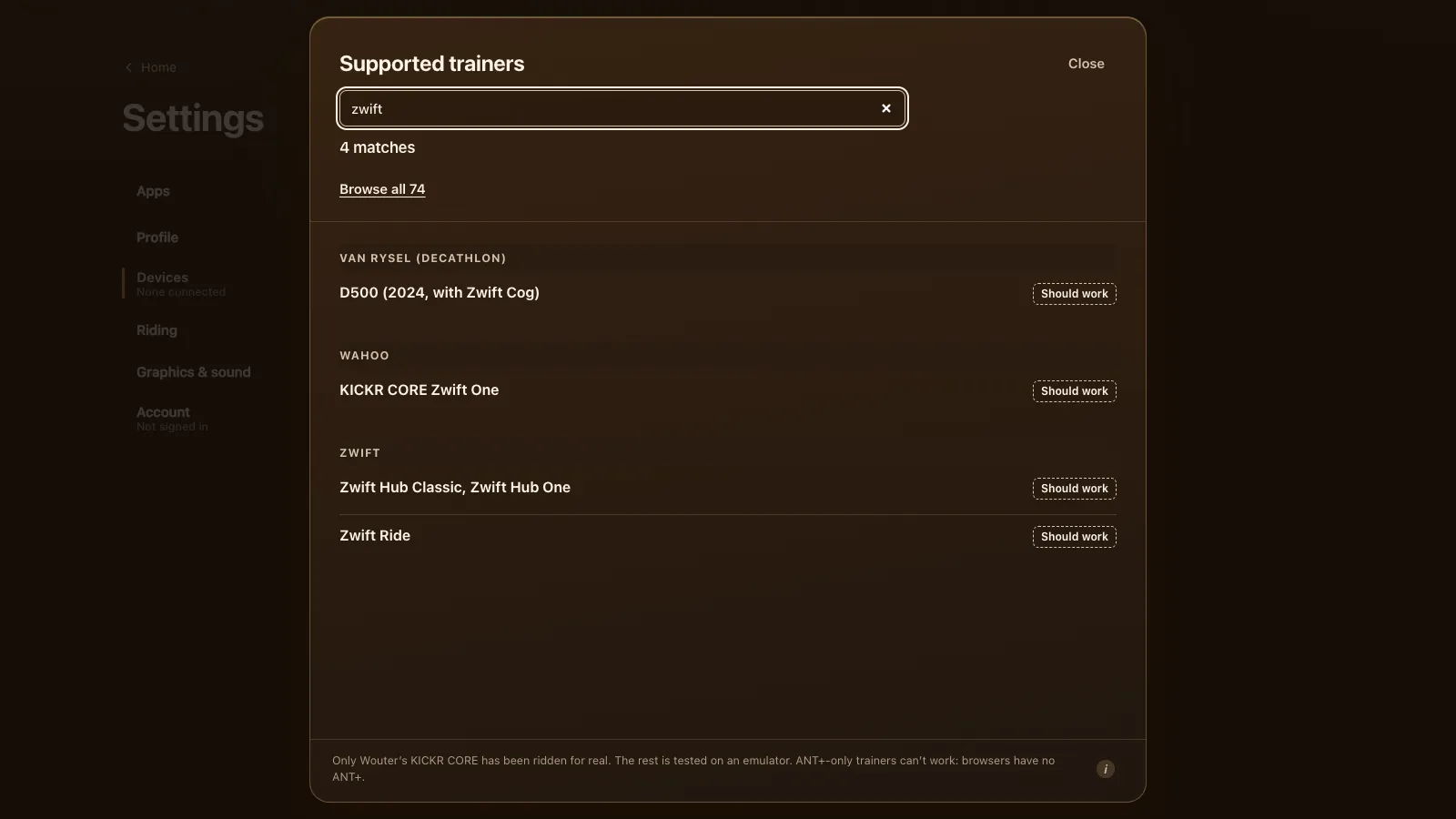
The Van Rysel D100 and D500 entries in the trainer list now say plainly that they take one Bluetooth connection at a time, and how to free them. The Van Rysel guide has the details.
The Zwift Ride's buttons and its lock
1.20.1 on 29 October fixed the Zwift Ride. Every right button now makes it harder and every left button easier, like Zwift's own default; one right button used to work the other way round. The buttons step the resistance levels, or the ERG watts with ERG on, rather than virtual gears.
The newer Zwift Ride's controllers are locked to Zwift (BikeControl explains the lock). Before this release a locked Ride connected and then did nothing. Now the game says it's locked and shows the steps: open the Zwift app and pair the controllers on the day you ride, then quit Zwift on every device before you connect in Tour du Pain.
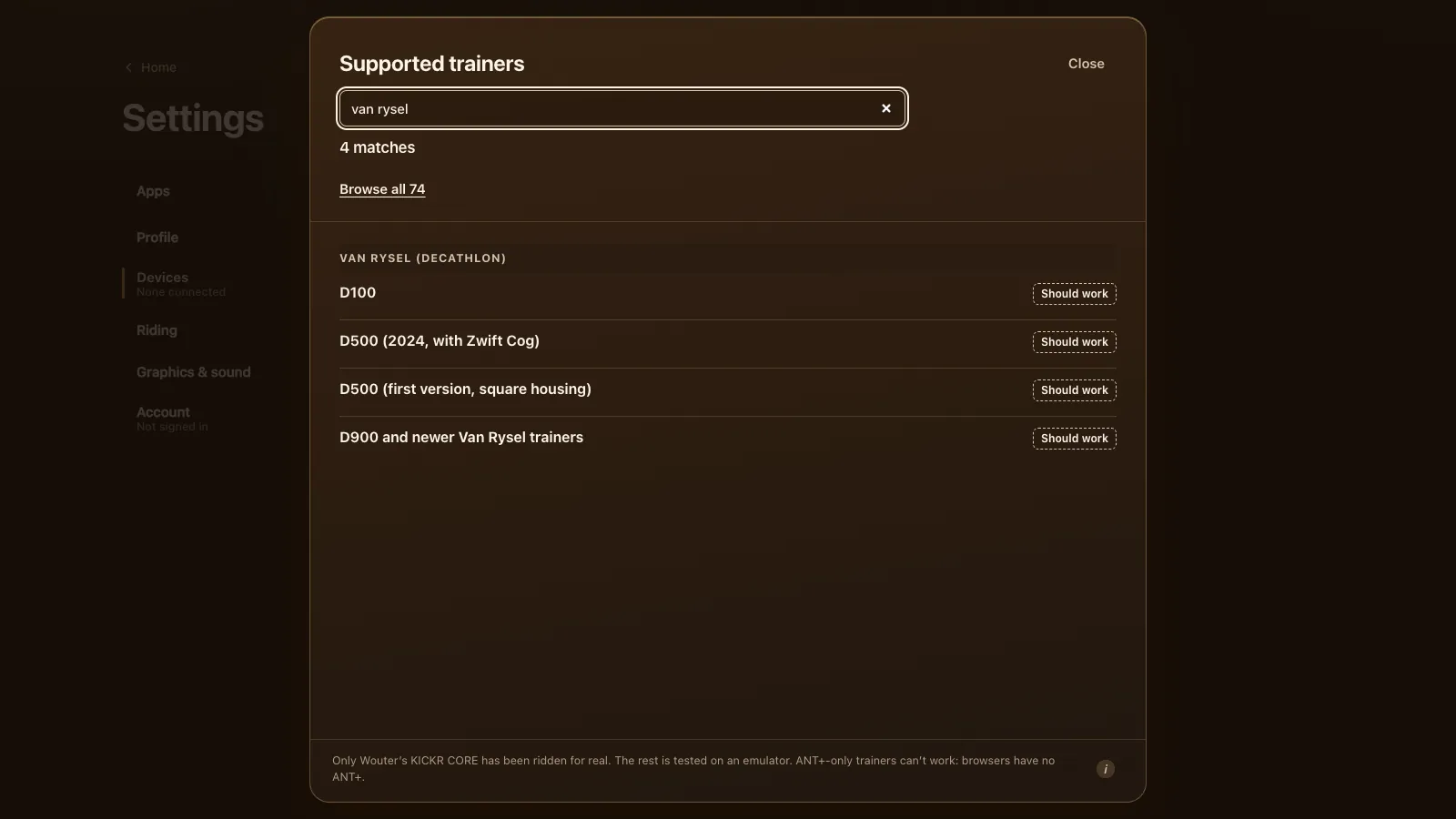
Holding + or − at the end of the scale now shows the limit once instead of flashing until you let go. The trainer list shows the Zwift Ride with its trainer, the KICKR CORE Zwift One or the KICKR CORE 2 (Zwift Insider on the Ride V2), plus a note on how its buttons work. All of it is in Zwift Hub and Zwift Ride outside Zwift.
The ThinkRider XX Pro, and a softer ERG start
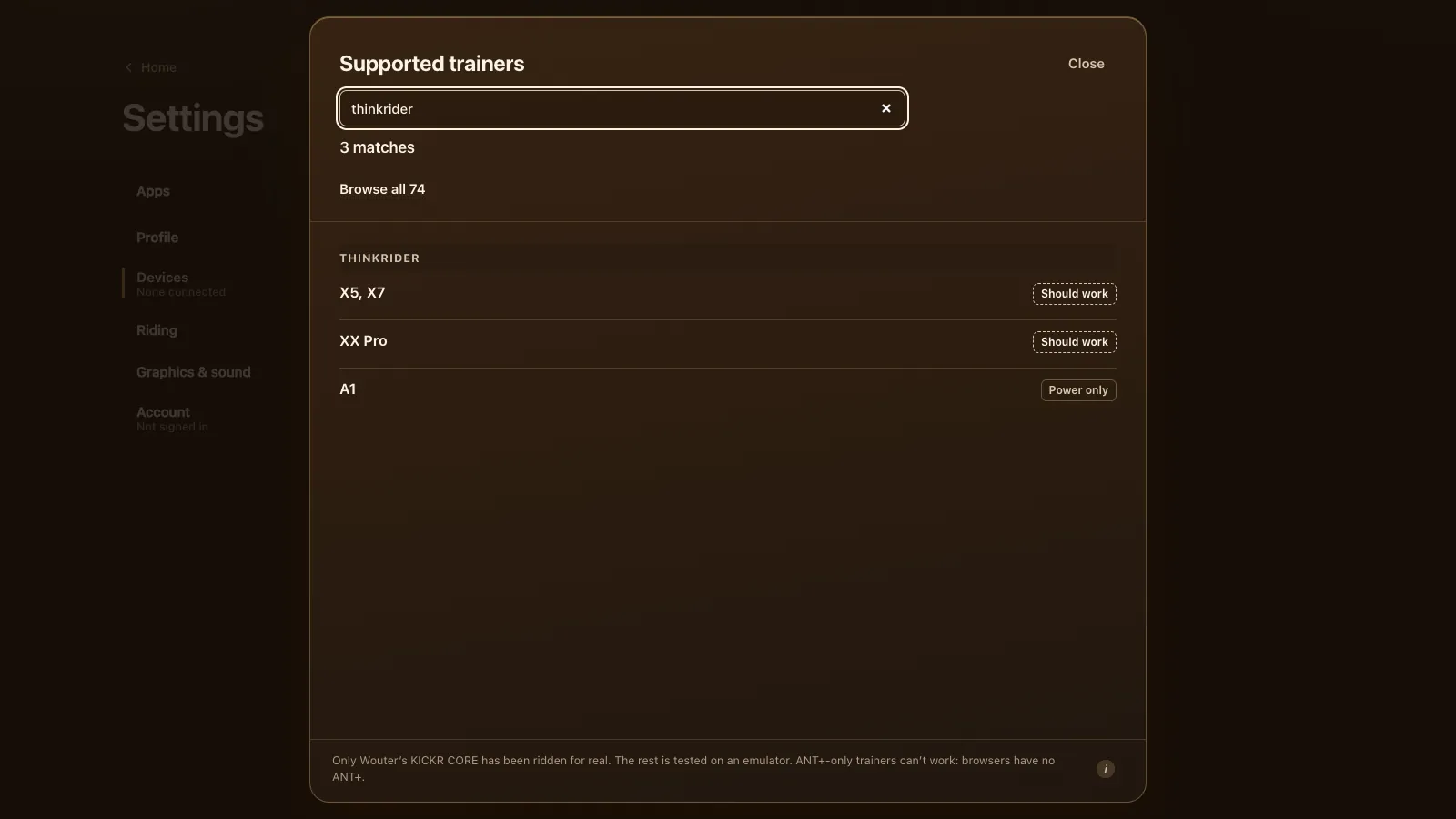
On 7 November 1.31.1 added the ThinkRider XX Pro (road.cc's XX Pro review) to the supported list, as FTMS with ERG, after a rider reported riding it. The same release changed how ERG starts from a standstill. The trainer stays light until your legs turn, then ramps up to the target over 6 seconds. Heart rate from a strap that dropped out no longer stays flat in the ride either.
Tested, honestly
We've ridden Tour du Pain on one trainer ourselves: a Wahoo KICKR CORE over FTMS, the Bluetooth fitness machine standard. Every other model, the Zwift Ride and the ThinkRider XX Pro included, is tested on an emulator or known from riders' reports, and the list says which. ANT+-only trainers can't work, because browsers have no ANT+. If your trainer behaves oddly, tell us.
The guide to smart trainers that work in the browser lists every model and what's known about it, and Wahoo KICKR in the browser covers the KICKR family, the KICKR CORE 2 included.