· Updated · 3 min read
Voice in the bunch: ten riders at once, club radio, and blocking that works both ways
Tour du Pain has voice chat built in: hold R and the riders on the course hear you, with no Discord or phone call running next to the game. Between 28 and 30 October voice changed in a few ways riders noticed straight away. Blocking someone now cuts voice both ways, you hear up to ten riders at once, and clubs got their own radio. To start a group ride with friends today, the guide has the current steps.
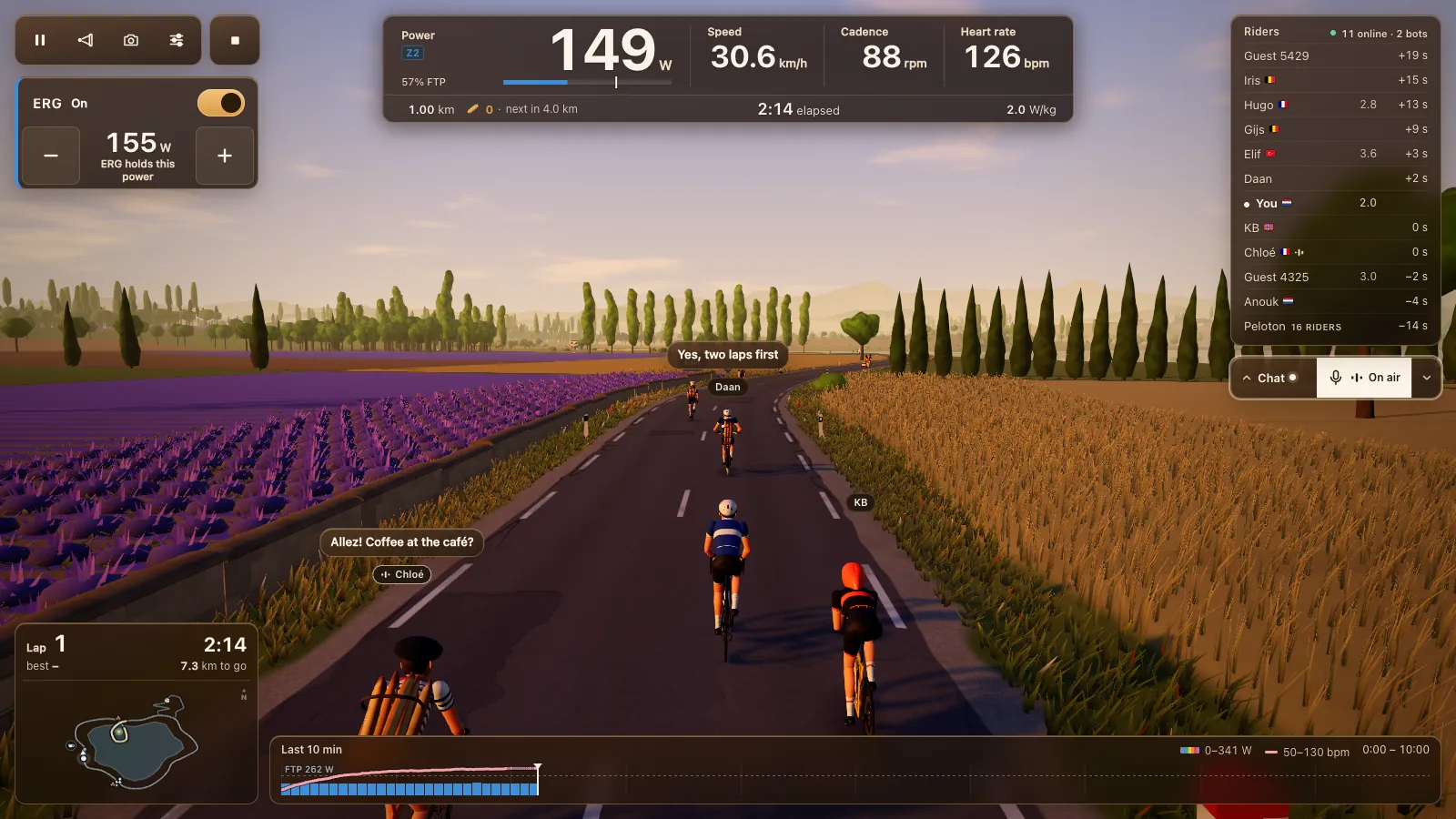
Blocking stops voice both ways
1.6.6 went live on 28 October. Block a rider and voice stops both ways straight away: you don't hear them, and they don't hear you. You block from the rider menu, which opens when you click a name, and the game asks first: neither of you will see or hear the other, no messages, voice or reactions. You can undo it in Account.
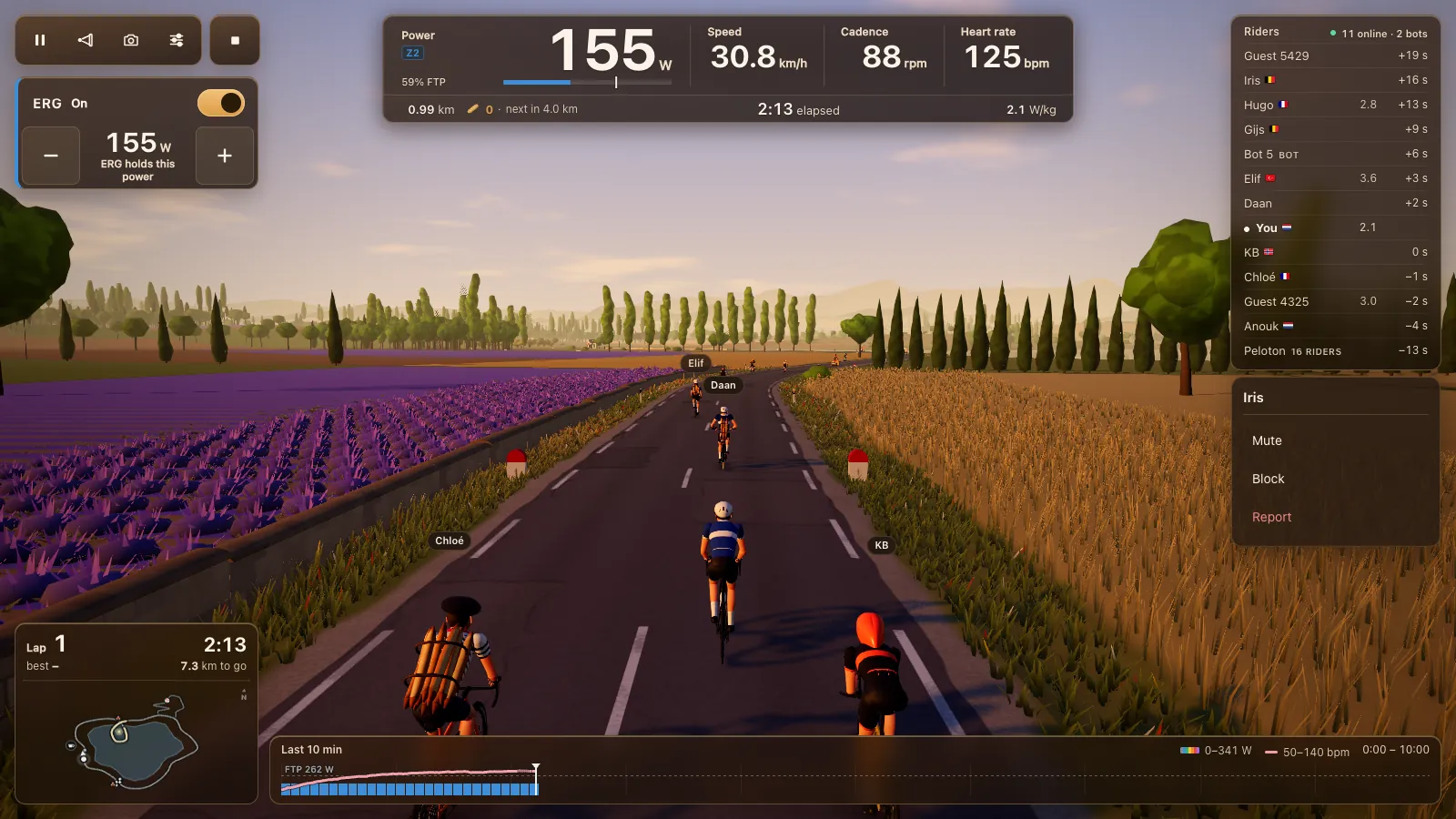
Ten voices at once
The same day 1.7.1 raised how many riders you hear at once from six to ten, so a busy room sounds like a voice channel instead of a few lucky speakers.
Riders who talk get a spot first. A quiet rider keeps their spot until a talker needs it, so the rider who just asked a question isn't cut off by someone who said hello ten minutes ago. Your group's radio still comes through on top of the rest.
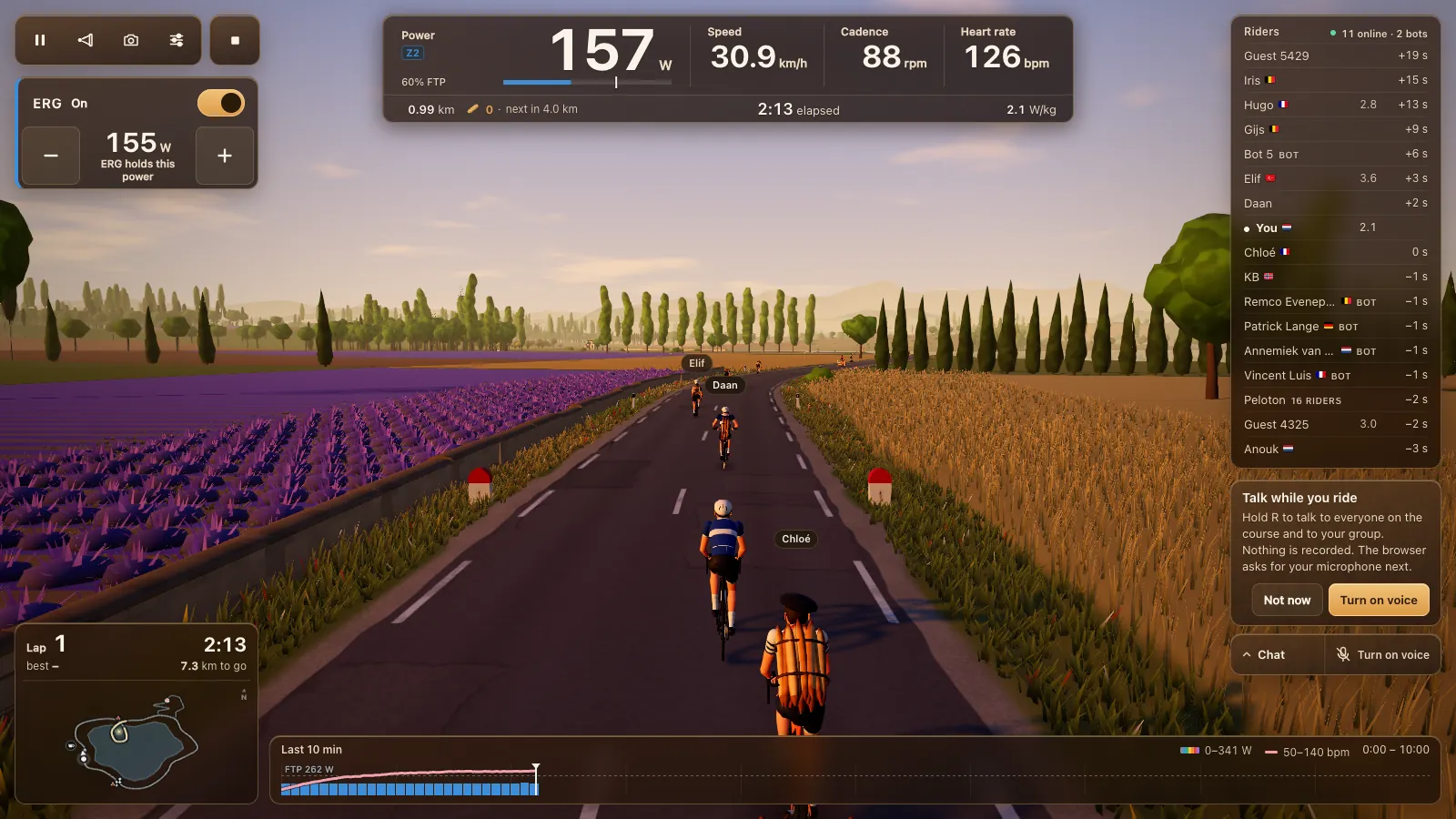
How voice works
Voice is off until you switch it on. The first time, the game asks whether you want to talk while you ride, says plainly that nothing is recorded, and then the browser asks for your microphone. After that you hold R to talk to everyone on the course and to your group, or click the microphone to keep it on. The voice chat guide covers every setting.
Chat sits next to it with its own channels: to riders near you, to everyone riding, or to your group. Voice and chat work in Chrome or Edge on a computer or a Chromebook, and in Chrome, Edge or Opera on an Android tablet, in the same tab as the ride.
Club radio
On 30 October 1.25.0 added radio for clubs. During a planned club ride, members hear each other wherever they are on the course, up to ten voices at a time, whoever talks first. A rider from outside the club who talks still gets through.
Members land in the club ride's room whether they tapped Join or not, so nobody ends up alone in another room. Hiding from the club list also keeps you off the radio, and leaving the club ends it at once.
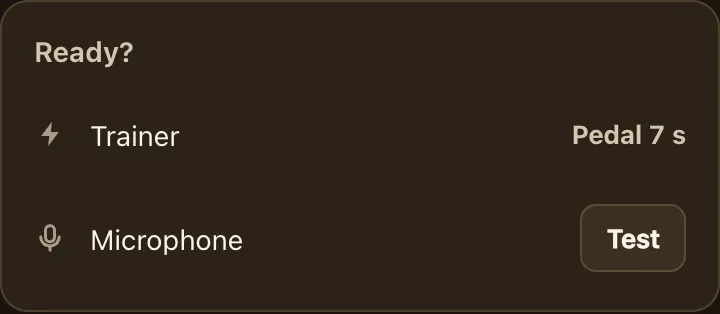
Since 30 October a club also has a ready check that tests your microphone before the ride; the post on clubs tells the rest of that story. For setting up a regular club night with voice, read indoor rides for cycling clubs. For a one-off ride with friends, see riding with friends and your club.
Why it's in the game
Plenty of indoor groups run a call next to their cycling app, on a second device or in a second window. In Tour du Pain the voice is part of the ride: it reaches everyone on the course and your group, and it pauses in hard intervals, coming back after the block. More on what a browser game can do in a cycling game in your browser, and how other apps compare in Zwift alternatives.