Wahoo KICKR CORE in Chrome or Edge
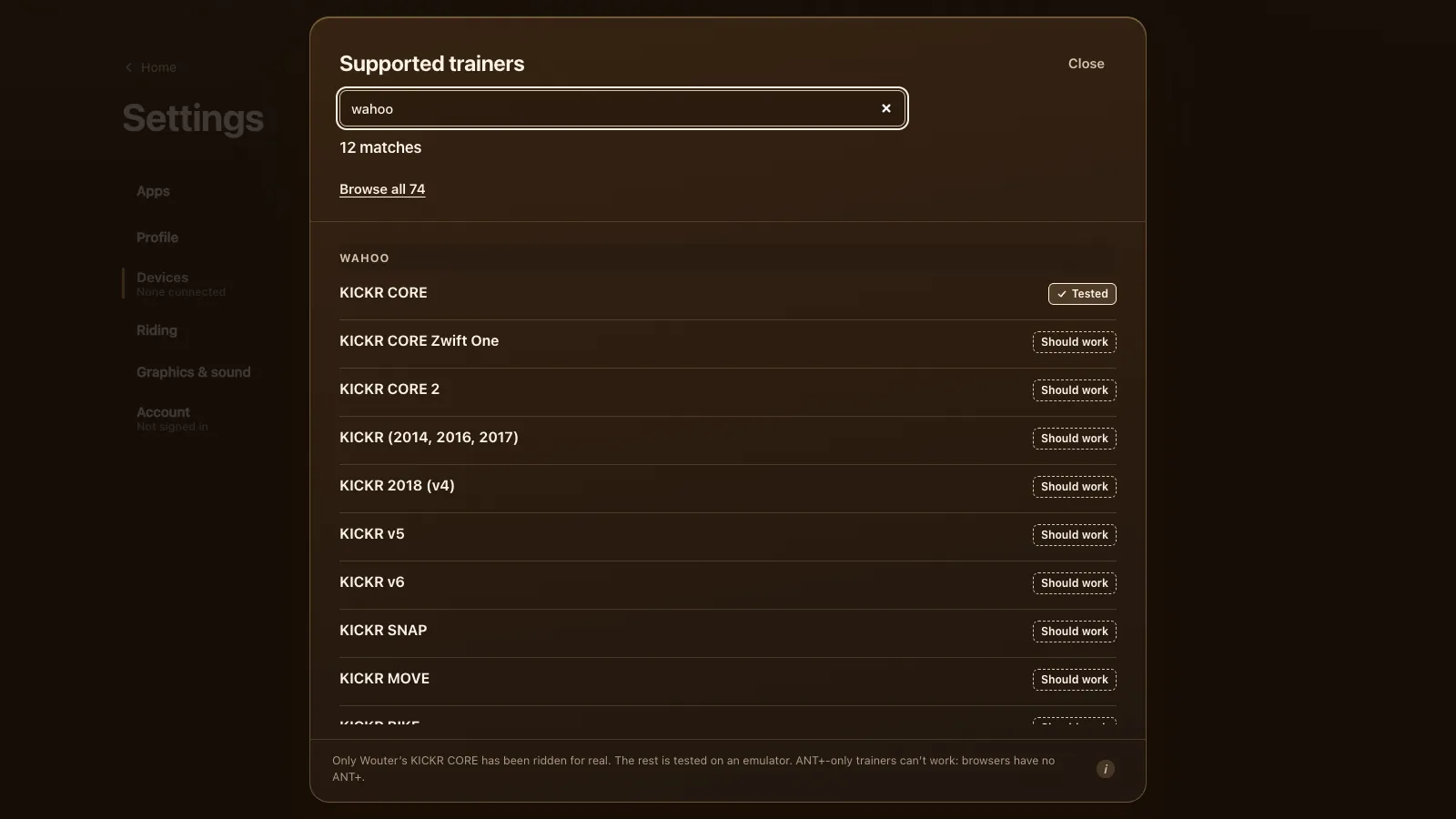
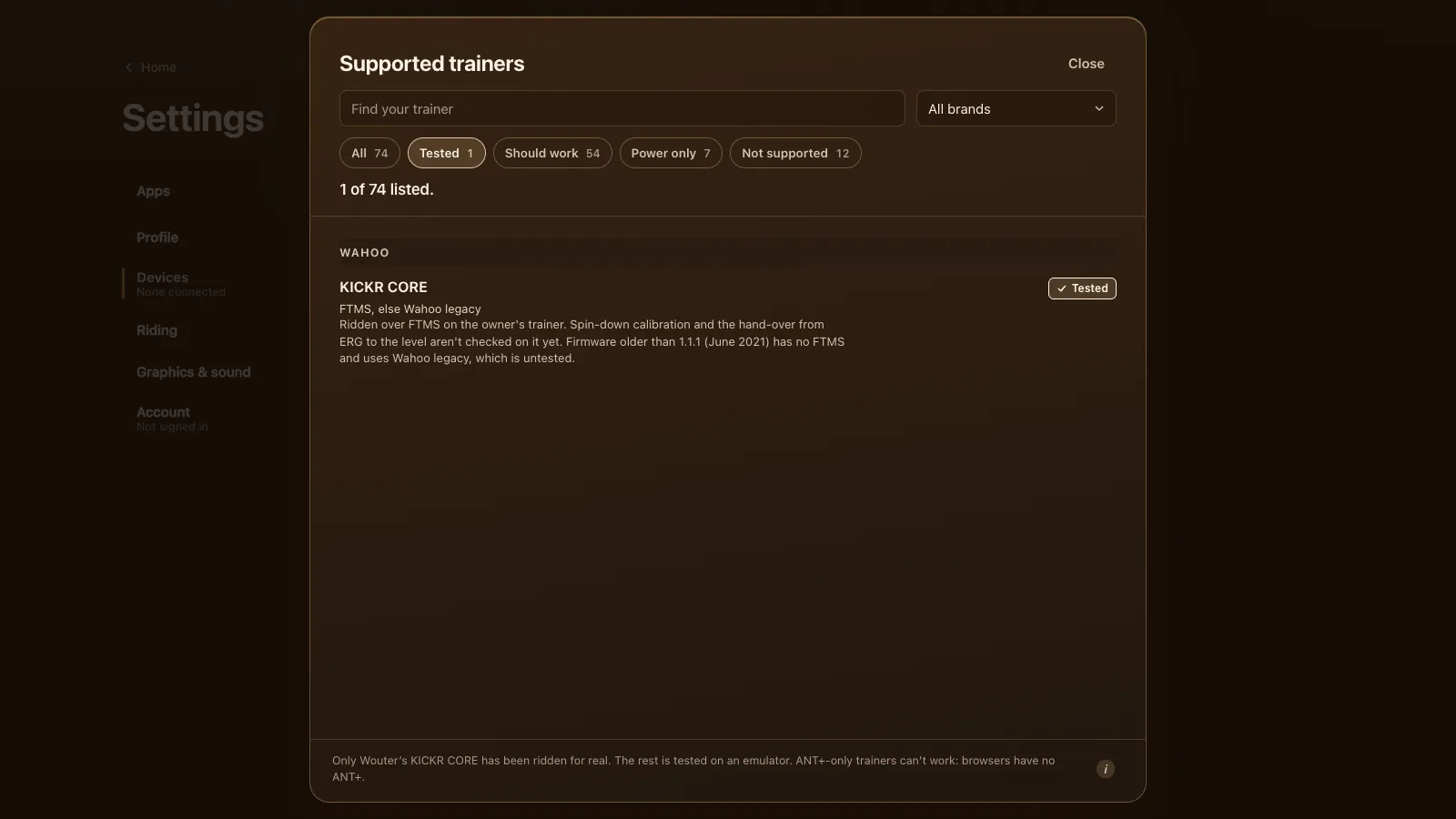
The Wahoo KICKR CORE runs Tour du Pain in Chrome or Edge over Bluetooth, and it's the only trainer the game has been ridden on for real. Status: tested, with ERG and the 33 resistance levels over FTMS. Two things on it are still unchecked.
Updated · Written for version 1.36.3
Tour du Pain is free for everyone through 2027, everything included. Donations are optional.
What was actually ridden
The KICKR CORE that Tour du Pain is tested on belongs to Wouter, who makes the game. It's ridden over FTMS, the open Bluetooth fitness machine standard, with power, cadence and speed coming from the trainer, ERG holding targets and the levels setting the resistance. Two things haven't been checked on it yet: the spin-down calibration, and the hand-over from ERG to a level mid-ride. Both pass the emulator tests.
Every other KICKR in the Wahoo KICKR guide is "should work": tested on an emulator, not on that model.
Firmware 1.1.1 decides the route
Wahoo added FTMS to the KICKR CORE with firmware 1.1.1 in June 2021 (Wahoo's KICKR CORE release notes). On anything newer, Tour du Pain finds FTMS and uses it. On older firmware the game falls back to Wahoo's own control, which it also speaks, but that path has never been ridden on a real trainer. So update the CORE once in the Wahoo app, then close the app.
How to connect a KICKR CORE
- Close the Wahoo app and Zwift on your phone and any tablet or Apple TV that uses the trainer.
- Open tourdupain.app in Chrome or Edge on a computer, a Chromebook or an Android tablet.
- Turn the pedals so the CORE wakes up.
- Go to Settings, Devices and press Connect next to Smart trainer.
- Pick your KICKR CORE in the browser's chooser and press Pair.
If it doesn't show up, turn on Show all devices in Devices and try again. Only one app can control the CORE at a time. If Zwift or the Wahoo app still has it, Devices shows "Connected, power only": you ride on your own power, and ERG comes back by itself once the other app lets go.
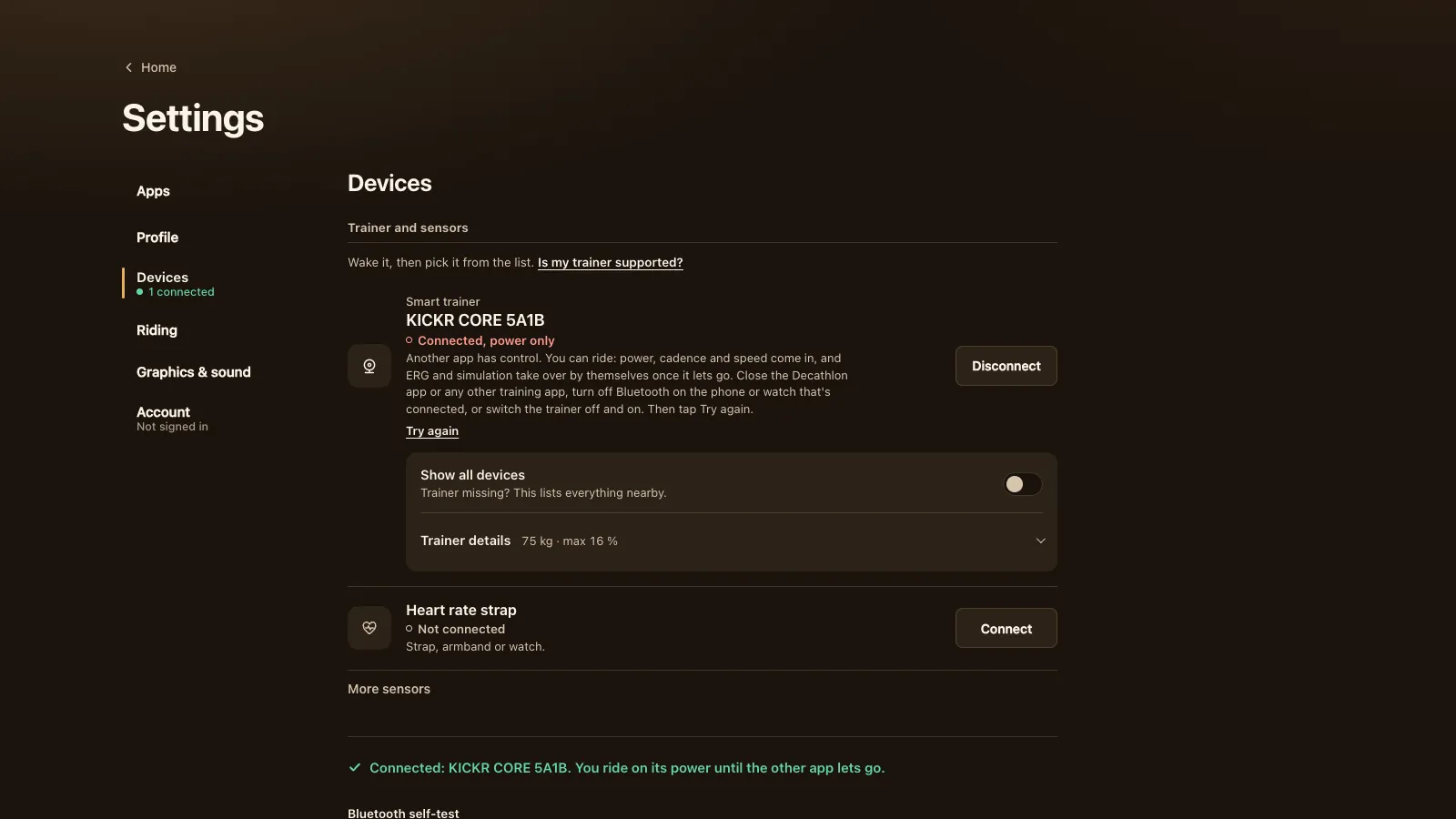
When you finish, the game hands the trainer back with a reset, so another app can take it without a restart.
What works on a KICKR CORE
| Feature | On a KICKR CORE in Tour du Pain |
|---|---|
| Power, speed, cadence | Yes, from the trainer; no cadence sensor needed |
| ERG | Yes, ridden. Targets from 50 to 1,200 W in the game |
| 33 resistance levels | Yes, with ERG off |
| Simulation | Used to carry the levels; the road's slope isn't sent, so climbs feel flat |
| The game's virtual gears | Not used here: they stand in only on trainers without ERG. You shift your own cassette |
| Spin-down, ERG to level hand-over | In the game; not checked on this trainer yet |
| Wahoo legacy (firmware older than 1.1.1) | In the game; never ridden |
| ANT+ FE-C | No: browsers have no ANT+ radio |
| Zwift's virtual shifting | No, that's Zwift's own |
The CORE's own ceiling is higher than the game's: Wahoo rates it at 1,800 W and a 16% simulated grade, within 2% (DC Rainmaker's KICKR CORE review). The game's Max grade setting starts at 16%, which matches.
ERG and levels on the CORE
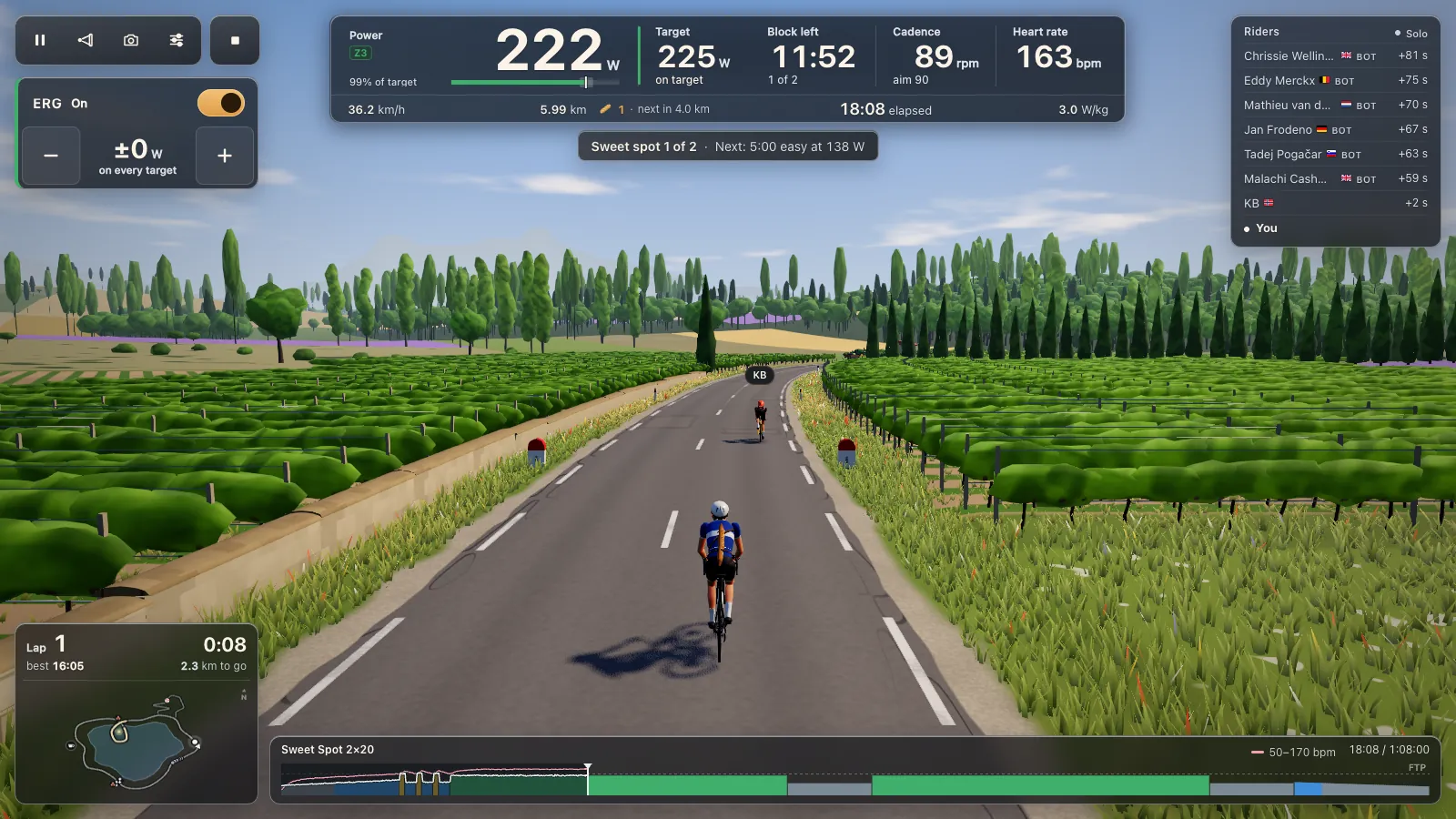
In ERG, the CORE holds the block's target power whatever your cadence. From a standstill the game asks half the target and builds to the full number over 6 seconds once you pass 30 rpm. Each tap of + or − moves it by 2% of your FTP (2 to 10 W); E turns ERG on and off.
With ERG off, a level sets a fixed push at the wheel. Level 1 is 40% of your FTP at 90 rpm, every level adds 2.5%, and level 33 is 120%. You shift your own cassette, and spinning faster asks more watts. The 105 workouts are in ERG workouts in your browser.
Spin-down calibration
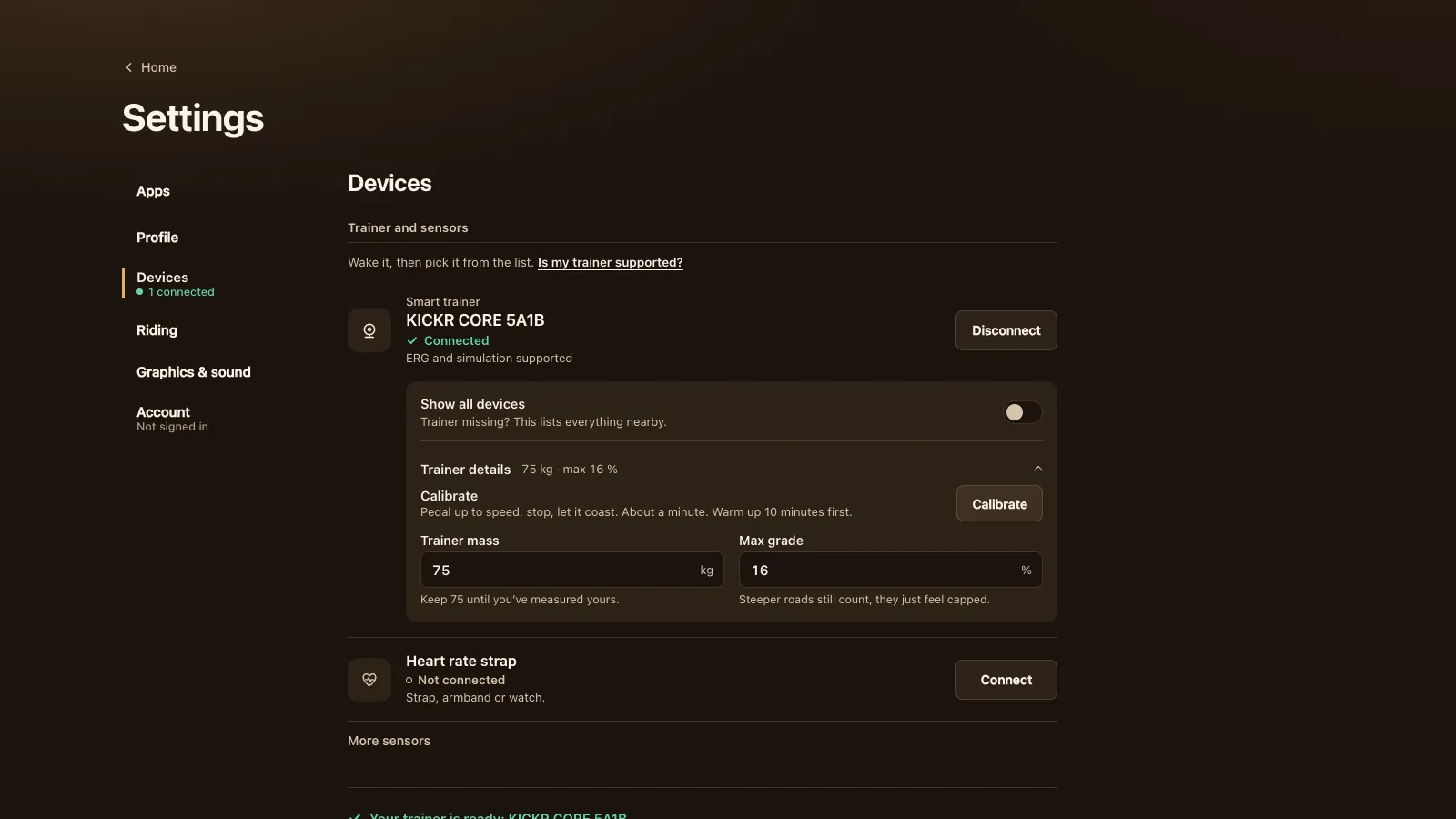
Under Settings, Devices, Trainer details there's a Calibrate button. Warm up for 10 minutes, pedal past the speed it asks for, then stop and let the flywheel coast. If it can't finish, it says why. It hasn't been checked on the real CORE yet; if it fails, use the spin-down in the Wahoo app.
The KICKR CORE Zwift One
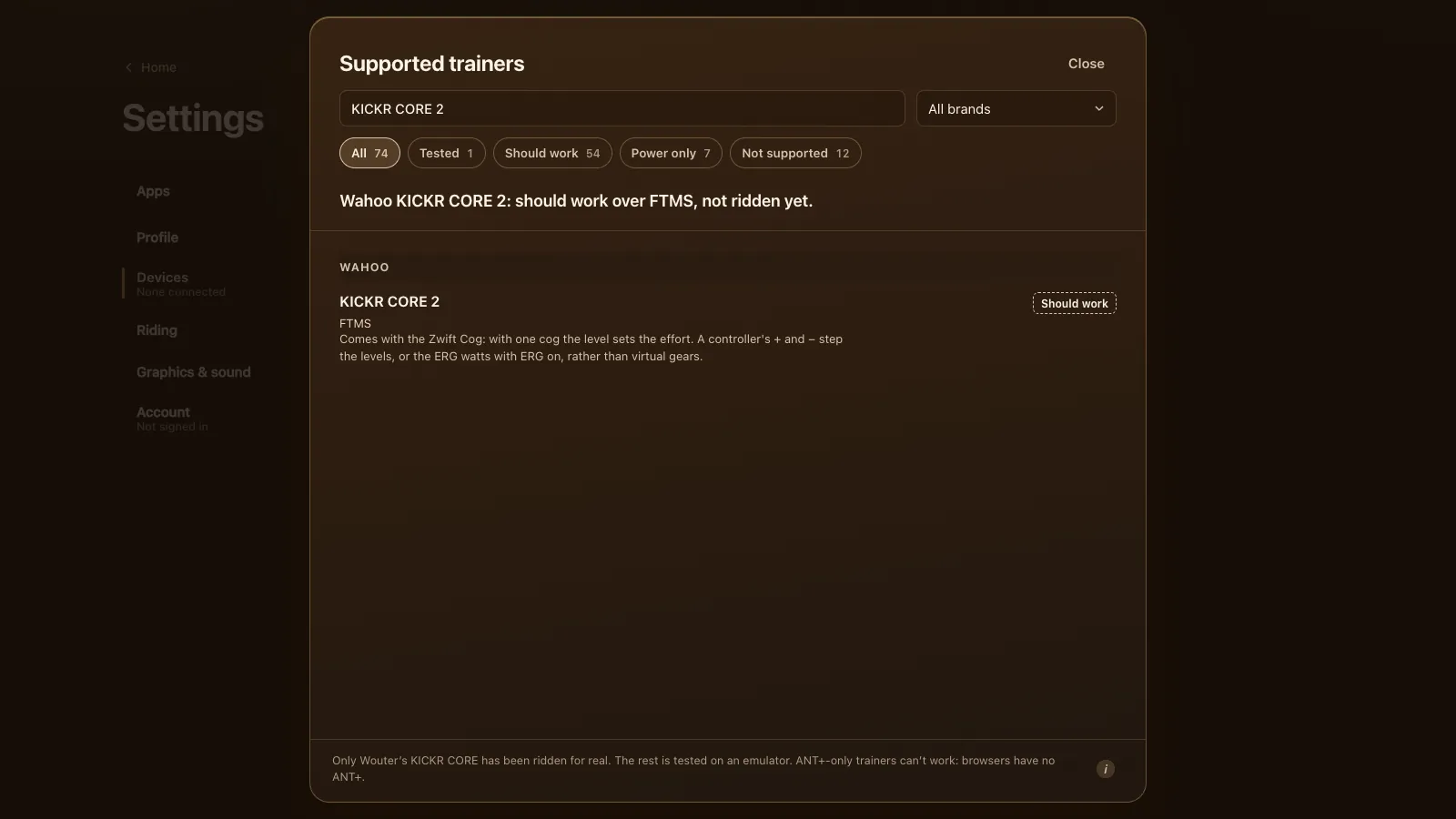
The KICKR CORE Zwift One is the same trainer with the Zwift Cog, a single sprocket, in place of a cassette, plus Zwift Click shifters (DC Rainmaker on the KICKR CORE Zwift One). It's listed as should work, since the Cog version hasn't been ridden. With one cog the level sets the effort and the Click's + and − step it; the KICKR CORE 2 page explains riding that way. Fit a cassette and it's a plain KICKR CORE again.
Tour du Pain or Zwift on a KICKR CORE
Zwift is the big one: many worlds, races, structured training plans and a large community, on a subscription. Tour du Pain is a browser tab with nothing to install, voice and chat built in, clubs, and ride along with a friend whatever your watts. There's a demo without a trainer. Tour du Pain is free for everyone through 2027, everything included. Donations are optional. We make Tour du Pain, so we're not neutral.
On a KICKR CORE specifically:
- + Zwift: races, many worlds, and climbs you feel in the resistance.
- + Tour du Pain: the CORE is the one trainer it has actually been ridden on, over FTMS.
- + Tour du Pain: no install, and it runs on a Chromebook or Android tablet. Group rides have voice chat without a separate app.
- = Both: ERG feels the same, because the CORE holds the watts in either app.
- − Tour du Pain: one loop and one climb, and no races yet.
- − Tour du Pain: Zwift can also use the CORE over ANT+ on some platforms; a browser only has Bluetooth.
- − Tour du Pain: on the Zwift One version, Zwift's virtual shifting is Zwift's alone. Here the levels do that job.
Rides go to Strava, Garmin Connect or intervals.icu as a .fit file; see your rides to Strava and Garmin. The status of every other model is in every supported trainer.
Questions
Does the Wahoo KICKR CORE work in a web browser?
Yes, over Bluetooth in Chrome or Edge on a computer, Chromebook or Android. Safari, Firefox, iPhones and iPads can't reach Bluetooth trainers.
Which KICKR CORE firmware do I need for FTMS?
Firmware 1.1.1 from June 2021 or newer. Older firmware works through Wahoo's own protocol in the game, but that route hasn't been ridden on a real trainer.
Why does my KICKR CORE show "Connected, power only"?
Another app, usually Zwift or the Wahoo app, still controls it. Close it on every device, then tap Try again.
Do I need to calibrate my KICKR CORE?
It's optional. The Calibrate button runs a spin-down, but it hasn't been checked on the real CORE yet; the Wahoo app has one too.
Does the KICKR CORE Zwift One work outside Zwift?
The trainer does, over FTMS. Zwift's virtual shifting stays in Zwift, so here the levels or ERG set the effort.