Wahoo KICKR v6 in Chrome or Edge
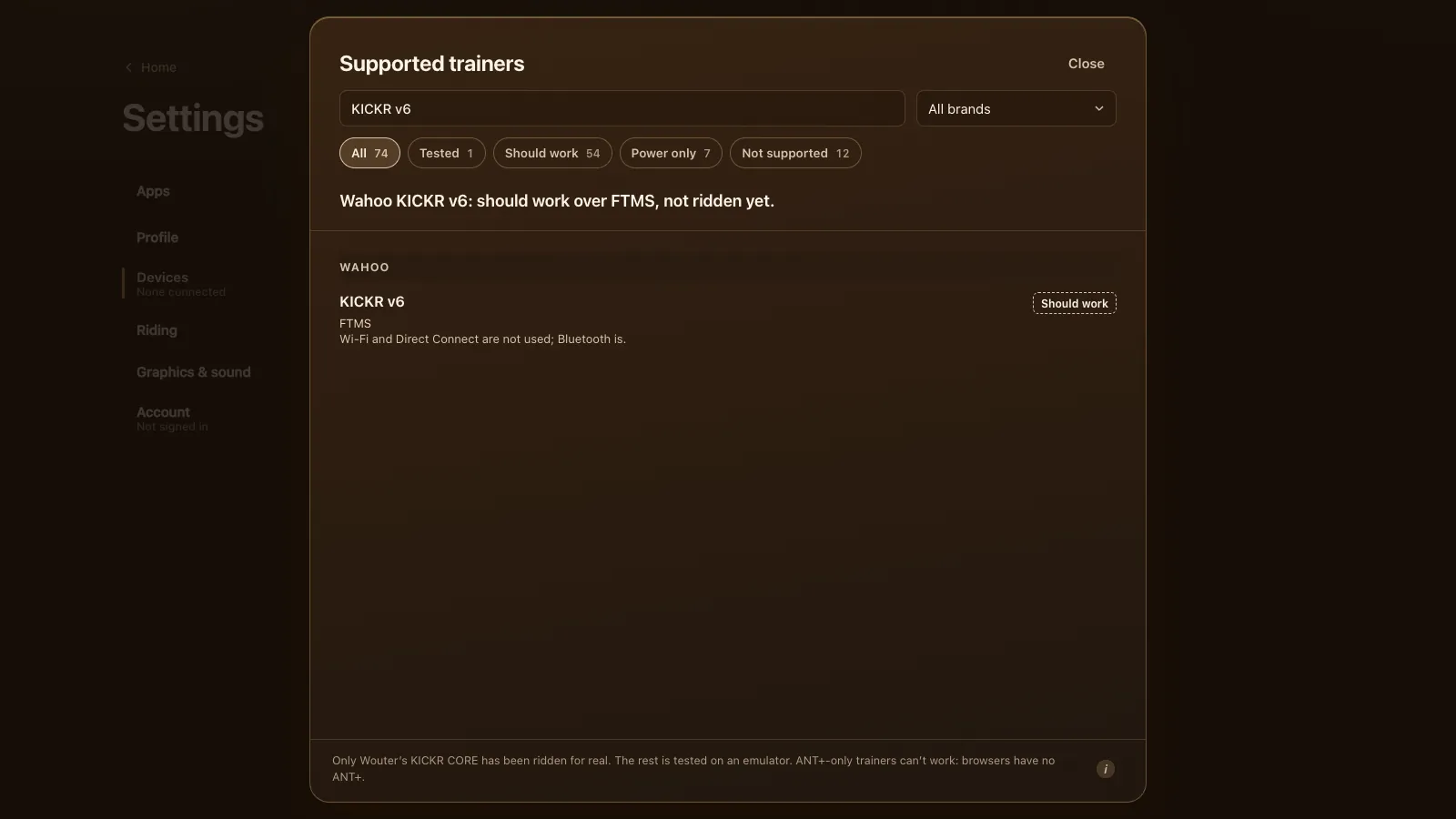
The Wahoo KICKR v6 should work in Tour du Pain in Chrome or Edge, over Bluetooth with FTMS, with ERG and 33 resistance levels. Status: should work, tested on an emulator, not on a real v6. Its headline features, Wi-Fi and Direct Connect, aren't used: a browser talks to it over Bluetooth only.
Updated · Written for version 1.36.3
Tour du Pain is free for everyone through 2027, everything included. Donations are optional.
What the KICKR v6 is
The v6 is the KICKR Wahoo launched in September 2022 (DC Rainmaker's KICKR v6 review). It's the full-size KICKR, with a 7.25 kg flywheel, up to 2,200 W of resistance, a simulated grade up to 20% and a stated accuracy of 1%. New on the v6 were built-in Wi-Fi on 2.4 GHz and a port for KICKR Direct Connect, a wired network link that needs a separate adapter. It calibrates itself, and Wahoo says there's no reason to calibrate it by hand.
Wahoo's KICKR page still lists Bluetooth with up to 3 connections, and ANT+ FE-C, next to the Wi-Fi and Direct Connect. The Bluetooth side speaks FTMS from the factory, so unlike the KICKR 2018 or v5 there's no firmware version to reach first.
Why Bluetooth and not Wi-Fi
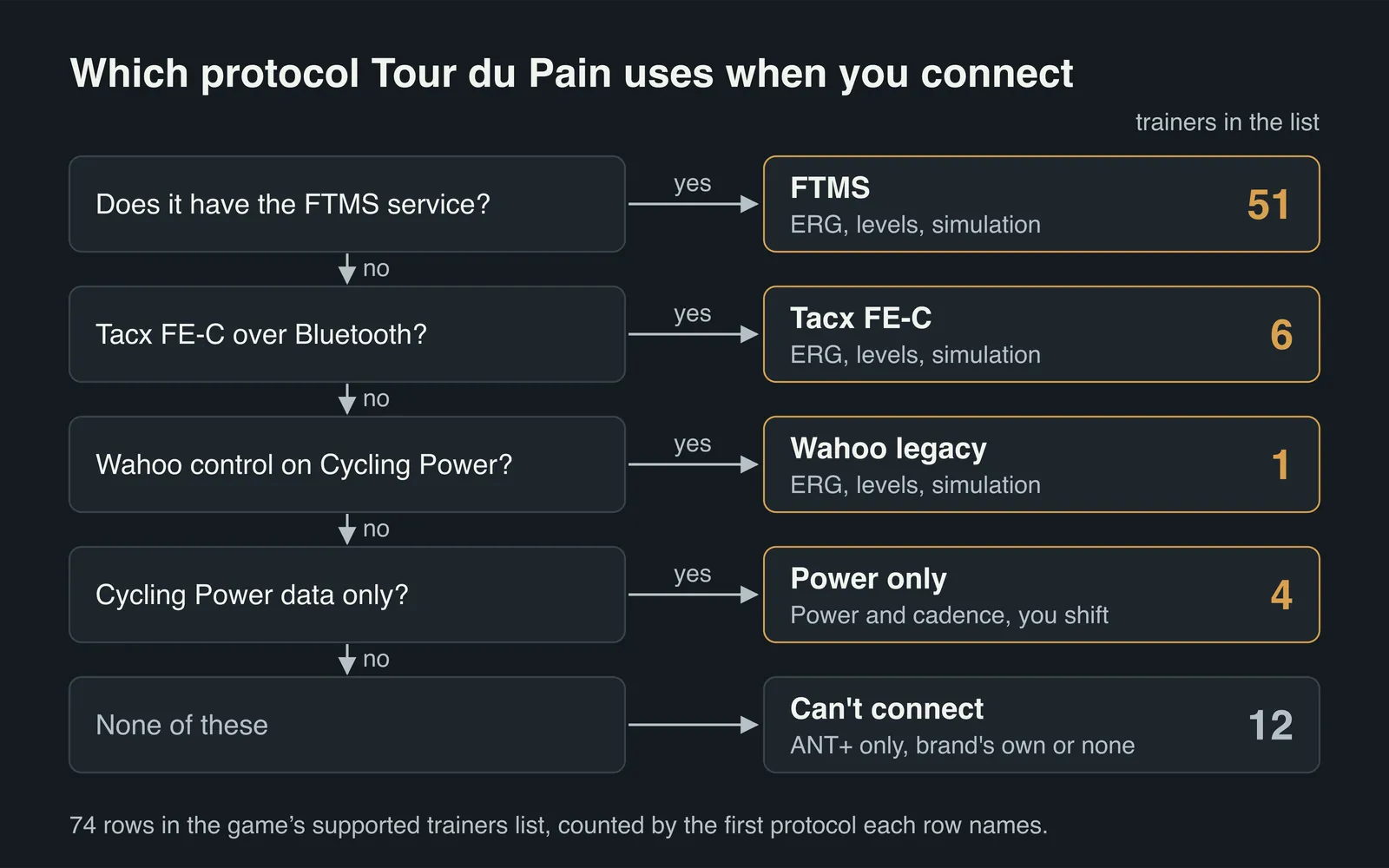
Tour du Pain runs in a web page. Chrome and Edge let a page reach Bluetooth devices, but not Wahoo's Wi-Fi or Direct Connect link, and there's no ANT+ either. So on a v6 the game uses the same route as on every other trainer: FTMS over Bluetooth.
So keep the computer or tablet within easy Bluetooth reach of the trainer. If the link drops for a moment, the game holds your last power and cadence for a few seconds while it reconnects, so a short blip doesn't stop the ride.
How to connect a KICKR v6
- Update the v6 in the Wahoo app if it asks, then close the app on every phone and tablet.
- Close Zwift or any app that might reach the trainer over Wi-Fi or Direct Connect. We think an app on those links can still hold control, though that's unconfirmed.
- Open tourdupain.app in Chrome or Edge on a computer, a Chromebook or an Android tablet.
- Pedal to wake the KICKR, go to Settings, Devices and press Connect next to Smart trainer.
- Pick your KICKR in the browser's chooser.
If it isn't in the chooser, turn on Show all devices and try again. If Devices shows "Connected, power only", another app has control: you can ride on your own power, and ERG and the levels come back by themselves once that app lets go.
Settings worth changing on a v6
Two settings sit under Settings, Devices, Trainer details once the KICKR is connected.
Max grade caps how steep the game may make the trainer feel. It starts at 16%, which suits a KICKR CORE, and goes up to 20%. The v6 is rated to 20%, so you can raise it to the top. Steeper roads still count in the game; they only feel capped on the trainer.
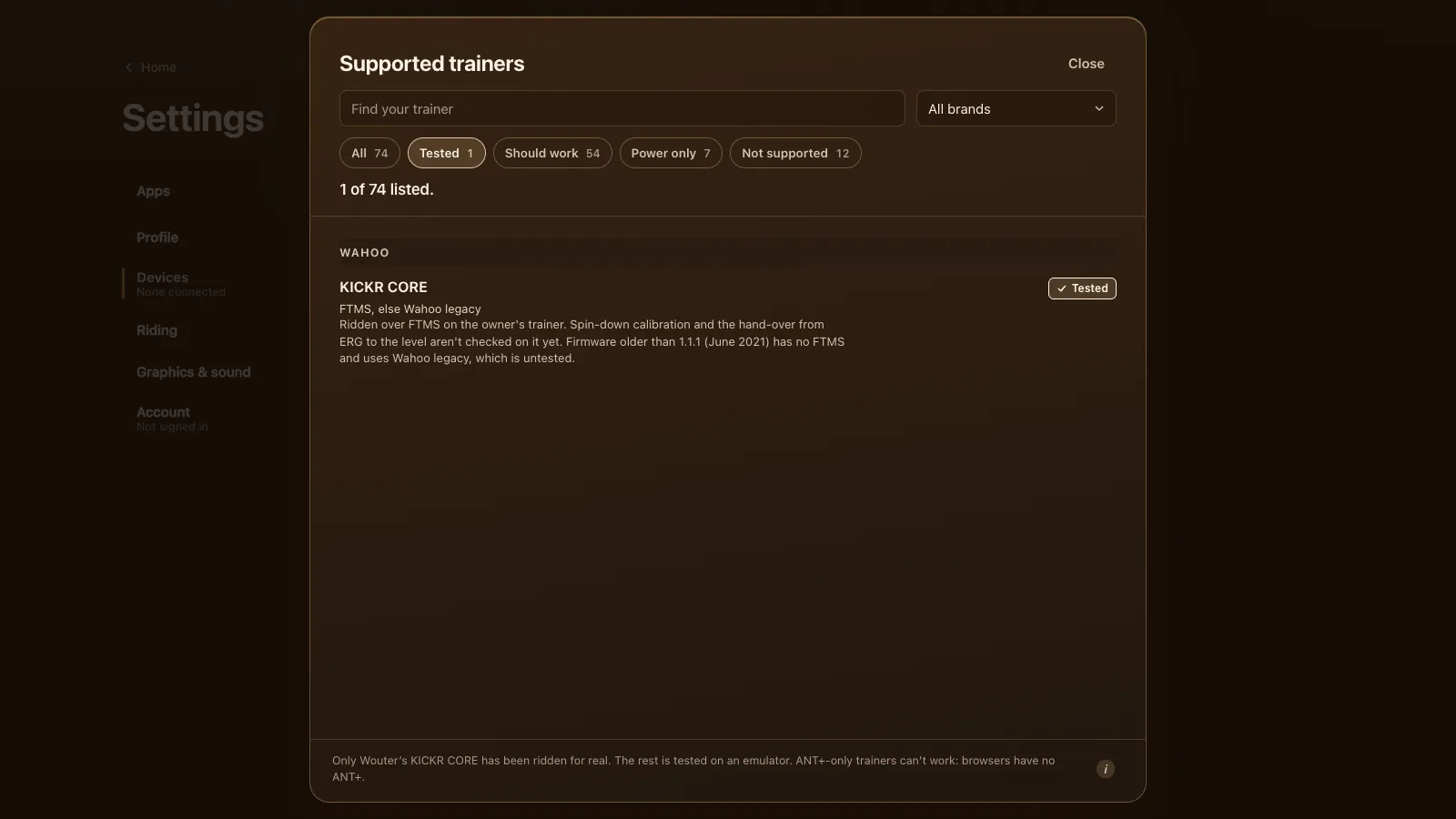
Calibrate runs an FTMS spin-down, and the button only appears when the trainer offers one. On a v6 you can skip it: Wahoo's automatic calibration does the job, and the spin-down hasn't been checked on a real v6.
What works on a KICKR v6
| Feature | On a KICKR v6 in Tour du Pain |
|---|---|
| Power, cadence, speed | Should work, from the trainer over FTMS |
| ERG | Should work, from 50 to 1,200 W in the game |
| 33 resistance levels | Should work, with ERG off |
| Simulation | Used to carry the levels; climbs feel flat |
| The game's virtual gears | Not used: they're only for trainers without ERG |
| Wi-Fi | Not used |
| KICKR Direct Connect | Not used |
| ANT+ FE-C | No: browsers have no ANT+ radio |
| Auto calibration | Yes, it's the trainer's own |
| Side-to-side movement (AXIS feet) | Yes, it's mechanical and needs no app |
In ERG the v6 holds each block's target whatever your cadence. From a standstill the game asks half the target and builds to the full number over 6 seconds once you pass 30 rpm. With ERG off, level 1 is 40% of your FTP at 90 rpm, each level adds 2.5%, and you shift your own cassette. The 105 built-in workouts and your own .zwo files are in ERG workouts in your browser.
Riding with others on a v6
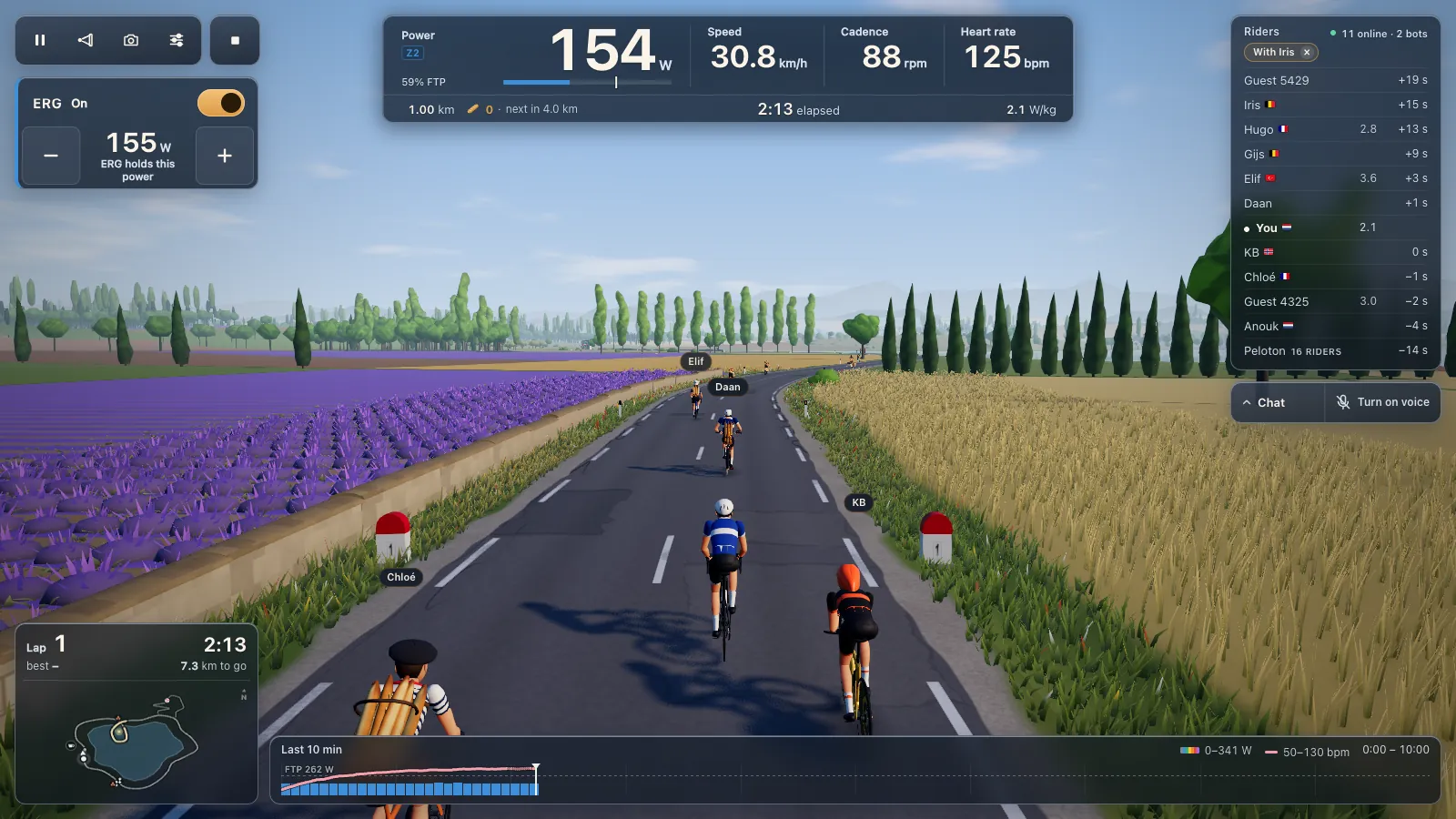
Pick a friend from the riders list and ride along: you stay together whatever your watts.
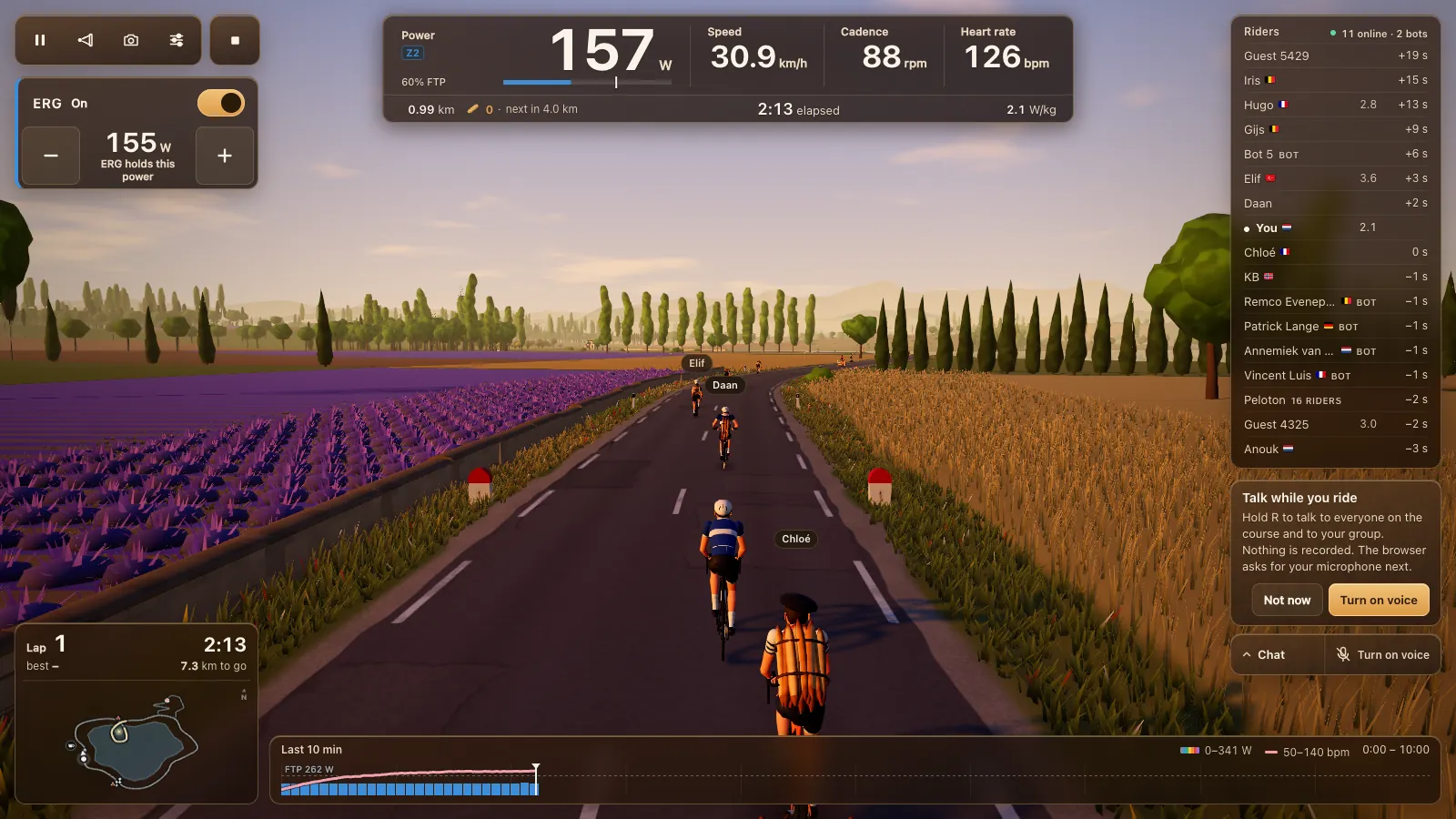
Hold R to talk while you ride; nothing is recorded. The voice chat page explains how it works and how to turn it on.
Tour du Pain or Zwift on a KICKR v6
Zwift is the big one: many worlds, races, structured training plans and a large community, on a subscription. Tour du Pain is a browser tab with nothing to install, voice and chat built in, clubs, and ride along whatever your watts. The demo runs without a trainer. Tour du Pain is free for everyone through 2027, everything included. Donations are optional. We make Tour du Pain, so weigh our view.
On a KICKR v6:
- + Zwift: it can use the v6's Wi-Fi, which DC Rainmaker found steadier than ANT+ in his testing. Tour du Pain can't.
- + Zwift: the v6's 20% grade is felt on Zwift's climbs. In Tour du Pain climbs feel flat for now.
- + Zwift: ANT+ on some platforms, races and many routes.
- + Tour du Pain: no install, on a Chromebook or Android tablet too, and voice in the same tab.
- = Both: ERG feels the same, because the v6 holds the watts in either app.
- − Tour du Pain: not ridden on a real v6 yet, and one loop and one climb.
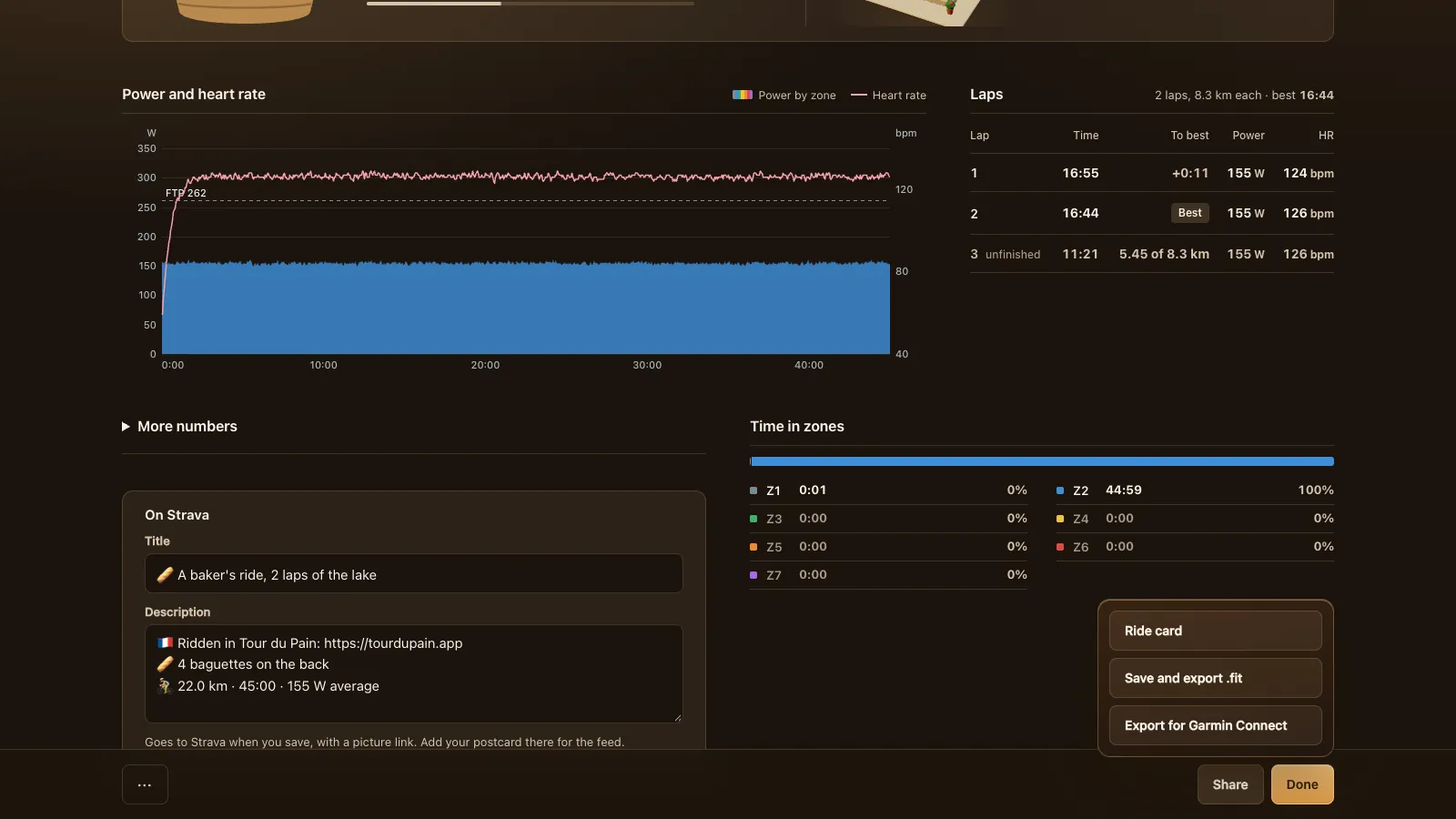
After a ride, the ride report sends your .fit file on; see your rides to Strava and Garmin.
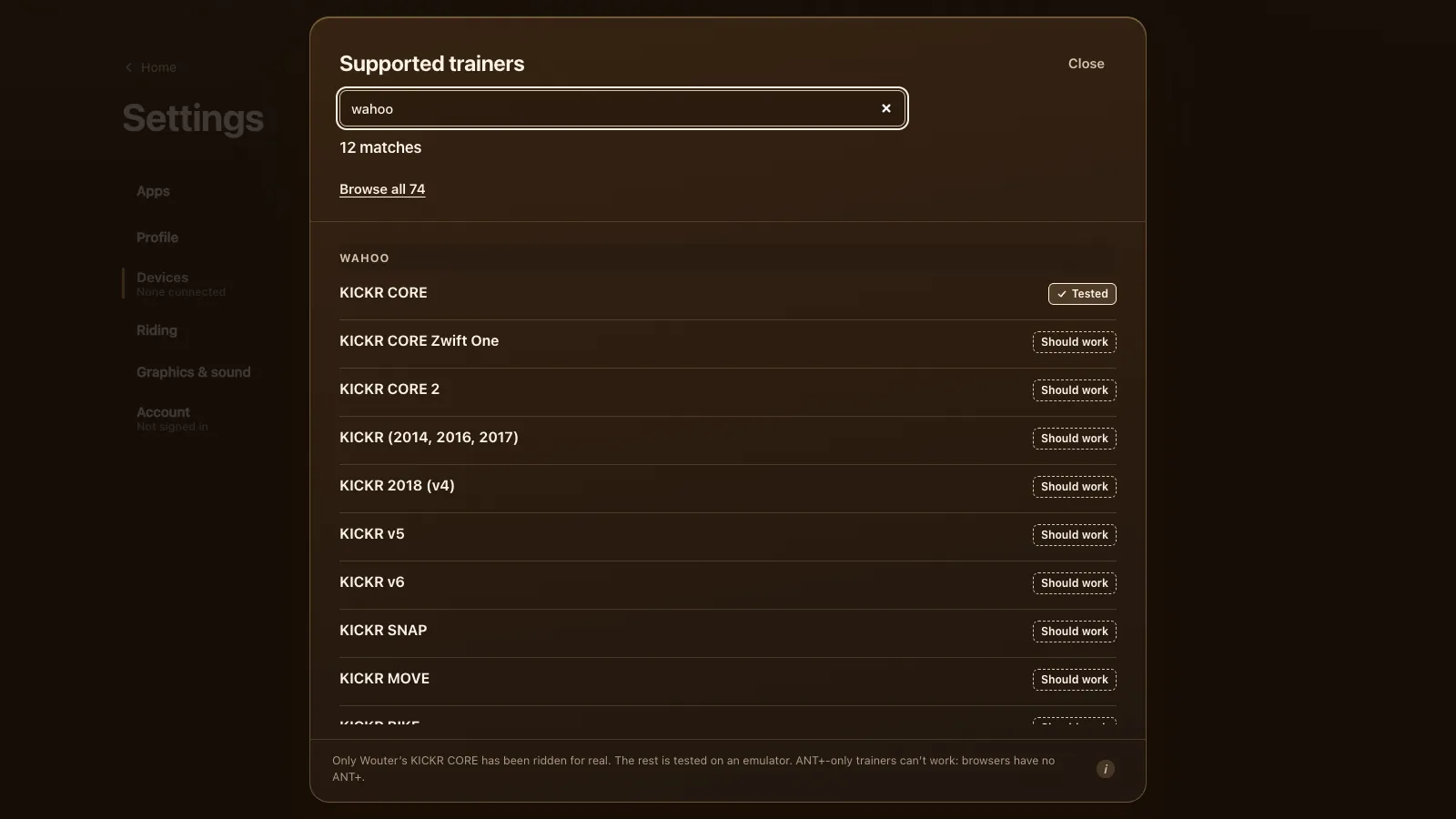
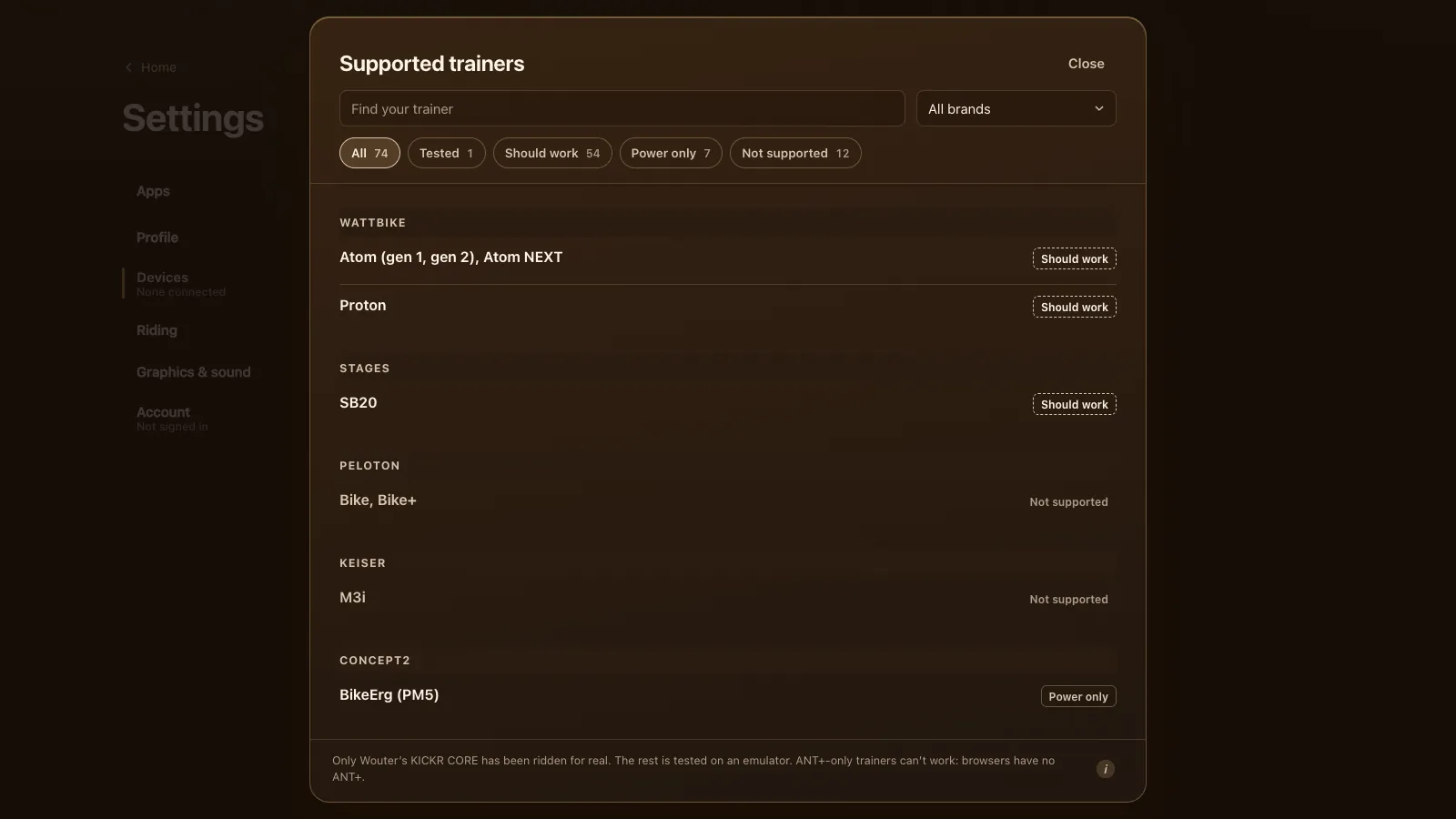
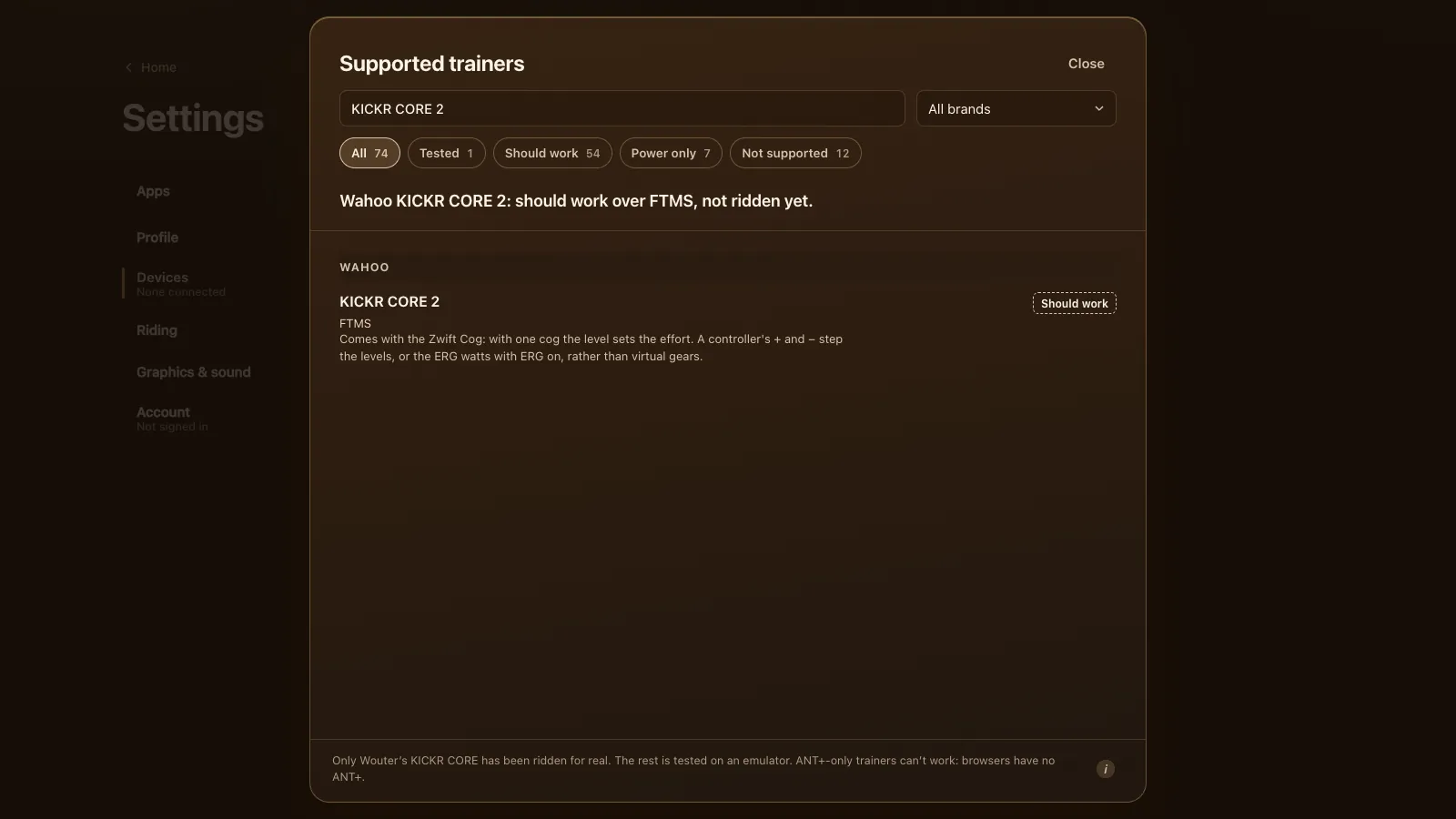
The other Wahoo models are in the Wahoo KICKR guide, and every supported trainer has the rest.
Questions
Does the Wahoo KICKR v6 work in a browser?
It should, in Chrome or Edge over Bluetooth FTMS. It's been tested on an emulator, not on a real v6. Safari, Firefox, iPhones and iPads can't reach Bluetooth trainers.
Can Tour du Pain use the KICKR v6 over Wi-Fi?
No. A web page can't open Wahoo's Wi-Fi link, so the game uses Bluetooth, like on every other trainer.
Does KICKR Direct Connect work in Tour du Pain?
No. Direct Connect is a wired network link for apps that support it. The game connects over Bluetooth only.
Do I need to calibrate my KICKR v6?
No. It calibrates itself, and Wahoo says there's no reason to do it by hand.
Can I set the KICKR v6 to 20% in Tour du Pain?
Yes, Max grade in Trainer details goes to 20%. It caps how steep the trainer may feel; the road's own slope isn't sent to the trainer.